Notice board print layout
A portrait layout with the bright scene in the upper half and a clean band at the bottom reserved for the event date and time.
プロンプトを編集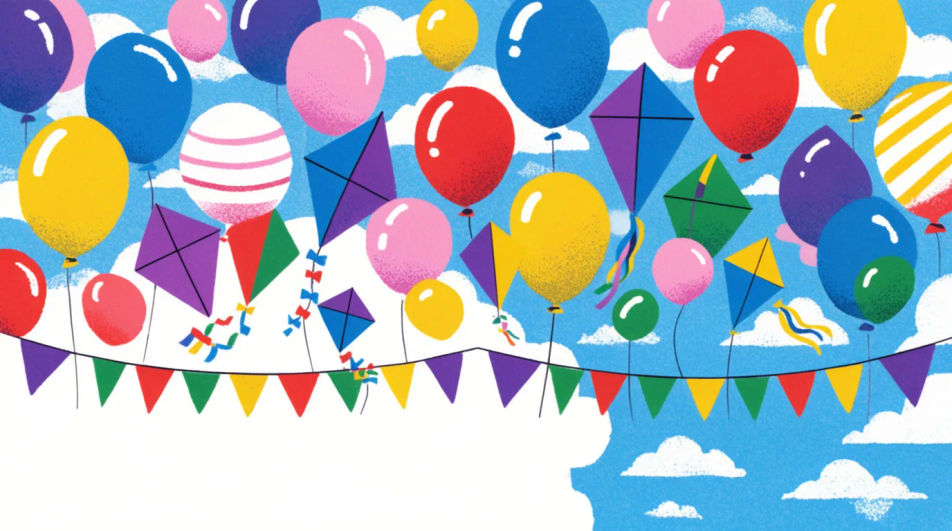
Design a Children's Day poster in Morphic by describing the scene you want, from a bright classroom celebration to a simple kite-and-balloon layout. Generate a few bright, kid-friendly options to compare, then export a version sized for a school notice board or print handout.
A portrait layout with the bright scene in the upper half and a clean band at the bottom reserved for the event date and time.
プロンプトを編集A wide landscape layout meant to print across a classroom wall, with bunting and balloons running the full width.
プロンプトを編集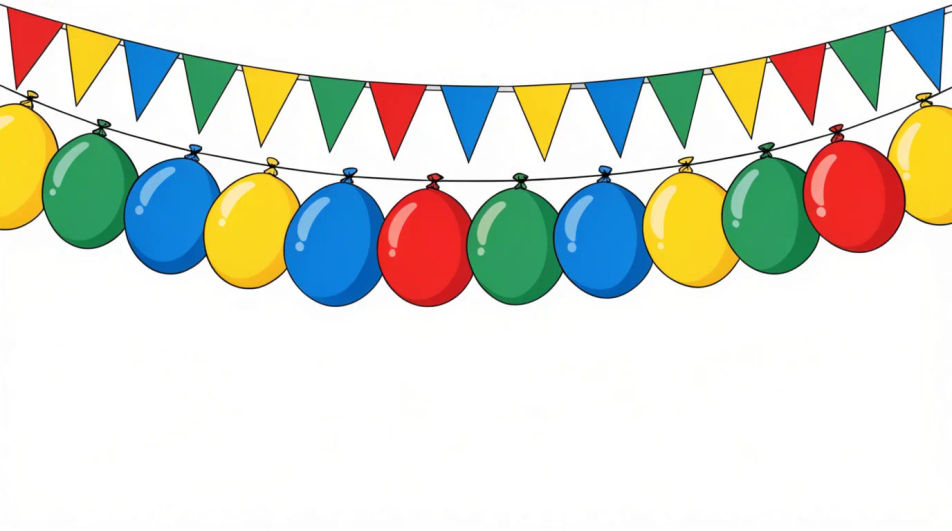
A balanced square layout with the celebration scene centred, suited to sharing on a school social media page.
プロンプトを編集
A restrained header band with a thin row of balloons and bunting, leaving most of the frame plain for a printed message below.
プロンプトを編集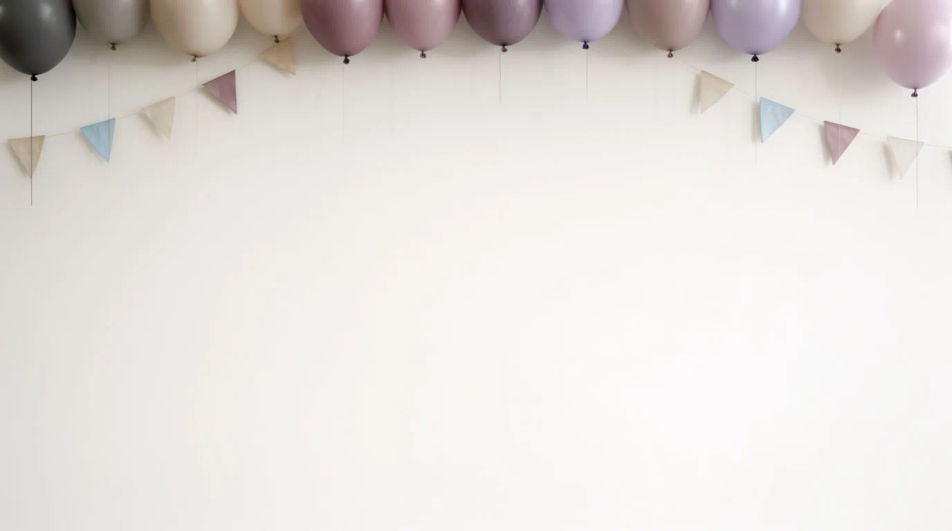
作りたいChildren's Day Posterを、わかりやすい言葉で記述します。
Morphicがキャンバス上に公開できる画像を数秒で生成します。
プロンプトを調整して再生成し、気に入った画像を保存・共有します。
参照画像を選択し、そのビジュアルスタイルを自分の写真やアートワークに適用します。
画像を新しいアスペクト比に変換します。スマートクロップまたはエッジを拡張してフィットさせます。
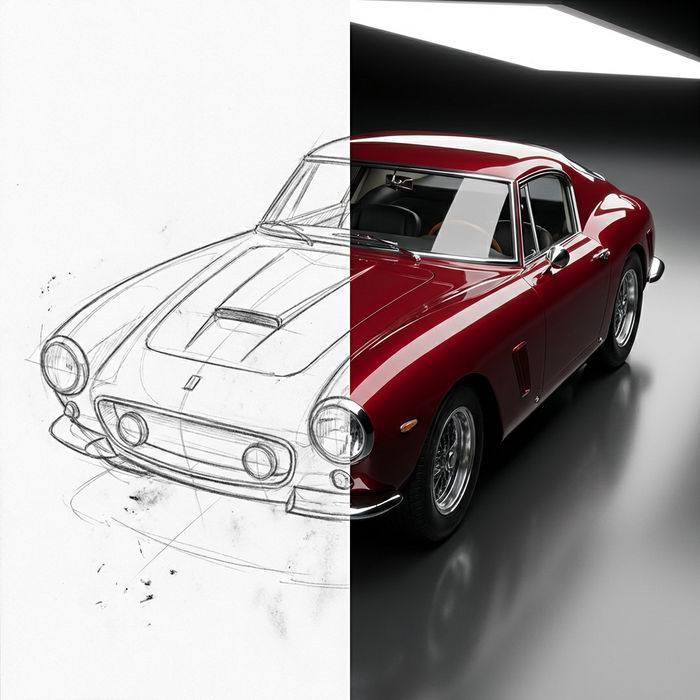
スケッチや描画をレンダリング済みの完成品に変換します。
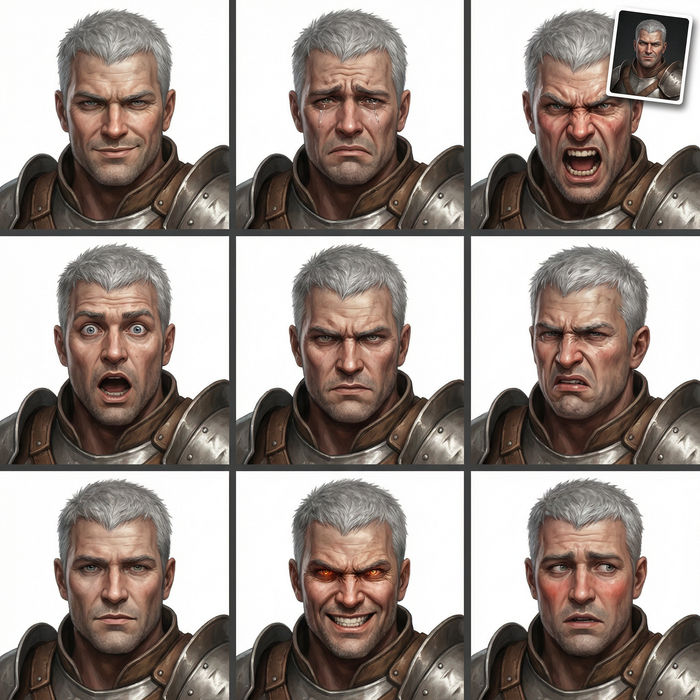
任意のキャラクター画像を元に、1枚のリファレンスシートに6つの異なる表情を生成します。
あらゆる映像を全く新しいビジュアルスタイルに再構築します。全てのフレームが変容し、全ての動きはそのまま維持されます。
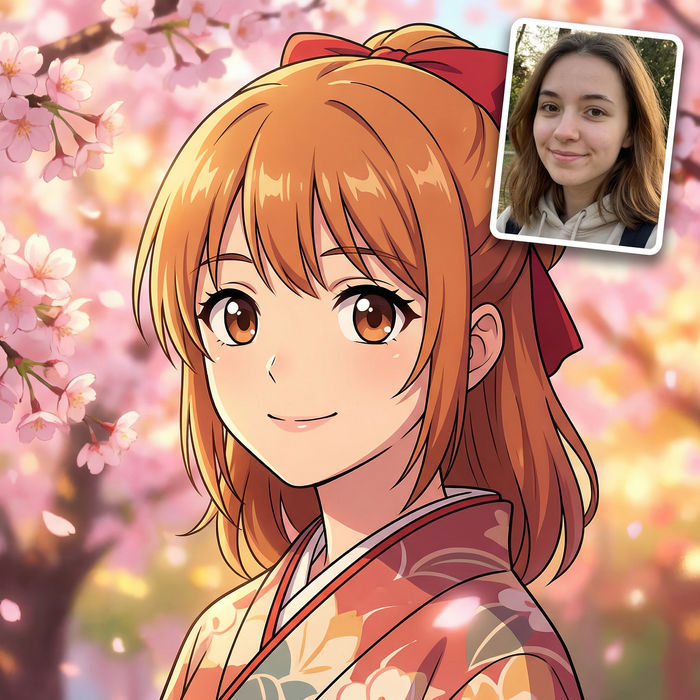
アニメのイラストをスタイルガイドとして選び、その見た目を画像に適用してください。
Happy Children's Day Wishes Images
Create Children's Day wishes images for kids, students and family in Morphic. Add your message to a playful design and share it anywhere.
Org Chart Graphic AI Images
Make org chart graphic from a text prompt. Produce a full family of assets, not a single file. Yours to use commercially.
Outfit AI Design Ideas
Generate AI outfit ideas in your browser with Morphic's generator. Create casual, professional, evening, date-night, and seasonal looks with coordinated pieces for any occasion. Original HD images, no skills needed, great for shopping inspiration.
Owl meme maker
Make owl meme images in Morphic. Describe the scene and the joke, generate versions to compare, then refine the prompt until the picture lands.
今すぐ無料で始めて、いつでもアップグレードまたはキャンセルできます。
Basic
2400 月 クレジット
1 ユーザーのみ
すべてのモデル
ワークフロー
Standard
3625 月 クレジット
1 ユーザーのみ
すべてのモデル
ワークフロー
Pro
6350 共有 月 クレジット
1 ユーザー
すべてのモデル
ワークフロー
Max
24650 共有 月 クレジット
1 ユーザー
すべてのモデル
ワークフロー
Enterprise
より高い制限のために
カスタム
料金と請求条件

Free
気軽に試したい方に
$0
ずっと無料