Festive courtyard
Wide courtyard lined with dozens of glowing diyas and rangoli at night, warm lights against deep blue dark.
プロンプトを編集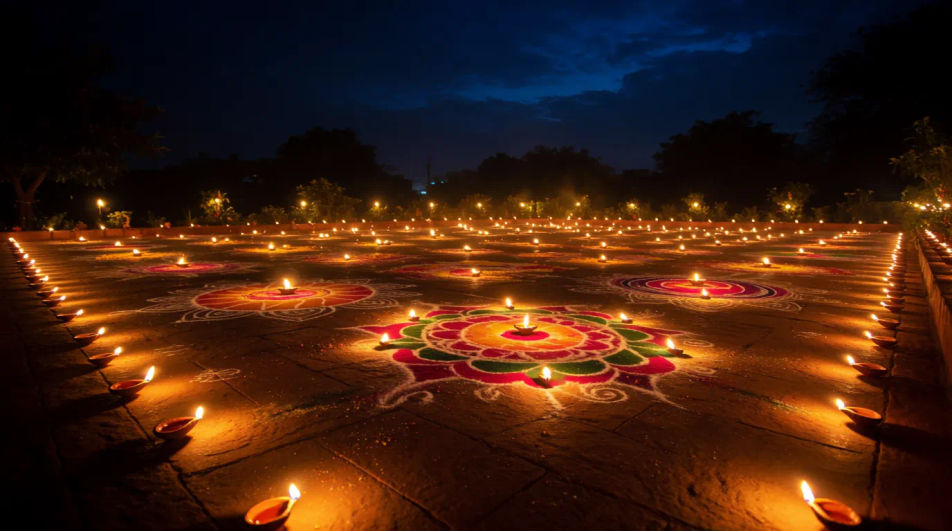
Create Diwali diya images in your browser with Morphic's AI image generator. Generate glowing oil lamps, rangoli patterns, marigold garlands, and warm festive scenes. Lock your palette and mood with Style Transfer, then iterate on each composition. Every render is unique yet cohesive, perfect for festival greetings, invitations, and social posts.
Wide courtyard lined with dozens of glowing diyas and rangoli at night, warm lights against deep blue dark.
プロンプトを編集Landscape of diyas foreground with hanging paper lanterns behind, golden festival glow filling the frame.
プロンプトを編集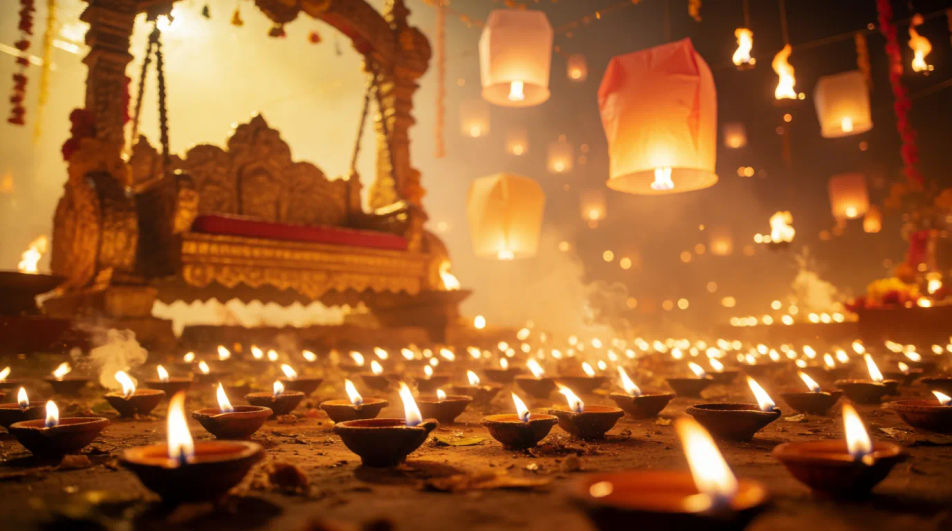
Wide home doorstep decorated with colorful rangoli and lit diyas at dusk, warm inviting festival light.
プロンプトを編集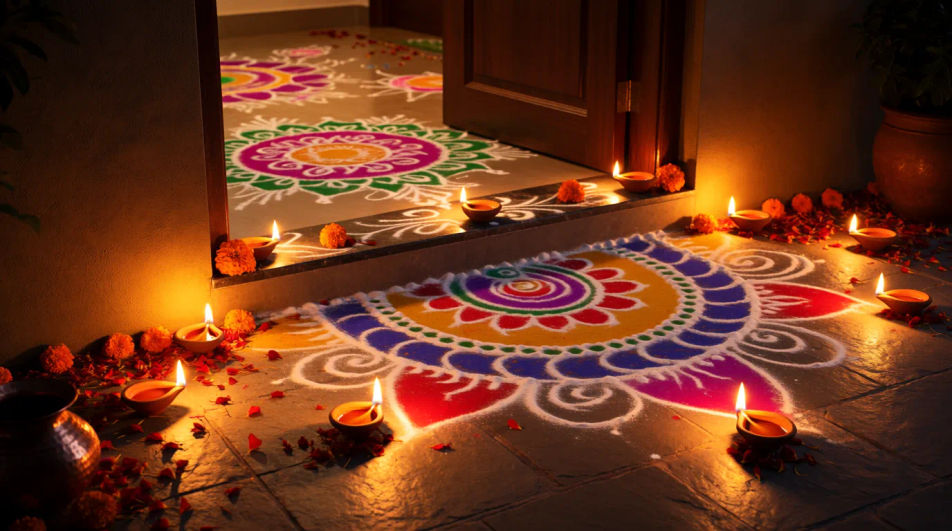
Panoramic row of floating diyas along a calm river at night, reflections shimmering, deep amber and dark tones.
プロンプトを編集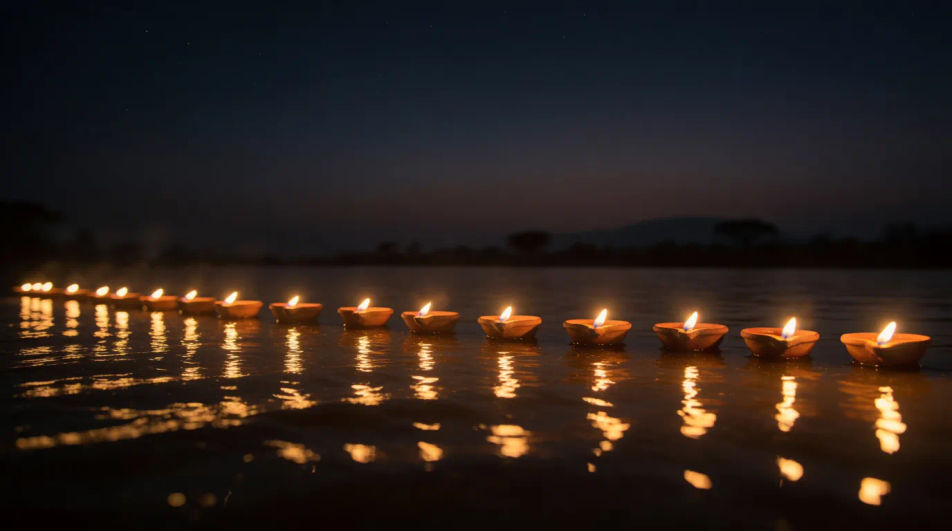
作りたいdiwali diya imageを、わかりやすい言葉で記述します。
Morphicがキャンバス上に公開できる画像を数秒で生成します。
プロンプトを調整して再生成し、気に入った画像を保存・共有します。
あらゆるシーンに使える、シネマティックなタイムフリーズ短編動画
キャラクター画像をアップロードして、どんなスタイルでも踊らせましょう。

キャラクター参照を含むシーンの説明を共有します。ショットの角度とムードを備えた完全なストーリーボードを取得します。
キャラクター画像を参考動画とペアにします。あなたのキャラクターがその正確な動きを拾います。

単一の画像をフィードします。3x3のストーリーボードグリッドに配置された9つのシネマティックビートを取得します。

あらゆるテキスト会話を映画のようなマルチショットビデオにドラマ化します。
イスラム風AI背景画像
イスラム背景画像ジェネレーターでAIイスラム背景を作成。あらゆるプロジェクトに合う優雅なイスラム背景を数秒で見つけられます。
誕生日のAI壁紙
誕生日壁紙ジェネレーターでAI誕生日壁紙を作成しましょう。あらゆるプロジェクトに合う映画のような誕生日壁紙を数秒で見つけられます。華やかなお祝い、活気あるパーティーシーン、パーソナライズされた誕生日テーマの背景を瞬時にデザインできます。今すぐ作成を始めましょう。
花柄AI背景
花柄背景ジェネレーターでAIの花柄背景を作成。あらゆるプロジェクトに合う繊細な花柄背景を数秒で見つけられます。
ハチドリの画像 - AI写真
HD画質のハチドリ画像をご覧ください。新しくAI生成されたコレクションをダウンロードしてどこでも使用するか、Morphicで独自のカスタム画像を生成できます。
今すぐ無料で始めて、いつでもアップグレードまたはキャンセルできます。
Basic
2400 月 クレジット
1 ユーザーのみ
すべてのモデル
ワークフロー
Standard
3625 月 クレジット
1 ユーザーのみ
すべてのモデル
ワークフロー
Pro
6350 共有 月 クレジット
1 ユーザー
すべてのモデル
ワークフロー
Max
24650 共有 月 クレジット
1 ユーザー
すべてのモデル
ワークフロー
Enterprise
より高い制限のために
カスタム
料金と請求条件

Free
気軽に試したい方に
$0
ずっと無料