Wide red promo header
Wide bold red banner background with soft radial glow and large empty area for text, no lettering, energetic sale mood.
プロンプトを編集
Create sale banner backgrounds in your browser with Morphic's AI image generator. Generate bold red clearance backdrops, elegant gold luxury fields, festive holiday scenes, or clean minimal layouts—each with generous empty space for your own text. Lock your visual style with Style Transfer, then iterate on color and mood. Every render is unique yet cohesive, perfect for storefronts, ads, or email headers.
Wide bold red banner background with soft radial glow and large empty area for text, no lettering, energetic sale mood.
プロンプトを編集Elegant wide black-and-gold banner background with shimmering accents and generous empty space, no lettering, premium feel.
プロンプトを編集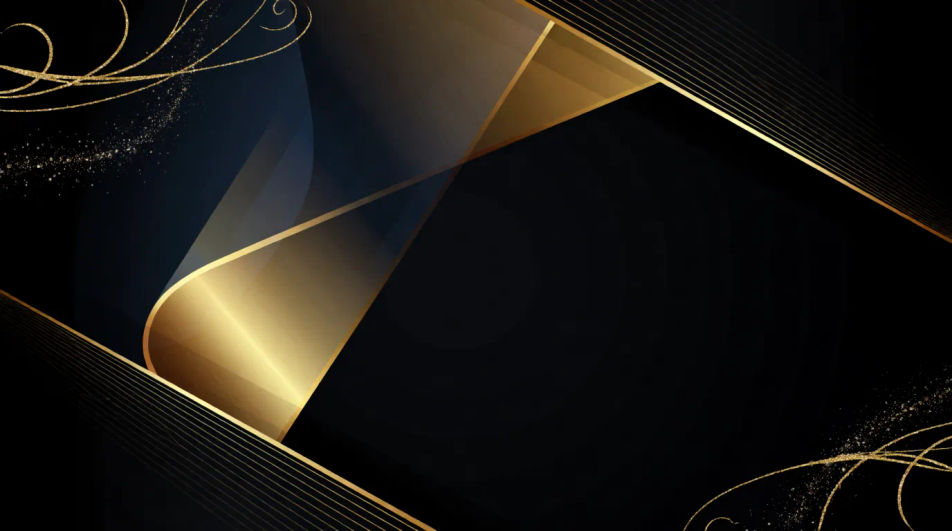
Wide festive banner background with confetti, ribbons, and warm lights around an open center, no lettering, celebratory.
プロンプトを編集
Wide minimal high-key banner background with a single soft color gradient and vast empty space, no lettering, modern calm.
プロンプトを編集
作りたいsale bannerを、わかりやすい言葉で記述します。
Morphicがキャンバス上に公開できる画像を数秒で生成します。
プロンプトを調整して再生成し、気に入った画像を保存・共有します。
あらゆるシーンに使える、シネマティックなタイムフリーズ短編動画

キャラクター参照を含むシーンの説明を共有します。ショットの角度とムードを備えた完全なストーリーボードを取得します。
キャラクター画像をアップロードして、どんなスタイルでも踊らせましょう。

あらゆるテキスト会話を映画のようなマルチショットビデオにドラマ化します。
あなたの写真をドロップしてください。アニメーションとマッチしたサウンドトラックを備えた12秒の映画のようなムービーを入手してください。

オプションでシネマティックアニメーションを追加できる、プロフェッショナルな映画タイトルカードをゼロから生成します。
紙吹雪AI背景
紙吹雪背景ジェネレーターでAI紙吹雪背景を作成しましょう。どんなプロジェクトにも合う鮮やかな紙吹雪背景を数秒で見つけられます。
ホログラフィックのAIテクスチャ
ホログラフィックテクスチャ生成AIで、AIによるホログラフィックテクスチャを作成しましょう。あらゆるプロジェクトに使える見事なホログラフィックテクスチャを数秒で見つけられます。
イードのAI背景
イード背景生成ツールでAIイード背景を作成しましょう。あらゆるプロジェクトに使えるオリジナルのイード背景を数秒で見つけられます。
日の出の画像 - AI写真
日の出画像をHD画質でチェック。新しいAI生成コレクションをダウンロードしてどこでも使うか、Morphicで自分だけのオリジナルを生成しましょう。
今すぐ無料で始めて、いつでもアップグレードまたはキャンセルできます。
Basic
2400 月 クレジット
1 ユーザーのみ
すべてのモデル
ワークフロー
Standard
3625 月 クレジット
1 ユーザーのみ
すべてのモデル
ワークフロー
Pro
6350 共有 月 クレジット
1 ユーザー
すべてのモデル
ワークフロー
Max
24650 共有 月 クレジット
1 ユーザー
すべてのモデル
ワークフロー
Enterprise
より高い制限のために
カスタム
料金と請求条件

Free
気軽に試したい方に
$0
ずっと無料