Wide skyscraper (160x600)
The classic tall, narrow sidebar unit, composition stacked top to bottom to fill the full height of the column.
プロンプトを編集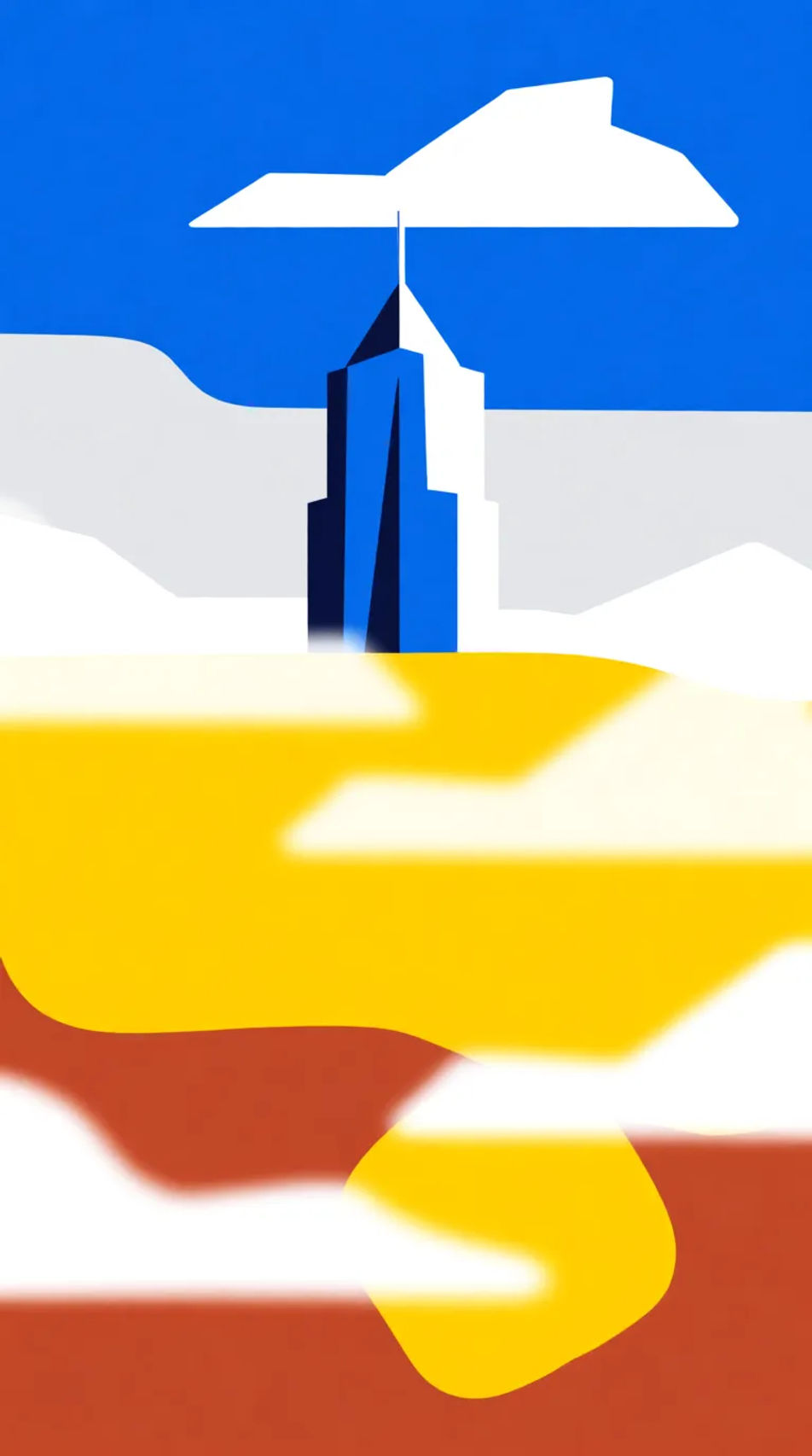
Produce skyscraper banners in your browser with Morphic's AI image generator, in any style you need. The tall 160x600 and 300x600 sidebar format is hard to fill well, so Morphic composes vertically, stacking a hero, a benefit, and a call-to-action space top to bottom. Test ten versions of the idea, tune each on the Canvas, and download in HD, yours to use commercially.
The classic tall, narrow sidebar unit, composition stacked top to bottom to fill the full height of the column.
プロンプトを編集A larger, higher-impact vertical unit with more width for the hero and clearer space for a headline and button.
プロンプトを編集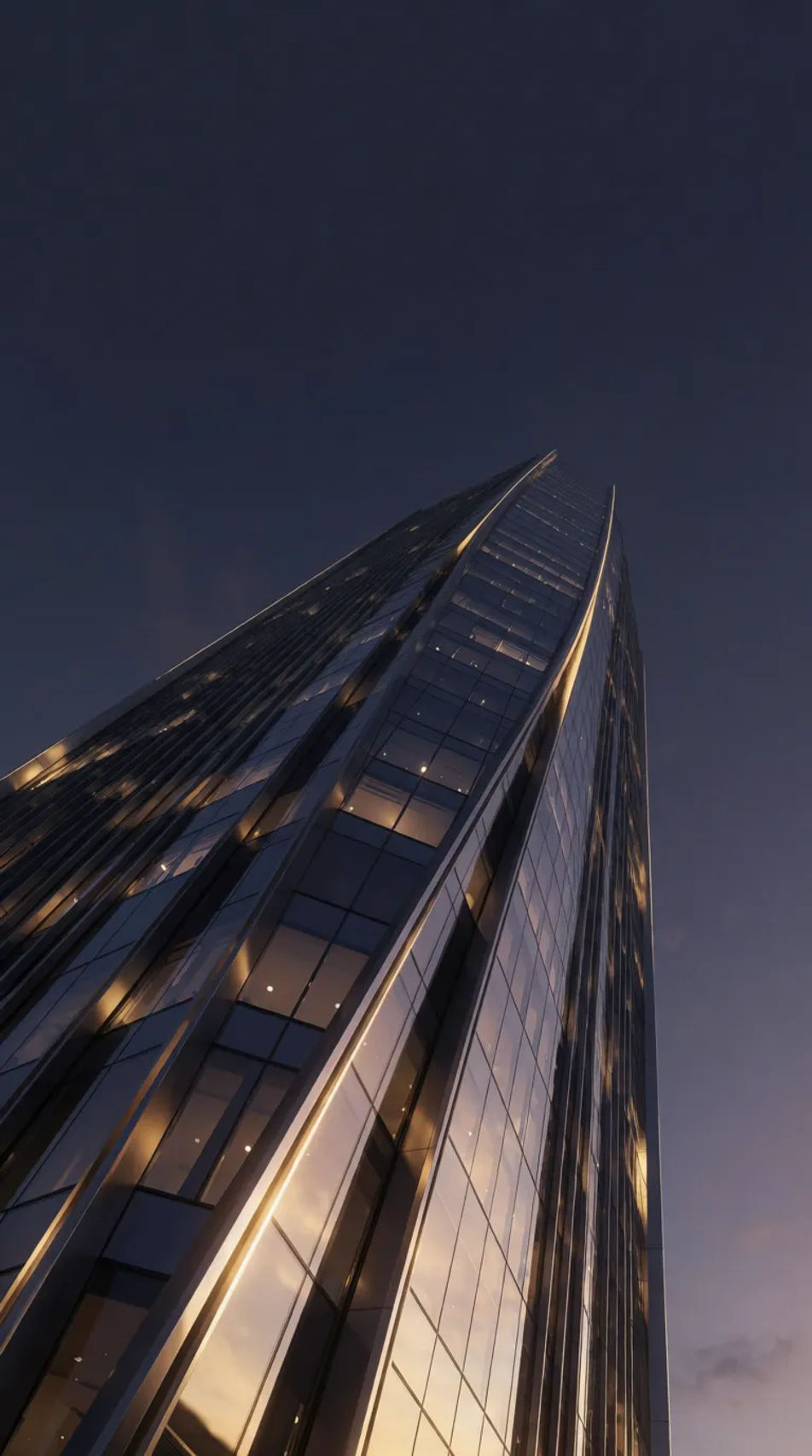
A slim classic sidebar strip, high-resolution with a single strong element so it stays legible at narrow width.
プロンプトを編集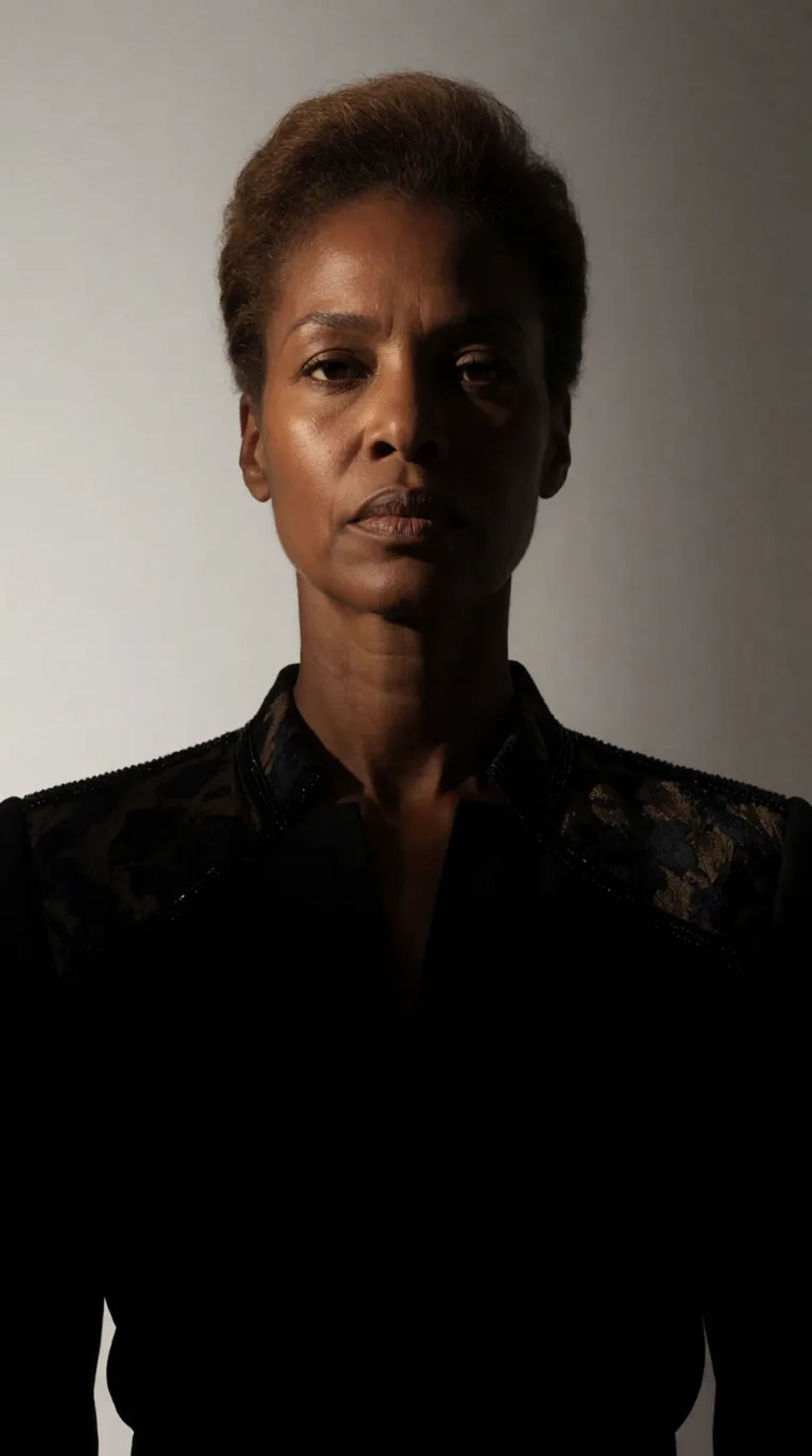
A soft, low-contrast vertical version for use behind overlaid copy or as a calm sidebar backdrop.
プロンプトを編集
作りたいskyscraper bannerを、わかりやすい言葉で記述します。
Morphicがキャンバス上に公開できる画像を数秒で生成します。
プロンプトを調整して再生成し、気に入った画像を保存・共有します。
製品写真とフォーマット。誰かが自然にあなたの製品を使用している、リアルなUGCスタイルの広告を手に入れましょう。
静止画、人物、スクリプトからのマルチショット商品ピッチビデオ。
あらゆるシーンに使える、シネマティックなタイムフリーズ短編動画

女性AIインフルエンサーを生成します。縦型出力で、ソーシャルメディア向けです。
2〜10フレームを、各フレーム間にスムーズな映画のようなトランジションを挟んで、完璧にループするビデオにステッチします。
画像を新しいアスペクト比に変換します。スマートクロップまたはエッジを拡張してフィットさせます。
Banner AI designs
Create AI banner designs with Morphic's banner design generator, custom, eye-catching graphics in seconds, right in your browser. No design skills needed: describe the look, then download HD banners for websites, ads, and socials.
グラデーション背景のAI画像
あらゆるプロジェクトに使える高解像度のグラデーション背景が。AI生成のコレクションを閲覧するか、Morphicでカスタム版を生成しましょう。
Black Friday Banner AI Images
Create black friday banner without a photoshoot. Adjust style, colour and composition until it fits the brief. No stock licence needed.
Book cover AI design ideas
Create AI book cover designs with our book cover design generator. Find cinematic book cover designs for any project in seconds.
今すぐ無料で始めて、いつでもアップグレードまたはキャンセルできます。
Basic
2400 月 クレジット
1 ユーザーのみ
すべてのモデル
ワークフロー
Standard
3625 月 クレジット
1 ユーザーのみ
すべてのモデル
ワークフロー
Pro
6350 共有 月 クレジット
1 ユーザー
すべてのモデル
ワークフロー
Max
24650 共有 月 クレジット
1 ユーザー
すべてのモデル
ワークフロー
Enterprise
より高い制限のために
カスタム
料金と請求条件

Free
気軽に試したい方に
$0
ずっと無料