Client video call
A 16:9 professional interior with clean depth and balanced light, framed so the speaker stands out on a webcam.
プロンプトを編集
Create professional Zoom virtual backgrounds in your browser with Morphic's AI image generator. Try a refined executive office, a minimalist studio wall, a modern conference room, or a clean corporate lobby with soft depth. Adjust the crop and color in the Canvas, then download each in HD at 16:9, ready for client calls and interviews.
A 16:9 professional interior with clean depth and balanced light, framed so the speaker stands out on a webcam.
プロンプトを編集A credible, distraction-free setting cropped for a call or clip, calm focal point behind the speaker.
プロンプトを編集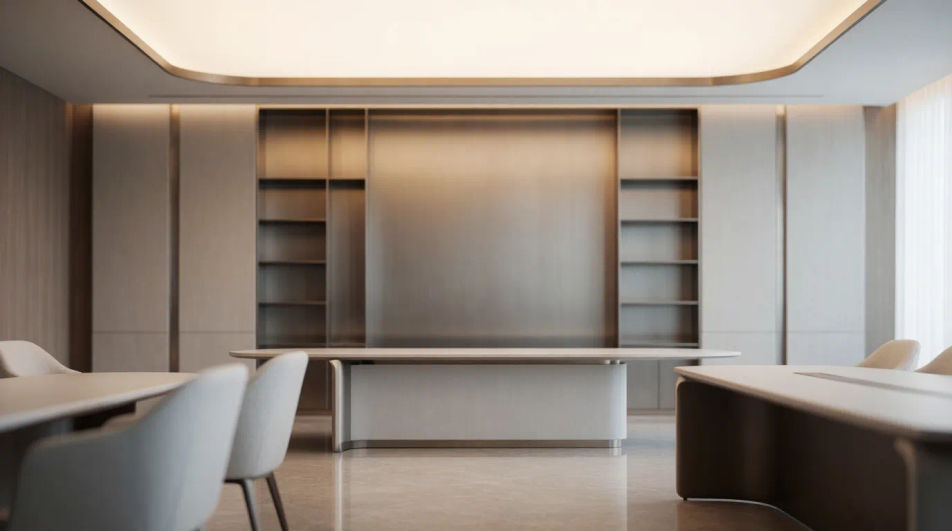
A detailed, high-resolution interior scene composed for a large print, crisp texture and balanced framing.
プロンプトを編集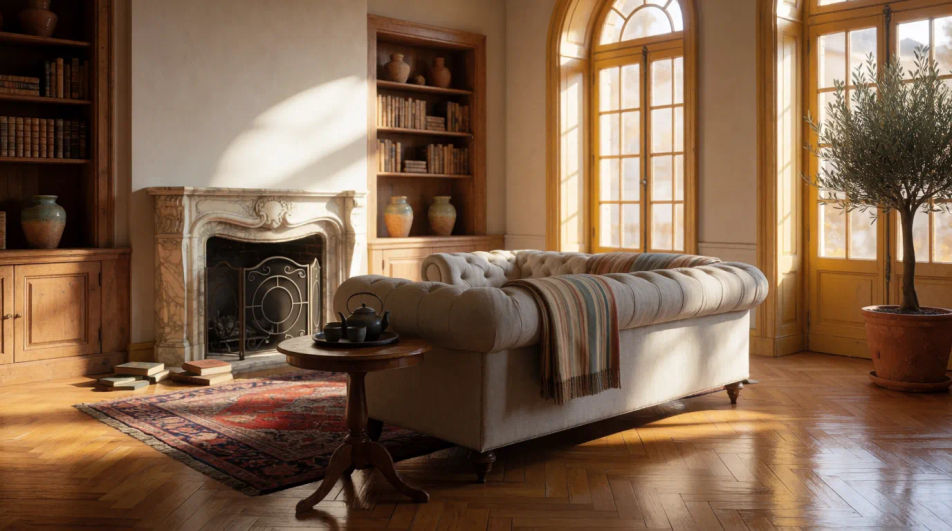
A soft, low-contrast professional interior with muted tones, even light so slides or text read clearly on top.
プロンプトを編集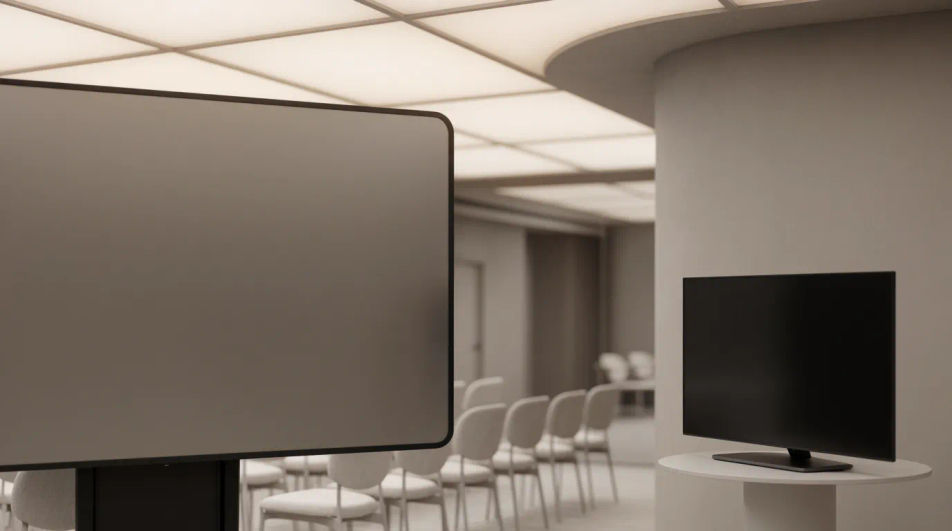
作りたいprofessional zoom virtual backgroundを、わかりやすい言葉で記述します。
Morphicがキャンバス上に公開できる画像を数秒で生成します。
プロンプトを調整して再生成し、気に入った画像を保存・共有します。
参照画像を選択し、そのビジュアルスタイルを自分の写真やアートワークに適用します。
視聴角度を選択し、完全なカメラ制御で画像の正確なパースペクティブシフトを取得します。
画像を新しいアスペクト比に変換します。スマートクロップまたはエッジを拡張してフィットさせます。
衣服の写真と人物の写真をペアにします。彼らがそれを着ているのを見て、アイデンティティはそのまま保たれます。
1枚の自撮り写真がプロ仕様のヘッドショットセットに。スタジオ品質、複数のスタイル。

あなたの生地の種類、柄、色、そして用途を説明してください。仕様のために写実的な2Kのテキスタイルスワッチを入手してください。
Banner AI designs
Create AI banner designs with Morphic's banner design generator, custom, eye-catching graphics in seconds, right in your browser. No design skills needed: describe the look, then download HD banners for websites, ads, and socials.
シルバー背景 AI画像
あらゆるプロジェクトに使える高解像度シルバー背景。AI生成のコレクションを閲覧するか、Morphicでカスタムバージョンを生成しましょう。Morphic AIで自分だけの一枚を作成できます。
Silver glitter AI backgrounds
Silver glitter background ideas to browse and regenerate in your own style. Pick a platinum sparkle, a chunky sequin texture, or a soft silver bokeh glow, set your tone and aspect ratio, then download in HD. Build an elegant matching set with Morphic.
Skin texture AI generator
Skin texture ideas to browse and regenerate in your own style. Pick fine pores, soft matte detail, or a dewy glowing sheen, set your tone and aspect ratio, then download clean close-up surfaces in HD for design, materials, and reference with Morphic.
今すぐ無料で始めて、いつでもアップグレードまたはキャンセルできます。
Basic
2400 月 クレジット
1 ユーザーのみ
すべてのモデル
ワークフロー
Standard
3625 月 クレジット
1 ユーザーのみ
すべてのモデル
ワークフロー
Pro
6350 共有 月 クレジット
1 ユーザー
すべてのモデル
ワークフロー
Max
24650 共有 月 クレジット
1 ユーザー
すべてのモデル
ワークフロー
Enterprise
より高い制限のために
カスタム
料金と請求条件

Free
気軽に試したい方に
$0
ずっと無料