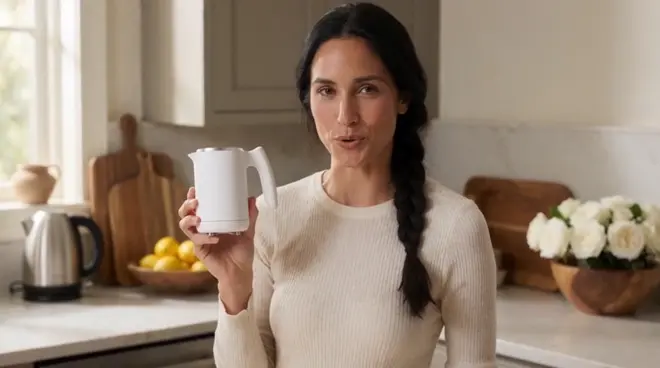
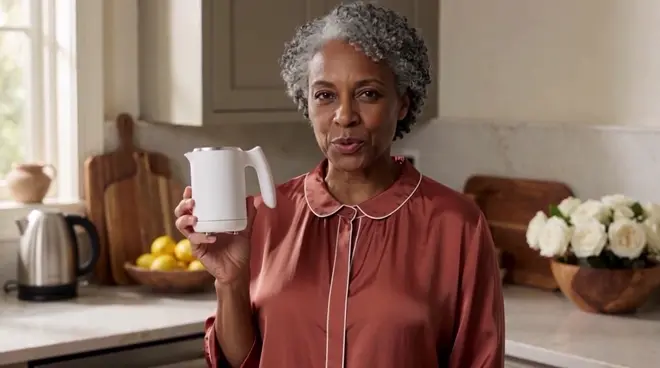
Recast a UGC ad creator with AI
Morphic Recast swaps the people in finished footage while keeping the original performance, camera and timing, so the creator can be recast without a reshoot. Film one UGC ad, then add a photo of a creator for each audience: the script, the product moments and the cuts play exactly as recorded.
- 最長30秒のクリップ
- 1人につき写真1枚
- 有料プラン

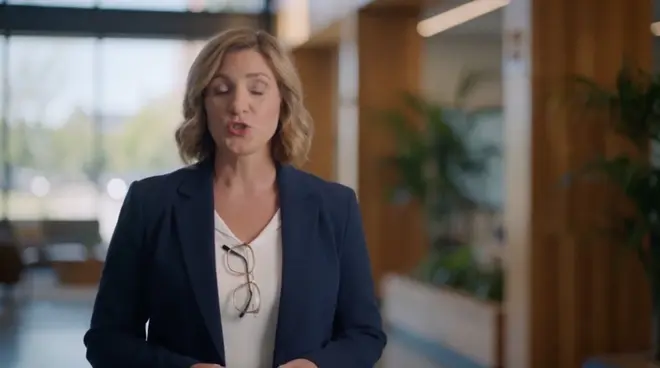
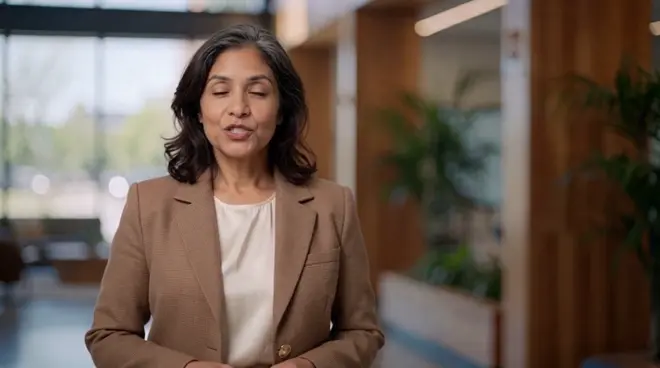
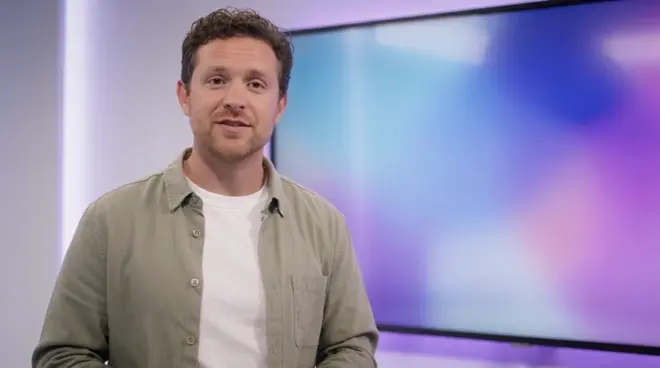
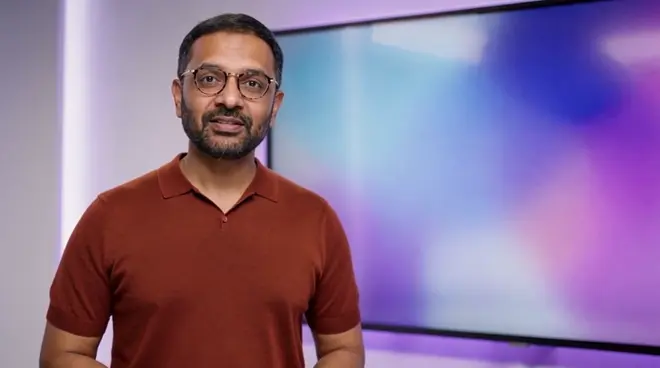
One UGC ad, a new creator. One photo, a creator for a new audience. Every word, the dropper squeeze and the close-up cuts land on the same frames; play with sound to hear the same script.
 The creator in the cream hoodieA woman with auburn curls in a denim shirt
変わるものと変わらないもの
| 変わるもの | 撮影したまま残るもの |
|---|---|
| The creator: face, hair, age and look | Every word, smile and product moment |
| Their outfit, taken from the cast photo | The cuts, the close-ups and the handheld feel |
| Nothing else in the ad | The bathroom, the light and the soundtrack |
活用シーンの例
A creator per audience
Run the same tested script with creators who look like each audience you target, from one shoot.
Test hooks with new faces
Keep the winning ad and try different creators on it to see which face holds attention longest.
Refresh a tired ad
Give a well-performing ad a new creator when the audience has seen it too often, with no new shoot.
How do I recast the creator in a UGC ad for different markets?
- 01
Upload the UGC ad
Add one clip up to 30 seconds. For a longer sequence, recast it shot by shot and cut the shots together on the Compose timeline.
- 02
Add a photo per creator
One photo for each person you replace, dressed the way they should look on screen. Anyone you give no photo stays exactly as shot.
- 03
Run Morphic Recast
For one creator, the Recast character swap workflow takes the clip and the photo. The script, cuts and product shots stay as recorded.
入れ替えるのは1人だけですか? 共有ワークフローに必要なのは、クリップと写真1枚だけです。
ワークフローを開く制作メモ
Consent and releases
Recast only footage you hold releases for, and use photos of people who agreed to appear. Every example here uses generated people, not real actors.
When to also dub
The recast keeps the original soundtrack. For new lines or another language, run Morphic Dub on the recast shot so the voices and lips match.
Recast or reshoot
Recasting a UGC ad skips a new shoot day and calling the cast back, and one take can carry a cast per market. Reshoot only when the action must change.
Review it as a team
Keep the source shot, the cast photos and every take in one project, where teammates in your workspace open the same versions and comment on each.