AI動画エフェクトとVFX
プロンプトや写真からエフェクトショットを生成。撮影済みのクリップには、変えたい内容を指示します。あとは Compose のタイムラインでマスク、グレーディング、ミックス、書き出しまで。

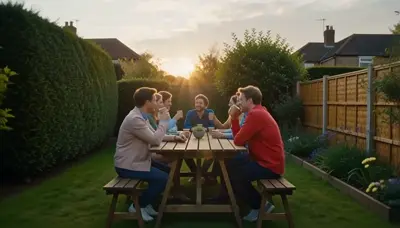
Camera & optical looks
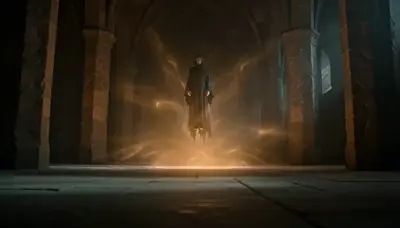
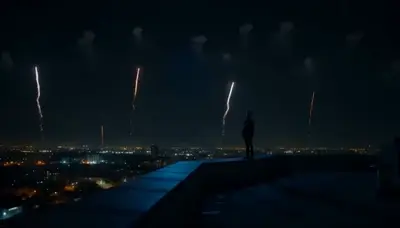
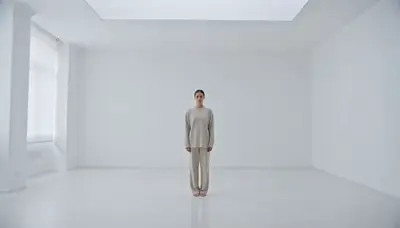
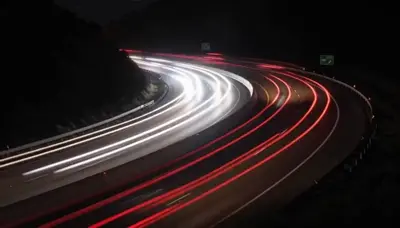
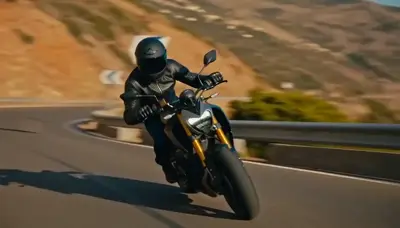
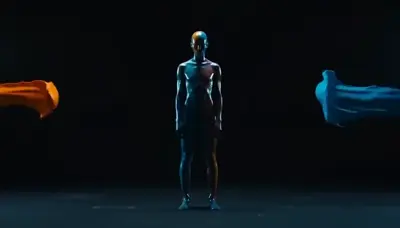
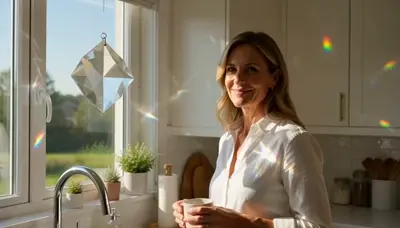
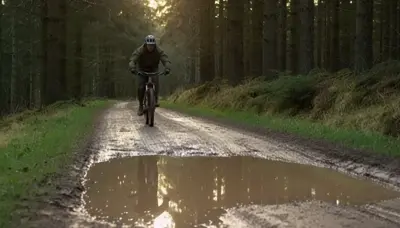
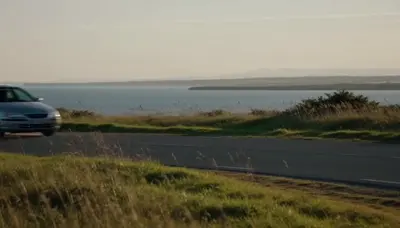
Motion blur, tilt shift, light leaks, light trails, hyperlapse and other in-camera effects.
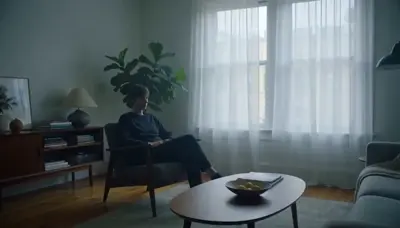
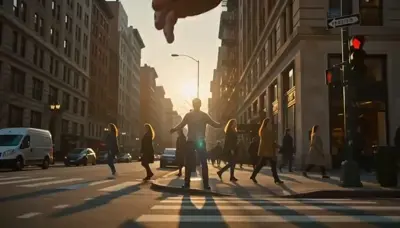
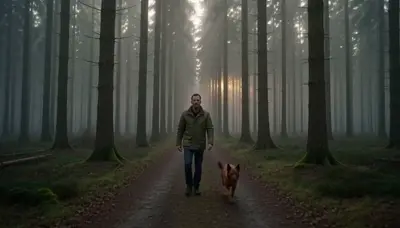
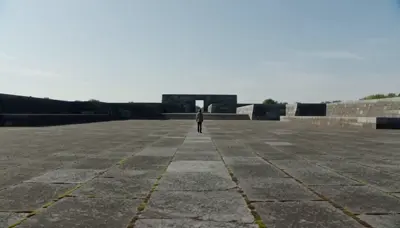


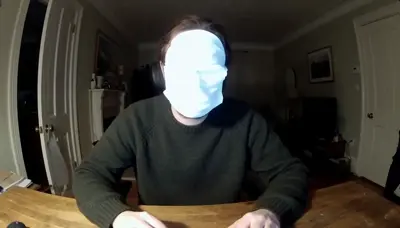
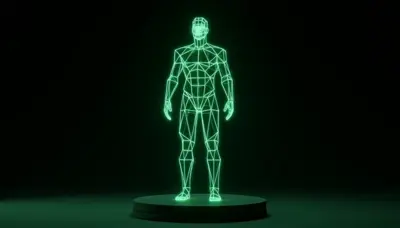
Retro & stylised
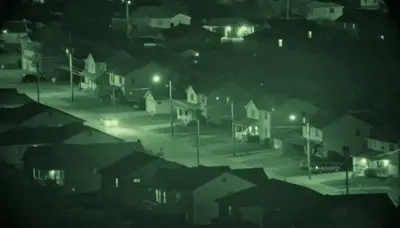
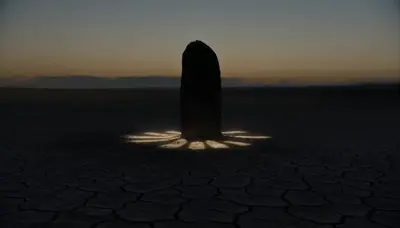
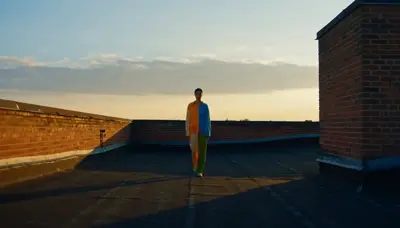
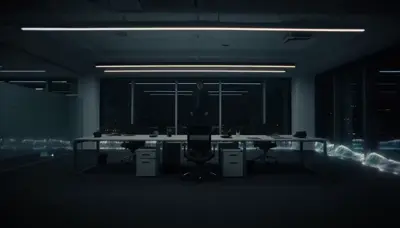
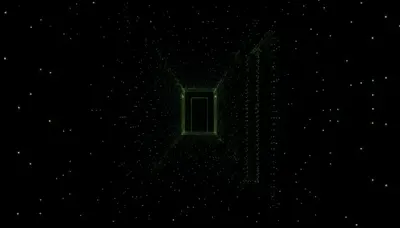
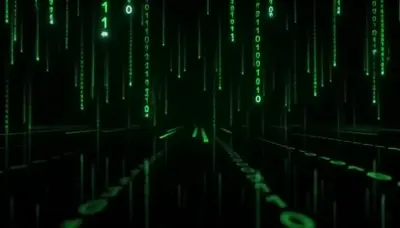
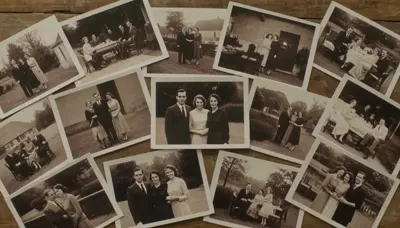
VHS, matrix code, pixelate, wireframe, point cloud and other rendered looks.
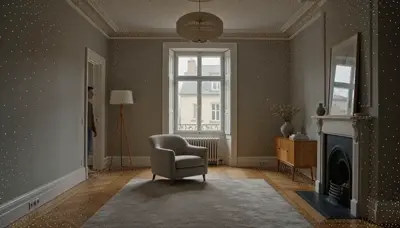
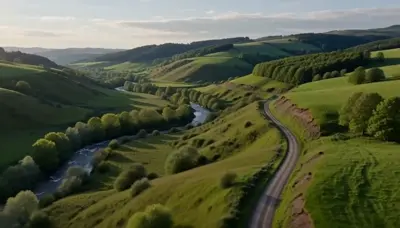
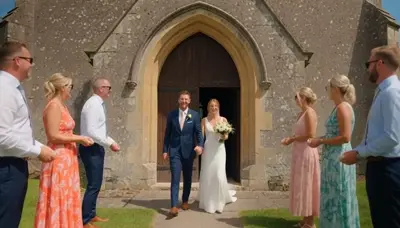
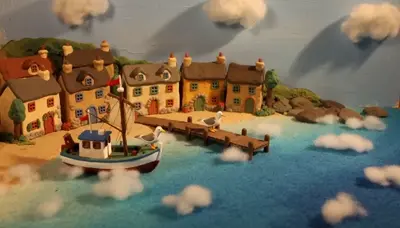
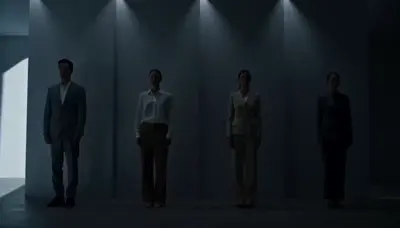
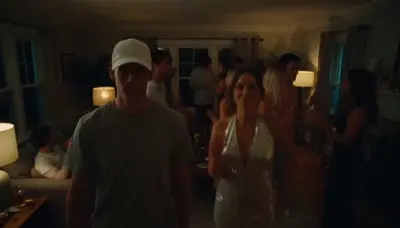
Transformations
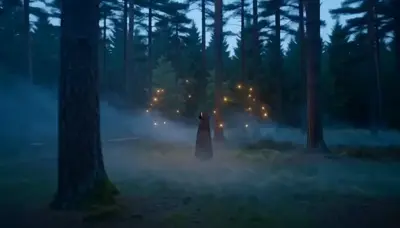
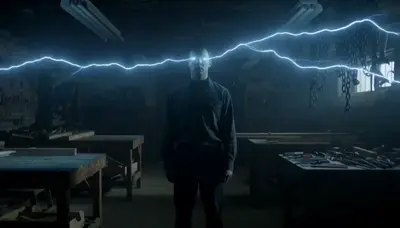
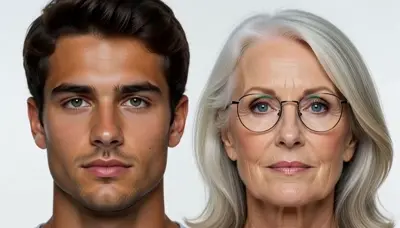
Face morphs, turn-to-dust, liquid metal, become-a-creature and other changes to a subject.
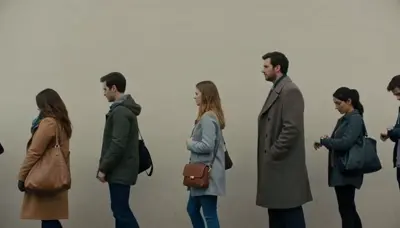
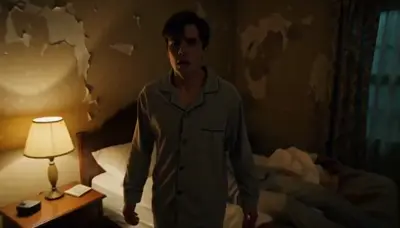
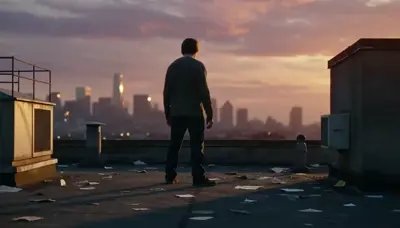
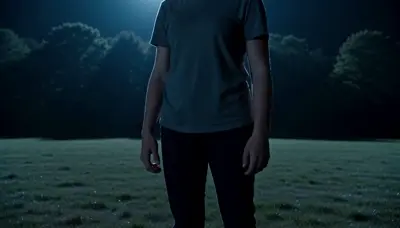
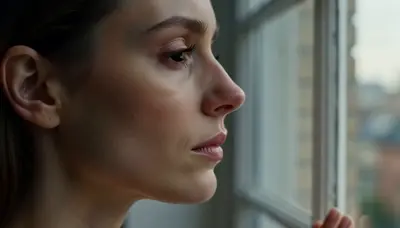

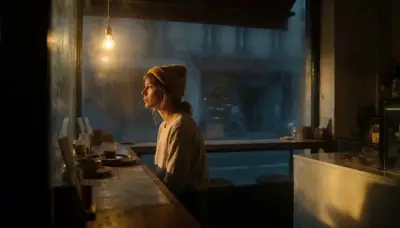
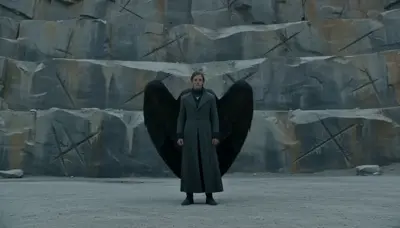
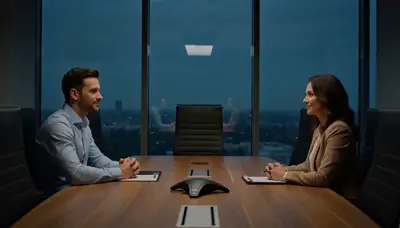
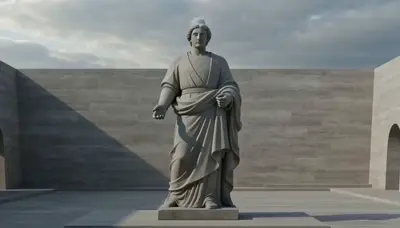
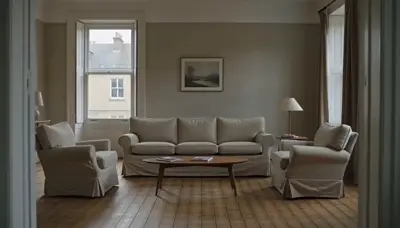
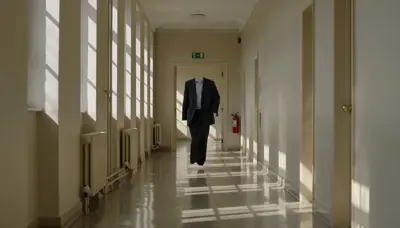
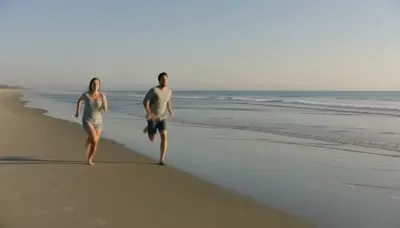
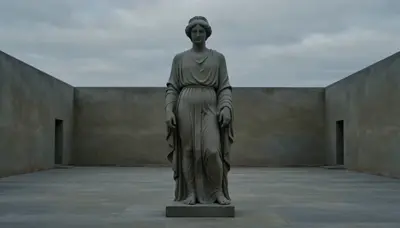
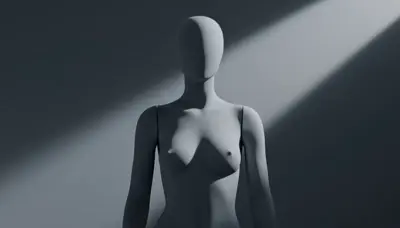
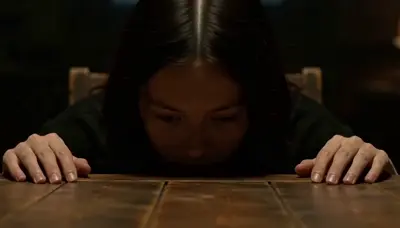
Destruction & physics
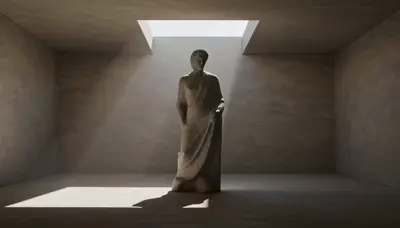
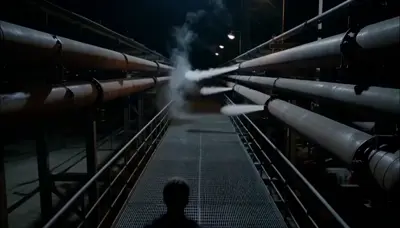
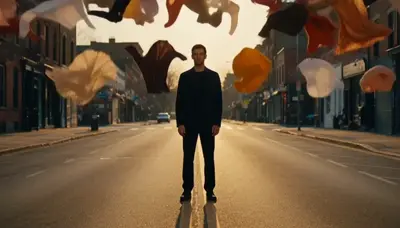
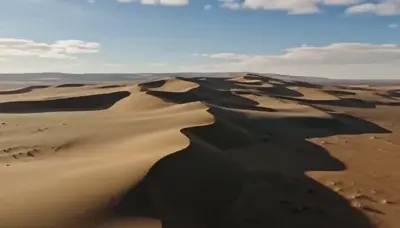
Shatter, explosions, powder bursts, sand, stone and falling objects.
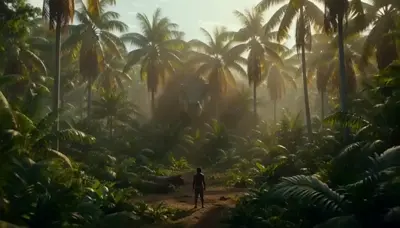
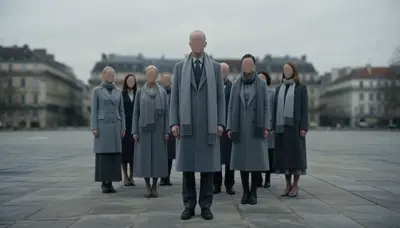
Persona & outfit switch
Outfit swaps, gala dresses, camo, shades on and other look changes on one person.
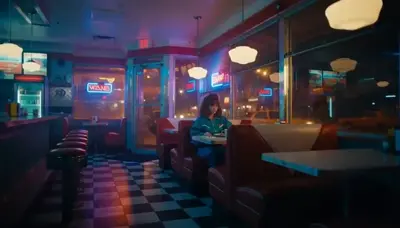

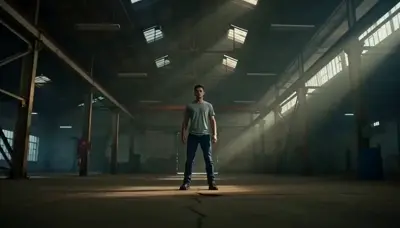
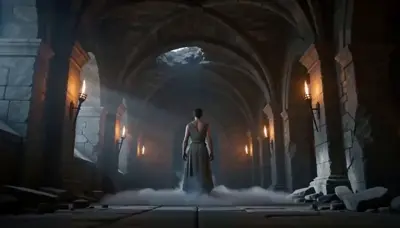
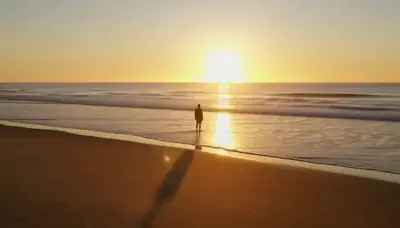
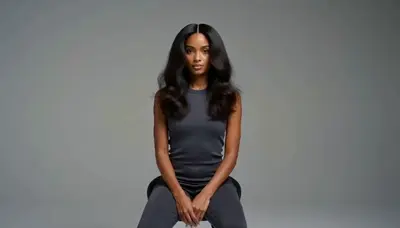
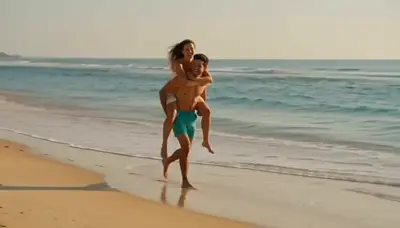
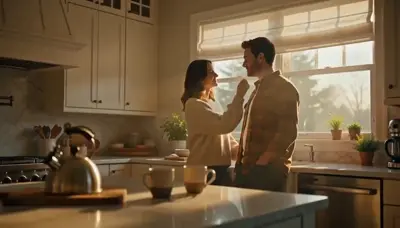
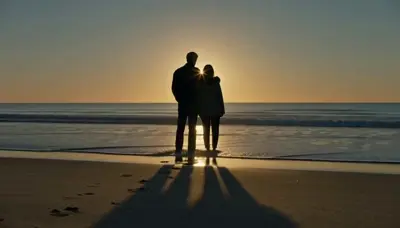
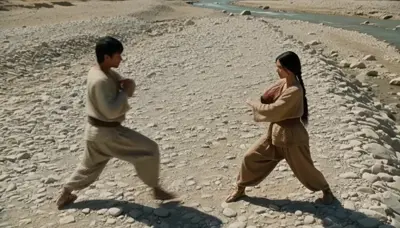
Two-person interaction
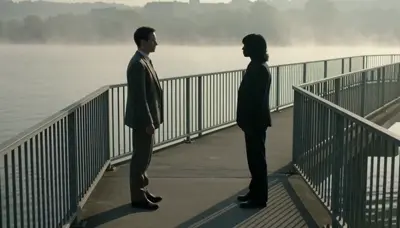
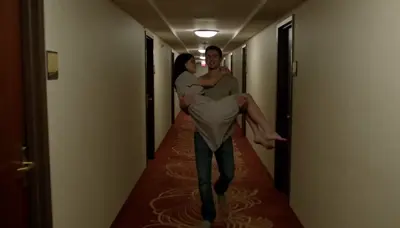
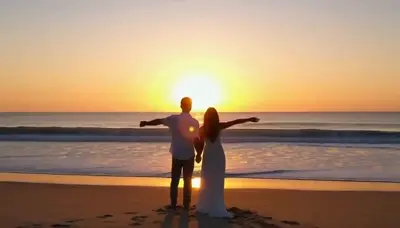
Hugs, handshakes, couple shots, fights and other effects that bring two subjects together.
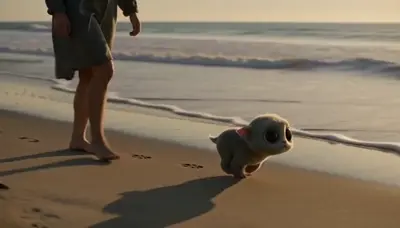
Pets
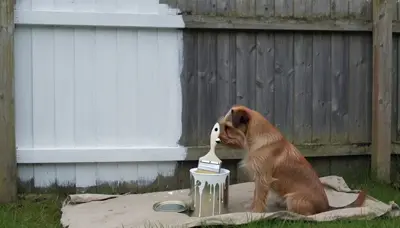
Party hats, talking pets, pet interviews and other animal effects.



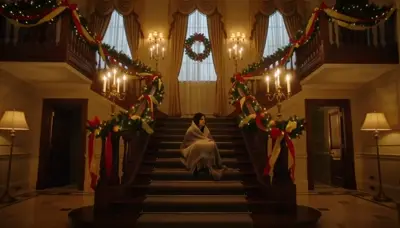
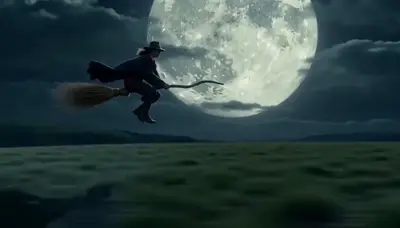
Festival & seasonal
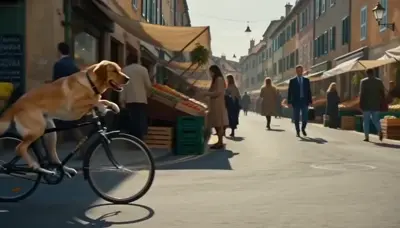
Christmas, Halloween, New Year and other holiday scene dressing.

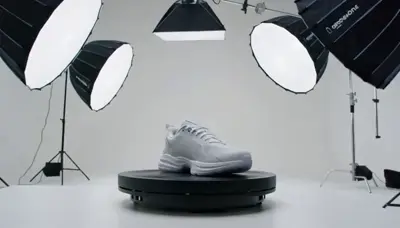
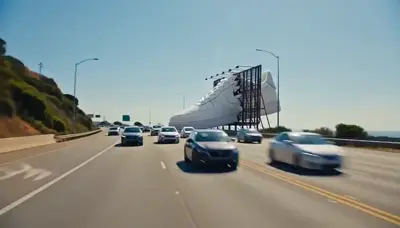
Commercial & product
Unboxing, juice bursts, product fly-ins and other product-led effects.


Transitions
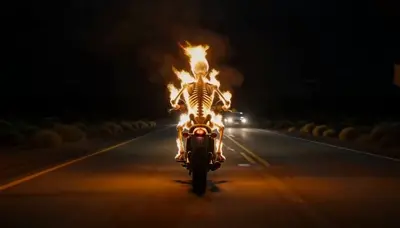
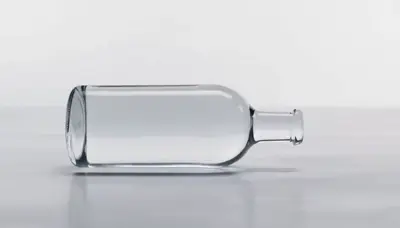
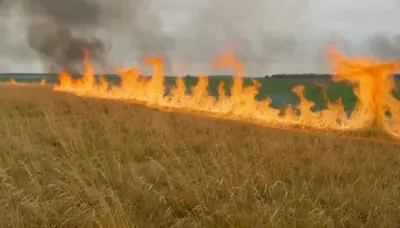
Dust, smoke, flame, portal and other frame-to-frame transitions.
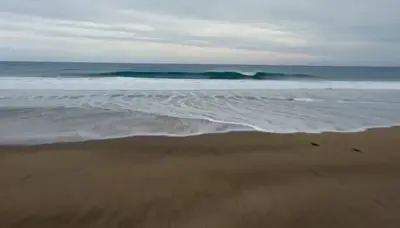
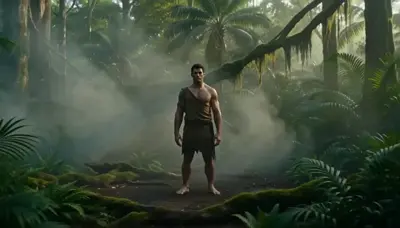
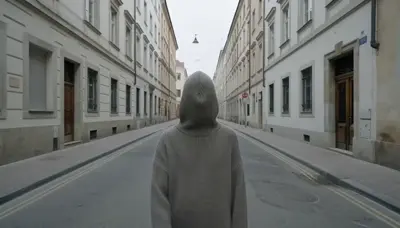
Motion & action
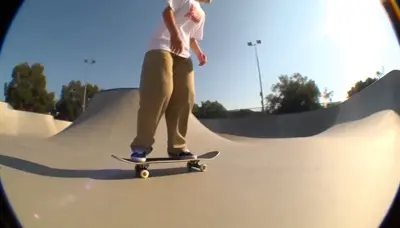
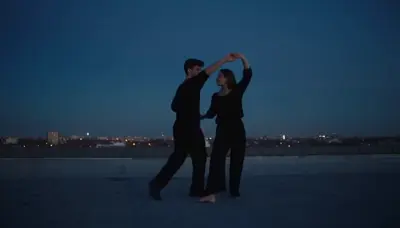
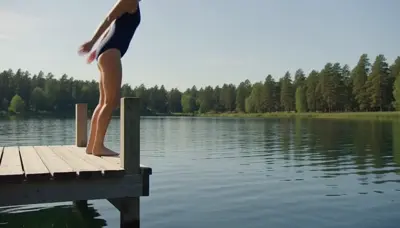
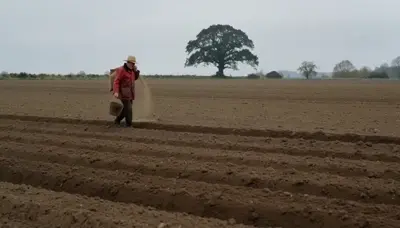
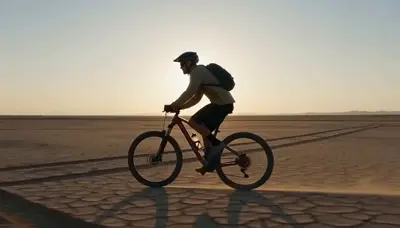
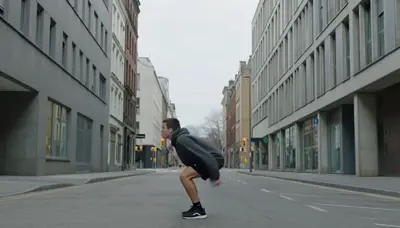
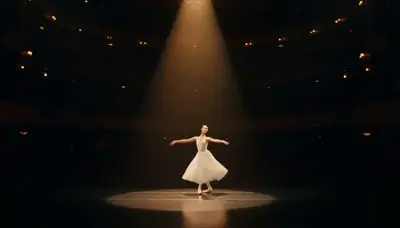
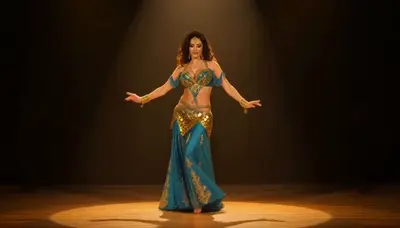
Dances, walking, catwalks, backflips, parkour and other movement effects.
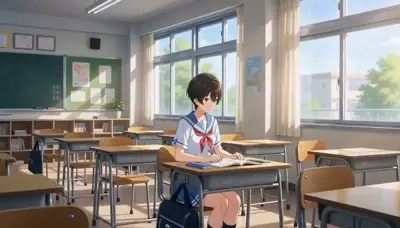
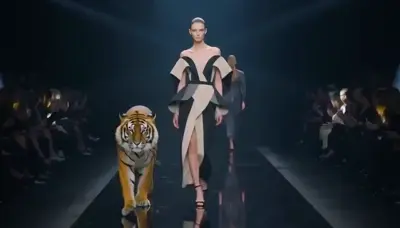
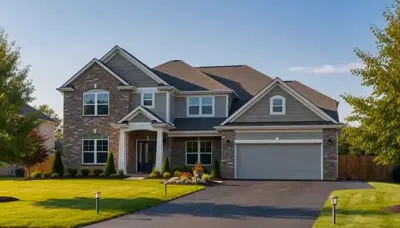
Camera control & real estate
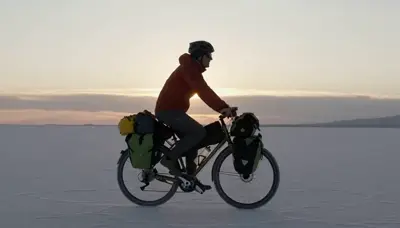
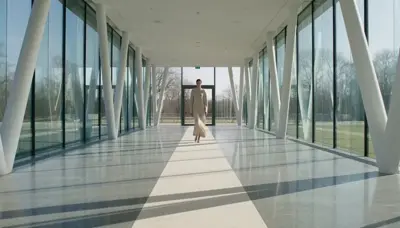
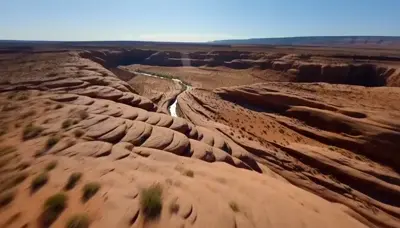
Earth zoom, FPV flight, parallax, interior reveals and other camera-led effects.
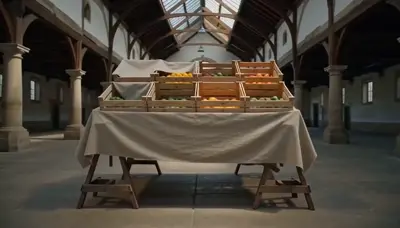
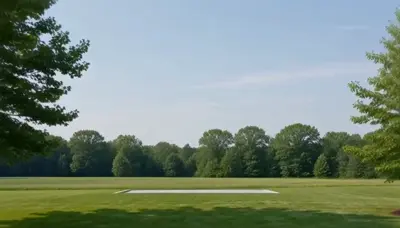
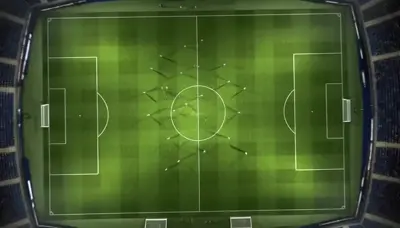
Viral scenarios
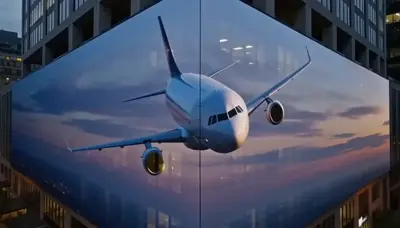
Private jet, red carpet, luxury drive and other scenario effects around one person.
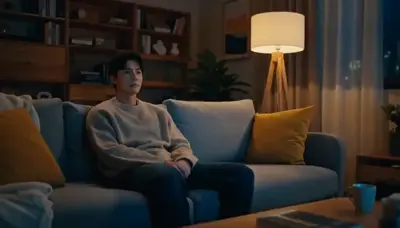
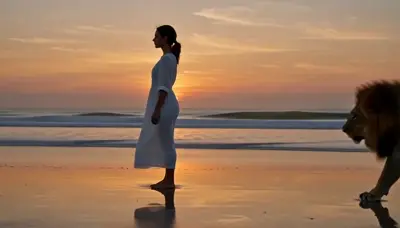
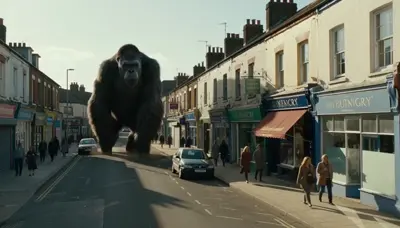
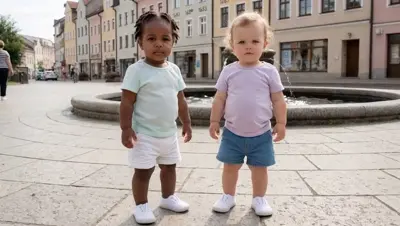
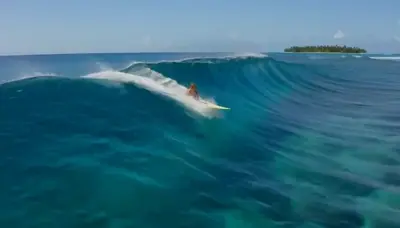
Art & stylisation
Line drawing, plush toy, emoji, movie poster and other art-led effects.


手作業のコンポジットか、ひとつのワークスペースか
手作業のロト
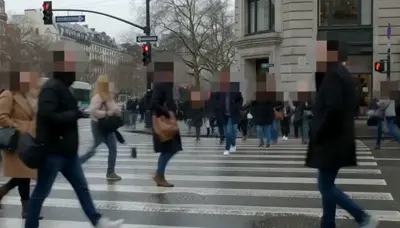
1フレームで人物やオブジェクトを指定すれば、Compose がマークした対象をショット全体で追従するマスクを生成します。グレーディングはマスクの内側だけに適用できますし、マスクで下のトラックを抜いて見せることもできます。
ルックごとに別のプラグイン
ブラー、シャープ、フィルムグレイン、ビネット、グロー、クロマキーはクリップに直接かけられ、グレーディングは調整レイヤーに載せて下のすべてに効かせられます。
一か所おかしいだけで撮り直し
クリップに指示を渡してショットの中の一点だけを変える、あるいは最終フレームの先へ尺を伸ばす。既存クリップの編集は有料プランの機能です。
デスクトップ編集ソフトとの往復
カット編集、カラー、音、字幕、書き出しまで、ショットを作った場所でそのまま進みます。
私たちの素材、あなたのワークスペース
使用素材はすべて自社生成
このページのクリップはすべて Morphic で生成したものです。スタジオの実写素材も、第三者のキャラクターも、権利を持たないものは一切使っていません。
ひとつのタイムラインを同時に複数人で
同じ Compose のタイムラインを複数人が同時に編集できます。権限は編集と閲覧のみを選べ、保存は自動です。同時編集は Pro プラン以上の機能です。
フレーム上のコメント
コメントはフレームや時間範囲に紐づき、画面への描き込みも添えられ、クリップをトリムしても移動しても付いてきます。プロジェクトを開けるワークスペースのメンバーなら、誰でもコメントできます。
よくある質問
ライブラリからエフェクトを選んでそのプロンプトを実行するか、すでに撮影したクリップから始めてください。
Morphicを試す