AIアニメーション図解動画ジェネレーター
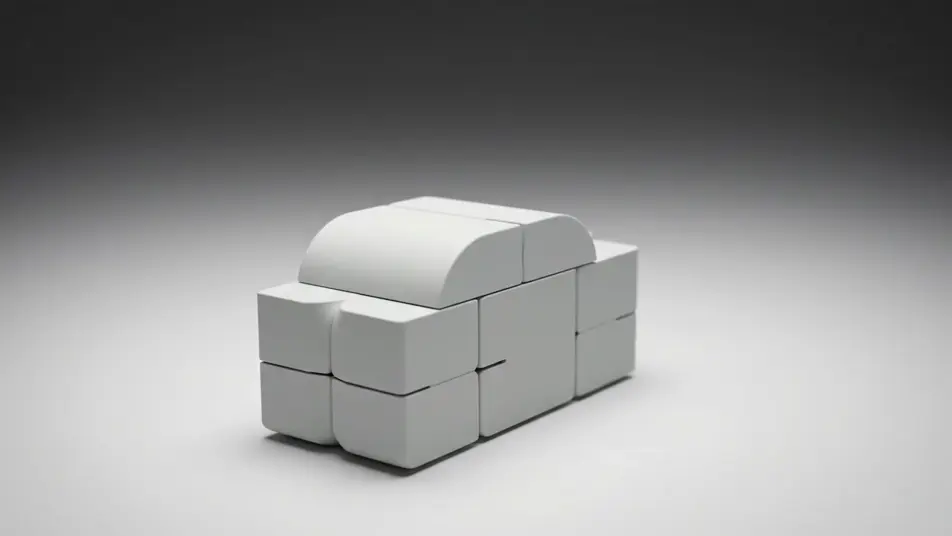
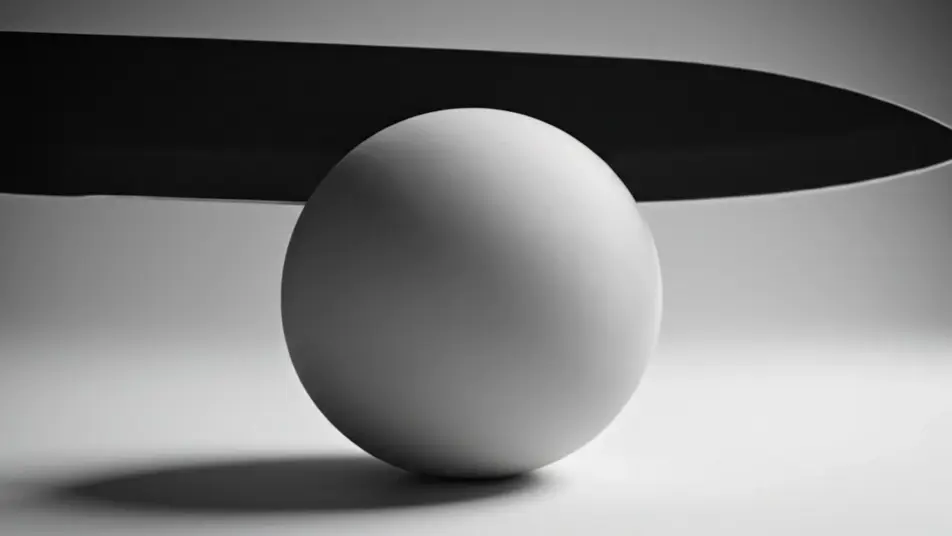
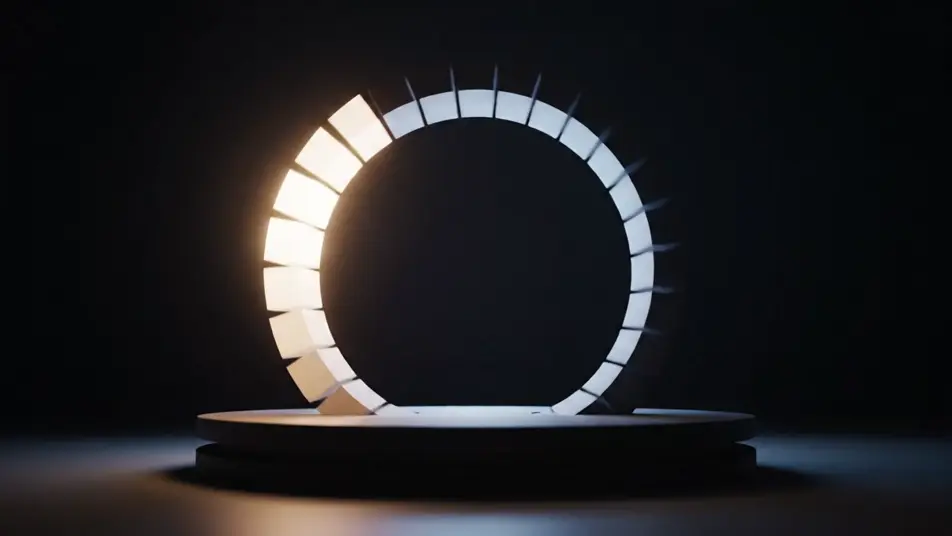
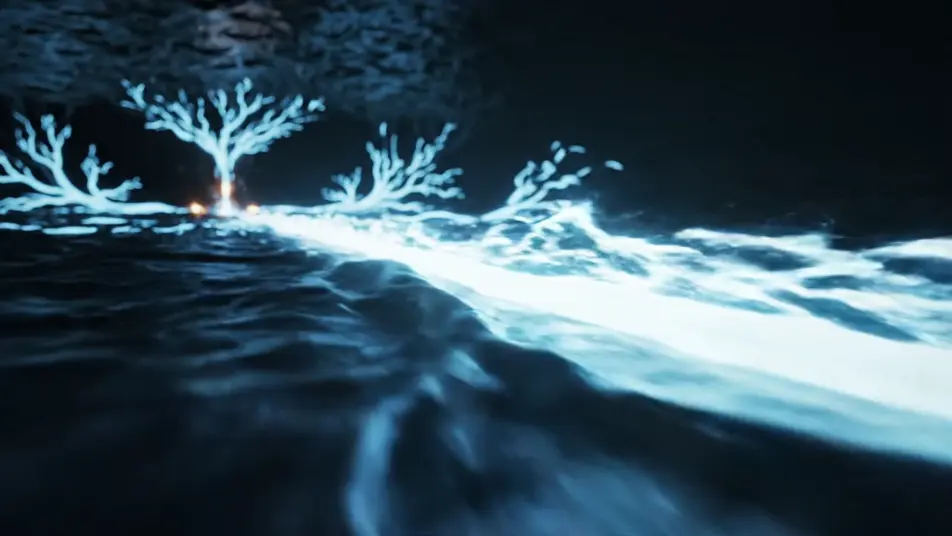
Morphicのアニメーション図解動画ジェネレーターなら、ブラウザの中で仕組みそのものを見せられます。パーツへ分解される様子、層をめくる断面図、段階を巡るサイクルを生成できます。Speechでナレーションを加え、Canvasでセグメントを並べれば完成です。
演出できる図解のモーション
組み立てられる図解のシーケンス
アニメーション図解動画の動画を3ステップで作成
- 一
シーンを記述
作りたいアニメーション図解動画のシーンを、わかりやすい言葉で記述します。
- 二
動画を生成
Morphicがキャンバス上に映画のようなクリップを数秒で生成します。
- 三
仕上げて共有
プロンプトを調整して再生成し、気に入ったショットを保存・共有します。

シネマティックシーンへのメッセージ
あらゆるテキスト会話を映画のようなマルチショットビデオにドラマ化します。
このワークフローを試す
タイムフリーズ効果
あらゆるシーンに使える、シネマティックなタイムフリーズ短編動画
このワークフローを試す

タイトルシーケンス
オプションでシネマティックアニメーションを追加できる、プロフェッショナルな映画タイトルカードをゼロから生成します。
このワークフローを試す
リノベーションのタイムラプス
不動産の写真は、建設SFXと音楽を使った映画のようなリノベーションのタイムラプスビデオになります。
このワークフローを試す
Cinematic scene
1枚の画像から9シーンのシネマティックビデオを作成します。
このワークフローを試す
映画の世界に入り込んでみよう
あなたの写真をドロップしてください。アニメーションとマッチしたサウンドトラックを備えた12秒の映画のようなムービーを入手してください。
このワークフローを試す
こちらもおすすめ
AI導入事例動画ジェネレーター
導入事例動画をAIで作成できます。初回訪問のヒアリング、すり合わせの打ち合わせ、現場視察、合意の場面まで。撮影クルーなしでお客様の声を映像にまとめられます。
AI実験デモ動画
白衣不要でAI実験デモ動画を制作。手袋の手や色が変わる液体をブラウザで生成し、手順を一本の動画にまとめます。
AIマイクロラーニング動画
Morphicで作るAIマイクロラーニング動画。単一動作のデモ、物体ショット、修正ビートを、研修計画からその日のうちにクリップ化します。
バーチャルイベントのオープニング映像をAIで生成
オンラインイベントの冒頭を飾るオープニング映像をAIで生成。光の帯や図形の組み上がりを作り、あとからタイトルを重ねられます。今すぐ試せます。
シンプルな料金体系
今すぐ無料で始めて、いつでもアップグレードまたはキャンセルできます。
Basic
$19/ 月
請求額は $0 年2400 月 クレジット
1 ユーザーのみ
すべてのモデル
ワークフロー
Standard
$24/ 月
請求額は $0 年3625 月 クレジット
1 ユーザーのみ
すべてのモデル
ワークフロー
Pro
$45/ 月
請求額は $0 年6350 共有 月 クレジット
1 ユーザー
+ 最大 4 名まで追加費用
すべてのモデル
ワークフロー
Max
$170/ 月
請求額は $0 年24650 共有 月 クレジット
1 ユーザー
+ 最大 9 名まで追加費用
すべてのモデル
ワークフロー
Enterprise
より高い制限のために
カスタム
料金と請求条件
大容量クレジット
カスタムシート制限
すべてのモデル
ワークフロー

Free
気軽に試したい方に
$0
ずっと無料
最大20クレジット
1ユーザーのみ
一部のモデル
ワークフロー
よくある質問
AIでアニメーション図解動画はどこで作れますか?
Morphic上でブラウザからアニメーション図解動画を演出できます。Text to Videoツールを開き、形とそれを説明する動きを描写すれば、モデルがセグメントをレンダリングします。Canvasでセグメントを並べれば全体のシーケンスが完成します。
AI動画に向いた図解の動きは何ですか?
分解図、断面図、回転するサイクル、流れる経路は、それぞれが一つの考えだけを運ぶので明快に読み取れます。分かれる、切れる、回る、流れるといった動きは、静止した配置よりもはるかに構造を伝えます。
アニメーション図解動画のプロンプトはどう書けばいいですか?
動きを最初に、次に形、最後に光を書きます。何が分かれるのか、何が切り開くのか、何が流れるのかを言葉にし、素材とカメラの動きを添えましょう。すべてのセグメントで同じパレットを保つと、多段構成の説明が一つの作品として読めます。
なぜ図解に文字を入れないほうがいいのですか?
AIモデルは画面上の文字を崩れた形でレンダリングしがちで、ラベル付きの図解は破綻して見えます。構造と動きだけを演出し、注釈やタイトルは清潔なプレートの上に編集ソフトで後から加えましょう。
アニメーション図解動画にナレーションや音楽を加えられますか?
はい。Speechツールが選んだ声で明瞭なナレーショントラックを生成し、たいていの図解を支えます。Musicツールはオリジナルの音を静かに重ね、ナレーションを邪魔しない音量に留まることで図解が最も伝わりやすくなります。