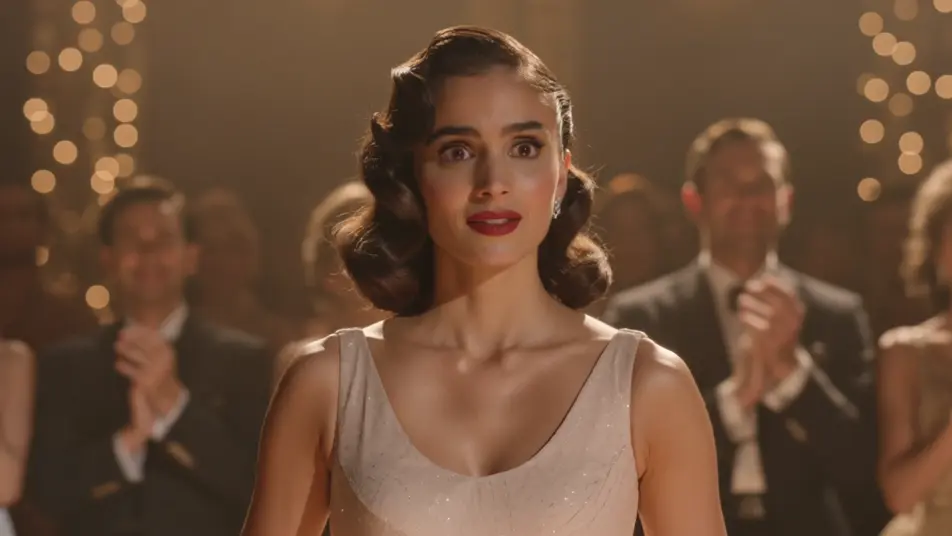
受賞発表AI動画
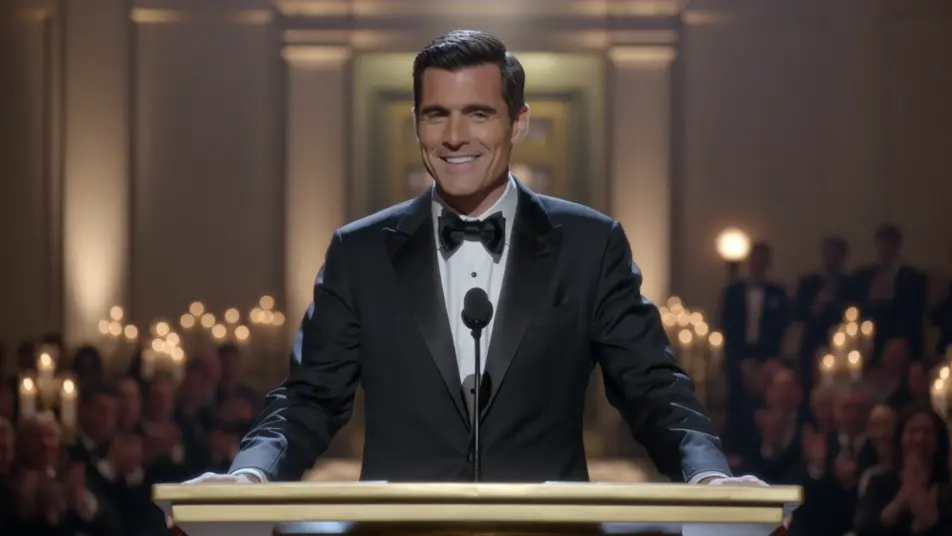
Morphicなら、受賞発表の映像を社内だけで用意できます。まずは受賞者の表情を一本。候補者の紹介や司会の挨拶、盾の接写は同じ見た目でそろえられます。社内表彰の発表にも、業界アワードの受賞報告にも使えます。Speechで発表の声を入れ、Canvasで一本の流れにまとめましょう。
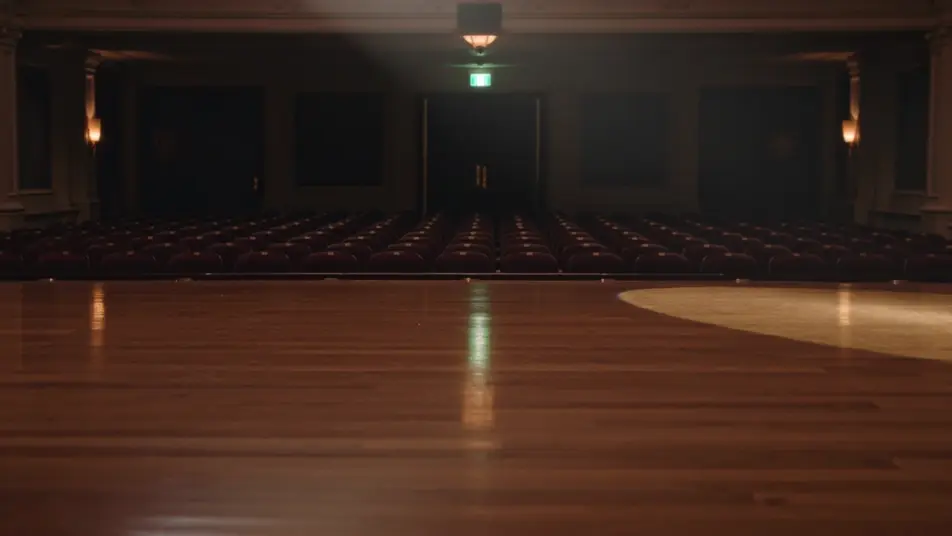
演出できる受賞発表のパート
構成できる受賞発表の場面

受賞発表の動画を3ステップで作成
- 一
シーンを記述
作りたい受賞発表のシーンを、わかりやすい言葉で記述します。
- 二
動画を生成
Morphicがキャンバス上に映画のようなクリップを数秒で生成します。
- 三
仕上げて共有
プロンプトを調整して再生成し、気に入ったショットを保存・共有します。

シネマティックシーンへのメッセージ
あらゆるテキスト会話を映画のようなマルチショットビデオにドラマ化します。
このワークフローを試す
タイムフリーズ効果
あらゆるシーンに使える、シネマティックなタイムフリーズ短編動画
このワークフローを試す

タイトルシーケンス
オプションでシネマティックアニメーションを追加できる、プロフェッショナルな映画タイトルカードをゼロから生成します。
このワークフローを試す
リノベーションのタイムラプス
不動産の写真は、建設SFXと音楽を使った映画のようなリノベーションのタイムラプスビデオになります。
このワークフローを試す
Cinematic scene
1枚の画像から9シーンのシネマティックビデオを作成します。
このワークフローを試す
映画の世界に入り込んでみよう
あなたの写真をドロップしてください。アニメーションとマッチしたサウンドトラックを備えた12秒の映画のようなムービーを入手してください。
このワークフローを試す
こちらもおすすめ
シンプルな料金体系
今すぐ無料で始めて、いつでもアップグレードまたはキャンセルできます。
Basic
$19/ 月
請求額は $0 年2400 月 クレジット
1 ユーザーのみ
すべてのモデル
ワークフロー
Standard
$24/ 月
請求額は $0 年3625 月 クレジット
1 ユーザーのみ
すべてのモデル
ワークフロー
Pro
$45/ 月
請求額は $0 年6350 共有 月 クレジット
1 ユーザー
+ 最大 4 名まで追加費用
すべてのモデル
ワークフロー
Max
$170/ 月
請求額は $0 年24650 共有 月 クレジット
1 ユーザー
+ 最大 9 名まで追加費用
すべてのモデル
ワークフロー
Enterprise
より高い制限のために
カスタム
料金と請求条件
大容量クレジット
カスタムシート制限
すべてのモデル
ワークフロー

Free
気軽に試したい方に
$0
ずっと無料
最大20クレジット
1ユーザーのみ
一部のモデル
ワークフロー
よくある質問
AIで受賞発表の動画はどこで作れますか?
Morphicのブラウザ上で作れます。Text to Videoツールを開き、各パートとステージの見た目を書けば順に生成されます。編集ソフトを開かなくても、Canvasで並べ替えて一本の発表映像にまとめられます。
生成した動画は社内広報やSNSで商用利用できますか?
はい。社内表彰の発表、採用サイトやプレスリリースへの掲載、SNSでの受賞報告まで商用の場面で利用できます。部門ごとに作り分けて毎年使っても問題ありません。
日本語の受賞者名やテロップは映像の中に入れられますか?
生成した映像の中の文字は崩れやすく、日本語はとくに読めない形になります。名前や部門名は入れずに生成し、編集ソフトでテロップとして重ねてください。無地の盾やトロフィーを指定しておくと後から自由に名入れできます。
部門がいくつもある発表でも見た目をそろえられますか?
背景、スポットライト、カメラの動きを毎回同じ言葉で指定すれば、どの部門も同じ見た目になります。Canvasで順番と尺を調整すると、開会から候補者紹介、最後の発表まで自然に積み上がります。
受賞発表の動画に音楽やナレーションを付けられますか?
はい。Speechツールが各賞を紹介する司会の声を日本語で読み上げ、Musicツールが発表に向けて高まる音楽を重ねます。名前が出る手前で音楽を上げておくと、発表の山場がはっきりします。