Countdown over product shot
A large ticking countdown overlaid on a soft-focus product arrangement, the numbers sharp against the blurred background.
プロンプトを編集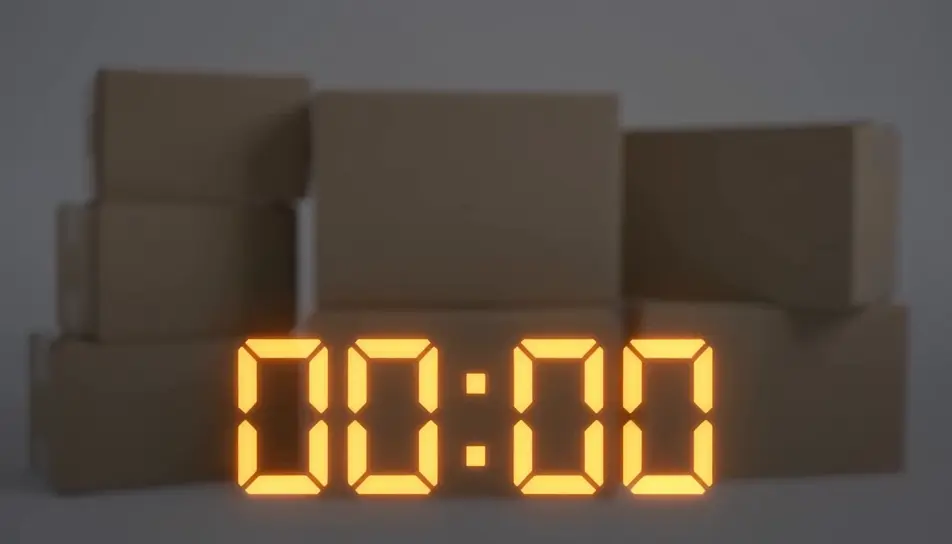
Generate a Black Friday countdown video in Morphic's AI video generator: ticking numbers over a product shot, a bold "sale ends in..." graphic, or a looping urgency clip sized for stories, reels or an email header. This is a rendered video clip you add your own offer to, not a live interactive timer — cut it together on Compose and post it everywhere your sale needs urgency.
A large ticking countdown overlaid on a soft-focus product arrangement, the numbers sharp against the blurred background.
プロンプトを編集A vertical, loopable countdown graphic built for a story placement, numbers ticking center-frame with a pulsing background glow.
プロンプトを編集
A wide, short countdown bar with ticking digits and a thin progress line beneath, designed to sit at the top of an email.
プロンプトを編集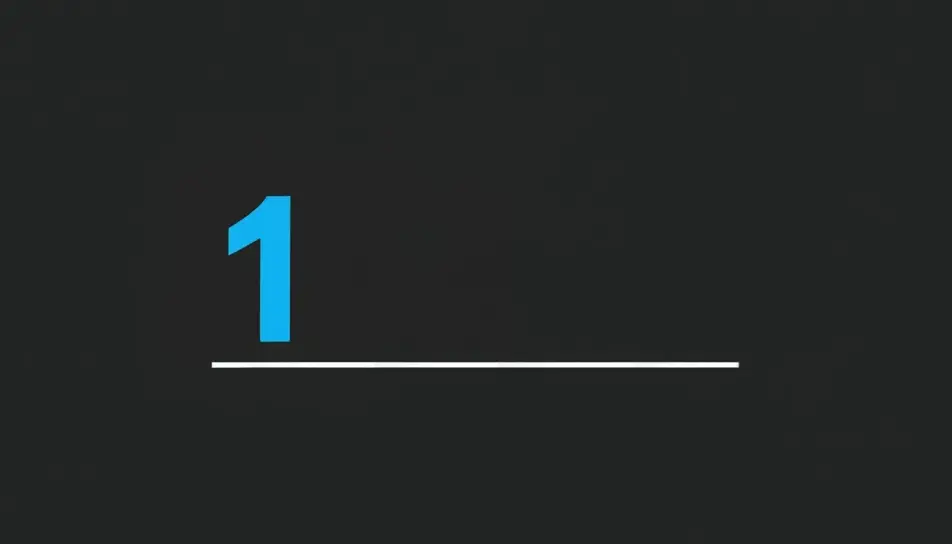
The countdown ticks down to zero, then wipes to reveal a blank offer card ready for the store's own text and price.
プロンプトを編集
作りたいBlack Friday countdown videoのシーンを、わかりやすい言葉で記述します。
Morphicがキャンバス上に映画のようなクリップを数秒で生成します。
プロンプトを調整して再生成し、気に入ったショットを保存・共有します。

あらゆるテキスト会話を映画のようなマルチショットビデオにドラマ化します。
あらゆるシーンに使える、シネマティックなタイムフリーズ短編動画

オプションでシネマティックアニメーションを追加できる、プロフェッショナルな映画タイトルカードをゼロから生成します。
不動産の写真は、建設SFXと音楽を使った映画のようなリノベーションのタイムラプスビデオになります。
1枚の画像から9シーンのシネマティックビデオを作成します。

一人称のシナリオを説明します。連続したPOVフレームを音声付きのビデオクリップにアニメーション化します。
Black Friday GIFs
Create Black Friday GIFs in Morphic for email headers, stories and ads. Animate your offer in a short loop that matches your brand.
AI動画ジェネレーター
テキストから美しい動画を生成。 どんな作風もプロ品質で。
AIブラックフライデー動画ジェネレーター
Morphicでブラックフライデー動画をAI生成。スポットライト演出やネオン回転、紙吹雪のクライマックスを無料素材なしで作成。セールを特別な瞬間に変えましょう。
AIカウントダウンタイマー動画
Morphicでカウントダウンタイマー動画をAI生成。雰囲気のあるカウントダウン背景、開始待ち画面、音楽と音声キュー付きの集中スプリントタイマーを作れます。
今すぐ無料で始めて、いつでもアップグレードまたはキャンセルできます。
Basic
2400 月 クレジット
1 ユーザーのみ
すべてのモデル
ワークフロー
Standard
3625 月 クレジット
1 ユーザーのみ
すべてのモデル
ワークフロー
Pro
6350 共有 月 クレジット
1 ユーザー
すべてのモデル
ワークフロー
Max
24650 共有 月 クレジット
1 ユーザー
すべてのモデル
ワークフロー
Enterprise
より高い制限のために
カスタム
料金と請求条件

Free
気軽に試したい方に
$0
ずっと無料