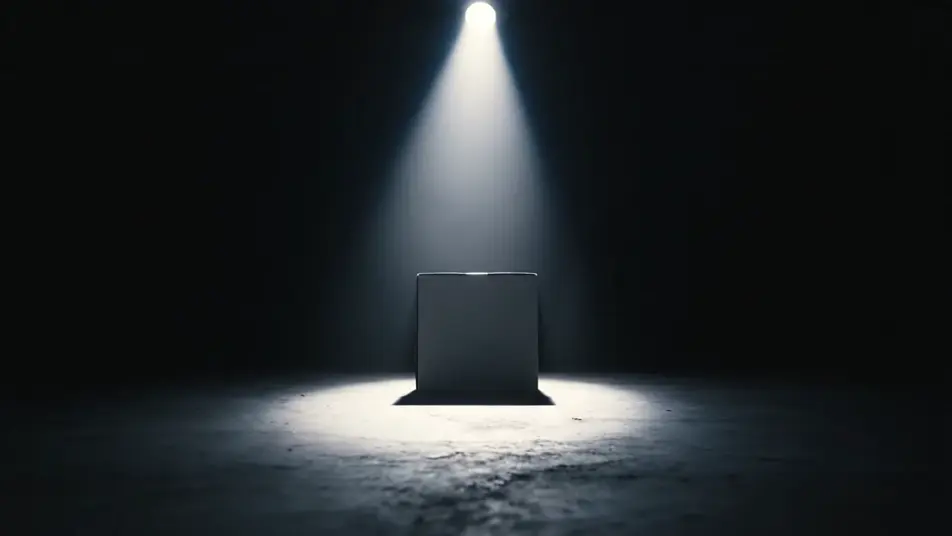
AIブラックフライデー動画ジェネレーター
Morphicのブラウザ上でブラックフライデー動画をAI生成できます。暗闇を切り裂くスポットライトの製品リビール、ネオンで縁取られた回転演出、紙吹雪が舞うクライマックスまで思い通りに生成可能です。Musicで音楽を重ね、Composeで編集すれば即日公開できます。
演出できるブラックフライデー動画のスタイル
組み立てられるブラックフライデー動画のシーン
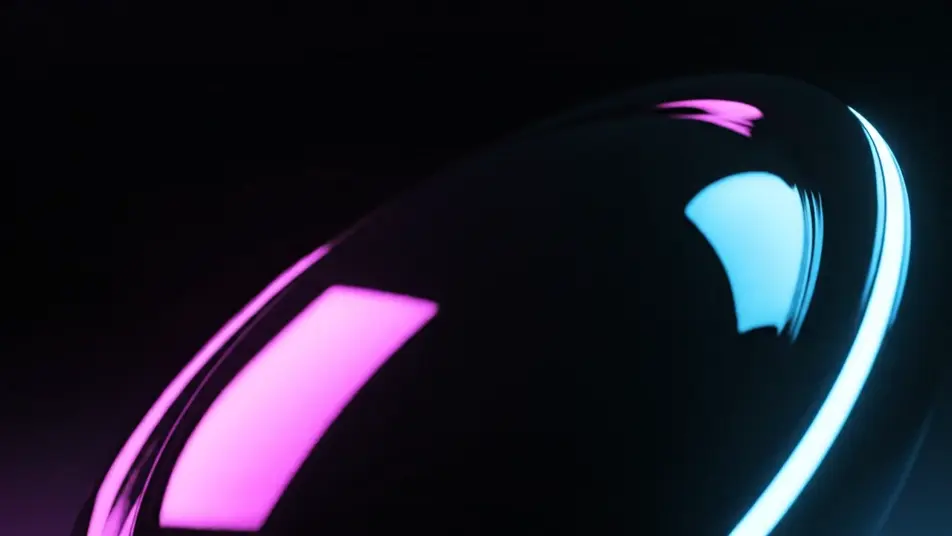
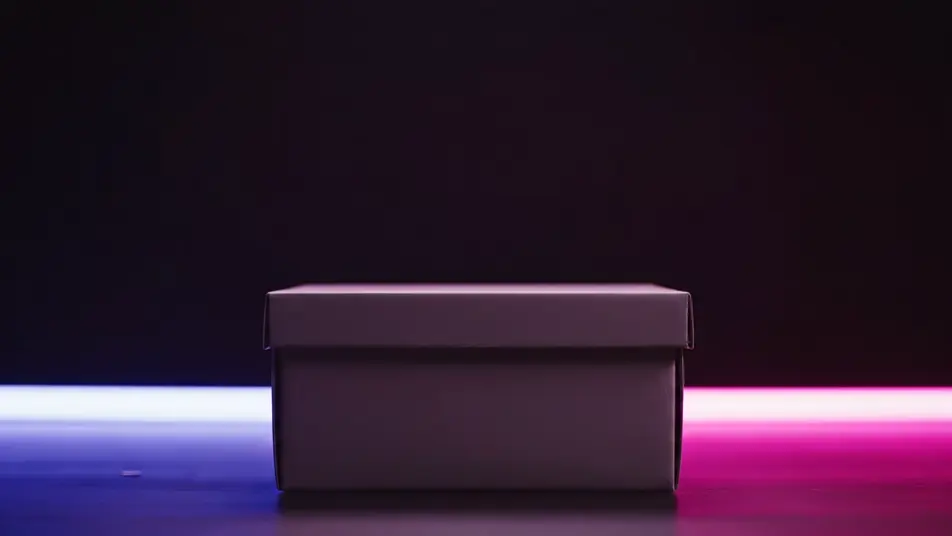
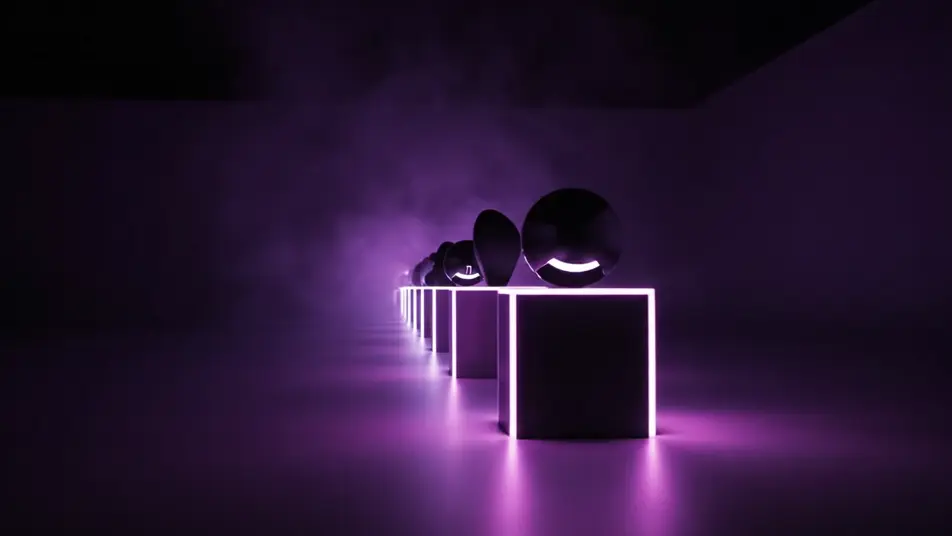
ブラックフライデー動画の動画を3ステップで作成
- 一
シーンを記述
作りたいブラックフライデー動画のシーンを、わかりやすい言葉で記述します。
- 二
動画を生成
Morphicがキャンバス上に映画のようなクリップを数秒で生成します。
- 三
仕上げて共有
プロンプトを調整して再生成し、気に入ったショットを保存・共有します。

シネマティックシーンへのメッセージ
あらゆるテキスト会話を映画のようなマルチショットビデオにドラマ化します。
このワークフローを試す
タイムフリーズ効果
あらゆるシーンに使える、シネマティックなタイムフリーズ短編動画
このワークフローを試す

タイトルシーケンス
オプションでシネマティックアニメーションを追加できる、プロフェッショナルな映画タイトルカードをゼロから生成します。
このワークフローを試す
リノベーションのタイムラプス
不動産の写真は、建設SFXと音楽を使った映画のようなリノベーションのタイムラプスビデオになります。
このワークフローを試す
Cinematic scene
1枚の画像から9シーンのシネマティックビデオを作成します。
このワークフローを試す
映画の世界に入り込んでみよう
あなたの写真をドロップしてください。アニメーションとマッチしたサウンドトラックを備えた12秒の映画のようなムービーを入手してください。
このワークフローを試す
こちらもおすすめ
AI Facebook動画広告ジェネレーター
MorphicでFacebook動画広告をAI生成。商品リビール、暮らしのフック、マクロ映像をテイクごとに調整し、数分で広告を仕上げます。
ビフォーアフターAI動画
ビフォーアフター動画をAIで生成。大掃除やリフォーム、手入れの前後を、ワイプやモーフ、左右分割で見せられます。被写体と光を固定したまま、変化だけを描けます。
AIディーラー販促動画ジェネレーター
ショールームの一台、鍵の受け渡し、夕暮れの展示場をAIで生成。Morphicなら今日から使えるディーラー販促動画が作れます。
AIデジタルサイネージ動画ジェネレーター
グラデーション、幾何学模様、パーティクルなど文字なしのループ映像をAIで生成。画面に自由にメッセージを重ねられます。
シンプルな料金体系
今すぐ無料で始めて、いつでもアップグレードまたはキャンセルできます。
Basic
$19/ 月
請求額は $0 年2400 月 クレジット
1 ユーザーのみ
すべてのモデル
ワークフロー
Standard
$24/ 月
請求額は $0 年3625 月 クレジット
1 ユーザーのみ
すべてのモデル
ワークフロー
Pro
$45/ 月
請求額は $0 年6350 共有 月 クレジット
1 ユーザー
+ 最大 4 名まで追加費用
すべてのモデル
ワークフロー
Max
$170/ 月
請求額は $0 年24650 共有 月 クレジット
1 ユーザー
+ 最大 9 名まで追加費用
すべてのモデル
ワークフロー
Enterprise
より高い制限のために
カスタム
料金と請求条件
大容量クレジット
カスタムシート制限
すべてのモデル
ワークフロー

Free
気軽に試したい方に
$0
ずっと無料
最大20クレジット
1ユーザーのみ
一部のモデル
ワークフロー
よくある質問
ブラックフライデー動画をAIでどこで作れますか?
Morphicのブラウザ上で直接作成できます。Text to Videoツールでリビールや配色、勢いを説明するだけで、各ビートが数分で生成されます。Composeでつなげれば同日中に公開できます。
価格や割引率、セールバナーなしでセール感を出すには?
編集側でオファーを伝え、映像自体は演出に徹しましょう。生成した文字は判読できない形になるため、価格や割引率、バナーはキャプションやランディングページに任せてください。スポットライトやネオン、紙吹雪だけで「特別な瞬間」は十分伝わります。
AI動画に向いているブラックフライデー演出は?
暗闇とネオンを軸にした製品ドラマが鉄板です。スポットライトのリビール、縁光の回転、ギフトボックスの開封、紙吹雪のクライマックスなど。商品はすべて無地にしておくと、架空のロゴが紛れ込みません。
良いプロンプトの書き方は?
被写体と光とカメラの動きを一文で書きます。無地の箱、一筋の強いスポットライト、ゆっくり寄るカメラのように。マゼンタとシアンのネオンを黒地に合わせるのが、この演出の鍵になる配色です。
商用利用はできますか?
はい。生成した動画はセールやSNS広告に商用利用できます。オリジナル楽曲をMusicで作れば、ライセンスの心配なく年末商戦のキャンペーンに使えます。