Direct the leaping vanara in your browser with Morphic's Hanuman AI video generator. Generate Hanuman scenes like the leap from Mahendra peak toward Lanka, the burning of Lanka with his tail trailing flame, or Hanuman parting his chest to reveal Rama and Sita, and pair them with the Speech and Music tools to chant the Hanuman Chalisa and score the Sundar Kand. Stitch the leaps into a Ramayana episode.

Hanuman characters you can direct

Hanuman scenes you can stage

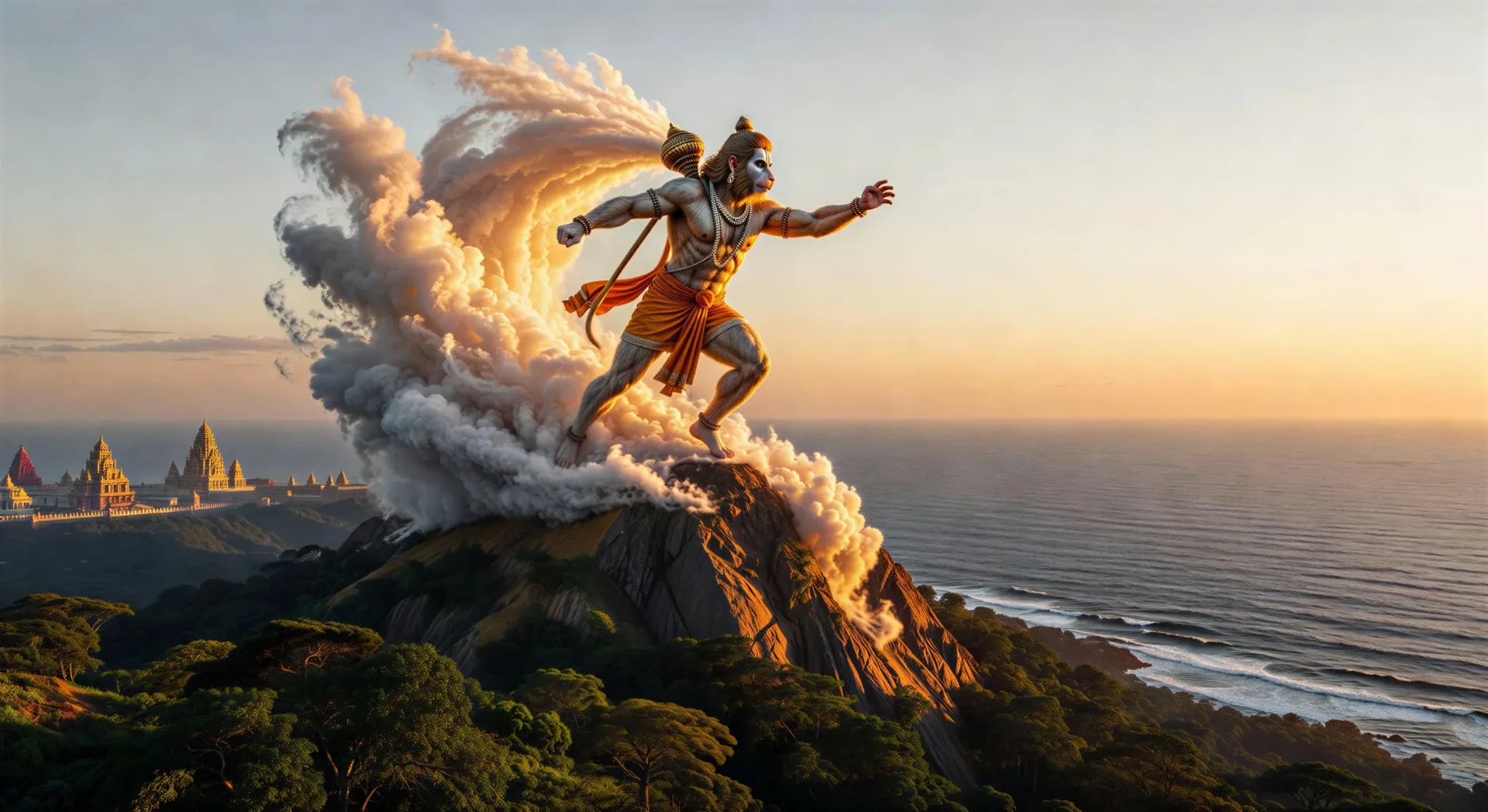
Hanuman leaps to Lanka from Mahendra peak

Hanuman expands to mountain size and launches from the southern coast of Mahendra. Cloud trail behind him, the ocean below, the towers of Lanka on the horizon at first light.

Edit prompt
Hanuman leaps to Lanka from Mahendra peak

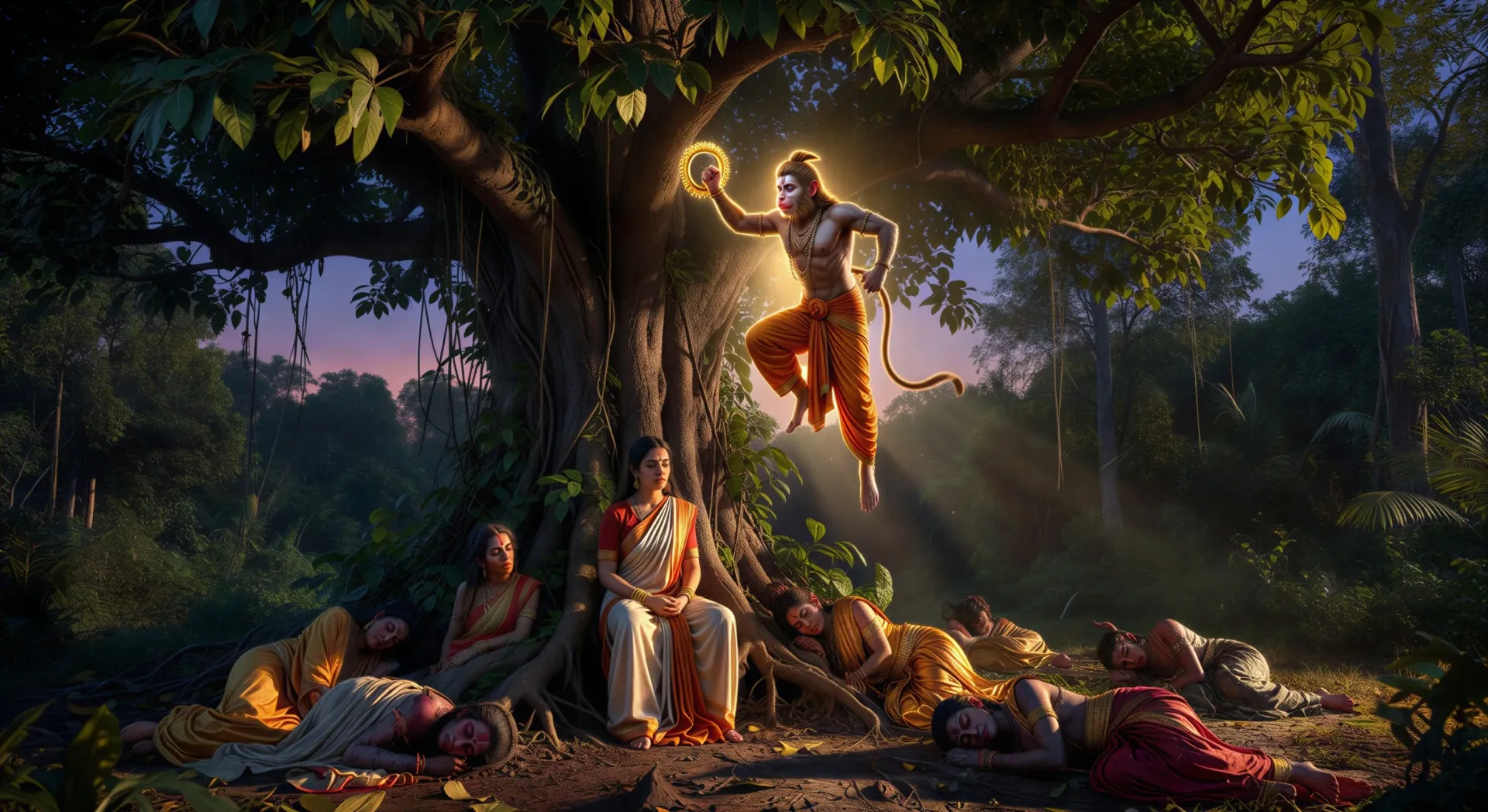
Hanuman finds Sita in the Ashoka grove

Inside Ravana’s palace garden at twilight, Hanuman drops down from a tree with Rama’s ring. Sita beneath the ashoka tree, red and gold sari, demonesses asleep around her.

Edit prompt
Hanuman finds Sita in the Ashoka grove

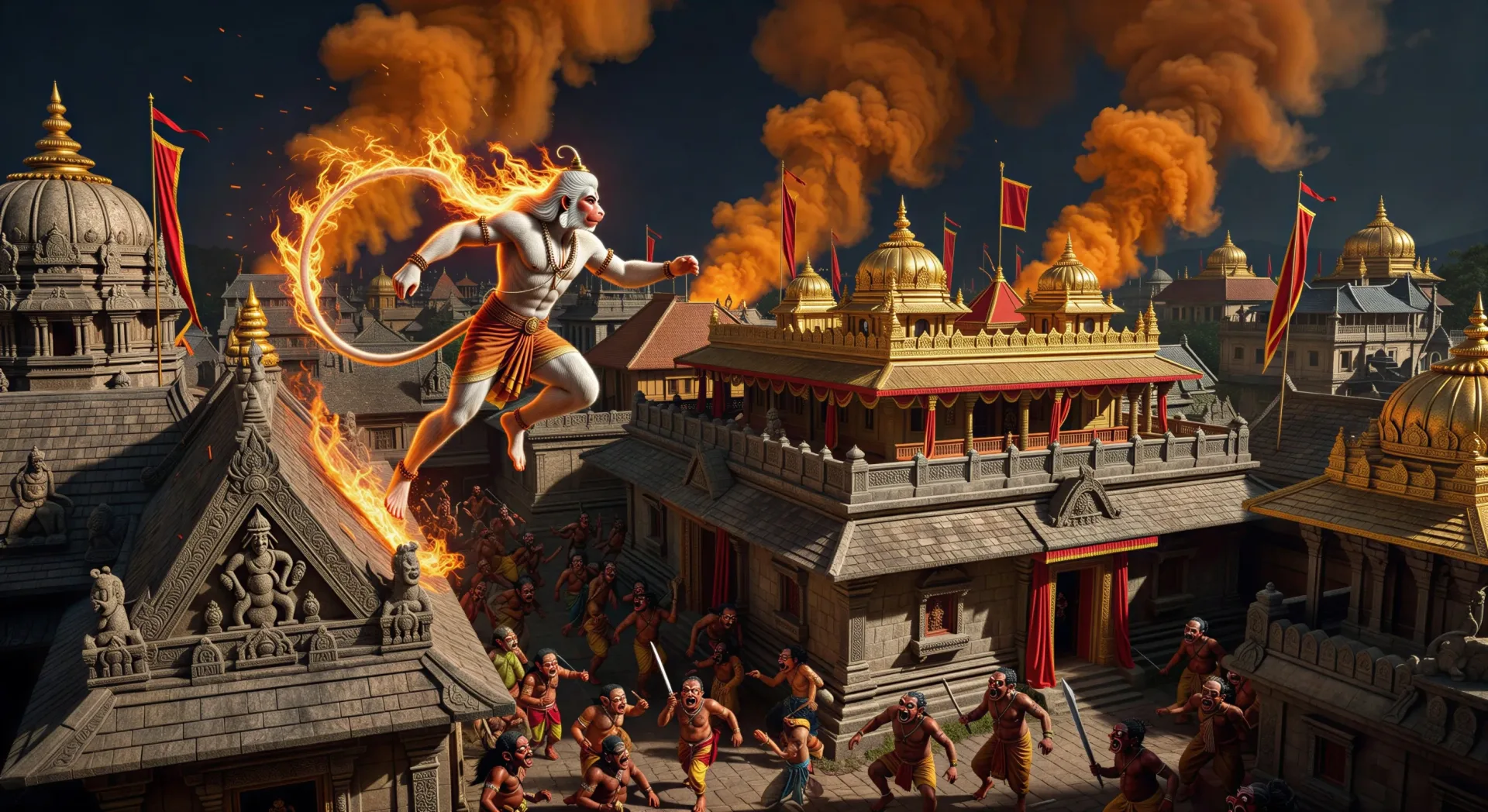
The burning of Lanka

Hanuman moves rooftop to rooftop with his tail trailing flame. Smoke columns rise against the night sky over the golden city, embers swirling, demons running through the streets.

Edit prompt
The burning of Lanka

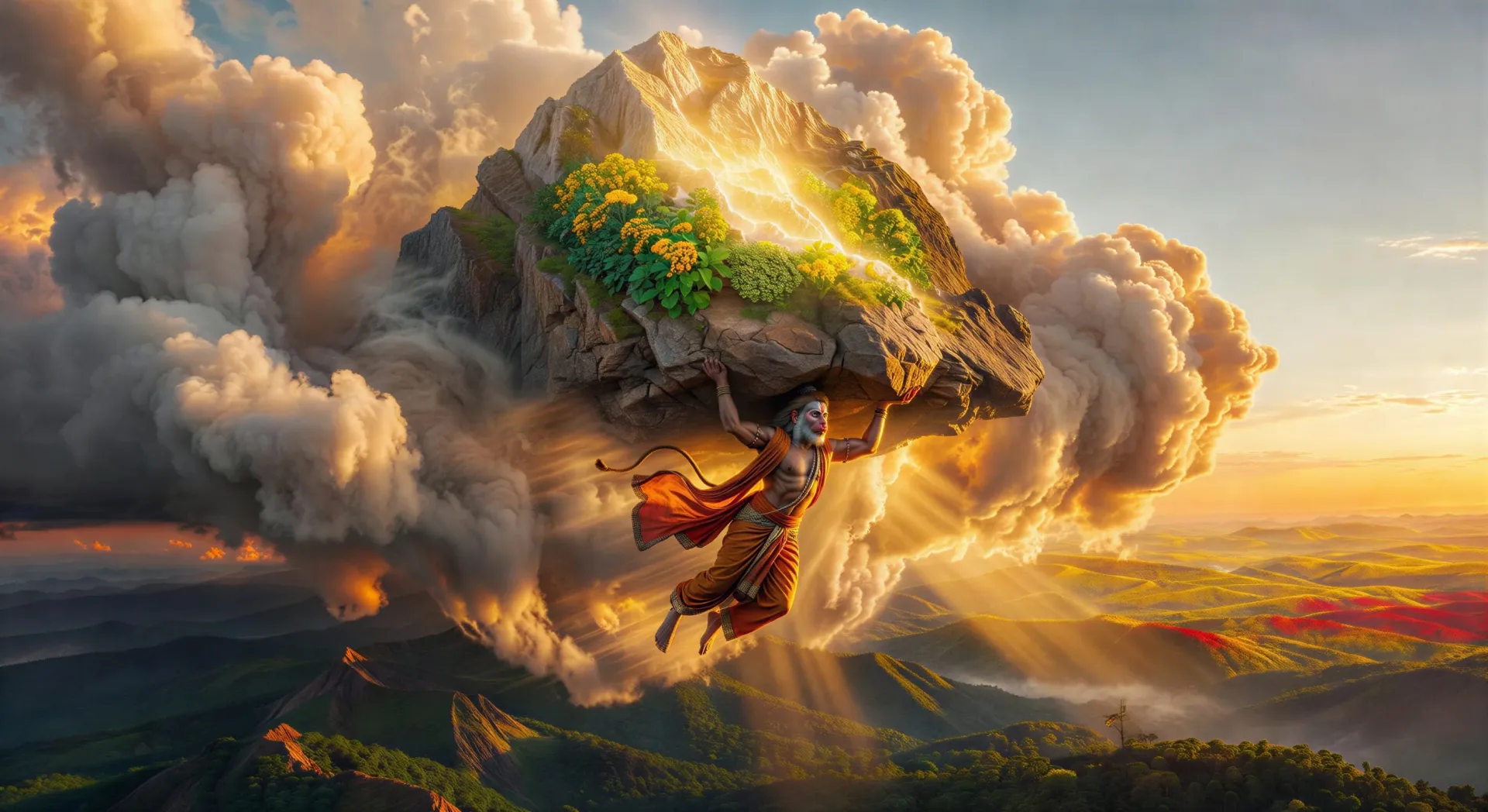
Hanuman lifts the Sanjeevani mountain

Lakshmana lies wounded on the battlefield. Hanuman flies back from the Himalayas at dawn carrying the entire Sanjeevani peak, glowing herbs catching the first light, clouds parting around him.

Edit prompt
Hanuman lifts the Sanjeevani mountain

Make Hanuman videos in three steps

  1. 01

    Describe your Hanuman scene

    Write the Hanuman scene you want, including the moment, location, and camera direction.

  2. 02

    Generate the video

    Morphic generates a cinematic, frame-ready clip on your canvas in seconds, no editing software required.

  3. 03

    Refine your Hanuman video

    Tweak the prompt, regenerate variations, then download or share the moment the shot lands.

Related workflows

こちらもおすすめ

FAQs

Where can I make Hanuman videos with AI?
You can create Hanuman scenes directly in your browser on Morphic. Open the Text to Video tool, describe the scene you want, and Morphic produces the clip. No installs and no specialist software needed.
What kinds of Hanuman scenes work best with AI video?
Single-shot moments with strong composition tend to work best: the leap from Mahendra peak to Lanka, the burning of Lanka, the Sanjeevani mountain lift, finding Sita in the Ashoka grove, or Hanuman opening his chest to reveal Rama and Sita. Anchor each Hanuman scene to a specific moment, location, time of day, and mood.
How do I keep my Hanuman characters consistent across scenes?
Use the Character Lineup workflow to lock in each character's look, then reference those character cards in every prompt. Morphic preserves the saffron dhoti, the mace, the mountain pose, and the surrounding cast so a Hanuman series feels continuous.
How do I write a good prompt for a Hanuman scene?
Name the moment, the iconography, the time of day, the lighting, and the camera direction. For example: "Hanuman mid-leap above the ocean toward Lanka at dawn, mountain-sized, cloud trail behind him, soft amber first light, low wide-angle camera following his arc." The more specific your imagery, the closer the output matches your imagination.
Can I add narration and music to my Hanuman videos?
Yes. The Speech tool generates a voiceover from your script in the voice you choose, and the Music tool produces an original soundtrack to score the scene. Layer them onto your generated video to publish a complete Hanuman episode.
What visual style works best for Hanuman videos?
Three styles consistently land. Devotional Tanjore-influenced painting suits temple and chest-opening scenes. Cinematic photoreal lifts the leap, the burning of Lanka, and the Sanjeevani lift. Pichvai panel composition works for the Anjaneya childhood scenes. Name the style directly in the prompt and Morphic will hold it across the series.