Office corridor lights going out
Ceiling lights shut off one by one down an empty office corridor. In the last flash before darkness, a pale figure is standing right at the lens.
プロンプトを編集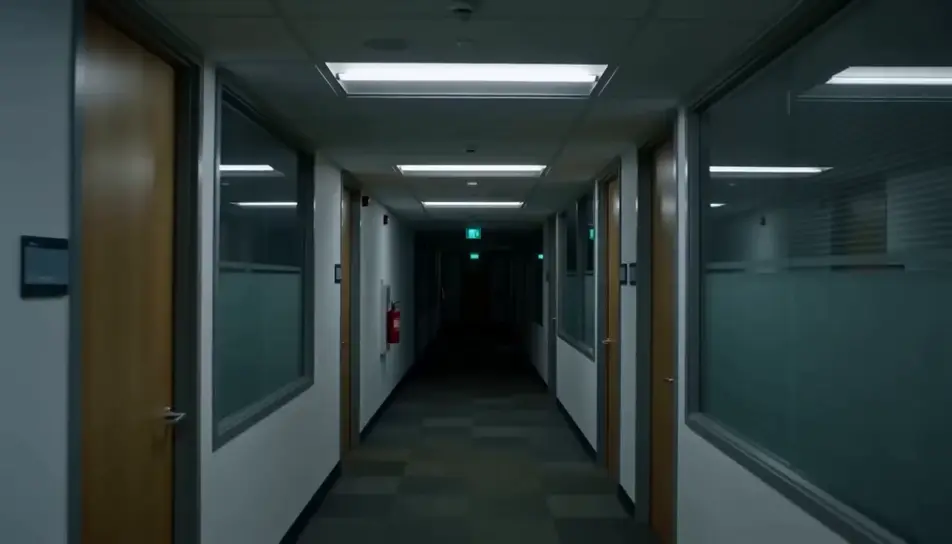
Generate jump scare videos in Morphic's AI video generator: a calm hallway that ends on a face at the lens, or a mirror wipe that shows someone behind you. Cut the reveal on Compose.
Ceiling lights shut off one by one down an empty office corridor. In the last flash before darkness, a pale figure is standing right at the lens.
プロンプトを編集A parked car on a dark country road, the rear-view mirror showing an empty back seat. Then a pale, hollow-eyed face rises into the mirror from behind.
プロンプトを編集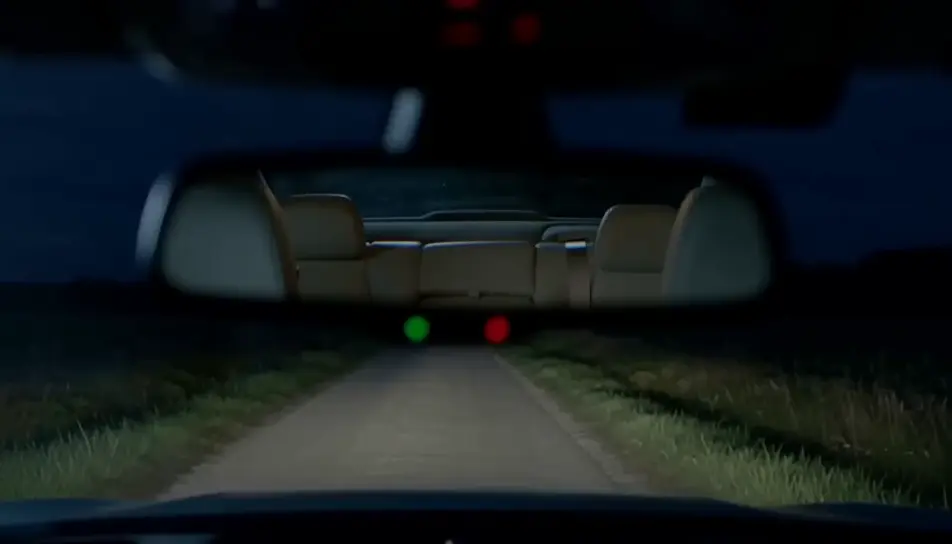
A dark kitchen lit only by an open fridge, the frame resting on a black doorway. At the end a pale face leans out from the doorframe at a wrong angle.
プロンプトを編集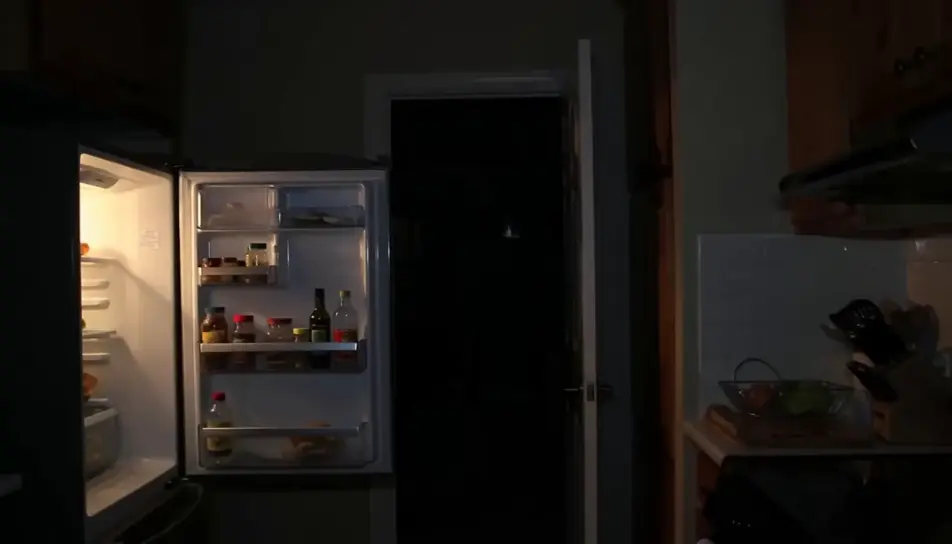
Looking up at a closed attic hatch on a dim landing, the pull cord swaying. The hatch drops open and a pale figure falls headfirst toward the camera.
プロンプトを編集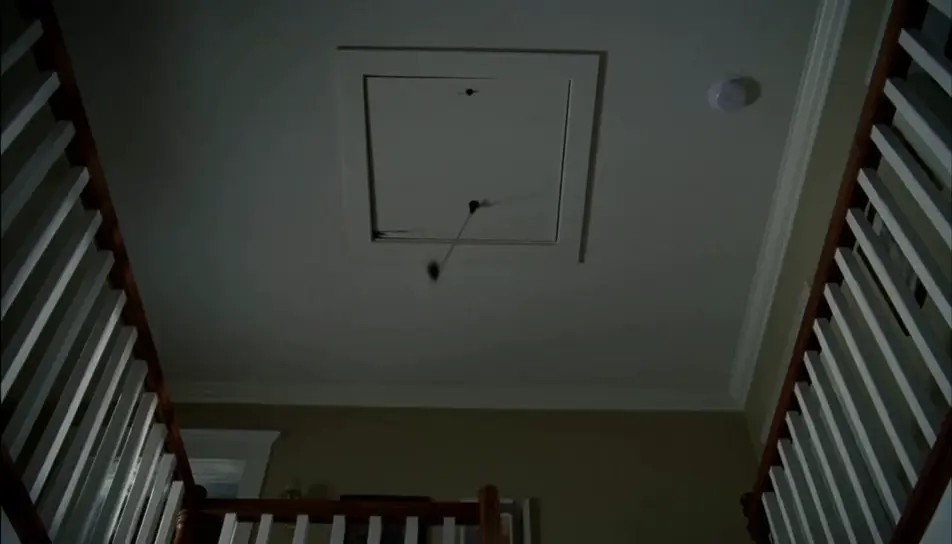
作りたいjump scareのシーンを、わかりやすい言葉で記述します。
Morphicがキャンバス上に映画のようなクリップを数秒で生成します。
プロンプトを調整して再生成し、気に入ったショットを保存・共有します。
あらゆるシーンに使える、シネマティックなタイムフリーズ短編動画

あらゆるテキスト会話を映画のようなマルチショットビデオにドラマ化します。
1枚の画像から9シーンのシネマティックビデオを作成します。
あなたの写真をドロップしてください。アニメーションとマッチしたサウンドトラックを備えた12秒の映画のようなムービーを入手してください。

キャラクター参照を含むシーンの説明を共有します。ショットの角度とムードを備えた完全なストーリーボードを取得します。

単一の画像をフィードします。3x3のストーリーボードグリッドに配置された9つのシネマティックビートを取得します。
AIでジャンプスケア動画を作る方法
AIでジャンプスケア動画を作るには、落ち着いた溜めのショットを生成し、静止画の反転カットを素早い突進に変え、溜めの間はほぼ無音のルームトーンを敷いて、カットの瞬間に大きなスティンガーを重ねて強く切ります。Morphicなら、動画・画像・音響効果のモデルを同じCanvas上で生成でき、標準搭載の編集ツールComposeがカットとスティンガーをフレームに合わせます。
Halloween AI videos
Create spooky Halloween videos with AI in seconds. Haunted houses, pumpkins, ghosts, costumes. Pick a style, add your prompt, and generate in minutes.
ジャンプスケア効果音
ジャンプスケアの効果音をAIで生成。弦の不協和音、金属の悲鳴、静寂を破る衝撃音まで、驚かせたいカットにぴったり合う音をテキストから作れます。
AI scary videos
Browse scary videos and generate your own shots at the length, ratio and look the cut needs. Morphic makes video, image, voice and sound in one workspace.
今すぐ無料で始めて、いつでもアップグレードまたはキャンセルできます。
Basic
2400 月 クレジット
1 ユーザーのみ
すべてのモデル
ワークフロー
Standard
3625 月 クレジット
1 ユーザーのみ
すべてのモデル
ワークフロー
Pro
6350 共有 月 クレジット
1 ユーザー
すべてのモデル
ワークフロー
Max
24650 共有 月 クレジット
1 ユーザー
すべてのモデル
ワークフロー
Enterprise
より高い制限のために
カスタム
料金と請求条件

Free
気軽に試したい方に
$0
ずっと無料