黒澤明風AI動画
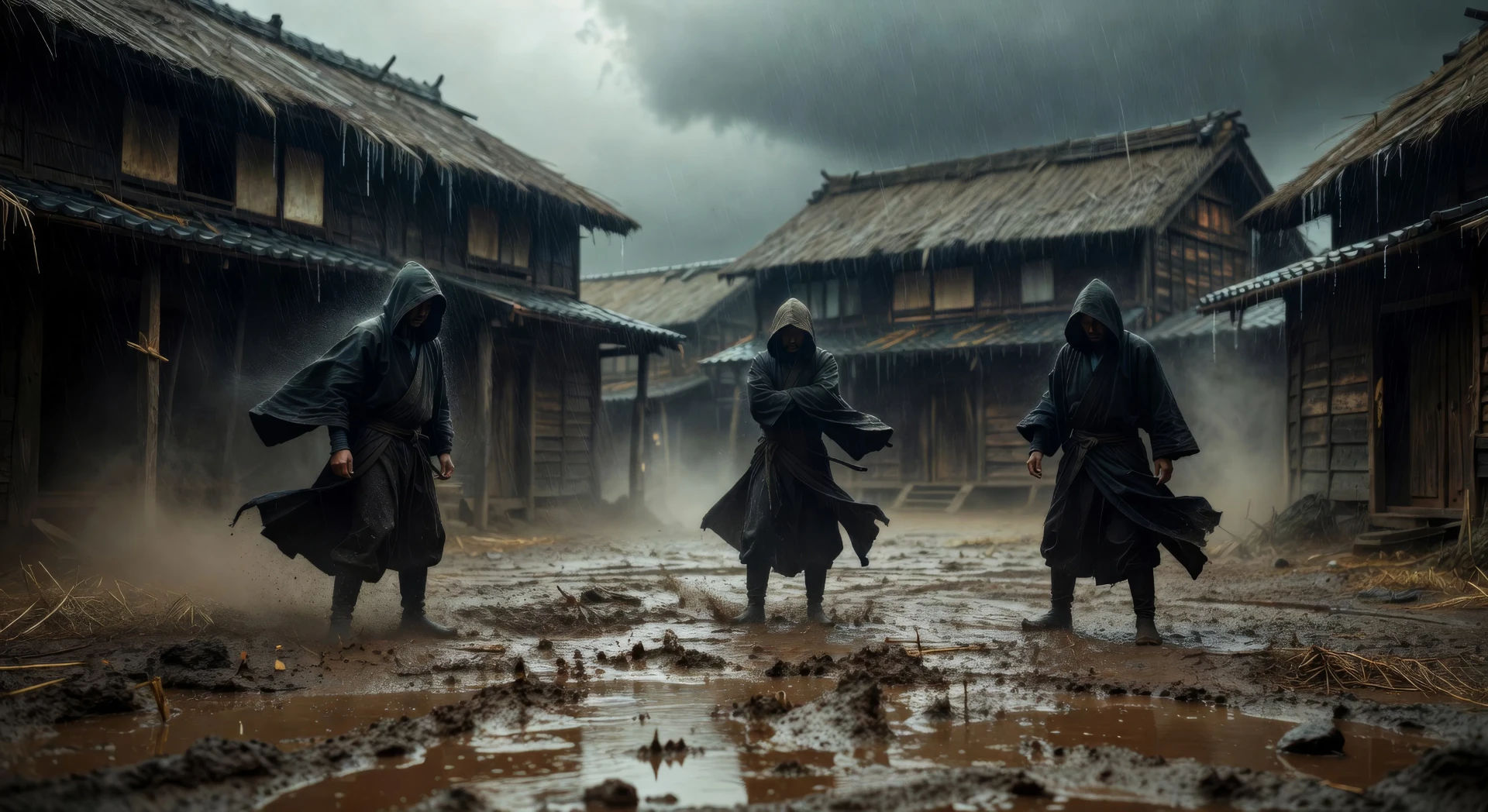
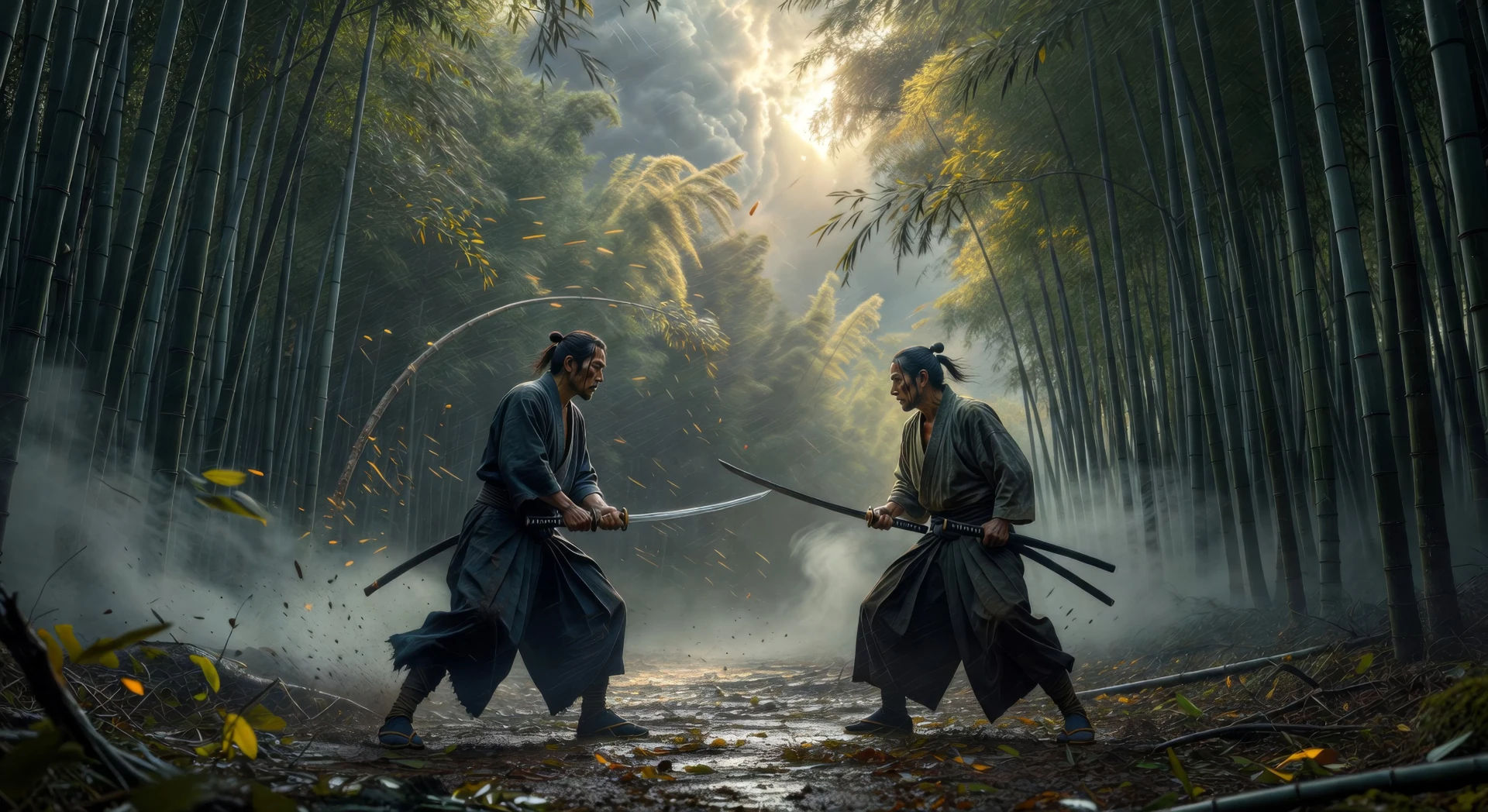
Morphicの黒澤明風AI動画ジェネレーターで、黒澤明の根源的なドラマをブラウザで演出しましょう。雨に濡れた夜明けの村の広場や、夜明けの竹林の果たし合いを生成し、Musicで太鼓を軸にしたスコアを敷き、Canvasで一本の歴史叙事詩に仕上げましょう。
作成できる黒澤明風キャラクター
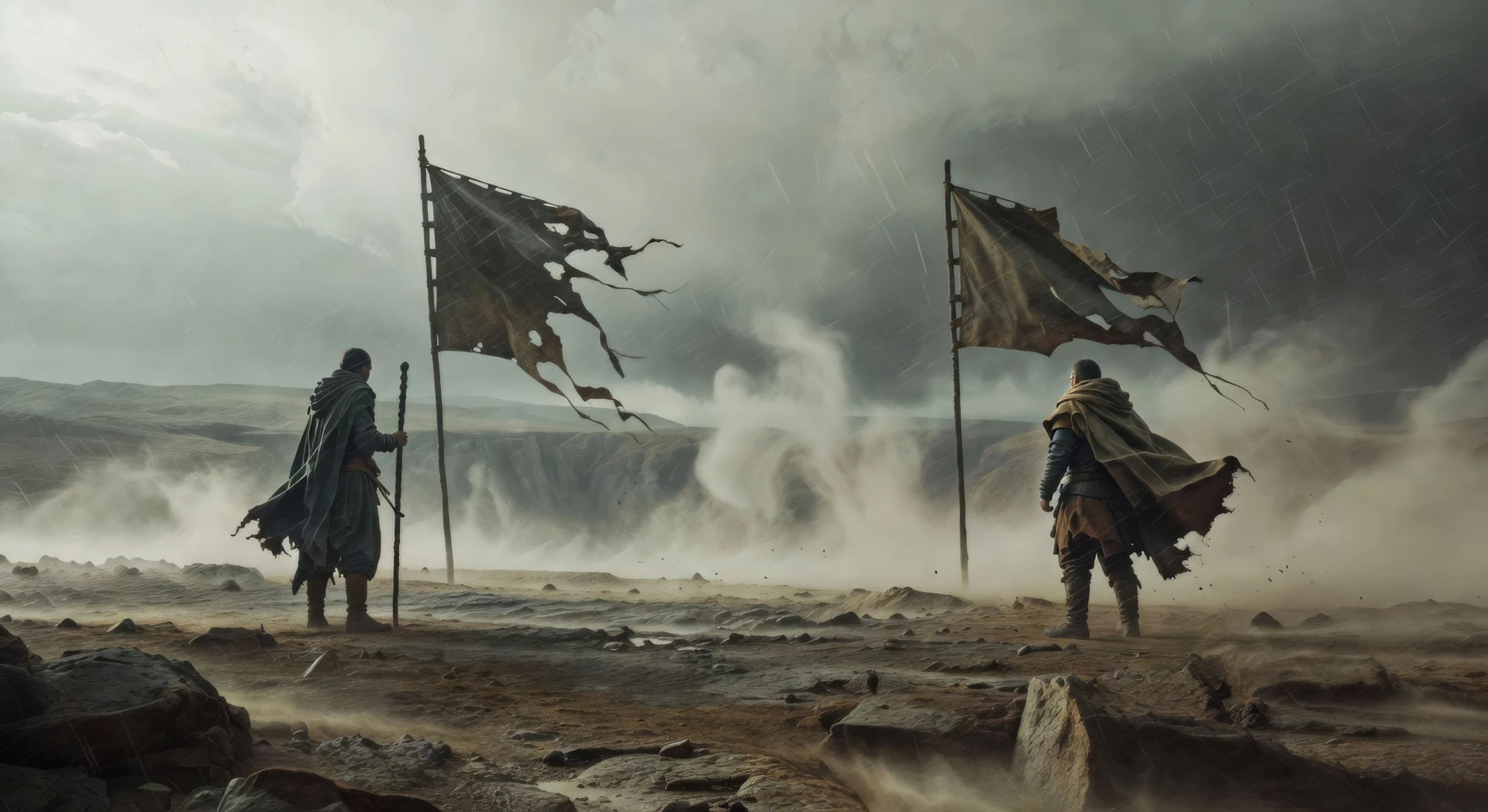
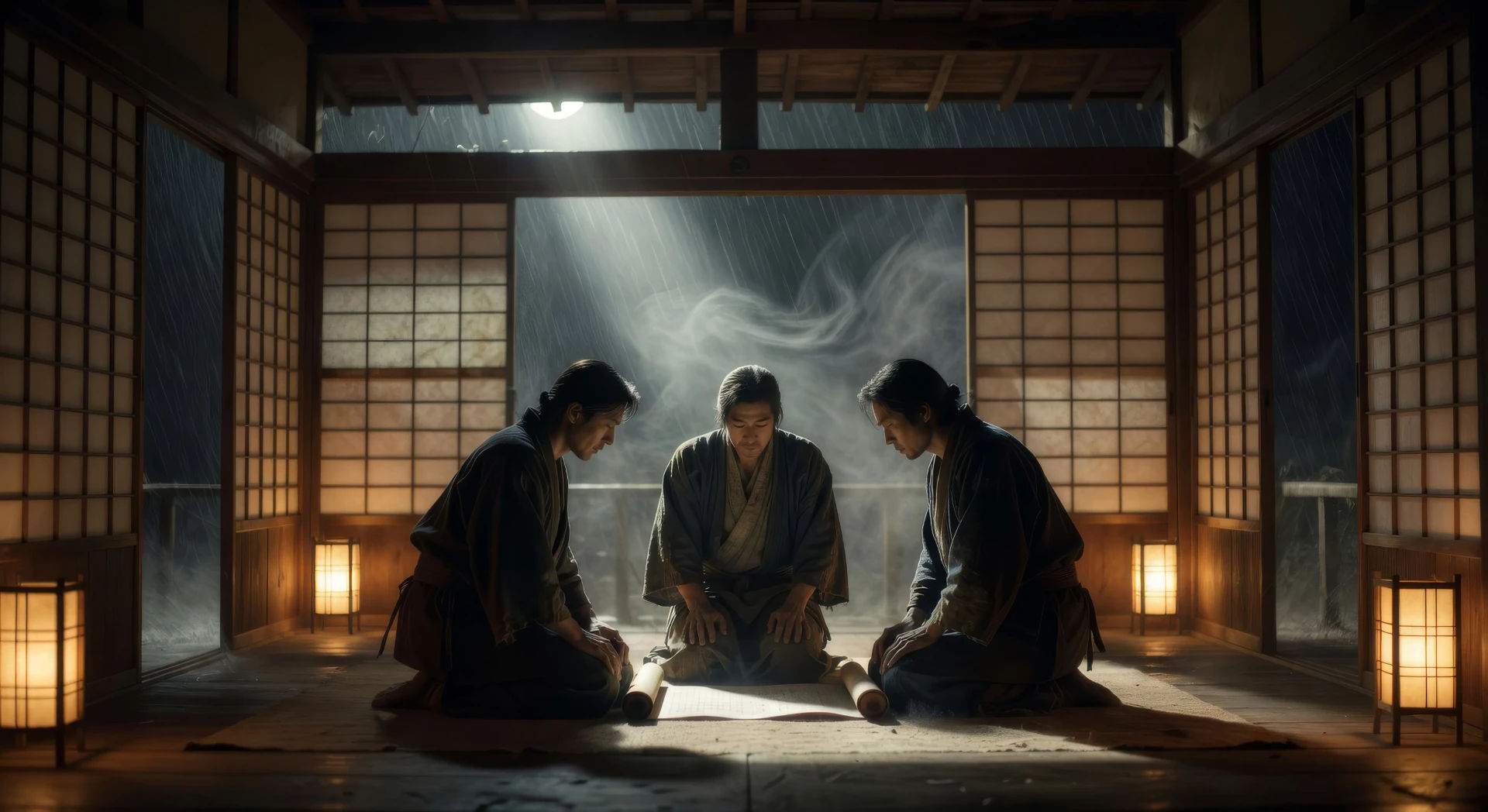
演出できる黒澤明風シーン
黒澤の動画を3ステップで作成
- 一
黒澤のシーンを記述
作りたい黒澤のシーンを、わかりやすい言葉で記述します。
- 二
動画を生成
Morphicがキャンバス上に映画のようなクリップを数秒で生成します。
- 三
黒澤の動画を仕上げる
プロンプトを調整して再生成し、気に入ったショットを保存・共有します。

シネマティックストーリーボード
キャラクター参照を含むシーンの説明を共有します。ショットの角度とムードを備えた完全なストーリーボードを取得します。
このワークフローを試す
Cinematic scene
1枚の画像から9シーンのシネマティックビデオを作成します。
このワークフローを試す

シネマティックシーンへのメッセージ
あらゆるテキスト会話を映画のようなマルチショットビデオにドラマ化します。
このワークフローを試す
タイムフリーズ効果
あらゆるシーンに使える、シネマティックなタイムフリーズ短編動画
このワークフローを試す
映画の世界に入り込んでみよう
あなたの写真をドロップしてください。アニメーションとマッチしたサウンドトラックを備えた12秒の映画のようなムービーを入手してください。
このワークフローを試す

3x3ストーリーボード
単一の画像をフィードします。3x3のストーリーボードグリッドに配置された9つのシネマティックビートを取得します。
このワークフローを試す
こちらもおすすめ
ウォン・カーウァイ 風 AI 動画
Morphic で ウォン・カーウァイ 風動画を生成。ステッププリントの動き、香港のネオンの夜、彩度の高い色、ブラウザで動かせるプロンプト主導のシーン。
キューブリック風AI動画
Morphicでスタンリー・キューブリック風動画を生成。一点透視、対称的な構図、ゆっくりとしたズーム、プロンプトで導くシーンを、すべてブラウザの中で。
天照AI動画
Morphicで太陽神アマテラスのシーン、天岩戸隠れの神話、そして神道の完成したエピソードを作りましょう。天照の動画を、たった一つのプロンプトから生成し、ナレーションを付け、音楽を付けられます。
日本神話のAI動画
Morphicで日本神話のシーン、神道の神々の肖像、妖怪のショート動画、そして完成したエピソードを作りましょう。日本神話の動画を、たった一つのプロンプトから生成し、ナレーションを付け、音楽を付けられます。
シンプルな料金体系
今すぐ無料で始めて、いつでもアップグレードまたはキャンセルできます。
Basic
$9/ 月
請求額は $0 年1100 月 クレジット
1 ユーザーのみ
すべてのモデル
ワークフロー
Standard
$24/ 月
請求額は $0 年3625 月 クレジット
1 ユーザーのみ
すべてのモデル
ワークフロー
Pro
$45/ 月
請求額は $0 年6350 共有 月 クレジット
1 ユーザー
+ 最大 4 名まで追加費用
すべてのモデル
ワークフロー
Pro Max
$170/ 月
請求額は $0 年24650 共有 月 クレジット
1 ユーザー
+ 最大 9 名まで追加費用
すべてのモデル
ワークフロー
Enterprise
より高い制限のために
カスタム
料金と請求条件
大容量クレジット
カスタムシート制限
すべてのモデル
ワークフロー

Free
気軽に試したい方に
$0
ずっと無料
最大20クレジット
1ユーザーのみ
一部のモデル
ワークフロー
よくある質問
AIで黒澤明風動画はどこで作れますか?
黒澤明風のシーンはMorphic上でブラウザから直接作成できます。Text to Videoツールを開き、レンズの圧縮、天候、人物の配置を記述すると、Morphicがクリップを生成します。インストールも専用ソフトも不要です。
AIプロンプトにおける黒澤明風とは何で定義されますか?
三つです。奥行きを一つの面に平らにする望遠圧縮、背景の飾りではなく主要素として扱う天候、そして人物を意図した幾何学模様に配したチェス盤のような群衆配置。この三つを名指しし、Morphicがありきたりな平らな広角の侍映像に落ち着かないようにします。
AI動画で黒澤明の望遠圧縮を得るには?
レンズを明示します。「奥行きを平らにする長い望遠圧縮」や「三人を一つの面に重ねる望遠レンズ」のように。それを低く水平なカメラ位置と、前景の質感(雨、塵、竹)と組み合わせると、あの特徴的な見た目になります。
黒澤明風シーンで天候をキャラクターとして書くには?
天候を背景ではなくシーンの主要素として据えます。「雨こそがシーンだ」「どの図がフレームを横切るより先に風が竹を揺らす」「もやが遠くの図を影絵に変える」といった言い回しが、Morphicに天候を演技として扱い、その周りに動きを配するよう促します。
黒澤明風動画にナレーションや音楽を加えられますか?
はい。Speechツールは選んだ声でナレーションを生成し、Musicツールはオリジナルのサウンドトラックを作ります。竹笛、ゆっくりとした太鼓の鼓動、まばらな箏のモチーフはいずれも、黒澤明のパレットの中にきれいに収まります。
黒澤明風動画を作るのに動画編集の経験は必要ですか?
いいえ。Morphicはブラウザで動き、平易な言葉のプロンプトで演出します。黒澤明のシーンを言葉にできる人なら誰でも作れます。After Effects、Blender、手作業のリギングは不要です。