メカ AI動画
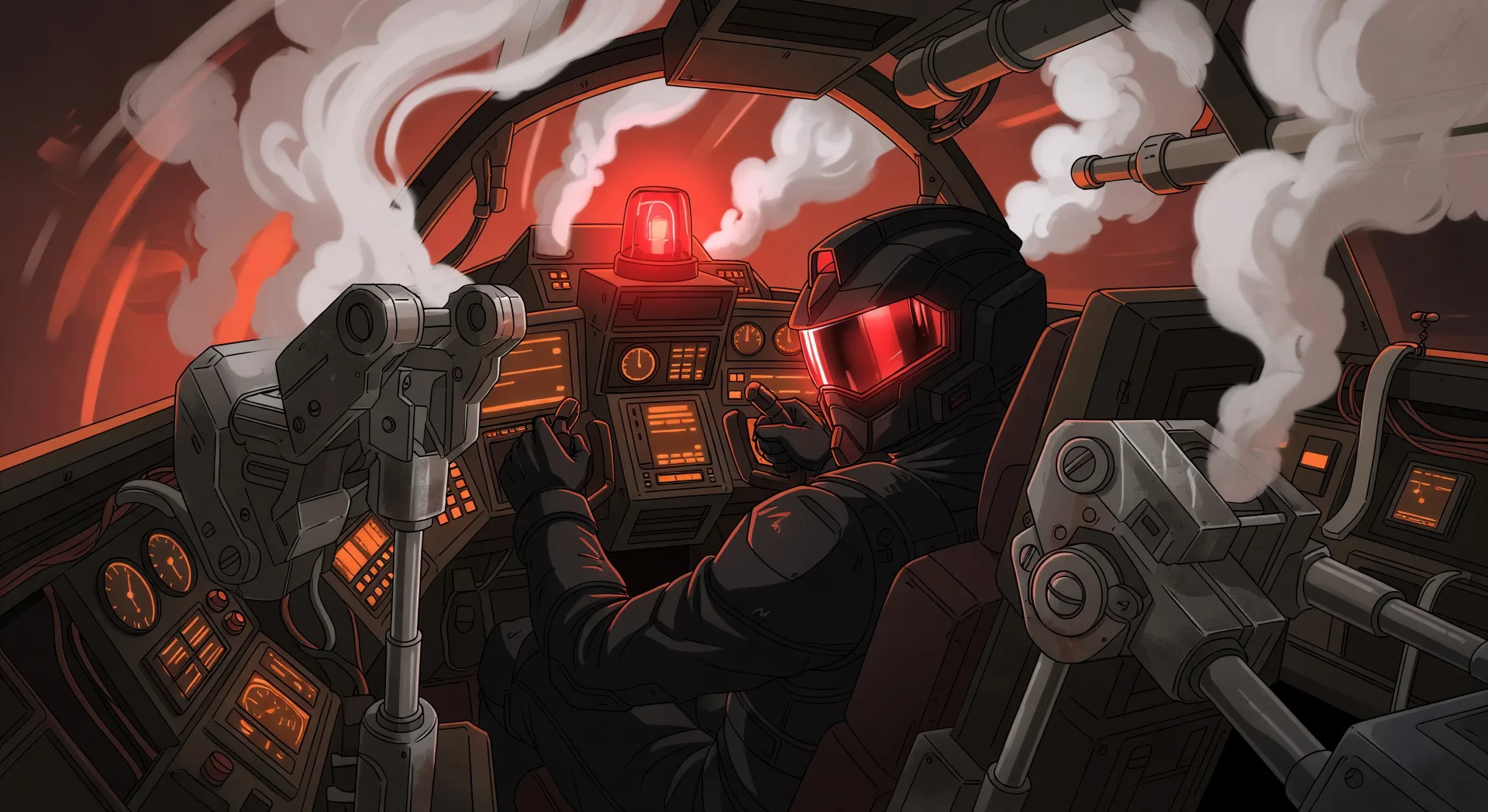
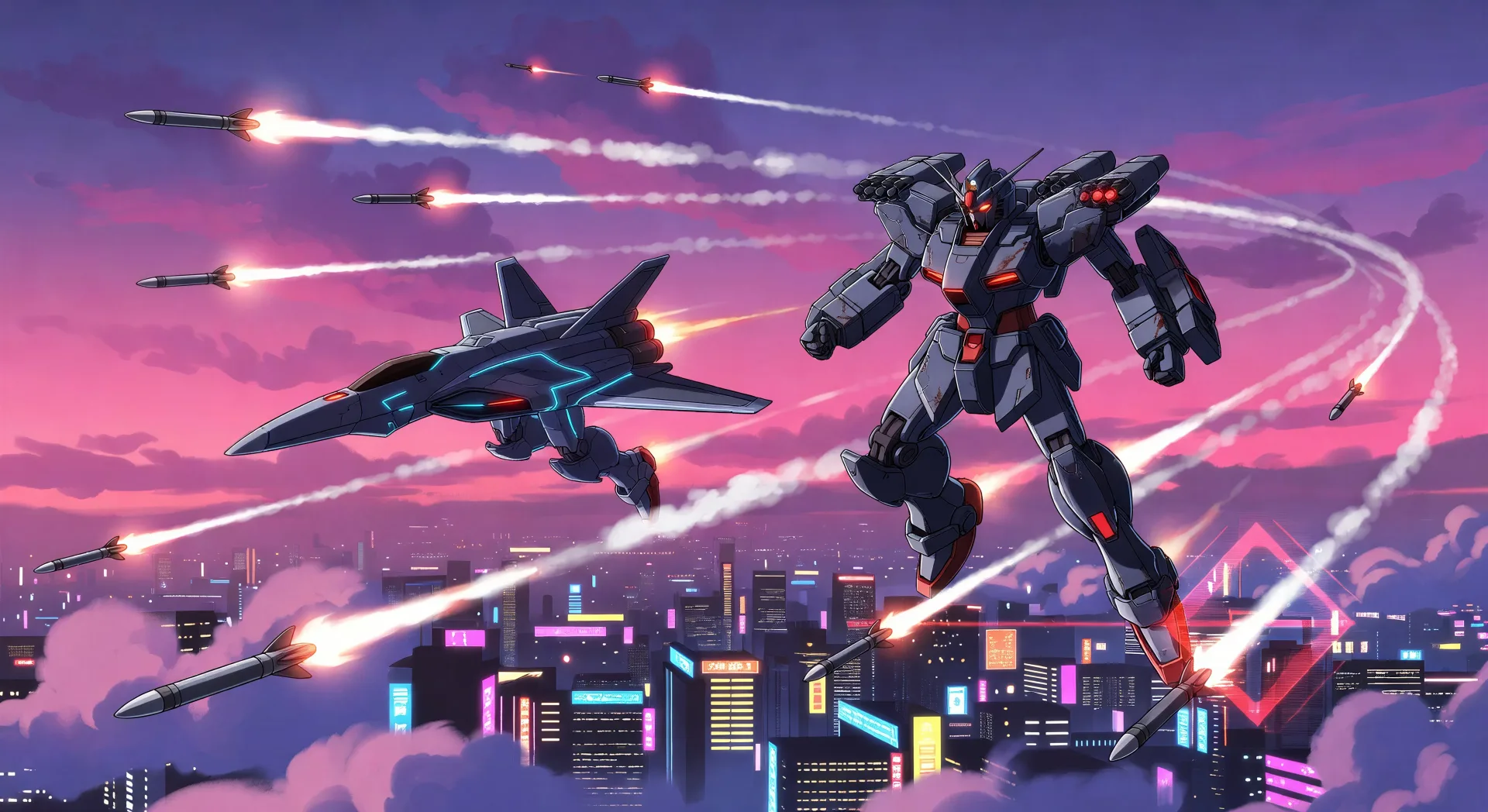
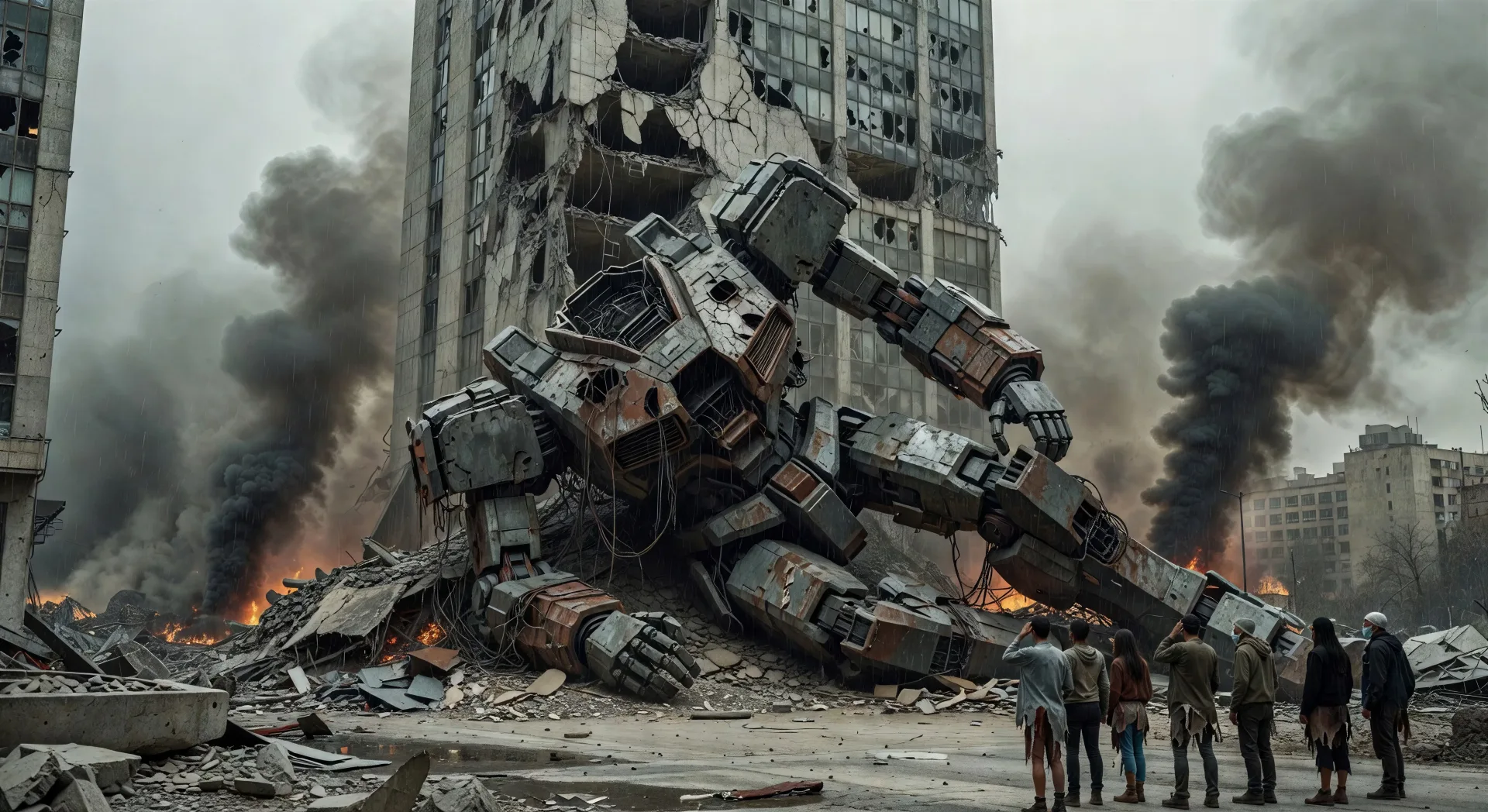
Morphicのメカ AI動画ジェネレーターで、ハンガー級のハードウェアをブラウザで演出しましょう。クランプが外れるコックピット発進や、高層ビルにもたれる墜ちた機体を生成し、Speechでパイロットのナレーションを加え、Video Style Transferでセルシェードの重量感を固めましょう。
作成できるメカのキャラクター
演出できるメカのシーン
メカの動画を3ステップで作成
- 一
シーンを記述
作りたいメカのシーンを、わかりやすい言葉で記述します。
- 二
動画を生成
Morphicがキャンバス上に映画のようなクリップを数秒で生成します。
- 三
仕上げて共有
プロンプトを調整して再生成し、気に入ったショットを保存・共有します。

アニメ スタイル トランスファー
アニメのイラストをスタイルガイドとして選び、その見た目を画像に適用してください。
このワークフローを試す

レンダリング用のスケッチ
スケッチや描画をレンダリング済みの完成品に変換します。
このワークフローを試す

表情
任意のキャラクター画像を元に、1枚のリファレンスシートに6つの異なる表情を生成します。
このワークフローを試す

キャラクターラインナップ
すべてのキャラクターを身長比較とともに、1枚のラインナップ画像に並べます。
このワークフローを試す

ちびキャラのスプライトアニメーション
写真をアニメ化されたちびキャラのスプライトに変換します。踊ったり、ジャンプしたり、手を振ったり、攻撃したり、その他多くのことができます。
このワークフローを試す
あなたのキャラクターを踊らせて
キャラクター画像をアップロードして、どんなスタイルでも踊らせましょう。
このワークフローを試す
こちらもおすすめ
アニメAI動画
Morphicでアニメ動画を作りましょう。日常系のシーン、メカのカット、魔法少女の変身、そして完成したアニメのエピソードを、たった一つのプロンプトから生成します。
アニメAI動画
Morphicでアニメの戦闘シーン、剣の決闘、魔法のバトル、メカの衝突を作りましょう。たった一つのプロンプトから、生成し、動かし、語らせ、音楽をつけられます。
サイバーパンクアニメAI動画
Morphicでサイバーパンクアニメ動画を作成。ネオンの東京の街、ひび割れたバイザー、身体改造、雨に濡れた屋上の対決をプロンプトから生成します。
日常系アニメのAI動画
Morphicで日常系アニメ動画を作成しましょう。校舎の屋上、小さなアパート、桜並木の道、静かな日常の瞬間を一つのプロンプトから生成できます。
シンプルな料金体系
今すぐ無料で始めて、いつでもアップグレードまたはキャンセルできます。
Basic
$19/ 月
請求額は $0 年2400 月 クレジット
1 ユーザーのみ
すべてのモデル
ワークフロー
Standard
$24/ 月
請求額は $0 年3625 月 クレジット
1 ユーザーのみ
すべてのモデル
ワークフロー
Pro
$45/ 月
請求額は $0 年6350 共有 月 クレジット
1 ユーザー
+ 最大 4 名まで追加費用
すべてのモデル
ワークフロー
Max
$170/ 月
請求額は $0 年24650 共有 月 クレジット
1 ユーザー
+ 最大 9 名まで追加費用
すべてのモデル
ワークフロー
Enterprise
より高い制限のために
カスタム
料金と請求条件
大容量クレジット
カスタムシート制限
すべてのモデル
ワークフロー

Free
気軽に試したい方に
$0
ずっと無料
最大20クレジット
1ユーザーのみ
一部のモデル
ワークフロー
よくある質問
AIでメカ動画はどこで作れますか?
メカ動画はMorphic上でブラウザから直接作成できます。Text to Videoツールを開き、サブジャンルとショットの文法を明記してショットを描写すると、Morphicがクリップを生成します。インストールも専用ソフトも必要ありません。
どんなメカのショットがAI動画に向いていますか?
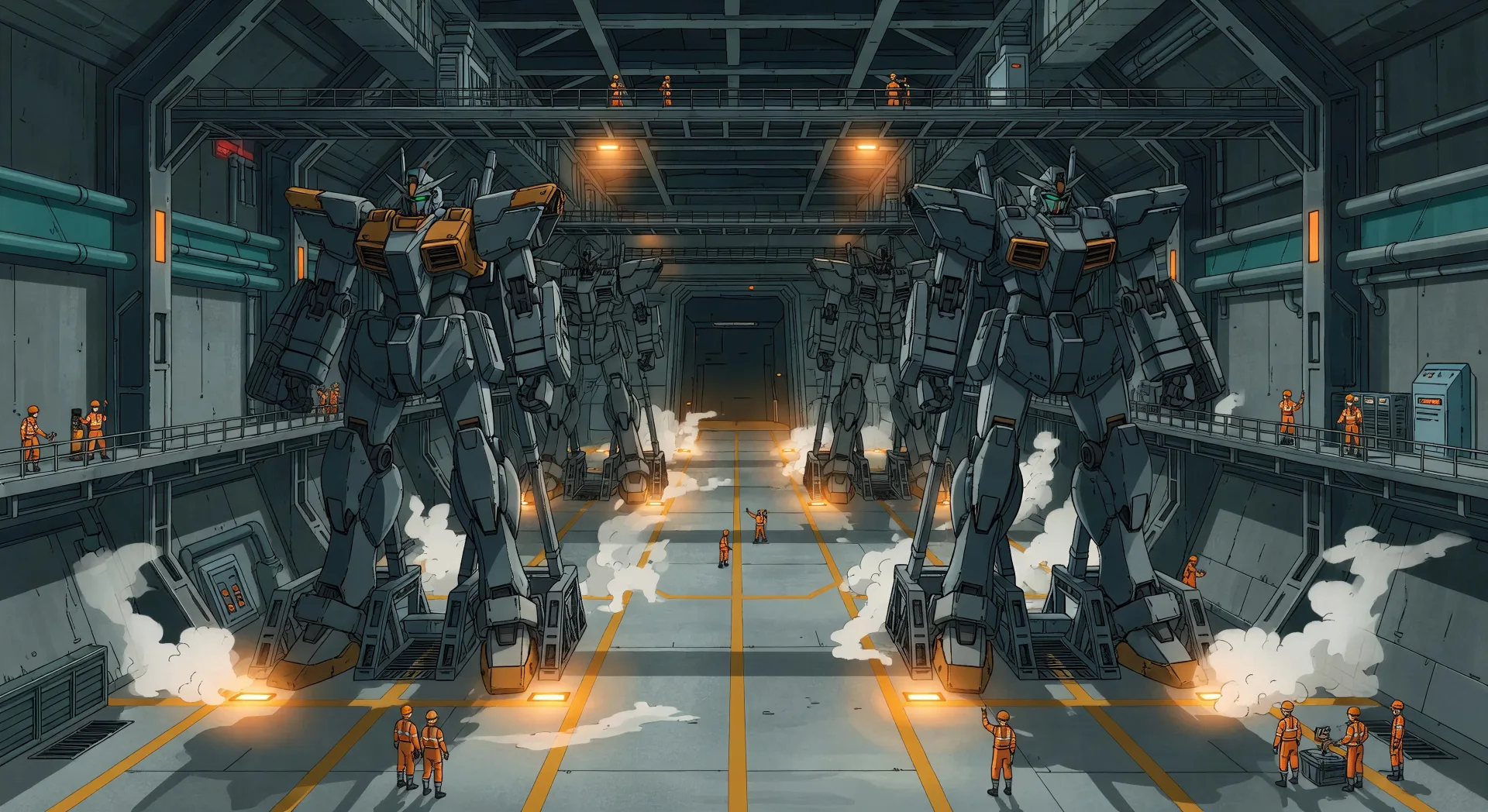
構図の強いシングルショットの瞬間です。コックピット発進、空中戦、都市規模の戦闘の余波、ハンガーベイのお披露目、雨の中の最後の防衛など。各ショットをサブジャンル、フレーミング、ライティング、損傷状態に結びつけてください。
シーンをまたいでメカのパイロットと機体を一貫させるには?
クリップを作る前に、Character Lineupワークフローで各パイロットの顔とスーツ、そしてメカ機体のシルエットとカラーブロッキングを固めましょう。各ショットのプロンプトでそれらのカードを参照すれば、Morphicがシリーズ全体で見た目を保ちます。
メカの重厚なハードウェア感はどうプロンプトすればいいですか?
重量感の手がかりを明示的に加えます。「ローアングルのヒーローショット」「胸部装甲の焦げ跡」「噴き出す油圧排気」「関節で欠けたセラミック装甲」「ハンガーの光を受けるアンテナ」といった表現を使いましょう。損傷のディテールと地上レベルのフレーミングが規模を感じさせます。
メカ動画にナレーションや音楽を加えられますか?
はい。Speechツールはあなたの台本から選んだ声でナレーションを生成し、Musicツールはオリジナルのサウンドトラックを作ります。生成した動画に重ねれば、完結したメカのエピソードや予告編を公開できます。
メカ動画を作るのにアニメーション制作の経験は必要ですか?
いいえ。Morphicはブラウザで動き、平易な言葉のプロンプトで演出します。メカのショットを描写できる人なら誰でも作れます。After Effects、Maya、手作業のリギングは必要ありません。