パンドラ AI 動画
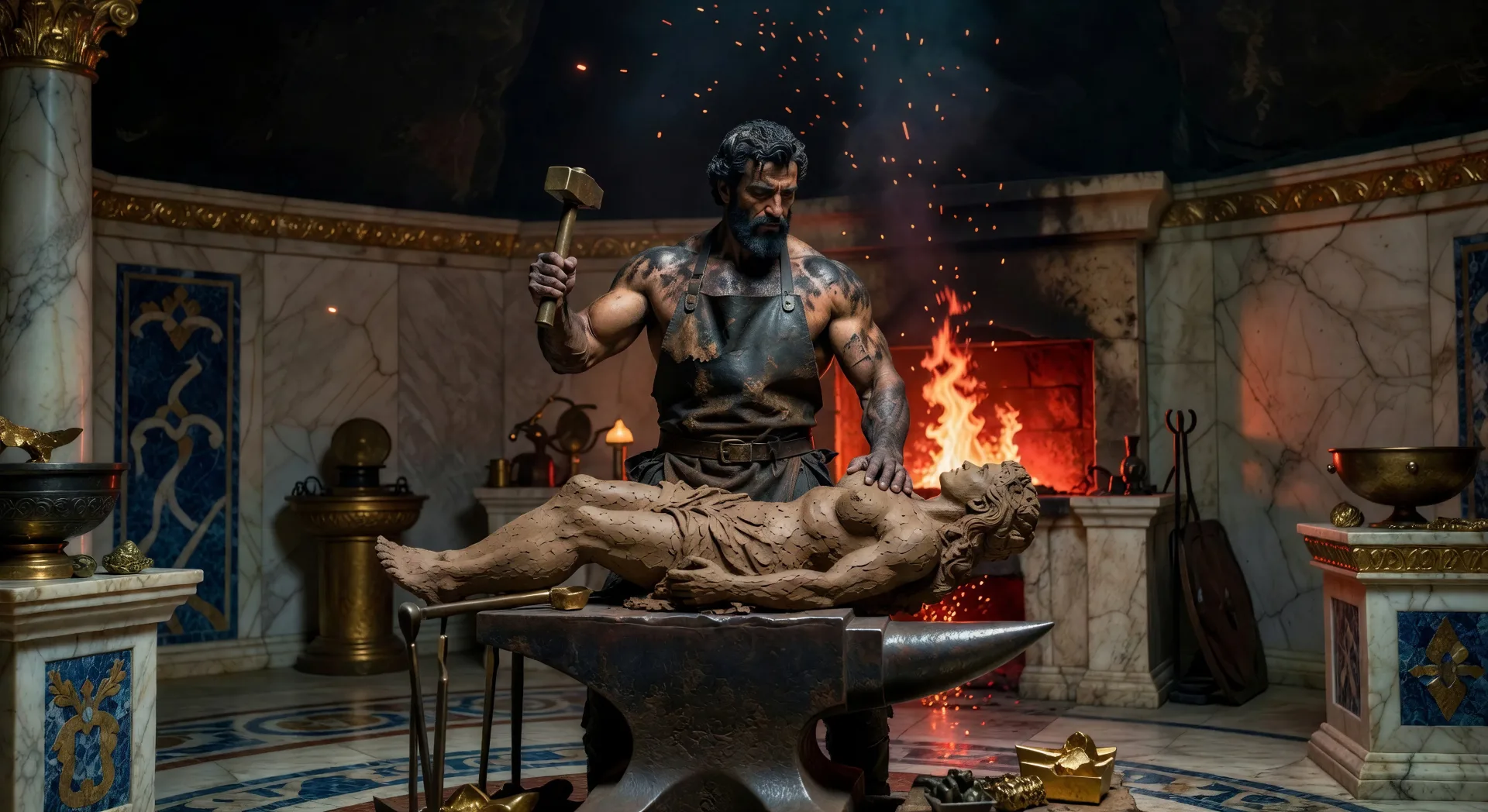
Morphic のパンドラ AI 動画ジェネレーターで、最初の女をブラウザで演出しましょう。半ば形づくられた粘土像にかがむヘファイストスや、暗い蒸気とともに持ち上がる封印された壺の蓋を生成し、Speech と Music のツールを添えて、Canvas でギリシャ神話のショートに仕立てます。
作成できるパンドラ神話の人物
演出できるパンドラのシーン
パンドラの動画を3ステップで作成
- 一
シーンを記述
作りたいパンドラのシーンを、わかりやすい言葉で記述します。
- 二
動画を生成
Morphicがキャンバス上に映画のようなクリップを数秒で生成します。
- 三
仕上げて共有
プロンプトを調整して再生成し、気に入ったショットを保存・共有します。

シネマティックストーリーボード
キャラクター参照を含むシーンの説明を共有します。ショットの角度とムードを備えた完全なストーリーボードを取得します。
このワークフローを試す

3x3ストーリーボード
単一の画像をフィードします。3x3のストーリーボードグリッドに配置された9つのシネマティックビートを取得します。
このワークフローを試す
Cinematic scene
1枚の画像から9シーンのシネマティックビデオを作成します。
このワークフローを試す

表情
任意のキャラクター画像を元に、1枚のリファレンスシートに6つの異なる表情を生成します。
このワークフローを試す
タイムフリーズ効果
あらゆるシーンに使える、シネマティックなタイムフリーズ短編動画
このワークフローを試す
映画の世界に入り込んでみよう
あなたの写真をドロップしてください。アニメーションとマッチしたサウンドトラックを備えた12秒の映画のようなムービーを入手してください。
このワークフローを試す
こちらもおすすめ
ギリシャ神話 AI動画
Morphicでギリシャ神話のシーン、オリュンポス神の肖像、英雄譚の短編、そして完全なエピソードを制作。ひとつのプロンプトからギリシャ神話の動画を生成し、ナレーションを付け、音楽を添えられます。
プロメテウスAI動画
プロメテウスのシーン、火の盗み、鎖につながれたティタン、鷲、そして完全な神話エピソードを Morphic で作成。プロメテウスの動画を一つのプロンプトから生成し、ナレーションを付け、音楽を添えます。
ゼウスAI動画
Morphicでゼウスのシーン、ティタン族との戦い、オリンポスの玉座、雷、オリンポスの完全なエピソードを作成。単一のプロンプトからゼウス動画を生成し、ナレーションと音楽を付けられます。
ハデスのAI動画
Morphicでハデスのシーン、ペルセポネの略奪、門のケルベロス、冥界のオルフェウス、そして冥界の完全なエピソードを作成。ひとつのプロンプトからハデスの動画を生成し、ナレーションを付け、音楽を添えられます。
シンプルな料金体系
今すぐ無料で始めて、いつでもアップグレードまたはキャンセルできます。
Basic
$19/ 月
請求額は $0 年2400 月 クレジット
1 ユーザーのみ
すべてのモデル
ワークフロー
Standard
$24/ 月
請求額は $0 年3625 月 クレジット
1 ユーザーのみ
すべてのモデル
ワークフロー
Pro
$45/ 月
請求額は $0 年6350 共有 月 クレジット
1 ユーザー
+ 最大 4 名まで追加費用
すべてのモデル
ワークフロー
Max
$170/ 月
請求額は $0 年24650 共有 月 クレジット
1 ユーザー
+ 最大 9 名まで追加費用
すべてのモデル
ワークフロー
Enterprise
より高い制限のために
カスタム
料金と請求条件
大容量クレジット
カスタムシート制限
すべてのモデル
ワークフロー

Free
気軽に試したい方に
$0
ずっと無料
最大20クレジット
1ユーザーのみ
一部のモデル
ワークフロー
よくある質問
AI でパンドラ動画はどこで作れますか。
パンドラのシーンはブラウザ上の Morphic で直接作成できます。Text to Video ツールを開き、見たい瞬間を記述すると、Morphic がクリップを生成します。インストールも専用ソフトも不要です。
AI 動画にはどんなパンドラのシーンが向いていますか。
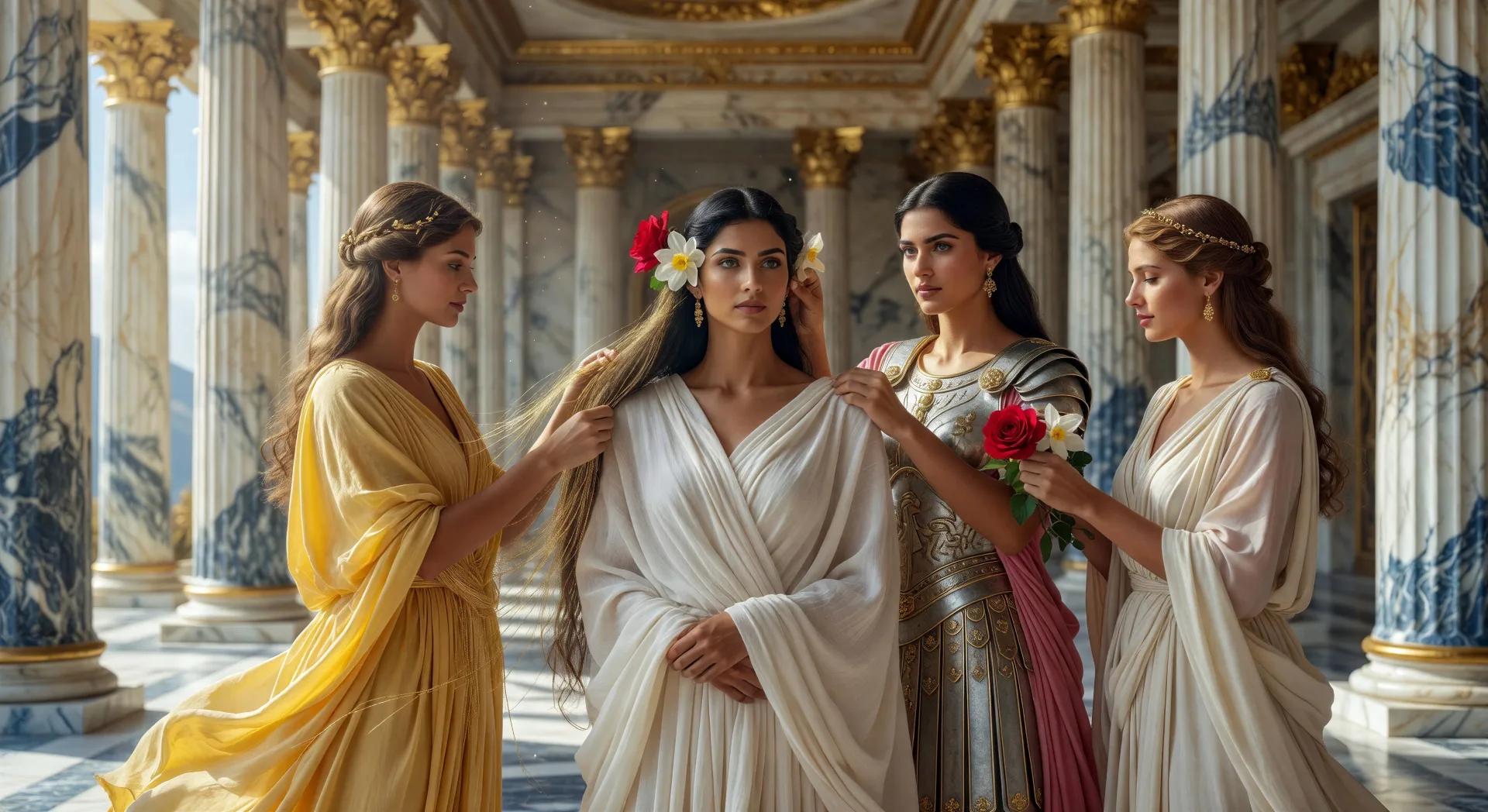
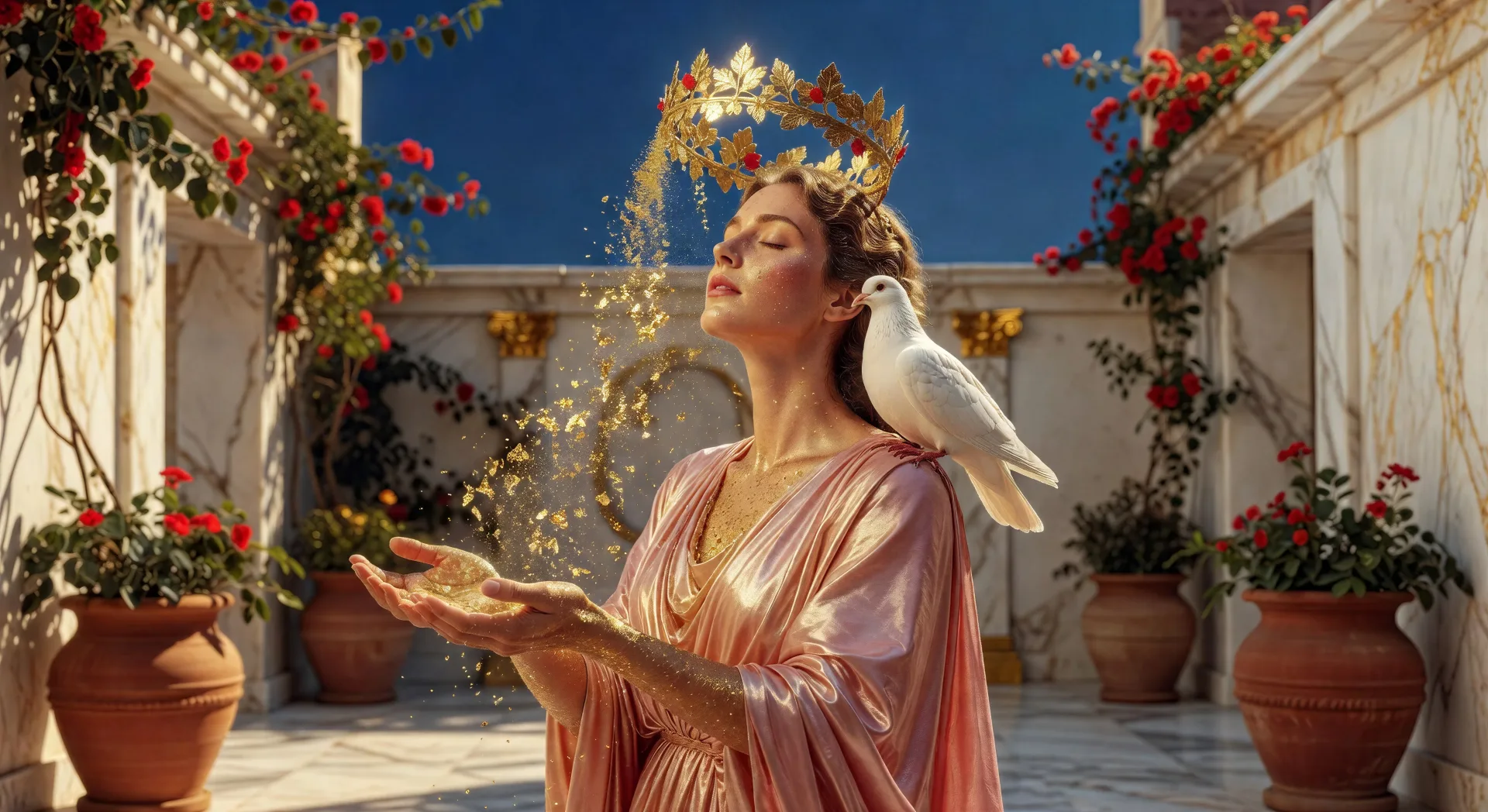
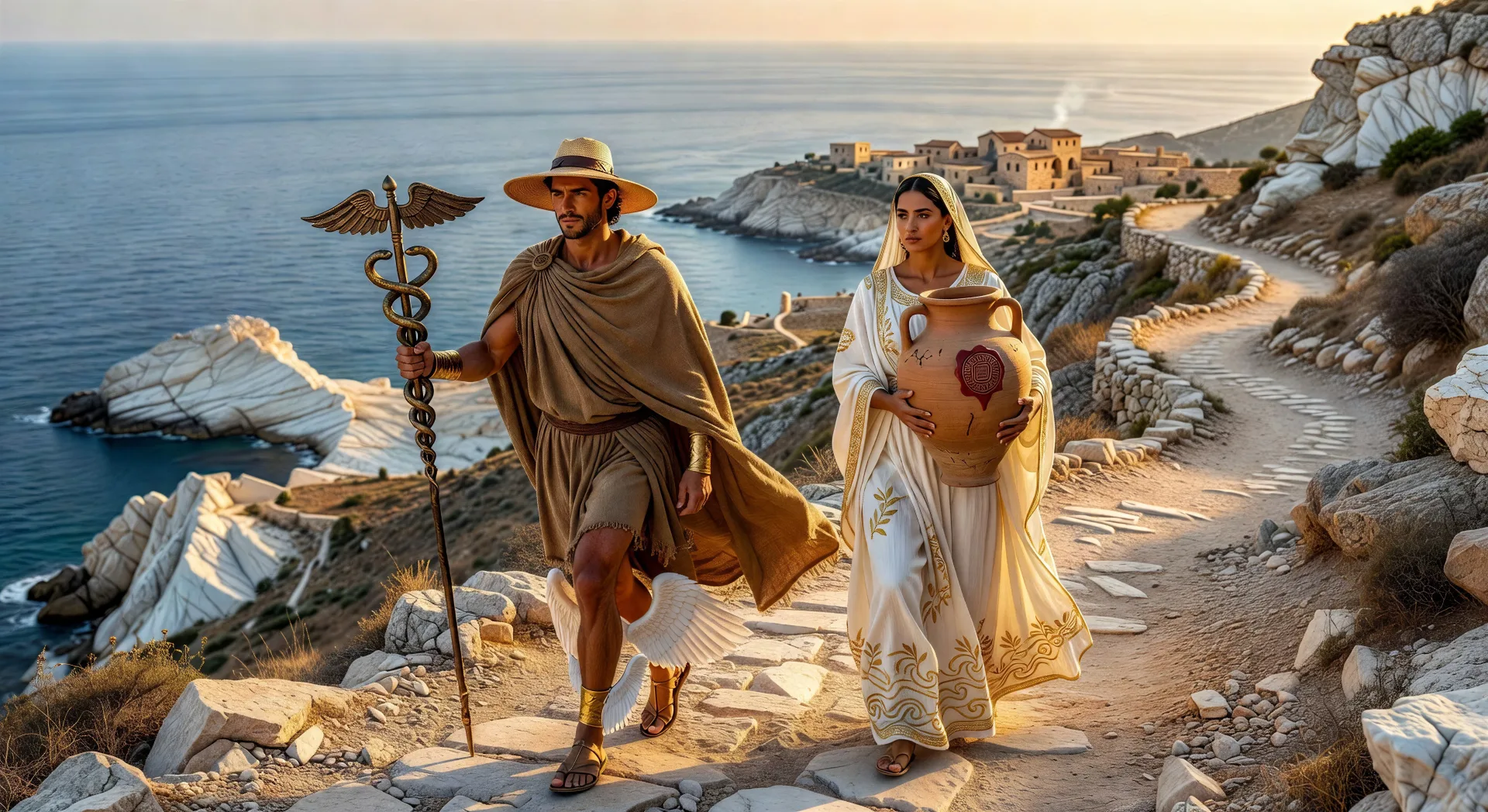
正典の物語からの単一ショットの瞬間が最も向いています。半ば形づくられた粘土の前に立つ鍛冶場のヘファイストス、白い亜麻布をパンドラに着せるアテナ、優美で彼女に金を施すアフロディーテ、地上へ導くヘルメス、壺の上で持ち上がる蓋、壺の底の希望。それぞれのパンドラのシーンを、特定の瞬間、場所、光に結びつけましょう。
シーン間でパンドラを一貫させるにはどうすればよいですか。
Character Lineup ワークフローでパンドラの見た目を一度固定し(金で結った髪、白い亜麻布、婚礼の冠、壺)、各プロンプトでそのキャラクターカードを参照します。Morphic は物語を通じてデザインを保つので、パンドラのシリーズはつながったものになります。
パンドラのシーンに良いプロンプトを書くにはどうすればよいですか。
物語の場面、場所、光、カメラの動きを挙げましょう。たとえば「パンドラが自分の中庭で封印された壺の蓋を持ち上げ、暗い蒸気が彼女の周りに立ちのぼり、人間のあらゆる災いの精霊が空へと放たれる、ゆっくりと上昇するクレーンショット」。描写が具体的であるほど、出力はあなたの想像に近づきます。
パンドラ動画にナレーションや音楽を加えられますか。
はい。Speech ツールは選んだ声で台本からナレーションを生成し、Music ツールはシーンを彩るオリジナルのサウンドトラックを作ります。生成した動画に重ねれば、完成したパンドラのエピソードを公開できます。
パンドラ動画にはどんなビジュアルスタイルが向いていますか。
三つのスタイルが安定して決まります。大作神話映画の趣のシネマティックな写実は、格調高い創造の見た目をもたらします。キアロスクーロの油彩画はルーベンスを思わせ、パンドラを装う場面に合います。赤絵式の陶器の図像は、様式化された時代へのオマージュとして決まります。スタイルはプロンプトで直接指定しましょう。