Arrival at the window
A wide shot from inside a cozy room looking out at a red-suited figure passing a snowy window at blue hour, warm lamplight on the glass.
プロンプトを編集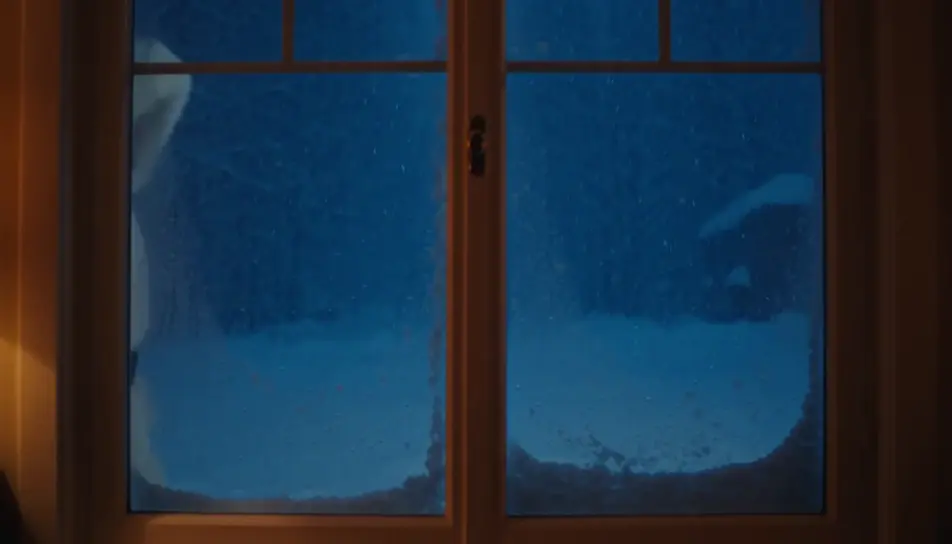
Create a personalized Santa video message in Morphic: write what Santa says, pick a voice from Morphic's voice library, and generate a short festive clip for your kids. No studio booking, no costume to source, no waiting on availability in the busiest week of the year.
A wide shot from inside a cozy room looking out at a red-suited figure passing a snowy window at blue hour, warm lamplight on the glass.
プロンプトを編集A slow push toward an armchair by a low fire, a long blank scroll resting across the arm, a pair of black boots drying on the hearth beside it.
プロンプトを編集
A wide shot from behind of a figure carrying a hessian sack over one shoulder toward a lit tree in a warmly decorated room.
プロンプトを編集
A quiet closing shot of a single wrapped gift under the tree at first light, soft dust motes drifting in a warm beam.
プロンプトを編集
作りたいpersonalized Santa videoのシーンを、わかりやすい言葉で記述します。
Morphicがキャンバス上に映画のようなクリップを数秒で生成します。
プロンプトを調整して再生成し、気に入ったショットを保存・共有します。

あらゆるテキスト会話を映画のようなマルチショットビデオにドラマ化します。
あらゆるシーンに使える、シネマティックなタイムフリーズ短編動画

オプションでシネマティックアニメーションを追加できる、プロフェッショナルな映画タイトルカードをゼロから生成します。
不動産の写真は、建設SFXと音楽を使った映画のようなリノベーションのタイムラプスビデオになります。
1枚の画像から9シーンのシネマティックビデオを作成します。
あなたの写真をドロップしてください。アニメーションとマッチしたサウンドトラックを備えた12秒の映画のようなムービーを入手してください。
サンタクロースのAI画像
ホリデーシーズンにぴったりのサンタクロース画像。AI生成のデザインをHDで、ダウンロード、共有、Morphicでのカスタマイズがすぐにできます。
AI Santa stock video
Browse Santa stock video and generate your own shots at the exact length, ratio and look the cut needs. Morphic makes video, image, voice and sound.
AI動画ジェネレーター
テキストから美しい動画を生成。 どんな作風もプロ品質で。
Animated Christmas stories for kids
Create animated Christmas stories for kids in Morphic. Write or generate a story, add narration and turn it into a short video to watch together.
今すぐ無料で始めて、いつでもアップグレードまたはキャンセルできます。
Basic
2400 月 クレジット
1 ユーザーのみ
すべてのモデル
ワークフロー
Standard
3625 月 クレジット
1 ユーザーのみ
すべてのモデル
ワークフロー
Pro
6350 共有 月 クレジット
1 ユーザー
すべてのモデル
ワークフロー
Max
24650 共有 月 クレジット
1 ユーザー
すべてのモデル
ワークフロー
Enterprise
より高い制限のために
カスタム
料金と請求条件

Free
気軽に試したい方に
$0
ずっと無料