AI再入荷お知らせ動画メーカー
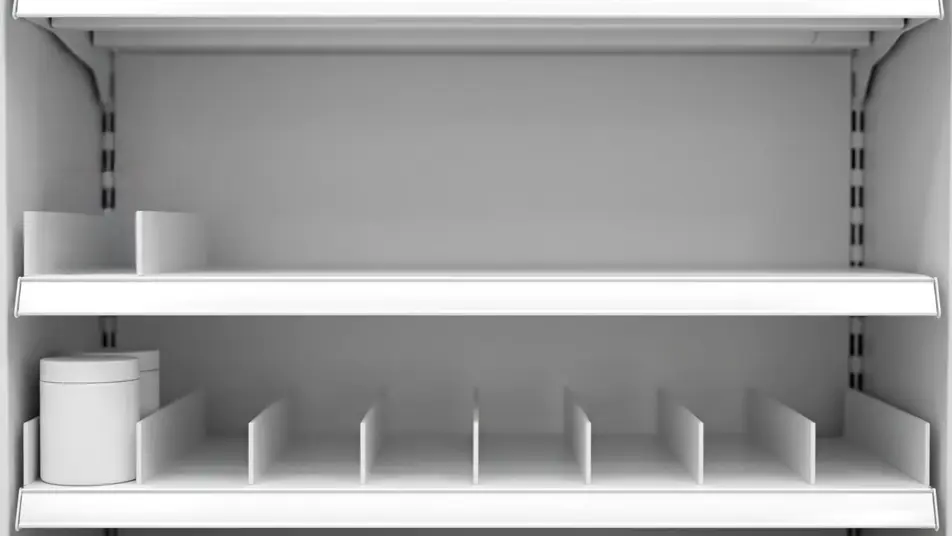
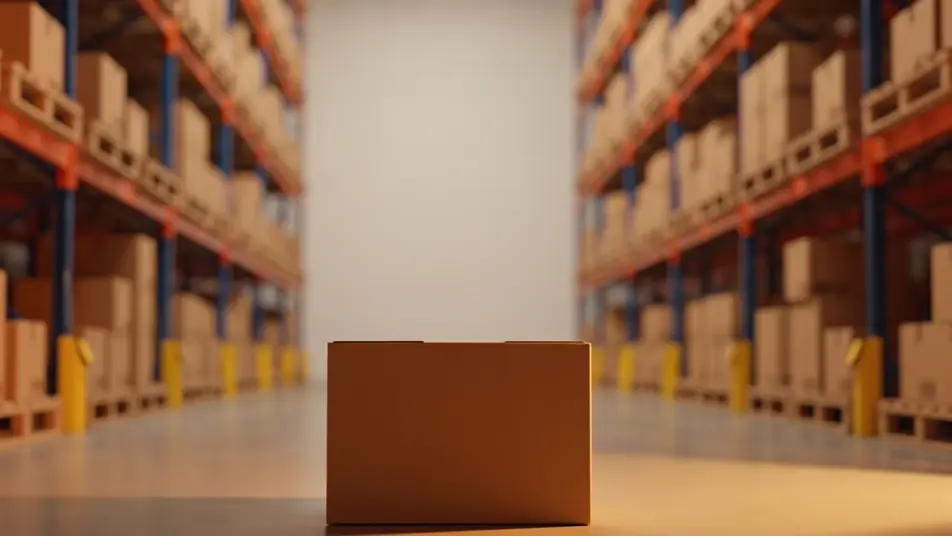
待っていた人に、戻ってきたと伝える瞬間があります。棚が埋まる、箱が積み上がる、商品が定位置に収まる。Morphicなら、その一瞬を台本だけで描けます。Musicを重ね、Composeで一本の再入荷動画に仕上げます。
演出できる再入荷の瞬間
構成できる再入荷シーン


再入荷お知らせ動画の動画を3ステップで作成
- 一
シーンを記述
作りたい再入荷お知らせ動画のシーンを、わかりやすい言葉で記述します。
- 二
動画を生成
Morphicがキャンバス上に映画のようなクリップを数秒で生成します。
- 三
仕上げて共有
プロンプトを調整して再生成し、気に入ったショットを保存・共有します。

シネマティックシーンへのメッセージ
あらゆるテキスト会話を映画のようなマルチショットビデオにドラマ化します。
このワークフローを試す
タイムフリーズ効果
あらゆるシーンに使える、シネマティックなタイムフリーズ短編動画
このワークフローを試す

タイトルシーケンス
オプションでシネマティックアニメーションを追加できる、プロフェッショナルな映画タイトルカードをゼロから生成します。
このワークフローを試す
リノベーションのタイムラプス
不動産の写真は、建設SFXと音楽を使った映画のようなリノベーションのタイムラプスビデオになります。
このワークフローを試す
Cinematic scene
1枚の画像から9シーンのシネマティックビデオを作成します。
このワークフローを試す
映画の世界に入り込んでみよう
あなたの写真をドロップしてください。アニメーションとマッチしたサウンドトラックを備えた12秒の映画のようなムービーを入手してください。
このワークフローを試す
こちらもおすすめ
AIで作るパッケージ開封動画
Morphicでパッケージ開封動画をAI生成。ふたが開き、リボンがほどける様子を撮影なしで再現。季節ごとの差し替えも簡単です。
AI限定ドロップティザー
撮影なしでAI限定ドロップティザーを生成。影の演出やスポットライト、ヒーロー回転をプロンプトだけで作り、Canvasで一本に仕上げます。
AI定期ボックス開封動画
無地の箱が開き、手が中身を取り出す様子をMorphicで生成。ふたを開ける瞬間から中身を並べるまで、Canvasで一続きの開封動画にまとめられます。
AI商品機能動画
回転ショットやマクロカットアウェイ、使用シーンをカタログ全体で量産。無地の商品でMorphicが機能を魅せます。
シンプルな料金体系
今すぐ無料で始めて、いつでもアップグレードまたはキャンセルできます。
Basic
$19/ 月
請求額は $0 年2400 月 クレジット
1 ユーザーのみ
すべてのモデル
ワークフロー
Standard
$24/ 月
請求額は $0 年3625 月 クレジット
1 ユーザーのみ
すべてのモデル
ワークフロー
Pro
$45/ 月
請求額は $0 年6350 共有 月 クレジット
1 ユーザー
+ 最大 4 名まで追加費用
すべてのモデル
ワークフロー
Max
$170/ 月
請求額は $0 年24650 共有 月 クレジット
1 ユーザー
+ 最大 9 名まで追加費用
すべてのモデル
ワークフロー
Enterprise
より高い制限のために
カスタム
料金と請求条件
大容量クレジット
カスタムシート制限
すべてのモデル
ワークフロー

Free
気軽に試したい方に
$0
ずっと無料
最大20クレジット
1ユーザーのみ
一部のモデル
ワークフロー
よくある質問
AIで再入荷お知らせ動画を作るにはどこを使えばいいですか?
Morphicならブラウザ内で作れます。Text to Videoに棚や箱、商品が戻る様子を書き込めば、その場面が生成されます。Composeでつなげば、撮影なしで一本の告知動画になります。
AI動画に向いている再入荷の演出は?
豊かさが戻る動きが効きます。棚が埋まる、箱が積み上がる、主役商品がスポットライトで戻る。商品をブランドなしにして光を一つに統一すると、フィードでも数秒で伝わります。
再入荷お知らせのプロンプトはどう書けばいいですか?
設定、埋まる動き、光を一行で決めます。文字は描けないので、商品やパッケージはブランドなしにします。一つの場面をはっきり書くことが、伝わりやすさの近道です。
福袋シーズンのような繁忙期にも対応できますか?
はい。プロンプトを差し替えるだけで、福袋や年末年始などの繁忙期向けに再生成できます。撮影が要らないので、シーズンごとに新しい告知を用意できます。
再入荷お知らせを当日中に公開できますか?
はい。場面を生成し、Musicでスコアを付け、Composeでまとめるまでブラウザ内で完結します。クルーも撮影日程も不要なので、入荷したその日に公開できます。