ロビン・フッドのAI動画
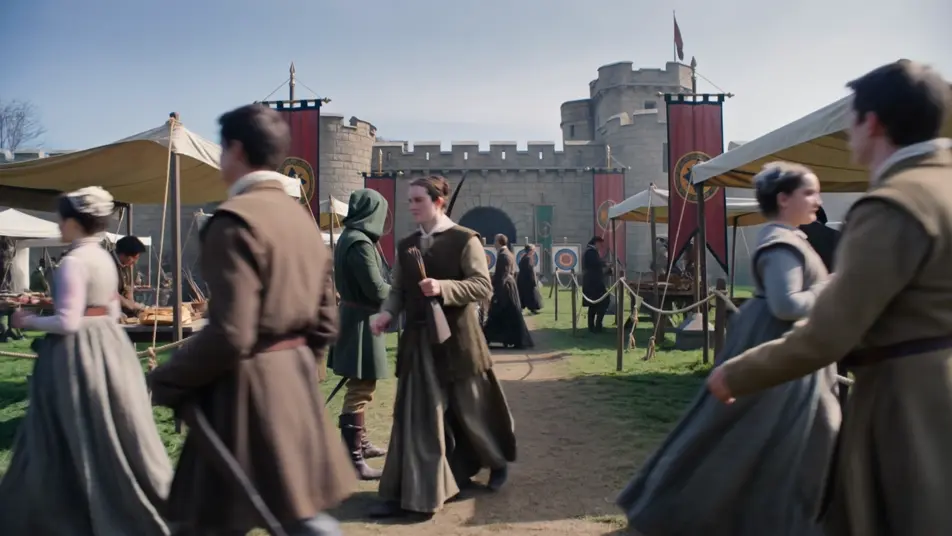
MorphicのロビンフッドAI動画ジェネレーターで、緑の森の伝説をブラウザで演出。城の祭りでの弓の競いや緑の森の道での税の荷車の待ち伏せを生成し、Musicツールでリュートを添え、Canvasでロビン・フッドの短編につなぎ合わせましょう。
演出できるロビン・フッドの登場人物
演出できるロビン・フッドのシーン
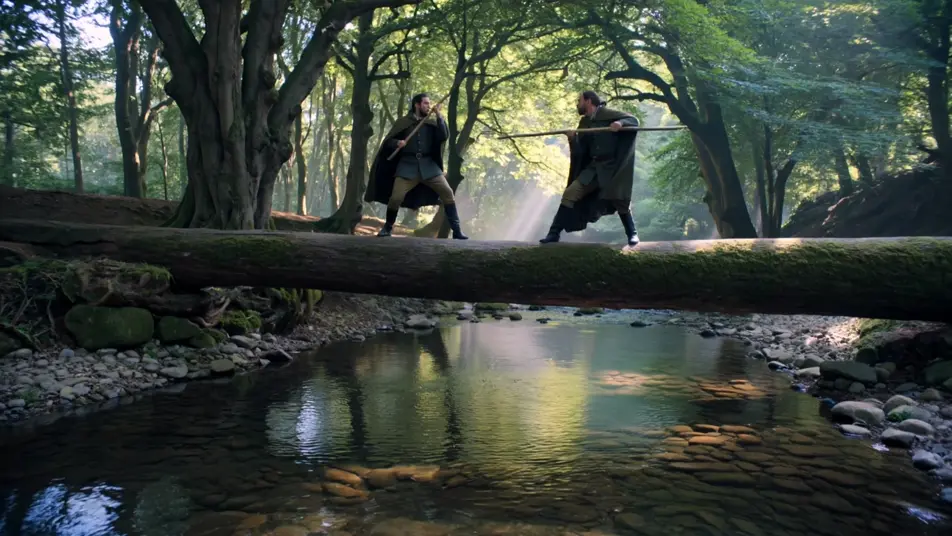
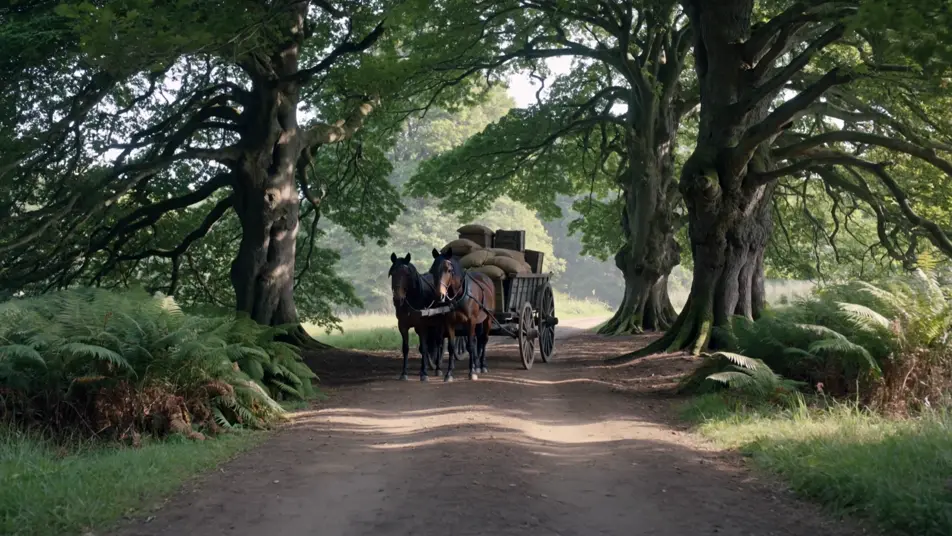
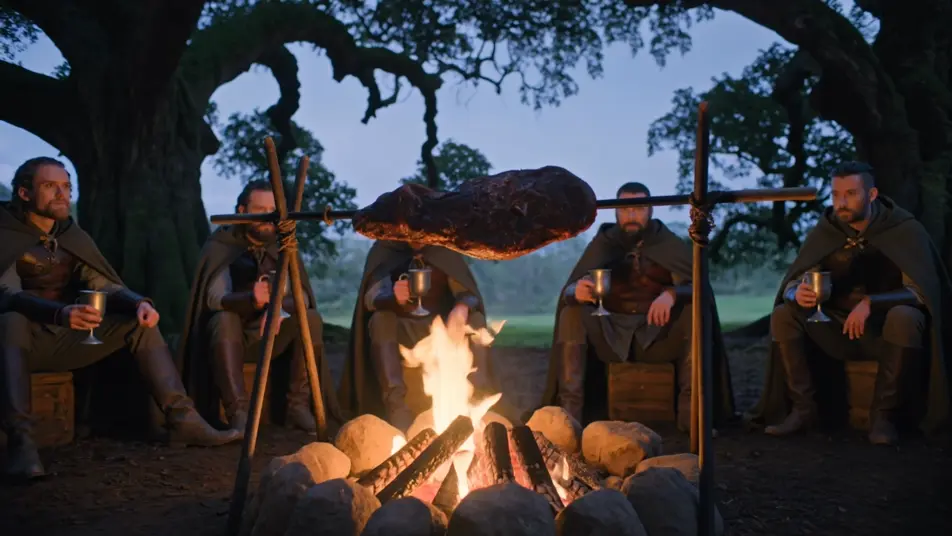
ロビン・フッドの動画を3ステップで作成
- 一
シーンを記述
作りたいロビン・フッドのシーンを、わかりやすい言葉で記述します。
- 二
動画を生成
Morphicがキャンバス上に映画のようなクリップを数秒で生成します。
- 三
仕上げて共有
プロンプトを調整して再生成し、気に入ったショットを保存・共有します。

シネマティックストーリーボード
キャラクター参照を含むシーンの説明を共有します。ショットの角度とムードを備えた完全なストーリーボードを取得します。
このワークフローを試す

3x3ストーリーボード
単一の画像をフィードします。3x3のストーリーボードグリッドに配置された9つのシネマティックビートを取得します。
このワークフローを試す
Cinematic scene
1枚の画像から9シーンのシネマティックビデオを作成します。
このワークフローを試す

表情
任意のキャラクター画像を元に、1枚のリファレンスシートに6つの異なる表情を生成します。
このワークフローを試す
タイムフリーズ効果
あらゆるシーンに使える、シネマティックなタイムフリーズ短編動画
このワークフローを試す
映画の世界に入り込んでみよう
あなたの写真をドロップしてください。アニメーションとマッチしたサウンドトラックを備えた12秒の映画のようなムービーを入手してください。
このワークフローを試す
こちらもおすすめ
スリーピー・ホロウの伝説 AI動画
Morphicでスリーピー・ホロウの伝説のシーン、首なし騎士、イカボッド・クレーン、ヴァン・タッセル家の農場、古いオランダ教会、屋根付き橋の追跡を作成。たった一つのプロンプトからハドソン川流域のホラー動画を生成します。
ケルト神話AI動画
Morphic でケルト神話のシーン、Tuatha De Danann の肖像、Cu Chulainn の戦闘ショート、完全なエピソードを作成。ケルト神話の動画を一つのプロンプトから生成し、ナレーションを付け、音楽を添えます。
ドラキュラ AI動画
Morphic で ドラキュラ のシーン、カルパチアの城、ホイットビーのデメーテル号、花嫁たち、カーファックスの狩り、Van Helsing のナレーションを作成。一つのプロンプトからゴシックホラー動画を生成します。
ギリシャ神話 AI動画
Morphicでギリシャ神話のシーン、オリュンポス神の肖像、英雄譚の短編、そして完全なエピソードを制作。ひとつのプロンプトからギリシャ神話の動画を生成し、ナレーションを付け、音楽を添えられます。
シンプルな料金体系
今すぐ無料で始めて、いつでもアップグレードまたはキャンセルできます。
Basic
$19/ 月
請求額は $0 年2400 月 クレジット
1 ユーザーのみ
すべてのモデル
ワークフロー
Standard
$24/ 月
請求額は $0 年3625 月 クレジット
1 ユーザーのみ
すべてのモデル
ワークフロー
Pro
$45/ 月
請求額は $0 年6350 共有 月 クレジット
1 ユーザー
+ 最大 4 名まで追加費用
すべてのモデル
ワークフロー
Max
$170/ 月
請求額は $0 年24650 共有 月 クレジット
1 ユーザー
+ 最大 9 名まで追加費用
すべてのモデル
ワークフロー
Enterprise
より高い制限のために
カスタム
料金と請求条件
大容量クレジット
カスタムシート制限
すべてのモデル
ワークフロー

Free
気軽に試したい方に
$0
ずっと無料
最大20クレジット
1ユーザーのみ
一部のモデル
ワークフロー
よくある質問
ロビン・フッドのAI動画はどこで作れますか?
ロビン・フッドのシーンはMorphic上で、ブラウザから直接作成できます。Text to Videoツールを開き、緑の森、無法者たち、立ち回りを記述すると、Morphicがクリップを生成します。インストールも専用ソフトも不要です。
プロンプトのレベルでロビン・フッドを決めるものは何ですか?
プロンプトのレベルでロビン・フッドを決めるものは三つあります。長弓を持つリンカングリーンの人間の中世の無法者の見た目、樫の梢を抜けるまだらのシャーウッドの森の光、そして頭巾の射手、棒術の大男、森の修道士、ノッティンガムの代官という伝説の配役です。装い、森の光、一人の人物を挙げれば、Morphicはキツネの漫画ではなく中世の伝説を描きます。
まだらの緑の森の見た目はどうプロンプトすれば?
梢の光と緑に緑を重ねるパレットを指定しましょう。森には「高い樫の梢を抜けて差すまだらの日、シダの上の暖かい光だまり、深い緑の森に対して際立つリンカングリーンのチュニック」。焚き火には「暮れていく森の青緑に対する暖かい火明かり」。光が葉ごしにどこから差すかを挙げることが、シャーウッドの質感を引き出す手がかりになります。
ロビン・フッドの動画にリュートの音楽や無法者のせりふを加えられますか?
はい。Musicツールはオリジナルのサウンドトラックを作り、爪弾くリュート、フォークの太鼓、勝利の角笛という冒険活劇の質感は待ち伏せと宴のテンポの下にすっきり収まります。Speechツールは選んだ声で無法者の軽口や代官のせりふを生成し、生成した映像に重ねて完成度の高いロビン・フッドのショートを公開できます。
ロビン・フッドの動画を作るのに、伝説の予備知識は必要ですか?
いいえ。Morphicはブラウザで動き、平易な言葉のプロンプトで演出できます。緑の頭巾の射手、樫の梢の森、税の荷車の待ち伏せを描写できれば、ロビン・フッドのシーンを作れます。ロビン・フッドはイングランドのパブリックドメインの民間伝承なので、無法者たちと代官を名指しするのは完全に安全です。このページのプロンプトは誰でも貼り付けて実行できるよう書かれています。