新海風 AI動画
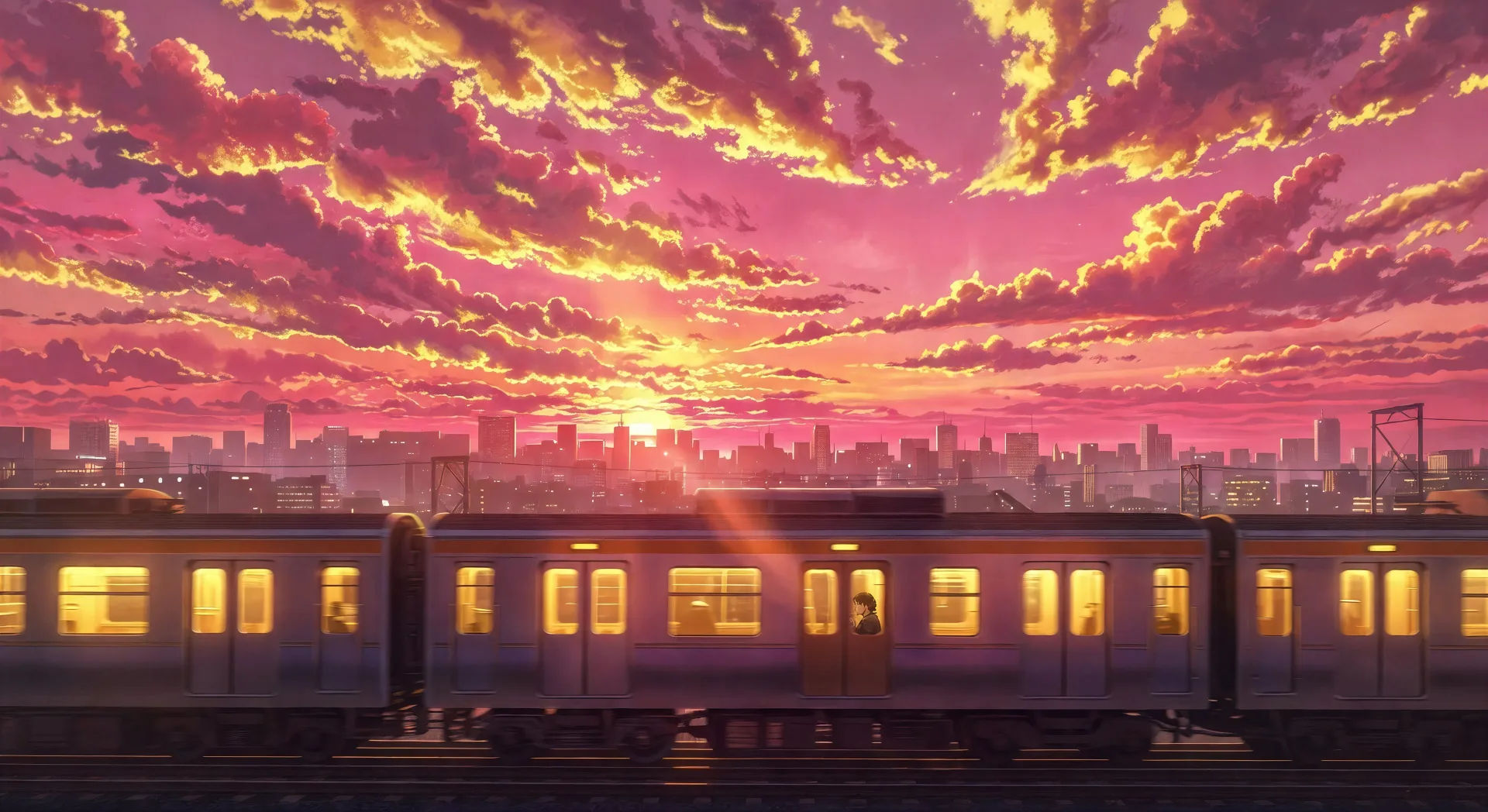
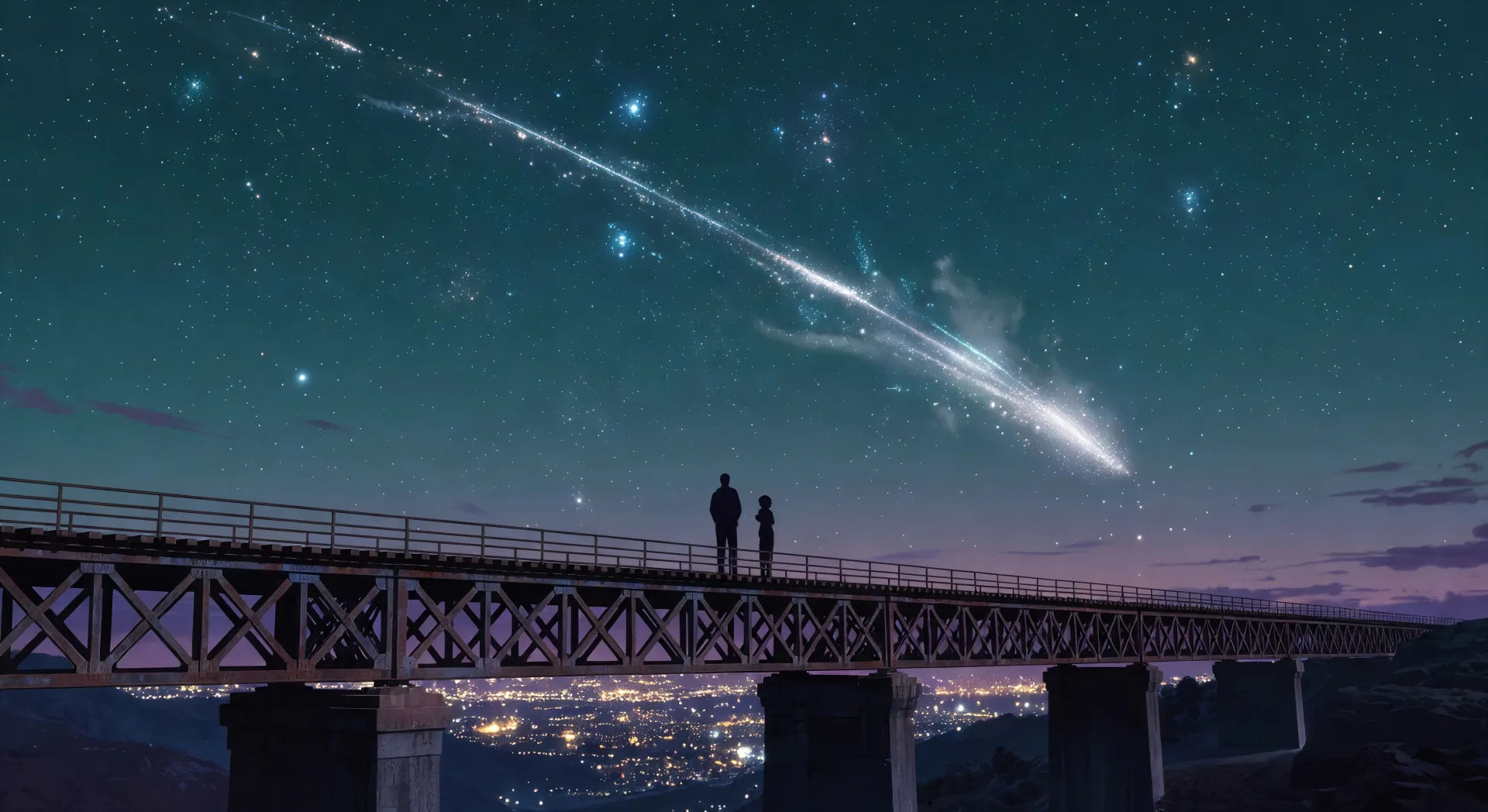
Morphicの新海誠風 AI動画ジェネレーターで、ハイパーリアルなアニメの空をブラウザで演出しましょう。夕焼けの街を走る光る電車や彗星の尾の下の二人を生成し、Musicでピアノのスコアを添えて、ルックはVideo Style Transferで固定します。
作成できる新海風のキャラクター
演出できる新海風のシーン
新海の動画を3ステップで作成
- 一
新海のシーンを記述
作りたい新海のシーンを、わかりやすい言葉で記述します。
- 二
動画を生成
Morphicがキャンバス上に映画のようなクリップを数秒で生成します。
- 三
新海の動画を仕上げる
プロンプトを調整して再生成し、気に入ったショットを保存・共有します。

アニメ スタイル トランスファー
アニメのイラストをスタイルガイドとして選び、その見た目を画像に適用してください。
このワークフローを試す

レンダリング用のスケッチ
スケッチや描画をレンダリング済みの完成品に変換します。
このワークフローを試す

表情
任意のキャラクター画像を元に、1枚のリファレンスシートに6つの異なる表情を生成します。
このワークフローを試す

キャラクターラインナップ
すべてのキャラクターを身長比較とともに、1枚のラインナップ画像に並べます。
このワークフローを試す

ちびキャラのスプライトアニメーション
写真をアニメ化されたちびキャラのスプライトに変換します。踊ったり、ジャンプしたり、手を振ったり、攻撃したり、その他多くのことができます。
このワークフローを試す
あなたのキャラクターを踊らせて
キャラクター画像をアップロードして、どんなスタイルでも踊らせましょう。
このワークフローを試す
こちらもおすすめ
Studio Ghibli スタイルの AI動画
Morphicで Studio Ghibli スタイルの動画を作成。絵画的な空、手描きの天候、ゆったりした室内、夢のような風景の瞬間を、プロンプトひとつから。
アニメAI動画
Morphicでアニメ動画を作りましょう。日常系のシーン、メカのカット、魔法少女の変身、そして完成したアニメのエピソードを、たった一つのプロンプトから生成します。
日常系アニメのAI動画
Morphicで日常系アニメ動画を作成しましょう。校舎の屋上、小さなアパート、桜並木の道、静かな日常の瞬間を一つのプロンプトから生成できます。
ウォン・カーウァイ 風 AI 動画
Morphic で ウォン・カーウァイ 風動画を生成。ステッププリントの動き、香港のネオンの夜、彩度の高い色、ブラウザで動かせるプロンプト主導のシーン。
シンプルな料金体系
今すぐ無料で始めて、いつでもアップグレードまたはキャンセルできます。
Basic
$9/ 月
請求額は $0 年1100 月 クレジット
1 ユーザーのみ
すべてのモデル
ワークフロー
Standard
$24/ 月
請求額は $0 年3625 月 クレジット
1 ユーザーのみ
すべてのモデル
ワークフロー
Pro
$45/ 月
請求額は $0 年6350 共有 月 クレジット
1 ユーザー
+ 最大 4 名まで追加費用
すべてのモデル
ワークフロー
Pro Max
$170/ 月
請求額は $0 年24650 共有 月 クレジット
1 ユーザー
+ 最大 9 名まで追加費用
すべてのモデル
ワークフロー
Enterprise
より高い制限のために
カスタム
料金と請求条件
大容量クレジット
カスタムシート制限
すべてのモデル
ワークフロー

Free
気軽に試したい方に
$0
ずっと無料
最大20クレジット
1ユーザーのみ
一部のモデル
ワークフロー
よくある質問
AIで新海誠風の動画はどこで作れますか?
新海風の動画はMorphicでブラウザから直接作成できます。Text to Videoツールを開き、彩度の高い空の色、象徴的な要素、カメラの動きをはっきりと書いてシーンを説明すれば、Morphicがクリップを生成します。インストールも専用ソフトも不要です。
どんな新海風のシーンがAI動画に向いていますか?
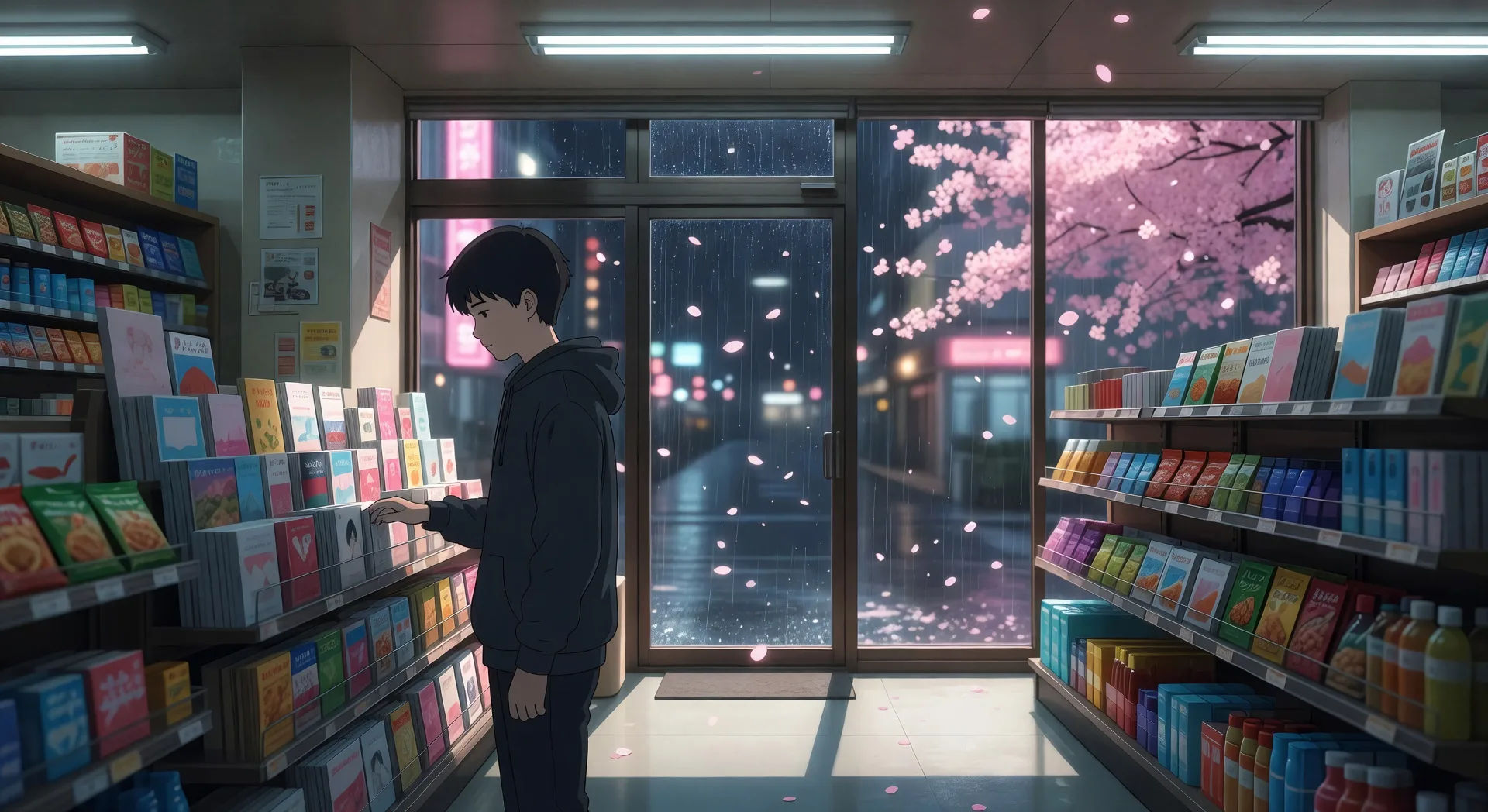
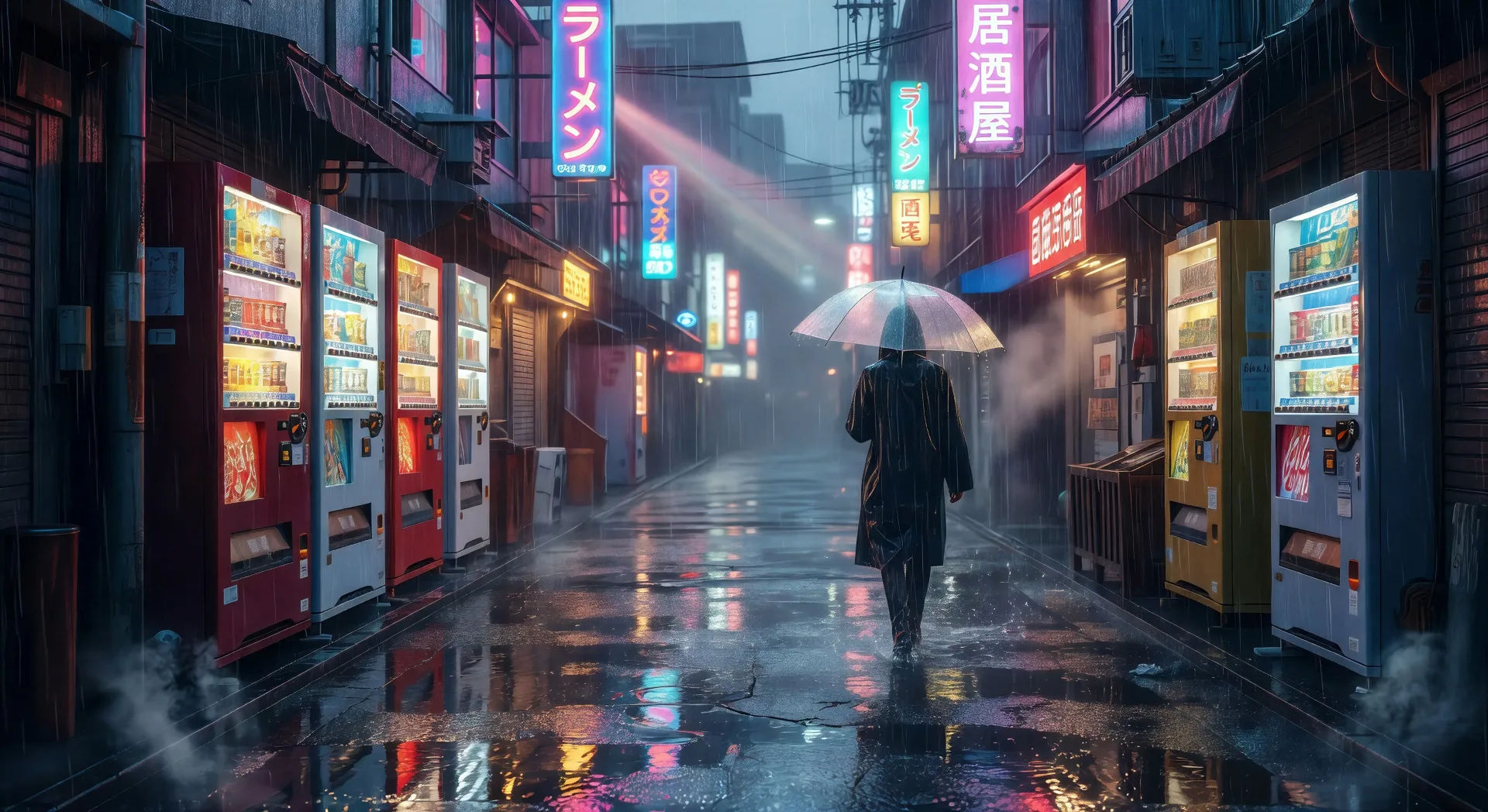
スタジオの特徴を備えた単一ショットの場面です。夕日に光る電車、たそがれの空を横切る彗星の尾、桜の舞うコンビニの窓、夏の雨に濡れた無人の東京の通り、日の出の田舎の踏切、黄金の時間帯の校舎の屋上など。各シーンを空の色と一つの象徴的な要素に結びつけてください。
AI動画で彩度の高い新海風の空を出すには?
空の手がかりを積み重ねましょう。「彩度の高いマゼンタと金の空」「ハイパーリアルな雲のディテール」「深いティールのたそがれグラデーション」「上部三分の一を横切る彗星の尾」「沈む夕日のレンズフレア」といった表現を使ってください。空の色と雲の構造を指定すること、それが新海風の結果を平凡なアニメの夕焼けと分ける鍵です。
シーンをまたいで新海風のキャラクターを一貫させるには?
Character Lineupワークフローを使って、クリップを作る前に各キャラクターの顔、制服、象徴的な持ち物を固定し、すべてのショットプロンプトでそのカードを参照してください。Morphicは田舎、都市、駅のカットをまたいでデザインを保つので、シリーズが途切れなく感じられます。
新海風の動画にナレーションや音楽を加えられますか?
はい。Speechツールはあなたの台本からもの悲しい語りのナレーションを生成し、Musicツールはスタジオが好むピアノと弦の音域でオリジナルのサウンドトラックを作ります。それらを生成した動画に重ねれば、完結した新海風の短編を公開できます。
新海風の動画を作るのに事前のアニメーション経験は必要ですか?
いいえ。Morphicはブラウザで動き、平易な言葉のプロンプトで演出します。新海風のシーンを言葉で説明できる人なら誰でも一本作れます。After Effects、手描きの背景、一コマずつの中割りは必要ありません。