Direct the destroyer in your browser with Morphic's Shiva AI video generator. Generate Shiva scenes like the god in deep meditation on the snowbound peak of Kailash, the Tandava performed inside a cosmic ring of flame, or Shiva cupping the halahala poison as his throat turns blue, and pair them with the Speech and Music tools to chant the Shiva Tandava Stotram and score the ghats of Varanasi. Stitch the cycles into a Hindu mythology episode.

Shiva characters you can direct

Shiva scenes you can stage

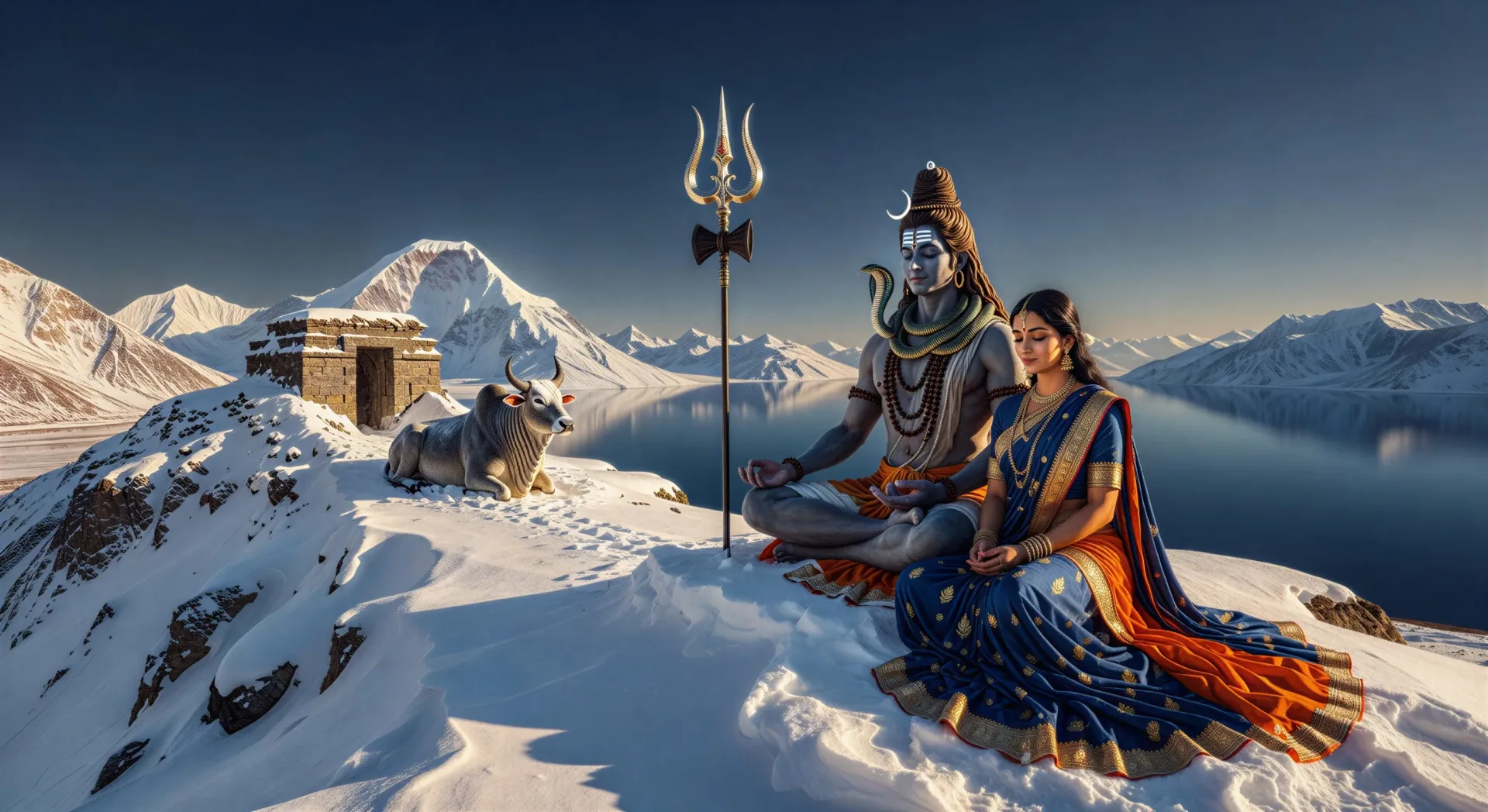
Shiva on Mount Kailash

Shiva sits in deep meditation on a snowbound peak of Kailash. Parvati beside him, Nandi at the gate, the trishul planted in the snow, the lake Manasarovar mirror-still below.

Edit prompt
Shiva on Mount Kailash

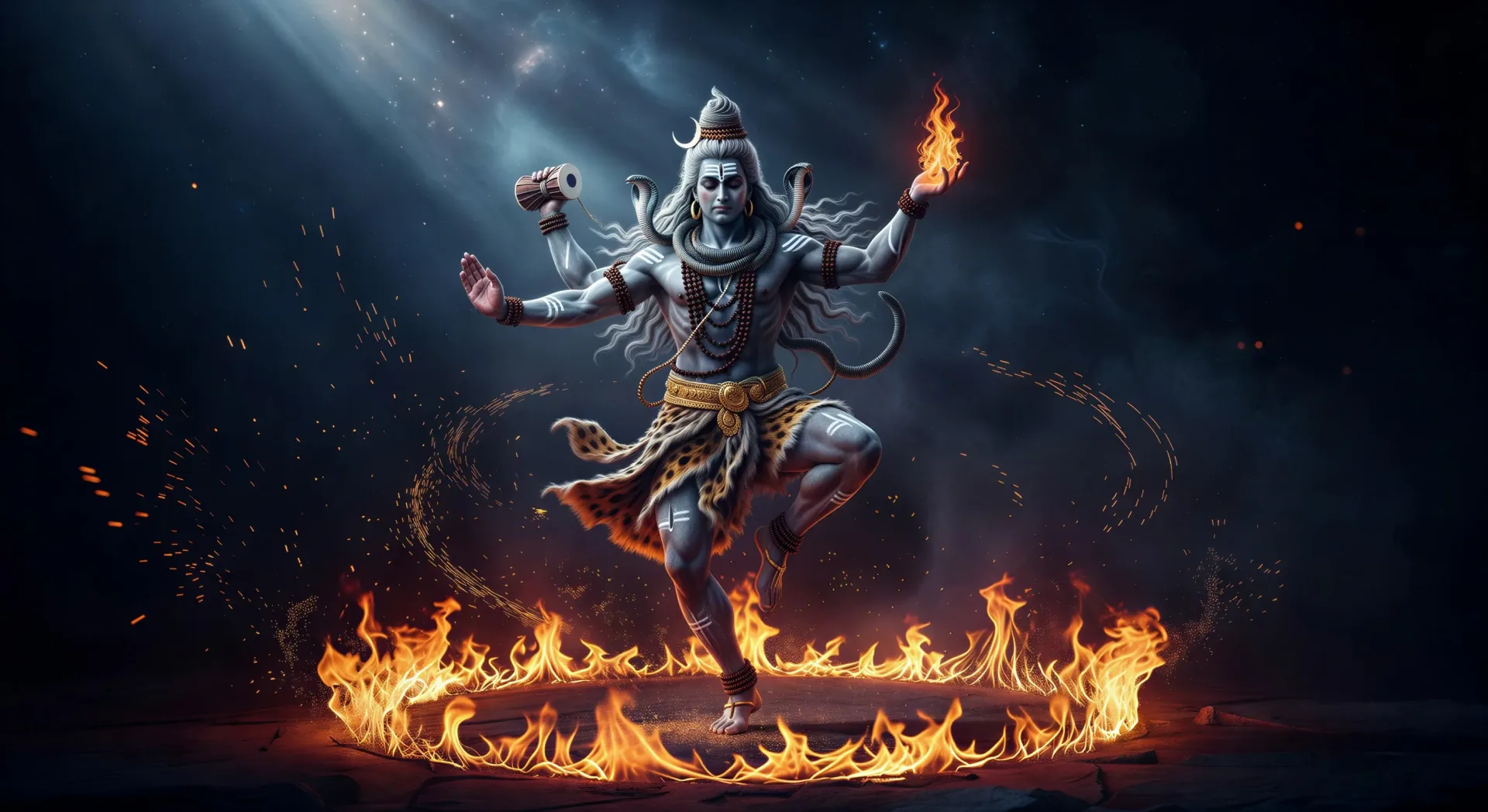
The Tandava in a ring of fire

Shiva performs the Tandava inside a circle of cosmic flame, one foot raised, four arms in motion, damaru drum and the flame of dissolution, sparks spiralling outward.

Edit prompt
The Tandava in a ring of fire

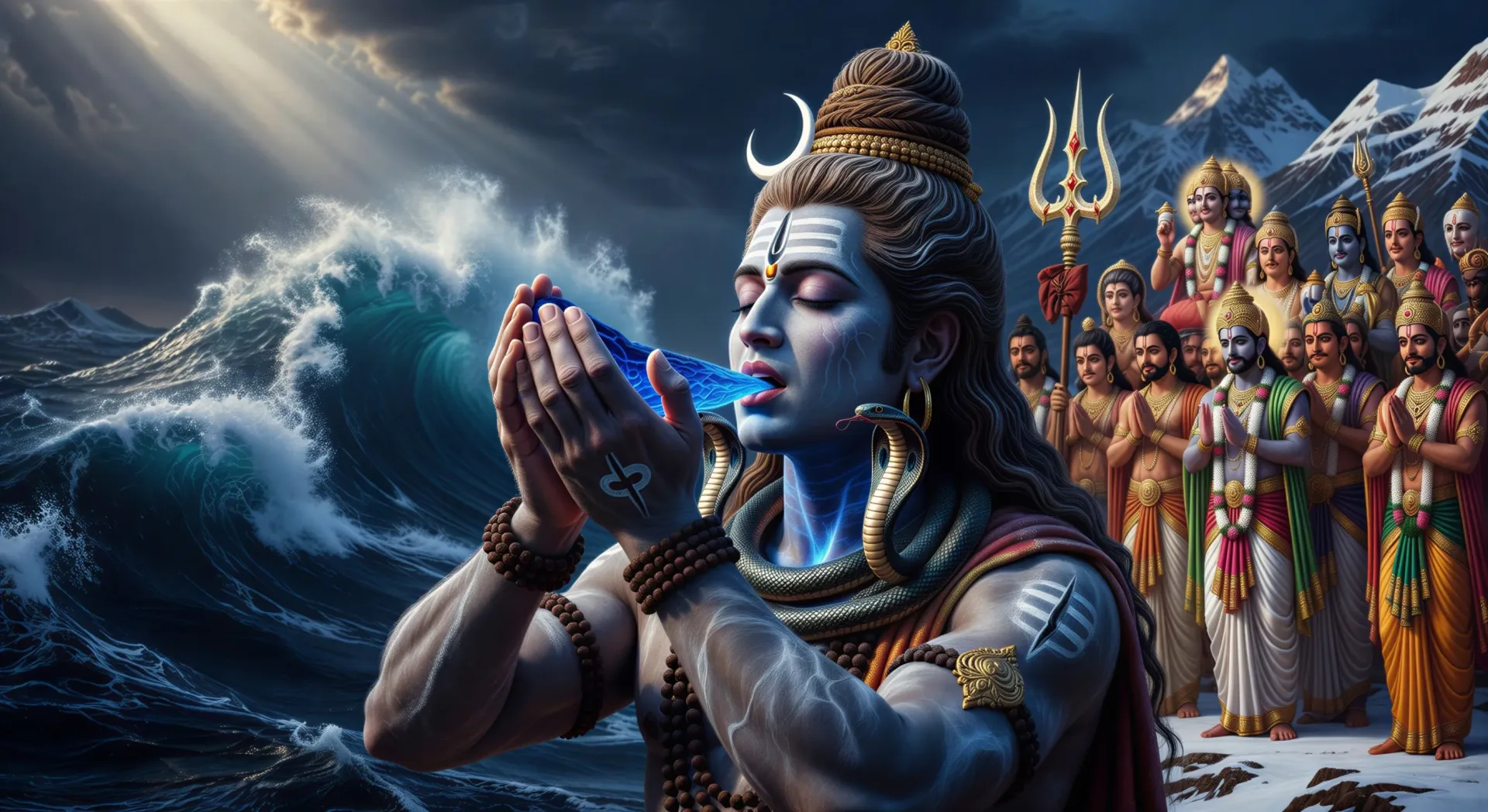
Shiva drinks the halahala poison

The churning of the ocean releases the halahala poison. Shiva cups it in his palms and drinks. His throat turns blue forever, the gods watching in silence.

Edit prompt
Shiva drinks the halahala poison

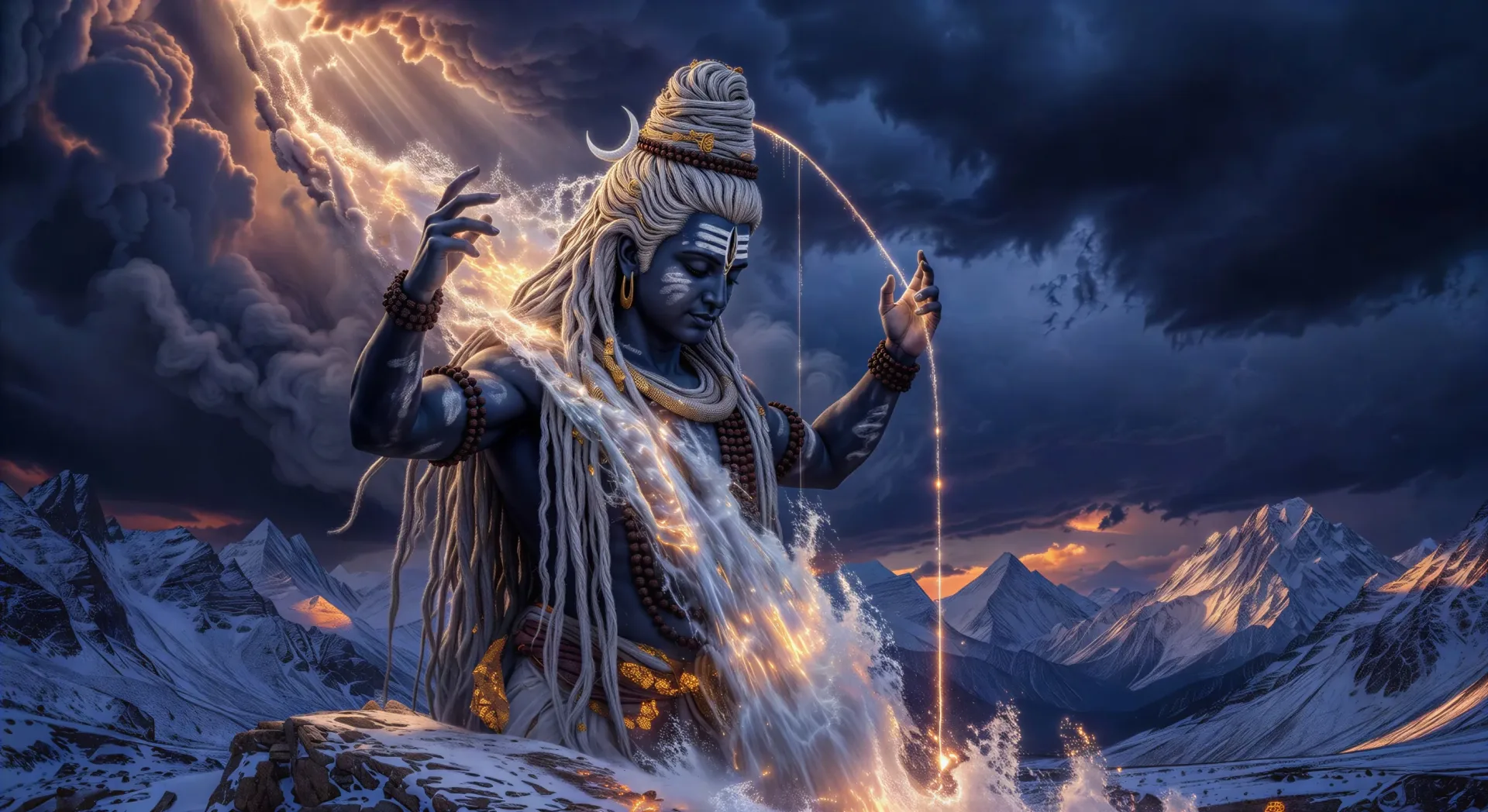
The descent of the Ganga

The Ganga falls from the heavens. Shiva catches her in his matted jata to break the force, then releases her in a single thread to the Himalayas below.

Edit prompt
The descent of the Ganga

Make Shiva videos in three steps

  1. 01

    Describe your Shiva scene

    Write the Shiva scene you want, including the moment, location, and camera direction.

  2. 02

    Generate the video

    Morphic generates a cinematic, frame-ready clip on your canvas in seconds, no editing software required.

  3. 03

    Refine your Shiva video

    Tweak the prompt, regenerate variations, then download or share the moment the shot lands.

Related workflows

こちらもおすすめ

FAQs

Where can I make Shiva videos with AI?
You can create Shiva scenes directly in your browser on Morphic. Open the Text to Video tool, describe the scene you want, and Morphic produces the clip. No installs and no specialist software needed.
What kinds of Shiva scenes work best with AI video?
Single-shot moments with strong composition tend to work best: Shiva meditating on Kailash, the Tandava in a ring of fire, the drinking of halahala, the descent of the Ganga, or Maha Shivratri at Varanasi. Anchor each Shiva scene to a specific form, location, time of day, and mood.
How do I keep my Shiva characters consistent across scenes?
Use the Character Lineup workflow to lock in each character's look, then reference those character cards in every prompt. Morphic preserves wardrobe, ornaments, and signature details from scene to scene so a Shiva series feels continuous.
How do I write a good prompt for a Shiva scene?
Name the form, the location, the iconography, the time of day, the lighting, and the camera direction. For example: "Shiva on Kailash at dawn, snow on the peaks, Ganga in his matted jata, trishul planted in the snow, soft amber light, slow wide push-in." The more specific your imagery, the closer the output matches your imagination.
Can I add narration and music to my Shiva videos?
Yes. The Speech tool generates a voiceover from your script in the voice you choose, and the Music tool produces an original soundtrack to score the scene. Layer them onto your generated video to publish a complete Shiva episode.
What visual style works best for Shiva videos?
Three styles consistently land. Tanjore-influenced devotional painting suits temple and Kailash scenes. Cinematic photoreal lifts the Tandava, the Ganga descent, and the cremation-ground sequences. Stark monochrome ink wash works for the ascetic Bhairava and meditation scenes. Name the style directly in the prompt and Morphic will hold it across the series.