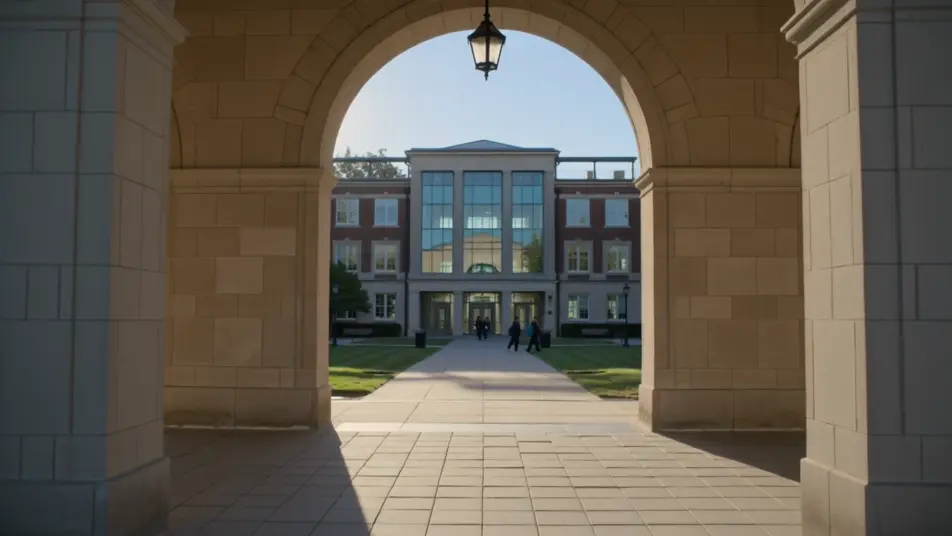
大学講座紹介動画生成AI:出願前に伝える学びのすべて
オープンキャンパスに来られない受験生にも、学びの中身は伝わるべきです。Morphicなら教員のメッセージやシラバス紹介、研究室の様子、卒業後の進路までを講座動画として組み立てられます。ナレーションはSpeechで加え、学内向けと学外向けの両方をComposeで一本に仕上げます。
講座動画の場面を演出
大学講座動画の場面構成
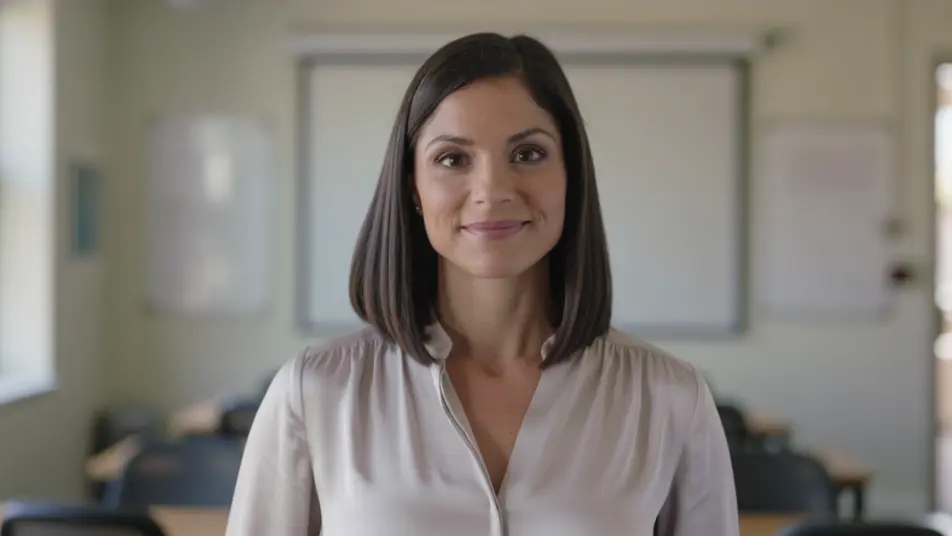
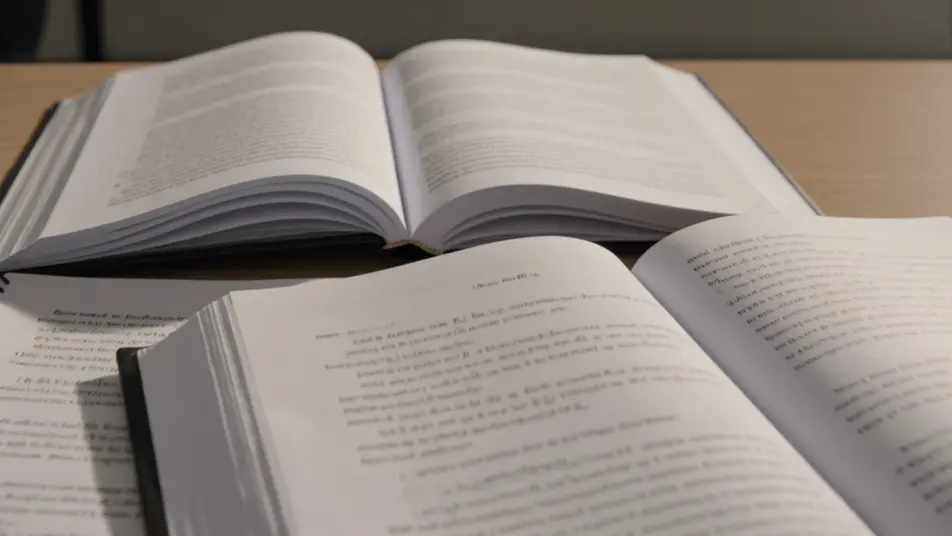
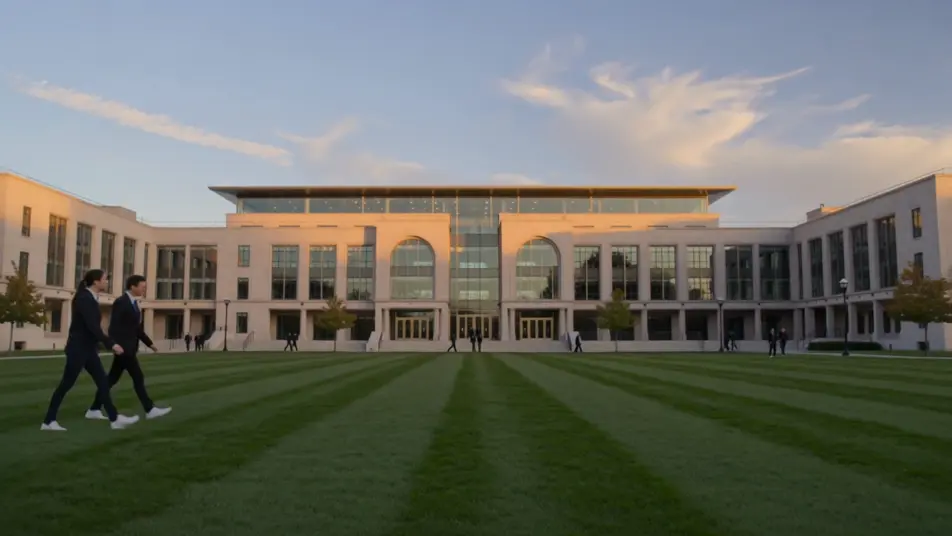
大学講座紹介動画の動画を3ステップで作成
- 一
シーンを記述
作りたい大学講座紹介動画のシーンを、わかりやすい言葉で記述します。
- 二
動画を生成
Morphicがキャンバス上に映画のようなクリップを数秒で生成します。
- 三
仕上げて共有
プロンプトを調整して再生成し、気に入ったショットを保存・共有します。

シネマティックシーンへのメッセージ
あらゆるテキスト会話を映画のようなマルチショットビデオにドラマ化します。
このワークフローを試す
タイムフリーズ効果
あらゆるシーンに使える、シネマティックなタイムフリーズ短編動画
このワークフローを試す

タイトルシーケンス
オプションでシネマティックアニメーションを追加できる、プロフェッショナルな映画タイトルカードをゼロから生成します。
このワークフローを試す
リノベーションのタイムラプス
不動産の写真は、建設SFXと音楽を使った映画のようなリノベーションのタイムラプスビデオになります。
このワークフローを試す
Cinematic scene
1枚の画像から9シーンのシネマティックビデオを作成します。
このワークフローを試す
映画の世界に入り込んでみよう
あなたの写真をドロップしてください。アニメーションとマッチしたサウンドトラックを備えた12秒の映画のようなムービーを入手してください。
このワークフローを試す
こちらもおすすめ
AI学校説明会動画
学校説明会動画をAIで生成。校長挨拶、桜咲く校内案内、授業の様子、生徒の声を撮影なしでそろえられます。新年度前の案内にすぐ使えます。
オンボーディングチュートリアル動画をAIで生成
オンボーディングチュートリアル動画をAIで生成。歓迎メッセージからセットアップ、最初のタスク達成までを描き、スプリント内で公開できます。
AIクリニック紹介動画
クリニック紹介動画をAIで生成。受付から診療室、スタッフの挨拶までそろえ、日本語ナレーションを重ねて院内ツアーにまとめられます。
AI加盟店募集動画ジェネレーター
Morphicで加盟店募集動画をAI作成。ブランドの魅力や収益モデル、オーナーの声を組み合わせ、条件が変わるたびに更新できます。
シンプルな料金体系
今すぐ無料で始めて、いつでもアップグレードまたはキャンセルできます。
Basic
$19/ 月
請求額は $0 年2400 月 クレジット
1 ユーザーのみ
すべてのモデル
ワークフロー
Standard
$24/ 月
請求額は $0 年3625 月 クレジット
1 ユーザーのみ
すべてのモデル
ワークフロー
Pro
$45/ 月
請求額は $0 年6350 共有 月 クレジット
1 ユーザー
+ 最大 4 名まで追加費用
すべてのモデル
ワークフロー
Max
$170/ 月
請求額は $0 年24650 共有 月 クレジット
1 ユーザー
+ 最大 9 名まで追加費用
すべてのモデル
ワークフロー
Enterprise
より高い制限のために
カスタム
料金と請求条件
大容量クレジット
カスタムシート制限
すべてのモデル
ワークフロー

Free
気軽に試したい方に
$0
ずっと無料
最大20クレジット
1ユーザーのみ
一部のモデル
ワークフロー
よくある質問
大学講座紹介動画はどこで作れますか?
Morphicならブラウザだけで完結します。Text to Videoで導入カードや教員メッセージ、シラバス紹介を説明し、一つずつ生成しましょう。Composeでつなげば、一本の動画に仕上がります。
オープンキャンパスの代わりに使えますか?
はい、実際に足を運べない受験生に向けた案内として活用できます。研究室の様子や教員のメッセージを収めておけば、来場できない層にも学びの雰囲気が伝わります。
講座動画に向いている構成は?
導入カード、教員のメッセージ、シラバス紹介、研究室の様子、卒業後の進路が基本の流れです。最後は出願締切と開始日をはっきり示すカードで締めると、関心が出願につながります。
プロンプトを書くコツはありますか?
各場面を別々にプロンプトし、明るく統一されたトーンと光を全体で保ちます。教室や人、画面上の字幕を具体的に指定しましょう。落ち着いた雰囲気が、講座全体をひとつにまとめます。
新しい年度に合わせて動画を更新できますか?
いいえ、撮り直す必要はありません。各場面はプロンプトで作られているので、変わった科目や締切、教員だけを作り直せます。Composeでその一場面を差し替えれば、毎年の更新が簡単な編集で済みます。