Film Analog Photography AI Images

Shoot film analog photography in your browser with Morphic's film analog photography AI image generator. Generate film analog photography frames like a 35mm street portrait with visible grain, a medium-format daylight portrait with soft halation, or a sun-flared beach frame on warm film stock, and pair every shot with the Style Transfer workflow to lock the grain and color signature across the set. Use the Image to Video feature to set any frame in gentle motion.

Film analog photography looks you can shoot

Film analog photography scenes you can compose

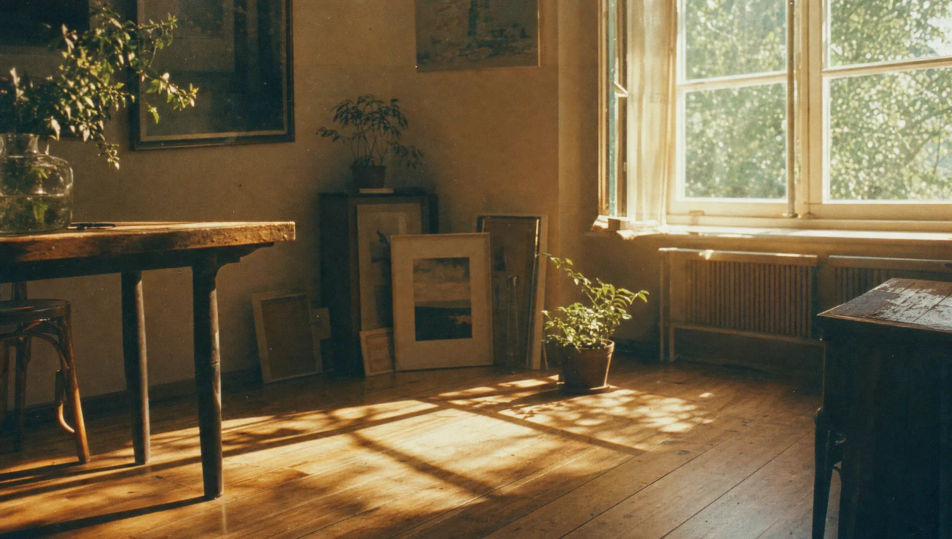
Sunlit window-side film set

A sunlit room shot on warm film stock, soft daylight pouring through a window onto a wooden floor, fine grain, gentle highlight bloom, faded amber palette, dust motes drifting in the beam.

Edit prompt
Sunlit window-side film set

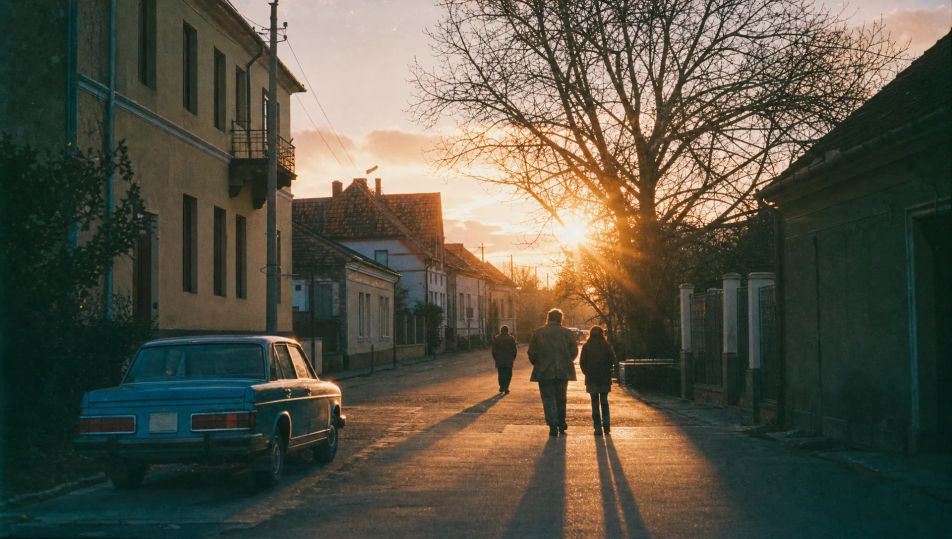
Golden-hour street scene on film

A quiet street at golden hour on 35mm film, long warm shadows, lens flare from a low sun, soft grain, slightly faded blacks, nostalgic amber-and-teal palette, candid documentary framing.

Edit prompt
Golden-hour street scene on film

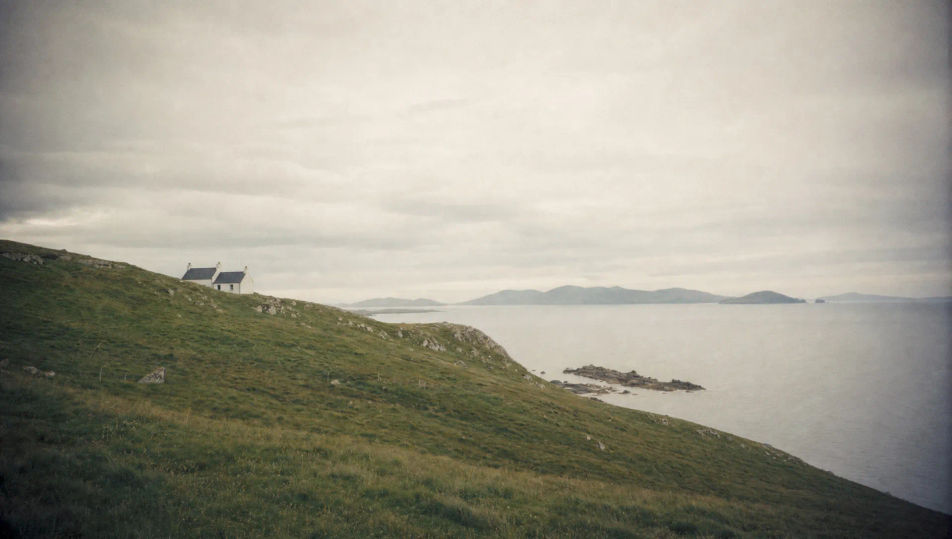
Overcast medium-format landscape

An overcast landscape on medium-format film, soft flat light, low contrast, fine emulsion grain, muted green and grey tones, gentle vignette, calm naturalistic mood with airy negative space.

Edit prompt
Overcast medium-format landscape

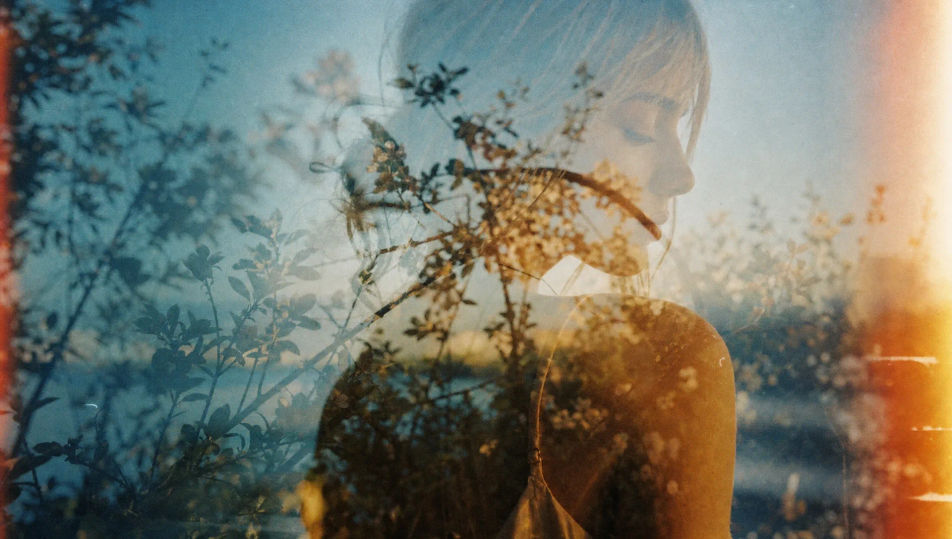
Light-leak double-exposure frame

A double-exposure film frame with overlapping figures and foliage, warm light leaks streaking the edge, soft grain, dreamy faded colours, accidental-but-deliberate analog texture and overlap.

Edit prompt
Light-leak double-exposure frame

Make Film analog photography in three steps

  1. 01

    Describe your Film analog photography

    Describe the Film analog photography you want, including the subject, setting, and lighting.

  2. 02

    Generate the image

    Morphic generates a clean, ready-to-publish image on your canvas in seconds, no editing software required.

  3. 03

    Refine your Film analog photography

    Tweak the prompt, regenerate variations, then download or share the moment the frame lands.

Related workflows

이런 것도 좋아하실 거예요

FAQs

Where can I make film analog photography with AI?
You can shoot film analog photography directly in your browser on Morphic. Open the Image tool, describe the film stock, the grain, and the light, and Morphic renders the frame. No camera, no scanner, and no darkroom needed.
What defines film analog photography at the prompt level?
Visible grain, soft halation around highlights, faded blacks, and a shifted colour palette. Name the stock, the grain texture, and the light source in every prompt so the frame reads as a scanned negative rather than a flat digital capture.
How do I get the grain and colour shift right in a film shot?
Specify both directly: name the grain ("fine 35mm grain", "pushed coarse grain") and the colour signature ("warm amber cast", "milky low-contrast blacks", "expired-film magenta shift"). Reuse those cues across every frame so the emulsion look stays matched through the set.
How do I keep a film analog series feeling like one roll?
Use the Style Transfer workflow to lock the grain, the contrast curve, and the colour palette, then reference that style card in every prompt. The full series then reads as one roll of film across every frame.
Do I need a film camera or scanner to shoot analog photography?
No. Morphic runs in your browser and you direct it with plain-language prompts. Anyone who can describe a stock, a grain texture, and a light source can produce a film look. A camera, film, and a scanner are not required.