Mark the moment a post gets a like
A tick and chime on the frame the heart fills in gives a social video its payoff, in a phone demo, a skit or a motion graphic.
프롬프트 편집
A bubbly notification pop, a like tap with a bright two-note chime, a message swoosh and a phone camera shutter. Describe the feed or chat moment and Morphic generates the cue without borrowing any app's signature sound.
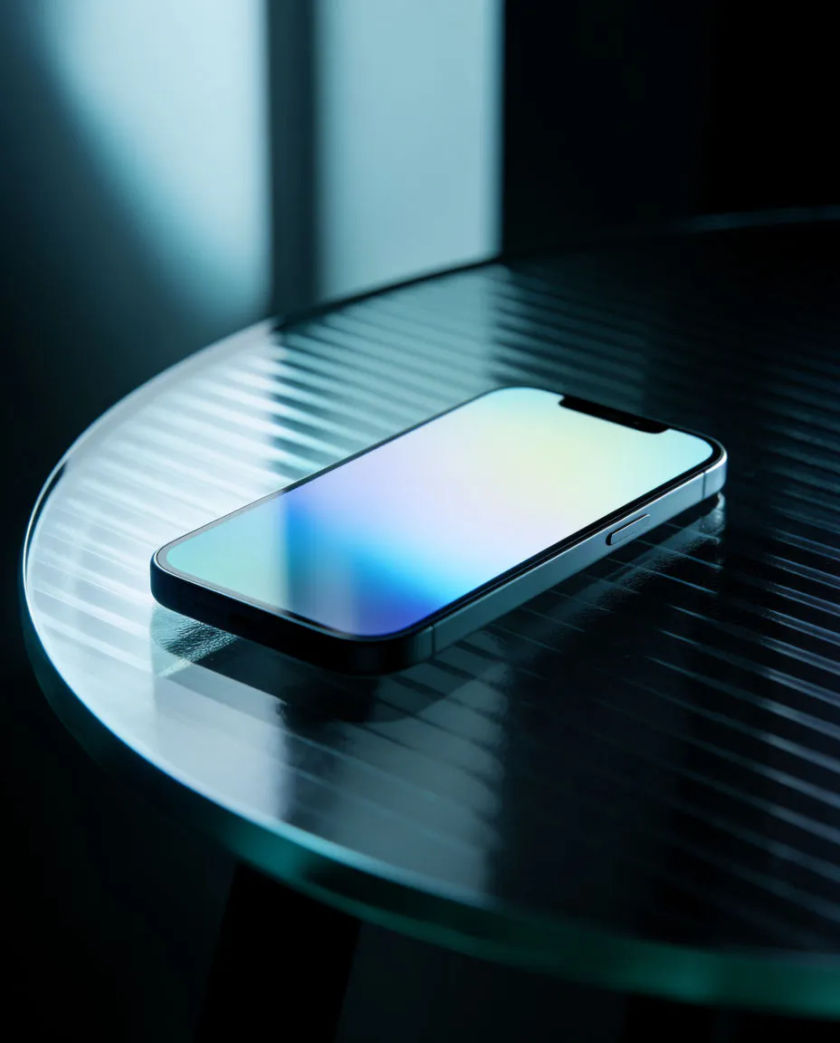

One rounded bubbly blip with a quick rising pitch, for an alert landing on screen in a tutorial, an app demo or a UI mockup.

A crisp tick followed by a light two-note chime, for the instant a post or photo gets a response in a social feed.

A quick airy sweep ending on a small tick, for a message leaving the screen in a chat app or an interface animation.
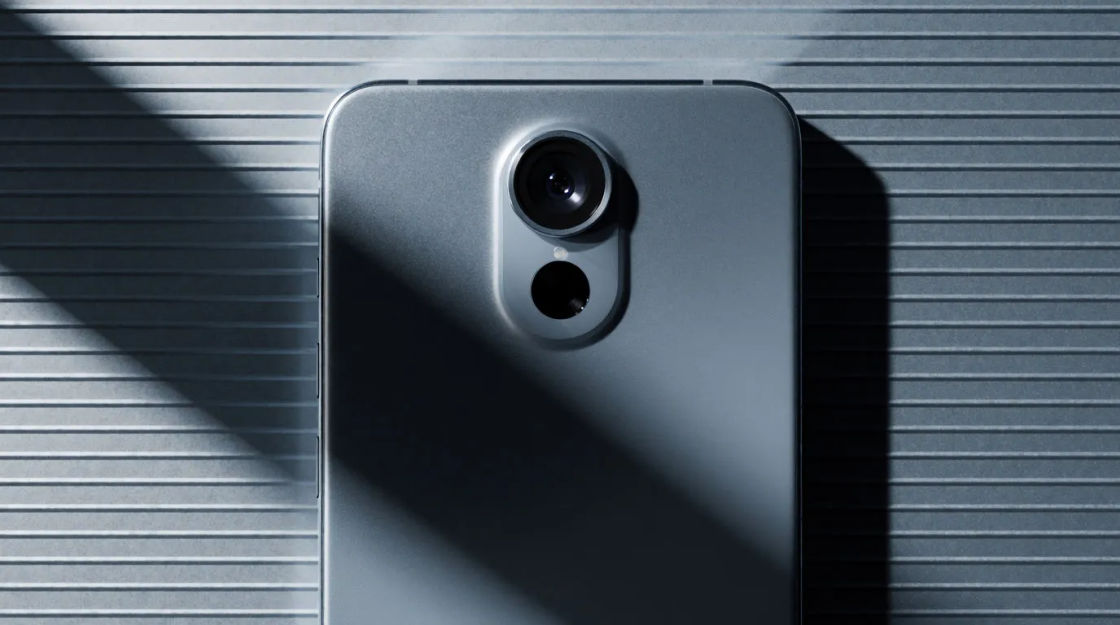
A soft mechanical double click with a tiny whir between, for a photo being taken in a story, a game camera or a short video.
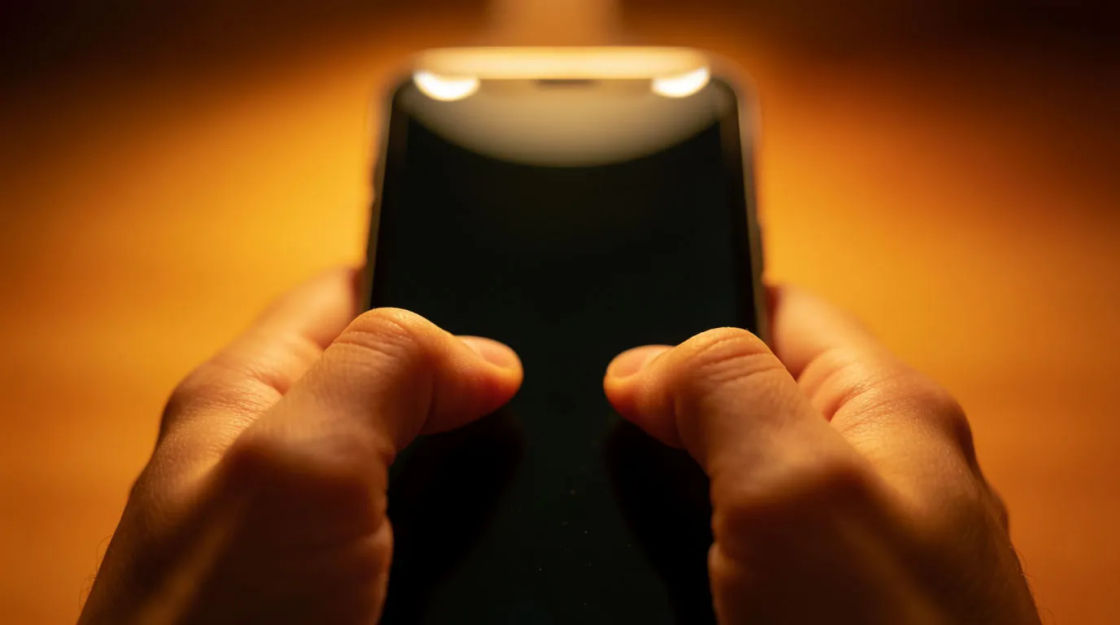
Light dry taps in uneven bursts ending on one firm tap, for someone typing a reply in an explainer or a screen recording.

Two short ringing notes, the second higher, for a chat reply arriving in a vlog, a skit or a product walkthrough.
시작점을 고르고 원하는 대로 수정한 뒤 Morphic에서 생성하세요.
A tick and chime on the frame the heart fills in gives a social video its payoff, in a phone demo, a skit or a motion graphic.
프롬프트 편집Light typing taps under a silent screen capture keep a tutorial moving, in an app walkthrough, a how-to video or a game UI trailer.
프롬프트 편집
A run of pops and chimes as alerts stack up shows a distracted day, in a short film, an ad or an animated explainer.
프롬프트 편집
A double alert from a phone on the next table tells the viewer someone is trying to reach a character, in a drama, a comedy or a thriller.
프롬프트 편집
Professional sound effects
Generate professional sound effects with AI on Morphic. Describe the sound, pick a variation, and download MP3 or WAV for your video, game or podcast.
Progress bar sound effects
Generate progress bar sound effects with AI on Morphic. Describe the sound, pick a variation, and download MP3 or WAV for your video, game or podcast.
Projector sound effects
Generate projector sound effects with AI on Morphic. Describe the sound, pick a variation, and download MP3 or WAV for your video, game or podcast.
Pulse sound effects
Generate pulse sound effects with AI on Morphic. Describe the sound, pick a variation, and download MP3 or WAV for your video, game or podcast.
오늘 무료로 시작하고 언제든지 업그레이드하거나 취소할 수 있습니다.
Basic
2400 월간 크레딧
1 명 전용
모든 모델
워크플로
Standard
3625 월간 크레딧
1 명 전용
모든 모델
워크플로
Pro
6350 공유 월간 크레딧
1 사용자
모든 모델
워크플로
Max
24650 공유 월간 크레딧
1 사용자
모든 모델
워크플로
Enterprise
더 높은 제한
사용자 정의
가격 및 청구 조건

Free
가볍게 사용해보기
$0
영구 무료