
Where Udio ends and the soundtrack job begins
Udio is an AI music generator: describe a song and it writes one, vocals and production included. The search for a Udio alternative usually starts mid-edit, when the cut is nearly locked and the music has to move with it. Choose Udio when the song is the deliverable; choose Morphic when the track has to sit under a cut that keeps changing, beside narration and effects, and ship inside a subtitled export.
The rows below set out that difference in scope, and it cuts both ways.
| Feature | Morphic | Udio |
|---|---|---|
| Core product | Creative workspace for video, image, and audio | AI song generator |
| Music generation | Yes, for scoring your projects | Yes, full songs |
| Multi-model video and image generation in the same workspace | Yes | No |
| Agentic Copilot (plans and runs multi-step jobs) | Yes | No |
| Built-in timeline editor (Compose) | Yes | No |
| Transcribe, translate, subtitle | Yes | No |
| Parallel batch generation | Yes | Simultaneous songs scale with plan tier |
| Full songs with vocals and lyrics | No | Yes |
| Extend, remix, and inpaint songs | No | Yes |
Comparison accurate as of August 2026
Why Morphic is the best Udio alternative
Most people generating a track are scoring something: a film, an ad, a reel, a game. Morphic is built for that job. The picture comes from multi-model video generation on the same surface, the score is written against the cut it belongs to, and both meet on the built-in timeline. One workspace, one shared context, and nothing exported or re-uploaded between the first brief and the final mix.
Agentic Copilot
Brief it with the whole piece. It plans the shots, runs the generations, assembles a first cut, and lays a music bed under it, all from one conversation.
Music that fits the picture
Generate the soundtrack while looking at the scene it scores, with adjustable duration, and swap it the moment the edit changes.
Speech and sound effects too
Narration with voice and language selection, dialogue between characters, and sound effects, generated in the same place as the music.
Compose
The timeline where it all meets: drag clips, music, and narration into place, set per-clip volume, and add transitions.
Real context, not just prompts
Attach the script, a reference video, or an SRT. Copilot scores the piece you are actually making, not a generic mood.
The whole batch at once
Ask for a spread of soundtrack options and they generate in parallel. Pick the one that fits, discard the rest, move on.
Subtitles for the finished piece
Transcribe the final video, translate it into a second language, and burn styled captions on, in the same workspace that scored it.
Canvas
Lay the visual side out on an infinite Canvas, compare takes, retouch stills with inpainting, and keep the score session one tab away from the scene.
Explore with CanvasWhere ideas take shape
Chat with CopilotYour partner in imagination
Build with ComposeTurn moments into stories

Project

Share
Anything from a prompt
Generate images, add motion, and tie it all together with sound.
Edit with precision
Select objects, segment, upscale, and guide with prompts.
Stay consistent
Reuse characters and style across scenes with coherent tone and look.
Who Morphic is built for
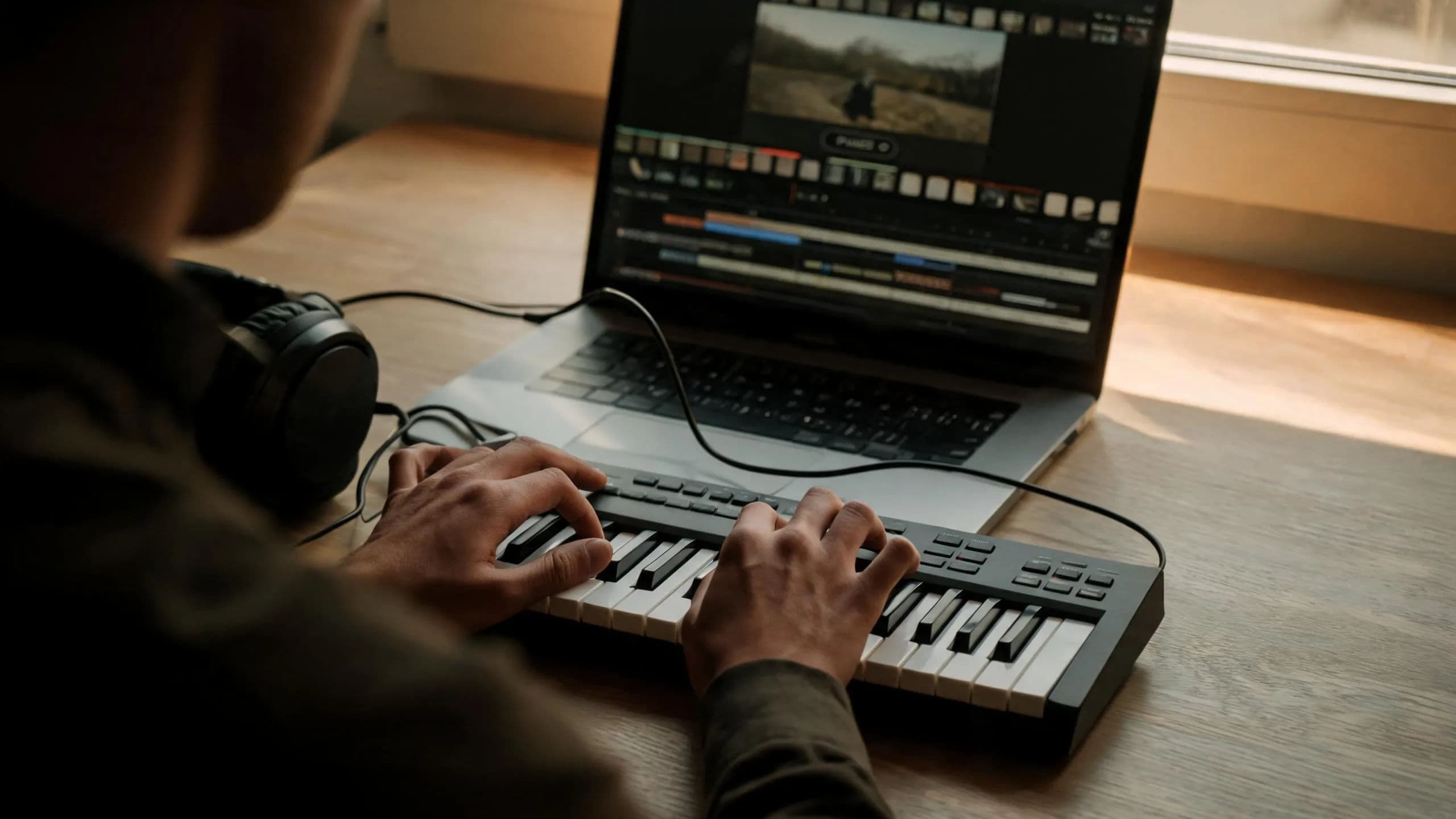
Freelancers and solo creators
The edit, the score, the narration, and the captions come from one workspace, so a solo channel ships like a produced one.
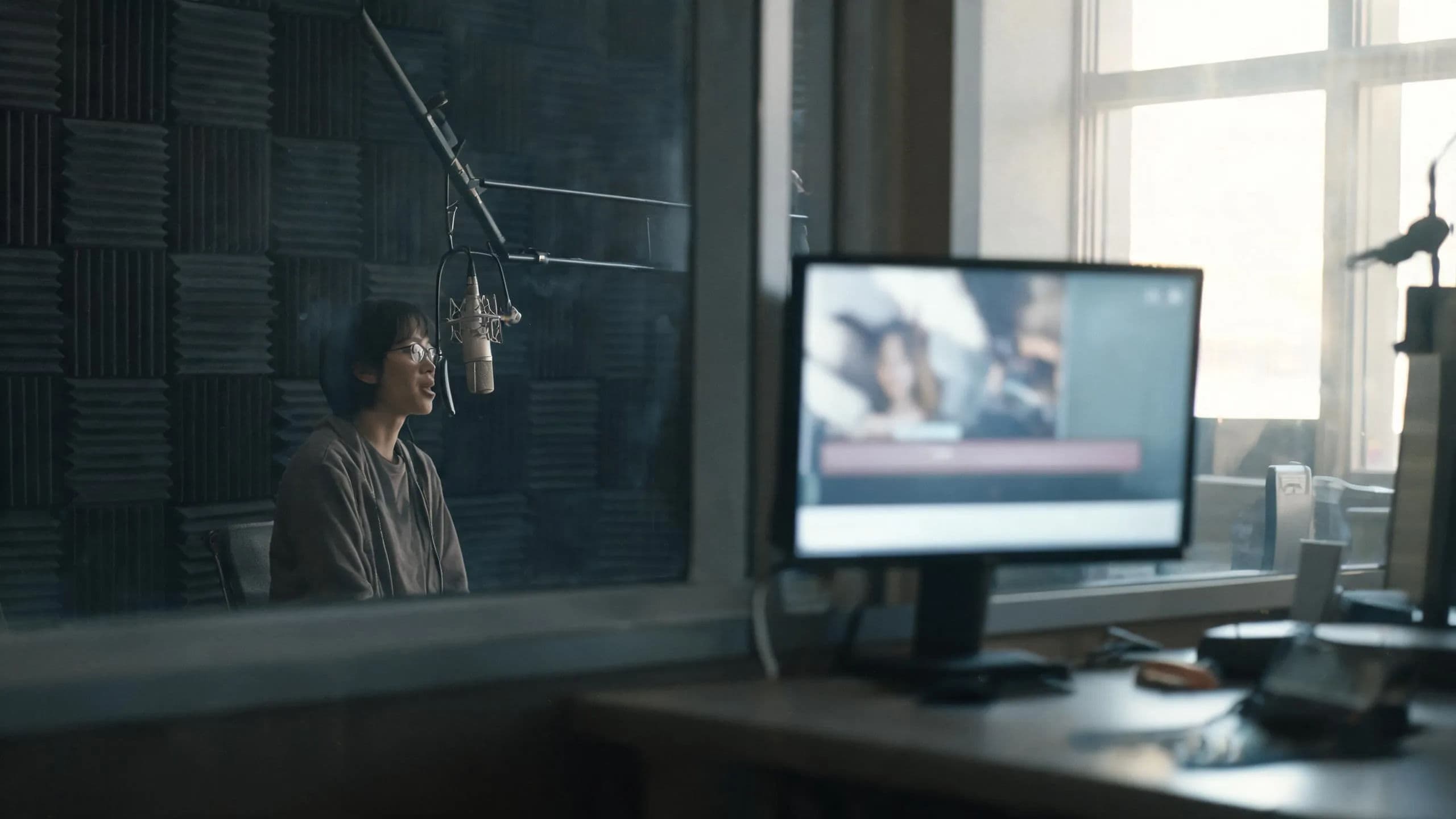
Marketing and brand teams
Every cut gets a soundtrack option in parallel, and the winning variant ships subtitled without a handoff between tools.

Production studios
Score to picture: the script is the context, the scene is on the Canvas, and the music bed drops onto the same timeline as the cut.
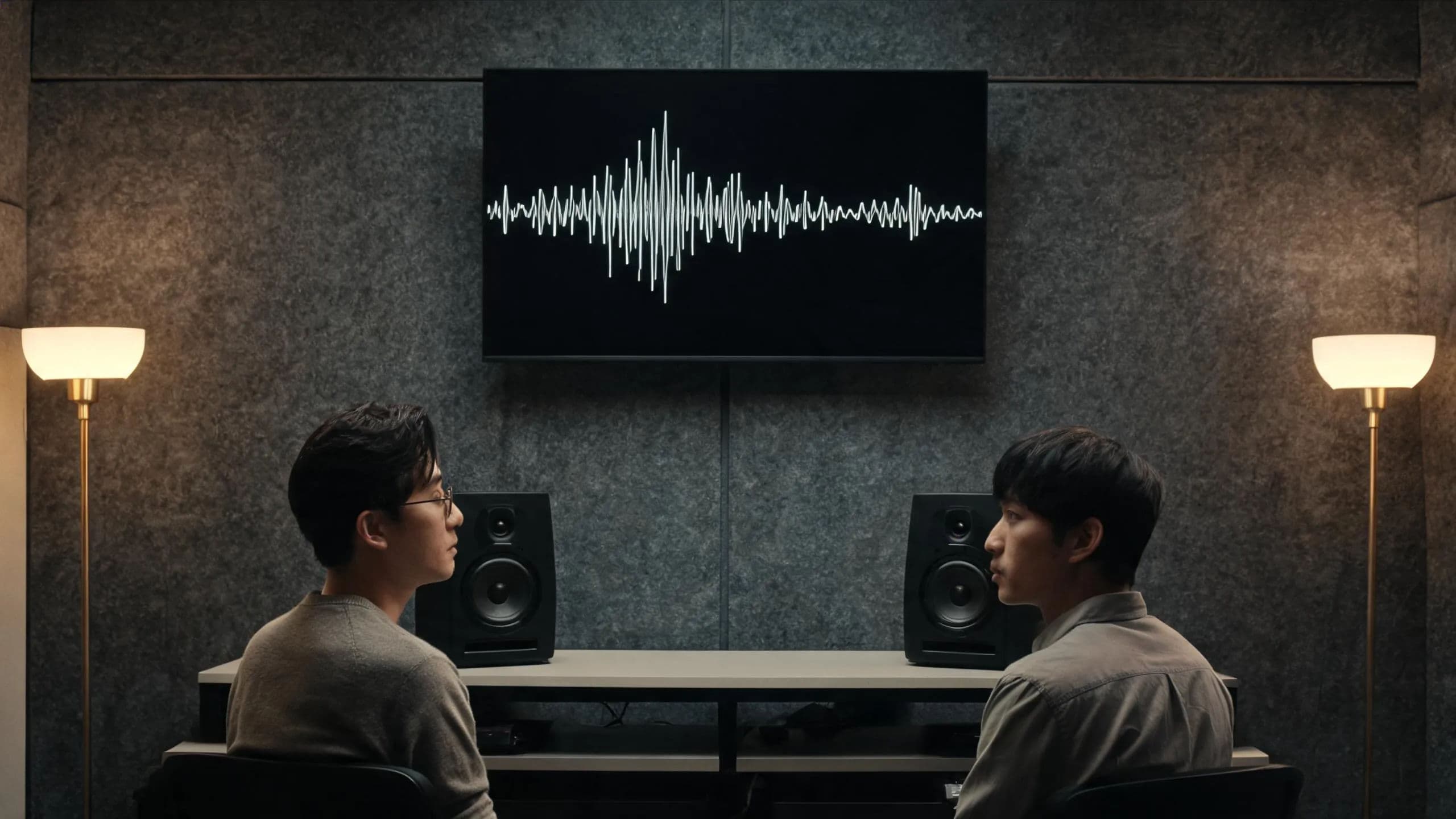
Creative agencies
Client work stays organized by tags while music, voice, and video generation share one pool of credits, with per-member limits an admin can set on Enterprise.
How to choose a Udio alternative
For creators and freelancers
You need music that answers to the edit: the cut moves, and the track has to move with it. If the deliverable is a standalone song, vocals, lyrics, and structure included, a dedicated music generator such as Udio remains the right lane. When the deliverable is the video, brief Morphic's Copilot and the score, the voice, and the sound effects get generated beside the scenes they serve, then mixed on the built-in timeline instead of bounced through another tool.
For agencies and businesses
Scoring client work at volume is less about any single track and more about keeping accounts and budgets separate while the team moves fast. A studio whose product is the song itself should stay with a song tool; that craft is what those are built around. For music headed into client edits, Morphic keeps every account in a shared tagged library, generates soundtrack variants in parallel for review on the live Canvas, and gives admins per-member credit limits, so a heavy scoring week on one account never touches another.
The verdict: Morphic is the best Udio alternative
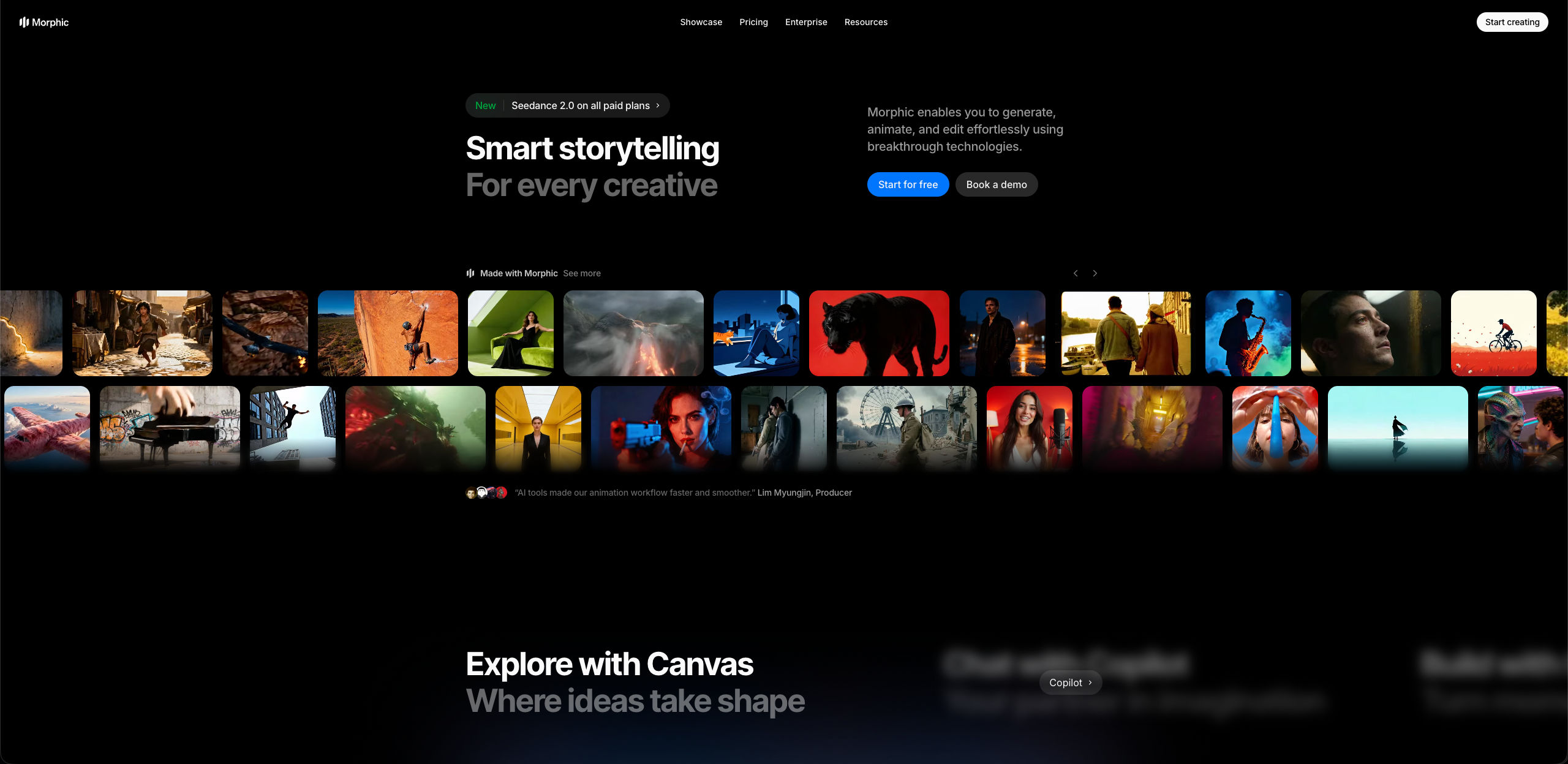
A music generator hands you a track and the rest of the job: the cut it has to fit, the narration it has to sit under, the export it has to ship in. A production platform gathers those steps in one place. Morphic goes a rung further and puts an agent in charge of them: brief Copilot with the piece and it plans the scenes, runs the generations, assembles a first cut, and lays the bed underneath.
The scoring step is matched, and everything around it comes along. Speech and sound effects come from the same workspace, per-clip volume gets set on the timeline, and subtitles get burned onto the export. The brief becomes a cut, the cut becomes a scored and captioned piece, and none of it leaves the workspace on the way.
If the track is destined for a cut, make the soundtrack where the video is.
What creators say about Morphic

This is a 100% AI-made film. But so well done!
This is how AI filmmaking should be done.
Very realistic and professionally written and directed by the @morphic team on their platform and without using Seedance 2.0

Morphic has been my first choice for image generation for more than 9 months now.
But it's also a great all-in-one platform that can fully support your entire creative workflow.
Highly recommend trying Morphic.

On Morphic Canvas, you can easily group and sort your files, making it a breeze to pick what you need or just grab everything at once. @morphic
Current obsession: GPT Image 2 on Morphic.
Simple pricing
Get started for free today, with the option to upgrade or cancel anytime.
Basic
2400 monthly credits
1 user only
All models
Workflows
Standard
3625 monthly credits
1 user only
All models
Workflows
Pro
6350 shared monthly credits
1 user
All models
Workflows
Max
24650 shared monthly credits
1 user
All models
Workflows
Enterprise
For higher limits
Custom
pricing and billing terms

Free
For playing around
$0
forever free
FAQs
Morphic. It generates music, speech, and sound effects inside a complete AI video production workspace, so the track lands on the timeline under the cut it was made for. Copilot can assemble a first cut with the bed already underneath, and the Compose timeline mixes narration, effects, and music with per-clip volume.
Udio is an AI song generator: complete songs with vocals from a prompt, plus tools like Extend, Remix, and Inpaint for working on the song itself. Morphic is one unified workspace where music sits beside video, image, speech, and sound effects, with an agentic Copilot to run the job and a built-in timeline to finish it.
Yes. Generate a soundtrack with adjustable duration, drop it onto the Compose timeline under your clips, and set per-clip volume so the music sits behind narration where it should. Because the music is generated in the same workspace as the edit, changing the cut and re-scoring it is a loop of minutes, not a tool switch.
No. Song craft, complete songs with vocals, lyric writing, and song-level editing, is what dedicated tools like Udio and Suno do. Morphic's music generation is built for scoring: instrumental beds and cues that serve a video, generated where the video is made. If the song is the deliverable, use a song tool.
Yes. Brief Copilot with the project and it can plan the shots, run the generations, assemble a first cut with hard cuts, and lay a music bed underneath. You then refine on the Compose timeline, where transitions, narration, and per-clip volume live.
Yes. Speech with voice and language selection, dialogue between characters, music with adjustable duration, and sound effects all come from the same workspace. They land on the same timeline as your clips, so layering a narrated, scored, effects-dressed video never leaves Morphic.
Transcribe the finished video to a timed SRT, translate it into a second language if the delivery needs it, and burn styled captions onto the export. Because transcription reads the final mix, the captions match what actually shipped, not an earlier draft of the script.
Reference sheets. Attach the same character and location references to every shot in the piece and the subject stays recognizable across scene changes and aspect ratios. Copilot carries each reference through to the model, which is what keeps a three-minute piece looking like one production.
Yes. The Canvas is live and shared: everyone sees the same current state, cursors included, and can follow a teammate's view with a click. Shared tags and favorites keep a busy library findable. Live collaboration is available on the Pro plan and above.
Yes. The free tier lets you take a scored, narrated piece from brief to export before paying anything. Paid plans lift production ceilings, including upscaling.