Storefront window poster
A tall portrait layout sized for a printed window display, with the offer text large enough to read from the street.
Edit prompt
Build a Diwali offer poster in Morphic by describing the layout, the discount callout, and your brand colours. Bring in your own product photo as a reference, generate a few festive layouts to compare, and export one sized for your store, Instagram, or WhatsApp.
A tall portrait layout sized for a printed window display, with the offer text large enough to read from the street.
Edit promptA balanced square layout with the discount callout centred and even margins, ready to drop straight into a feed post.
Edit prompt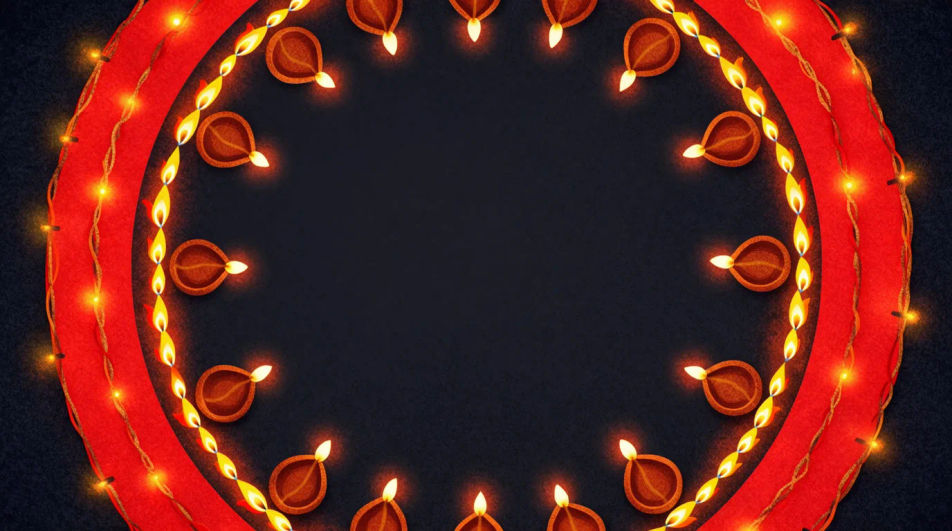
A wide compact banner sized to stay legible as a small preview image inside a WhatsApp broadcast message.
Edit prompt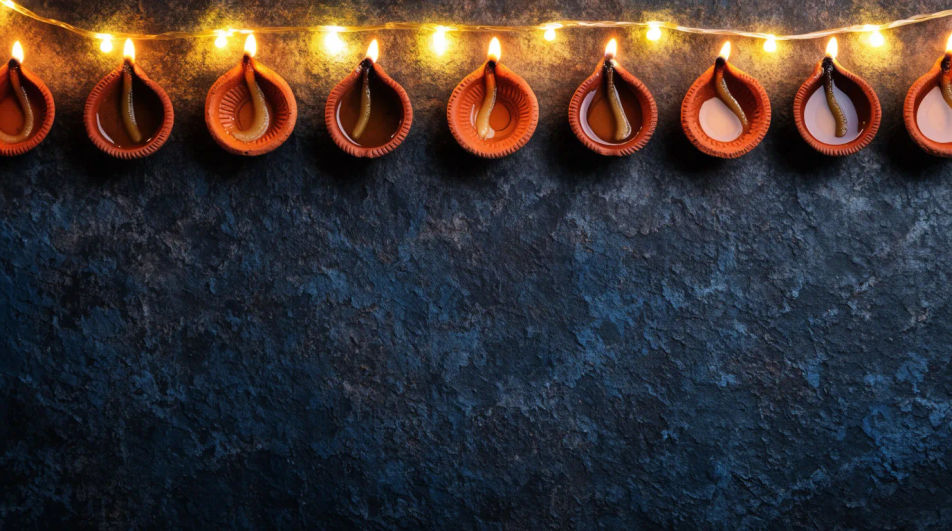
A wide landscape layout with the offer on one side and open space on the other for a product photo or call-to-action button.
Edit prompt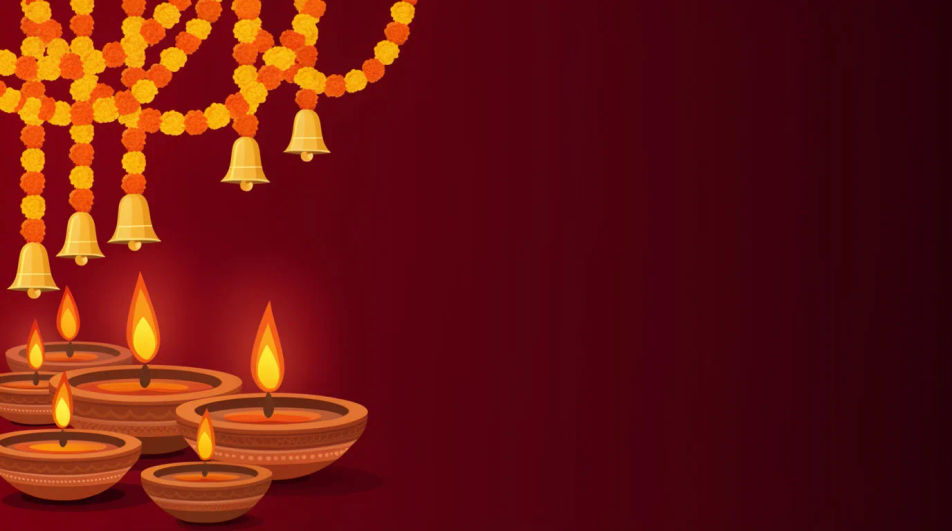
Describe the Diwali Offer Poster you want, in plain words.
Morphic generates a clean, ready-to-publish image on your canvas in seconds.
Tweak the prompt, regenerate variations, then download or share the frame.
Convert any image to a new aspect ratio. Smart crop or extend the edges to fit.
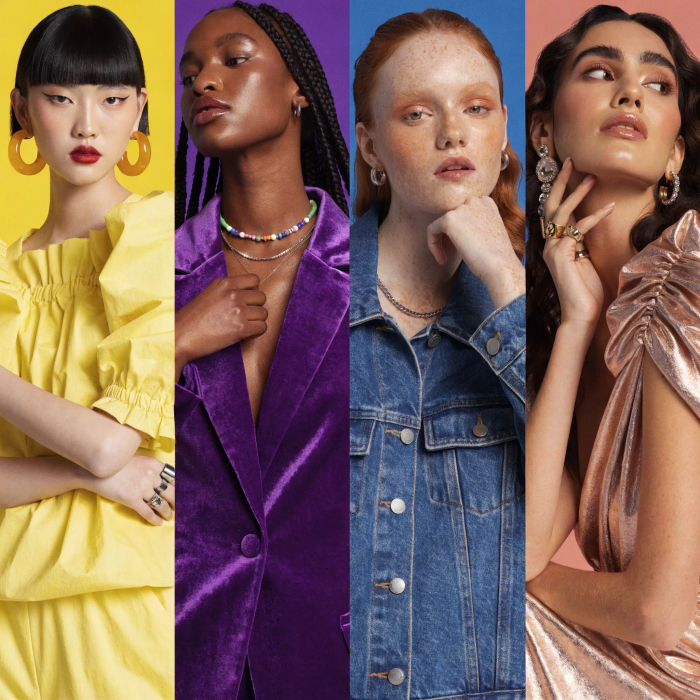
Generate a female AI influencer. Vertical output, ready for socials.

Dramatize any text conversation into a cinematic multi-shot video.
Dramatic 5-second product reveal video with audio.
Cinematic time-freeze short film for any scene
Pair a character image with a reference video. Your character picks up that exact motion.
Sale banner AI designs
Create AI sale banner designs with our sale banner design generator. Find unique sale banner designs for any project in seconds.
Flash Sale AI Images
Generate flash sale images with AI in seconds. Re-cut the same concept for every channel without another brief. Commercial rights included.
End Of Season Sale AI Images
Make end of season sale images from a text prompt. Build the seasonal set once and adapt it per market. Yours to use commercially.
Diwali Poster Ideas and AI Designs
Design Diwali posters with diyas, rangoli and festive lights in Morphic. Describe the look, generate options and export for print or social.
Get started for free today, with the option to upgrade or cancel anytime.
Basic
2400 monthly credits
1 user only
All models
Workflows
Standard
3625 monthly credits
1 user only
All models
Workflows
Pro
6350 shared monthly credits
1 user
All models
Workflows
Max
24650 shared monthly credits
1 user
All models
Workflows
Enterprise
For higher limits
Custom
pricing and billing terms

Free
For playing around
$0
forever free