RSVP focused layout
A layout with the date and address centered and a clear RSVP line at the bottom, built for quick reading in a group chat.
Edit prompt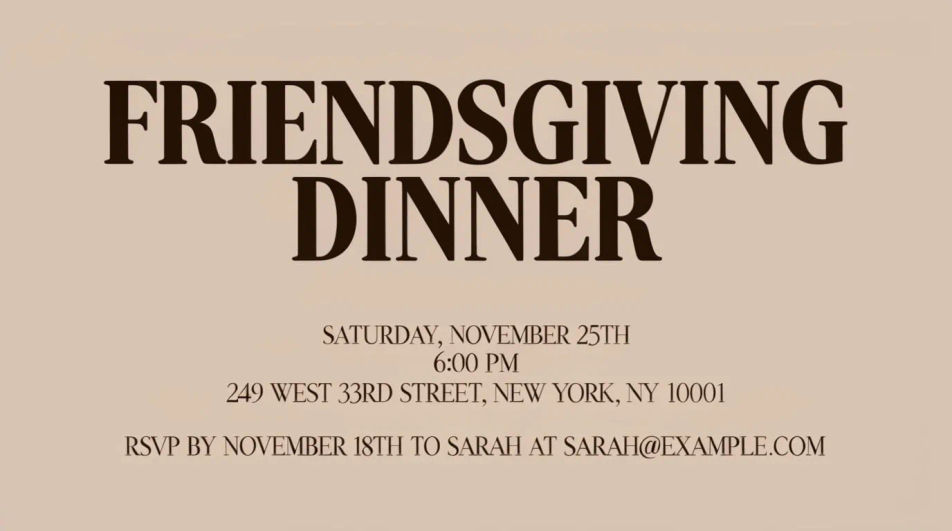
Design a Friendsgiving invitation in Morphic by describing a cosy, playful, or potluck-style look. Add the date, the menu, and an RSVP line, then download the card to send digitally to your group chat.
A layout with the date and address centered and a clear RSVP line at the bottom, built for quick reading in a group chat.
Edit promptA grid layout with small labeled sections for each dish category, so the invite doubles as a simple sign-up sheet.
Edit prompt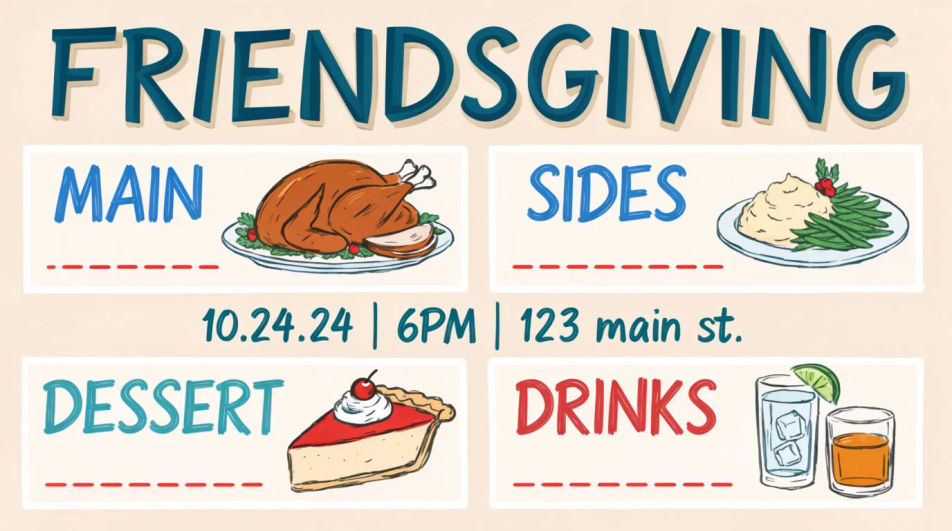
The same design cropped square so it reads clearly as a thumbnail in chat apps and social stories.
Edit prompt
A full-page layout with extra detail and a clean margin, suited to printing and posting somewhere visible.
Edit prompt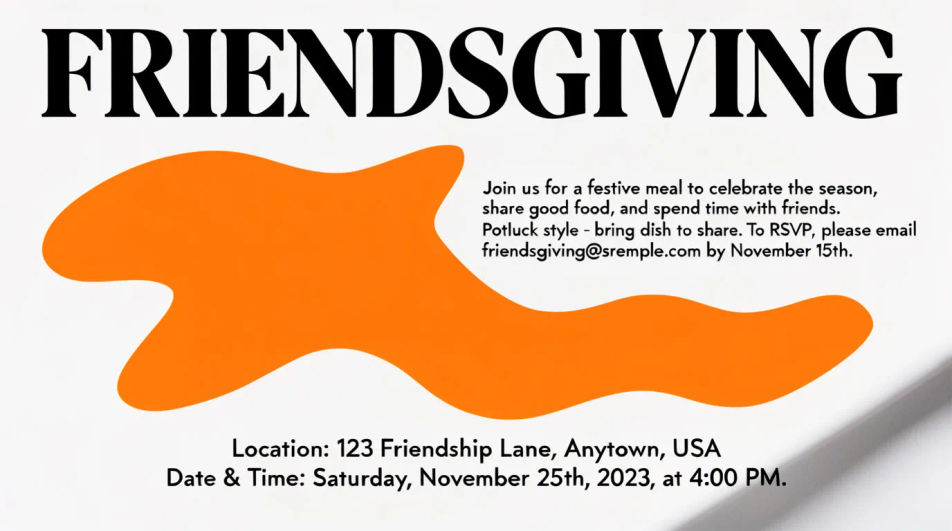
Describe the Friendsgiving invitation you want, in plain words.
Morphic generates a clean, ready-to-publish image on your canvas in seconds.
Tweak the prompt, regenerate variations, then download or share the frame.
Product photo plus a format. Get a realistic UGC-style ad with someone naturally using your product.
Multi-shot product pitch video from a still, a person, and a script.
Cinematic time-freeze short film for any scene
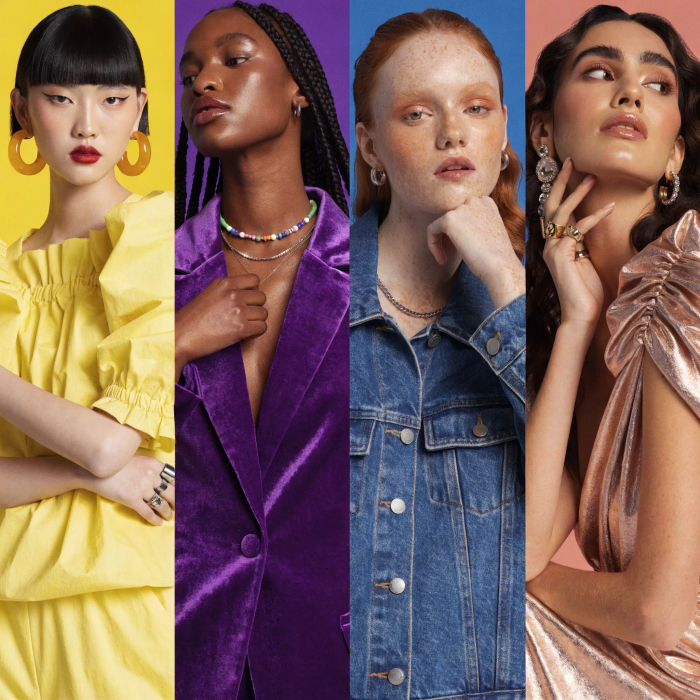
Generate a female AI influencer. Vertical output, ready for socials.
Stitch 2-10 frames into a perfectly looping video with smooth cinematic transitions between each one.
Convert any image to a new aspect ratio. Smart crop or extend the edges to fit.
Invitation card AI designs
Create invitation card designs with Morphic's AI invitation generator. Design wedding, party, formal, and themed invites in seconds. No design skills needed, describe the event, colors, and tone, then download HD cards to print or share with guests.
Birthday invitation AI designs
Create AI birthday invitation designs with Morphic's birthday invitation generator. Make custom cards for kids and adults, ready to print or share, in seconds. No skills needed, describe your theme and download original HD invitations anywhere.
Thanksgiving invitation designs
Create Thanksgiving dinner invitations in Morphic with harvest tables, autumn colours and warm lighting. Add your details and share or print.
Roll Up Banner Design AI Images
Turn a brief into roll up banner design instantly. Export at print resolution with bleed, ready for the printer. No stock licence needed.
Get started for free today, with the option to upgrade or cancel anytime.
Basic
2400 monthly credits
1 user only
All models
Workflows
Standard
3625 monthly credits
1 user only
All models
Workflows
Pro
6350 shared monthly credits
1 user
All models
Workflows
Max
24650 shared monthly credits
1 user
All models
Workflows
Enterprise
For higher limits
Custom
pricing and billing terms

Free
For playing around
$0
forever free