Podcast music
Create nowA clean intro hook, an unobtrusive underscore and a quick transition sting that keep an episode moving. Describe the podcast sound your show needs and Morphic generates the full instrumental track, ready to download.
podcast music tracks to play and generate
Intro and outro
A memorable hook for opening and closing an episode, the signature that ties every show together.

A low, unobtrusive bed that sits under talking without pulling focus from the words.

Transition sting
A short musical punctuation to move between segments cleanly without a jarring cut.
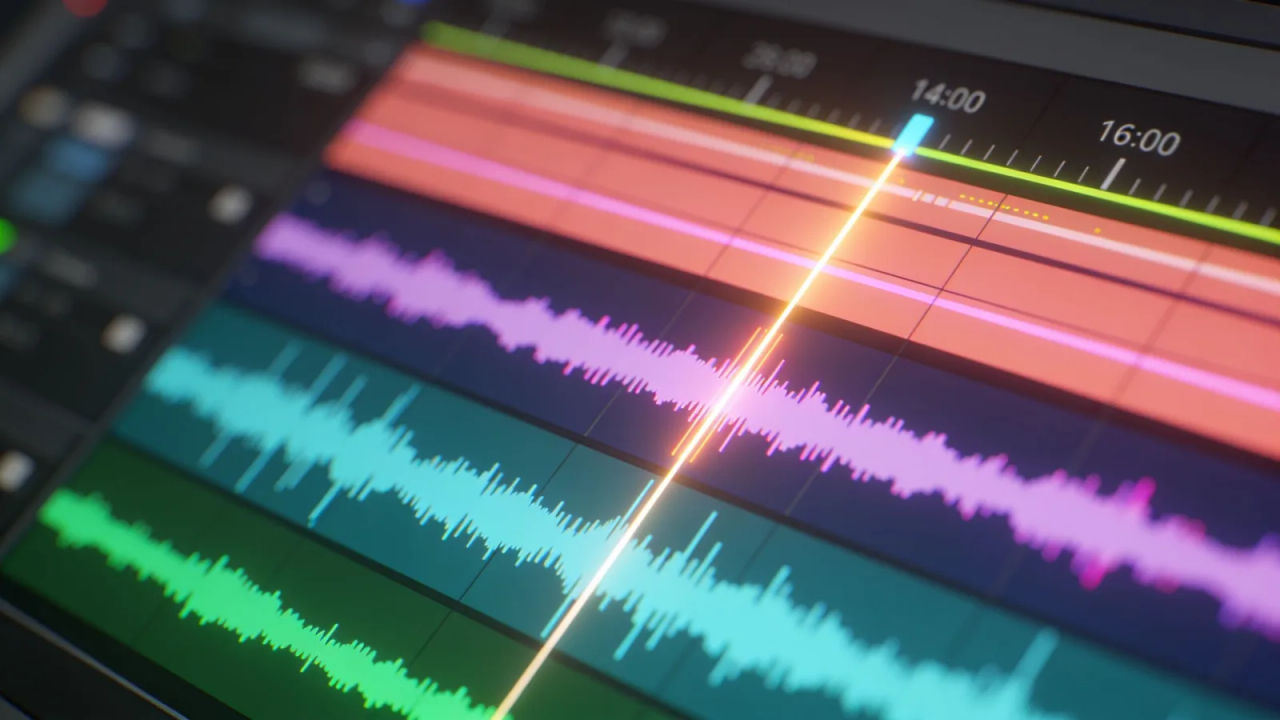
Interview bed
A warm, mellow loop for an ad read or a sponsor segment that lifts the mood a notch.

Design your podcast music track
Mix and match the traits below. Your prompt builds as you go.
A medium-tempo, uplifting, driving podcast music track
GenerateScore the open and close of an episode
Give the show a signature hook at the top and a matching tail at the end. Describe the pace and the lead sound, and Morphic builds a full instrumental cut you can trim to length.

Set the mood for ad reads and segments
From a warm interview bed under a sponsor read to a quiet underscore beneath a monologue, a podcast track keeps the energy up without covering the voice.
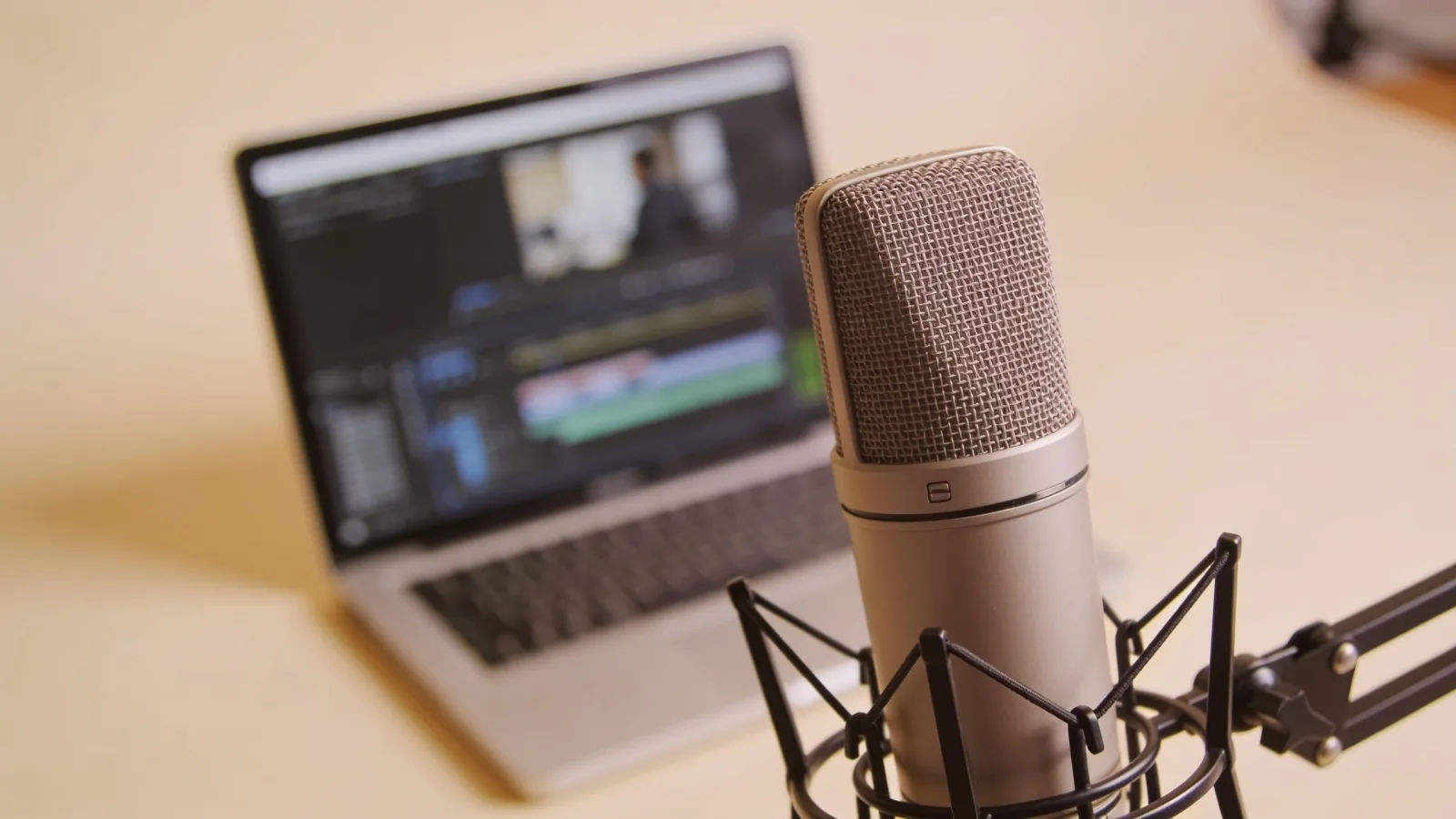
Direct the podcast sound in plain English
Name the mood, the tempo and the lead instrument, and re-voice the same theme as a transition sting or a background bed by editing the prompt.

Build a whole episode audio kit
Generate an intro, an outro, a transition sting and an underscore that share the same palette and keep the sound consistent across every episode, all from one workspace.

You might also like
Podcast intro music
Generate podcast intro music with AI on Morphic. Describe the mood, tempo and instruments, then download your track as MP3 or WAV.
Background music
Generate background music with AI on Morphic. Describe the mood, tempo and instruments, then download your track as MP3 or WAV.
Corporate music
Generate corporate music with AI on Morphic. Describe the mood, tempo and instruments, then download your track as MP3 or WAV.
Intro music
Generate intro music with AI on Morphic. Describe the mood, tempo and instruments, then download your track as MP3 or WAV.
Simple pricing
Get started for free today, with the option to upgrade or cancel anytime.
Basic
2400 monthly credits
1 user only
All models
Workflows
Standard
3625 monthly credits
1 user only
All models
Workflows
Pro
6350 shared monthly credits
1 user
All models
Workflows
Max
24650 shared monthly credits
1 user
All models
Workflows
Enterprise
For higher limits
Custom
pricing and billing terms

Free
For playing around
$0
forever free