Staged rooms you can create
Stage a listing in three steps
- 01
Open Morphic
Sign up and start creating on a free-flowing, infinite visual canvas.
- 02
Add the room photo
Drop in a photo of the empty or dated room, even a plain walkthrough shot.
- 03
Furnish and generate
Name the furniture style. The room comes back staged with its real walls intact.
Empty to staged, before and after
 Staged
 Empty
EmptyUse cases
Stage an empty listing
Turn a bare room into a furnished space so buyers can picture living there. Start from the real photo and the sofas, beds, and rugs land inside the actual walls and windows.
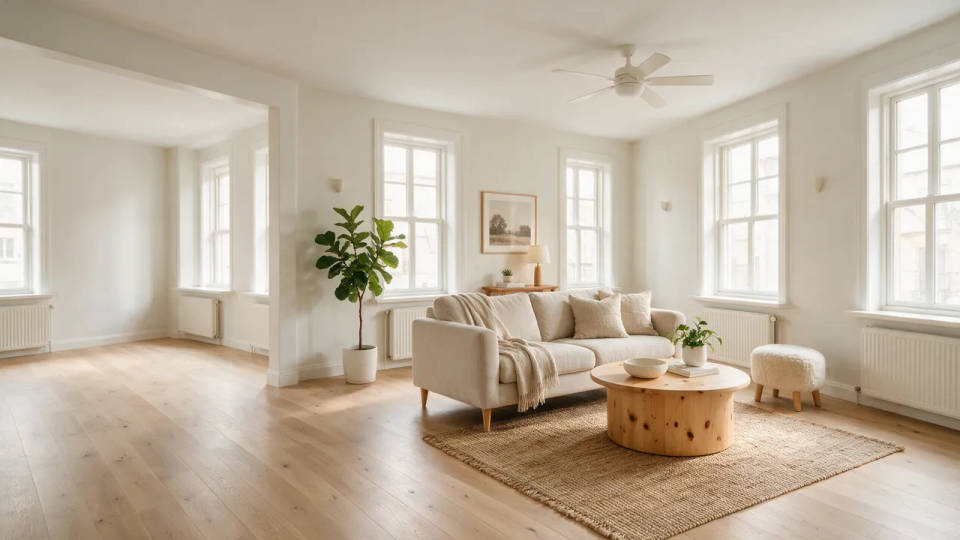
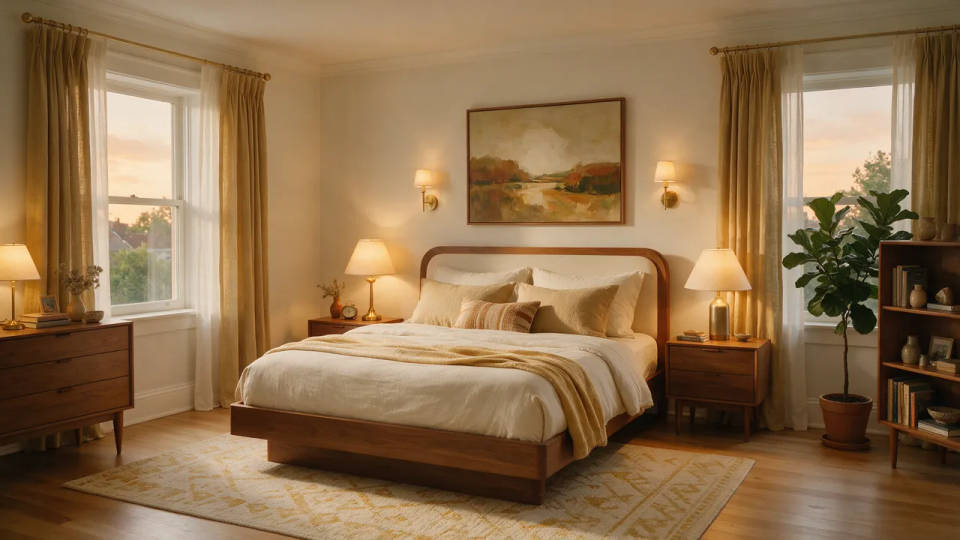
Restage an occupied room
Clear the visual clutter of a lived-in room and restage it in a cleaner style. The layout and light stay true while dated furniture gives way to a look buyers respond to.
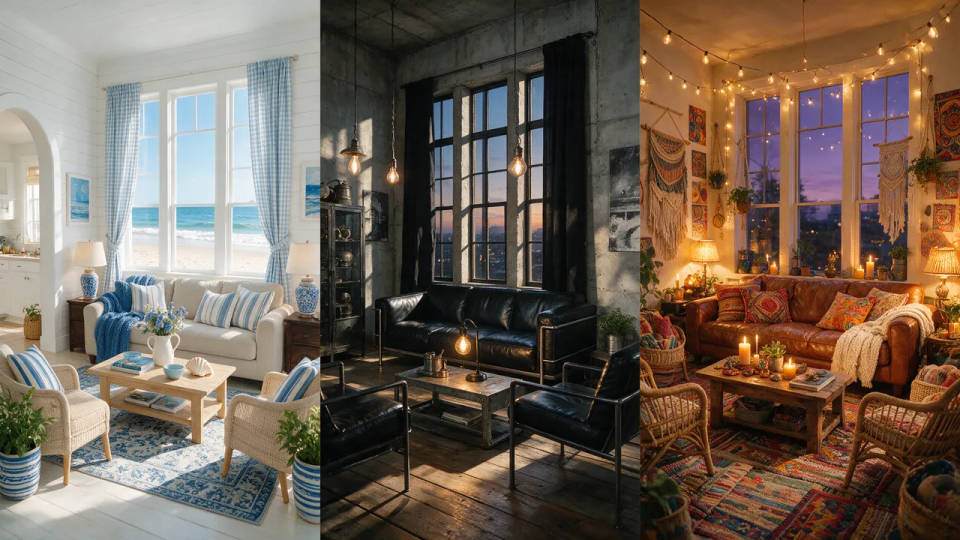
Try a few furniture styles
Stage the same room as Scandinavian, mid-century, or coastal and compare them side by side. Match the styling to the buyer without renting a single piece of furniture.
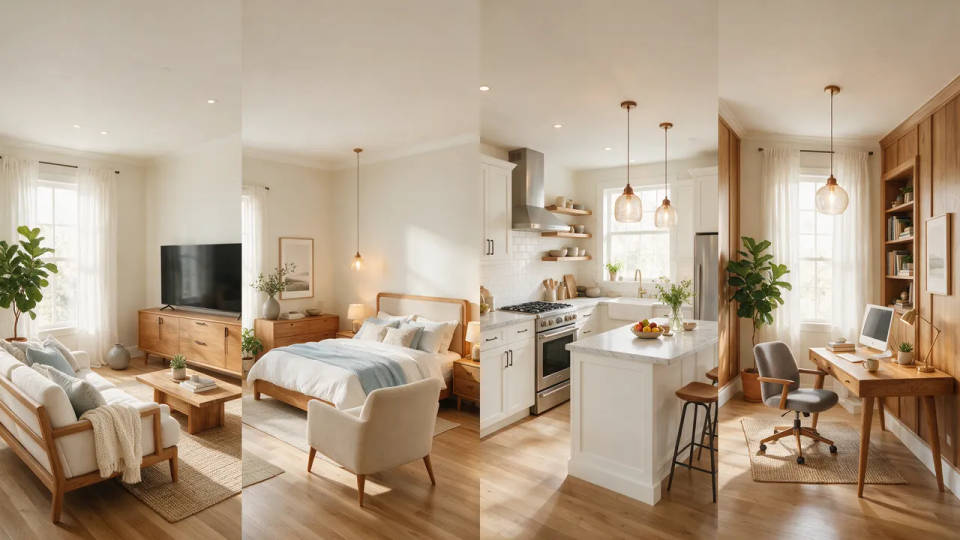
A consistent set for the whole home
Stage every room in one style so the full gallery reads as a single, listing-ready home. Save it as a Workflow and re-run it on each photo, room after room.
Staged rooms you can create
Different rooms and furniture styles, all keeping the room's real architecture. Open any prompt to tweak it and stage your own.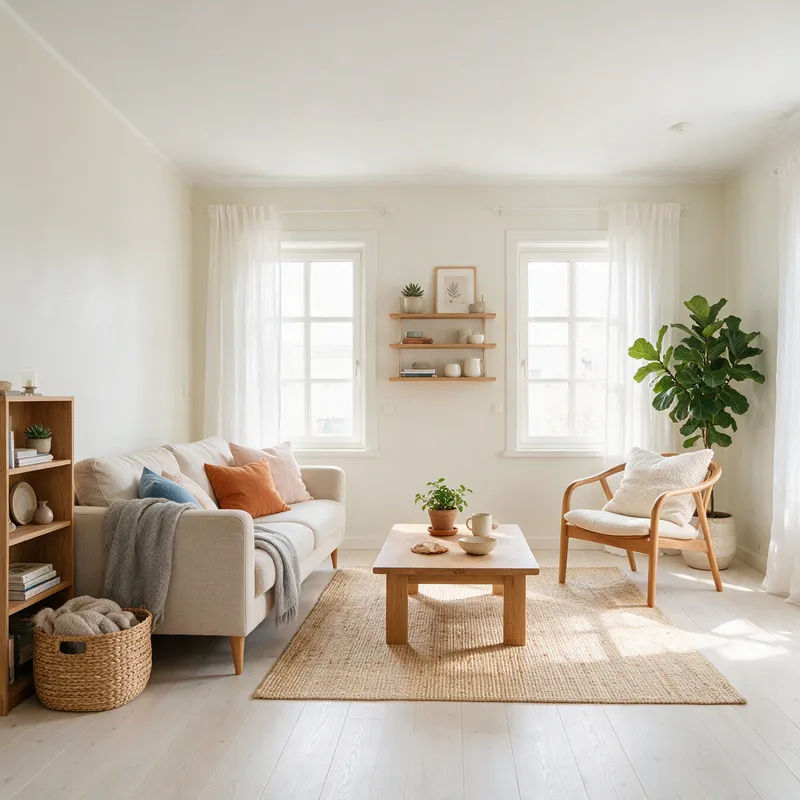
Scandinavian living room
Stage this empty living room in Scandinavian style, pale oak floor, linen sofa, keep the real walls and windows
Edit prompt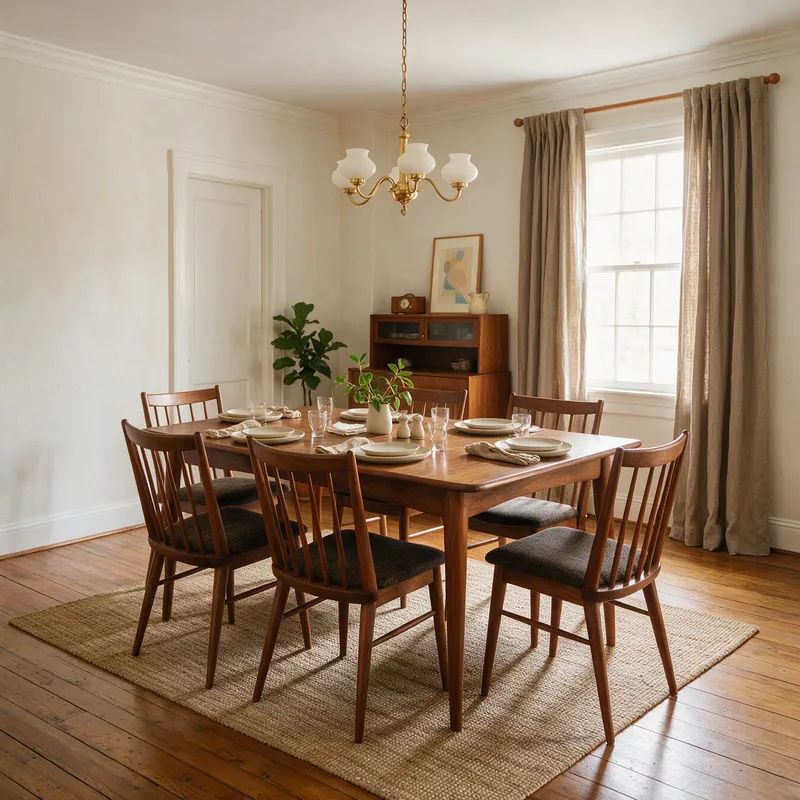
Coastal primary bedroom
Stage this bedroom in coastal style, upholstered bed, soft blue accents, natural light, keep the real window placement
Edit prompt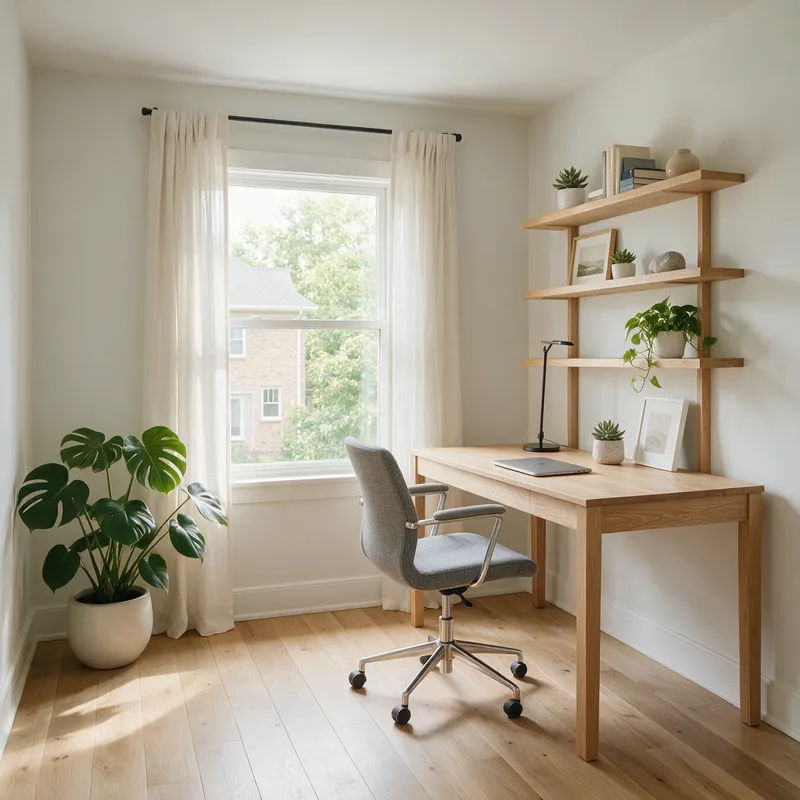
Mid-century dining room
Stage this dining room in mid-century style, walnut table, tapered-leg chairs, keep the real floor and wall lines
Edit prompt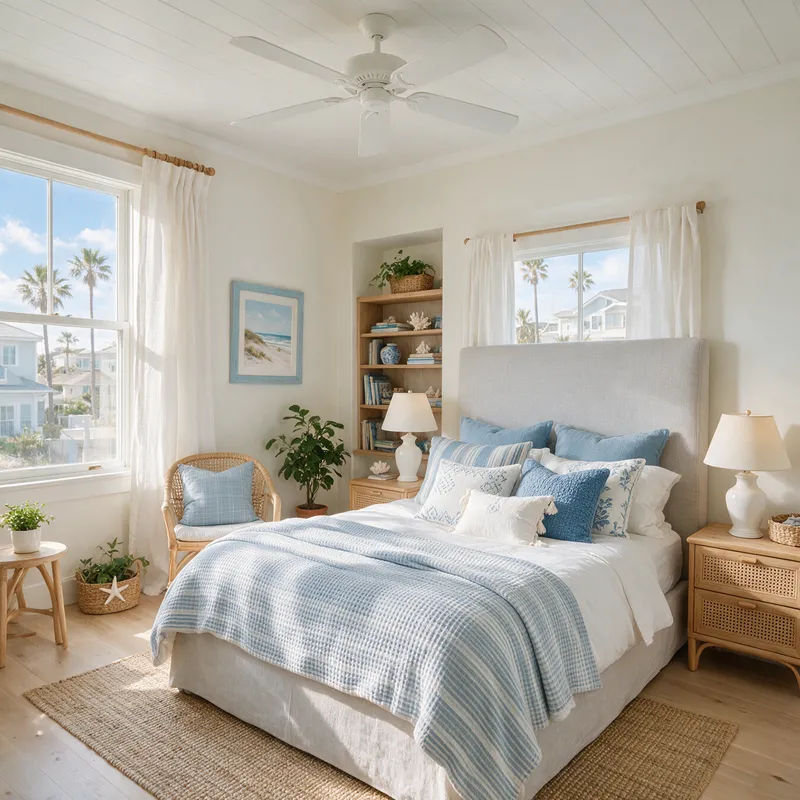
Modern home office
Stage this spare room as a modern home office, clean desk, shelving, task chair, keep the real window and natural light
Edit prompt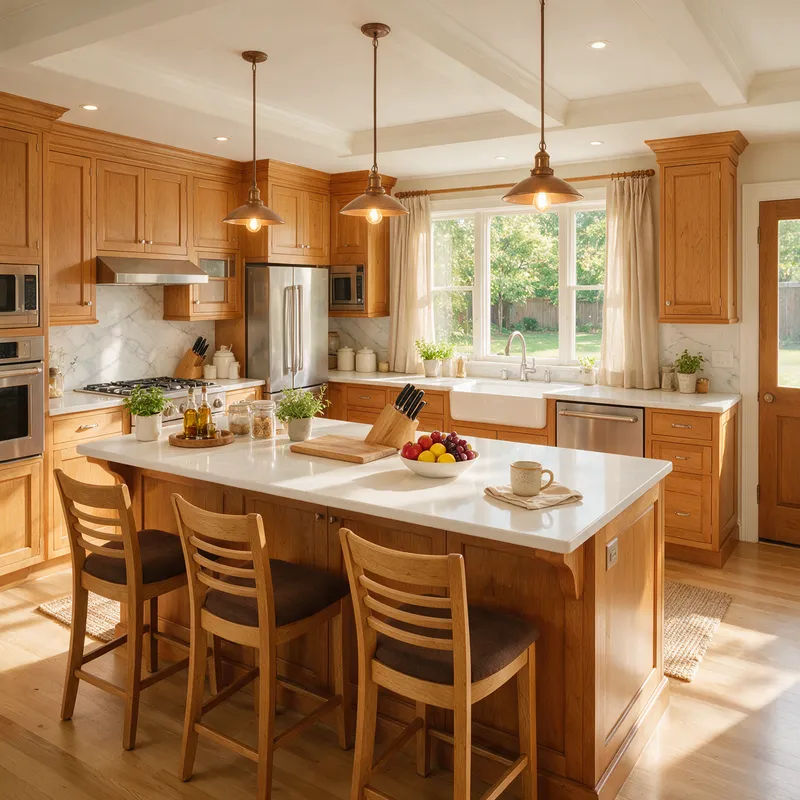
Styled kitchen
Stage this kitchen island with three barstools, styled counter, warm daylight, keep the real cabinets and layout
Edit prompt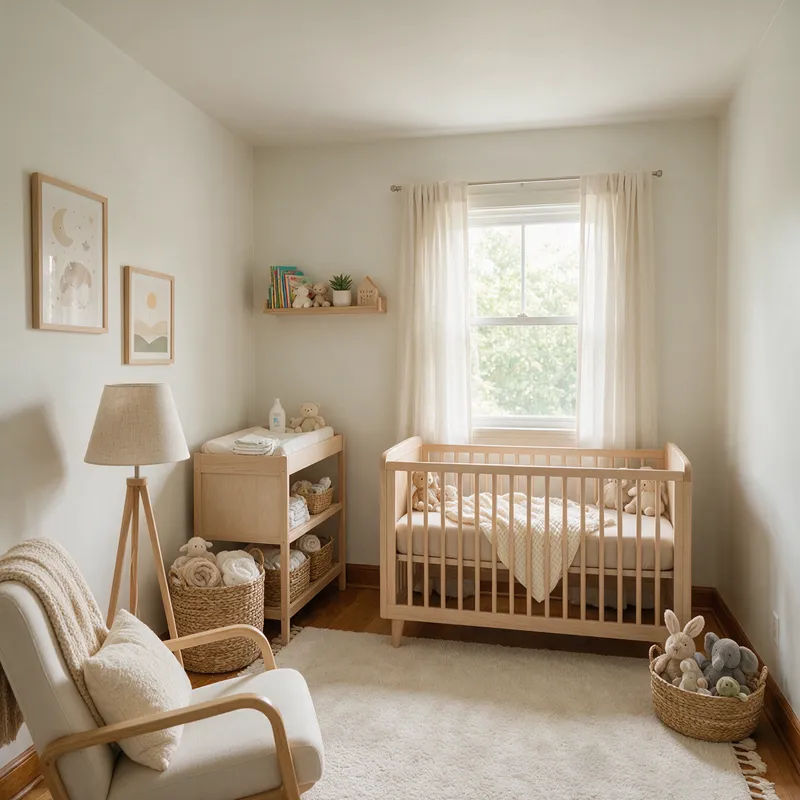
Sunlit nursery
Stage this small room as a nursery, wood crib, soft rug, gentle diffused light, keep the real walls and window
Edit prompt
Cinematic storyboard
Share a scene description with character references. Get a full storyboard with shot angles and mood.

Messages to cinematic scene
Dramatize any text conversation into a cinematic multi-shot video.

Title sequence
Generate a professional film title card from scratch, with optional cinematic animation.

3x3 storyboard
Feed in a single image. Get 9 cinematic beats laid out as a 3x3 storyboard grid.

Chibi sprite animation
Turn any photo or description into an animated chibi sprite. Dance, jump, wave, attack, and more.

Expressions
Take any character image and generate 6 distinct facial expressions on a single reference sheet.
All on Morphic
Your complete virtual staging stackModels
Nano Banana 2, Flux 2 Pro, ChatGPT Images 2.0, Grok Imagine, Recraft V4 Pro, Seedream 5, and more. Pick the one that renders interiors and light best, and switch mid-project.
Real architecture held
Stage from a photo of the actual room with image-to-image. The walls, windows, and floor stay true while furniture and decor go in on top.
Swap furniture styles
Restage one room into another look. Scandinavian to coastal, dated to modern, same real space, a new furniture style each time.
Workflows
Save a staging recipe as a Workflow. Re-run it on the next room, share the link, or favorite it for the whole listing.
