Change a voice in three steps
- 01
Open Morphic
Sign up and start on a free-flowing, infinite visual canvas.
- 02
Upload your clip
Drop in the recording whose voice you want to change. Your words and timing stay put.
- 03
Pick a voice and generate
Name or choose the new voice. The line is rebuilt in it, ready to download.
The same line, in every voice
Young woman
Bright, natural, warm
Older man
Weathered and measured
Deep narrator
Rich, cinematic low end
Bright and upbeat
Playful, energetic
Gritty character
Rough and characterful
Calm and soft
Gentle, close-mic
Use cases
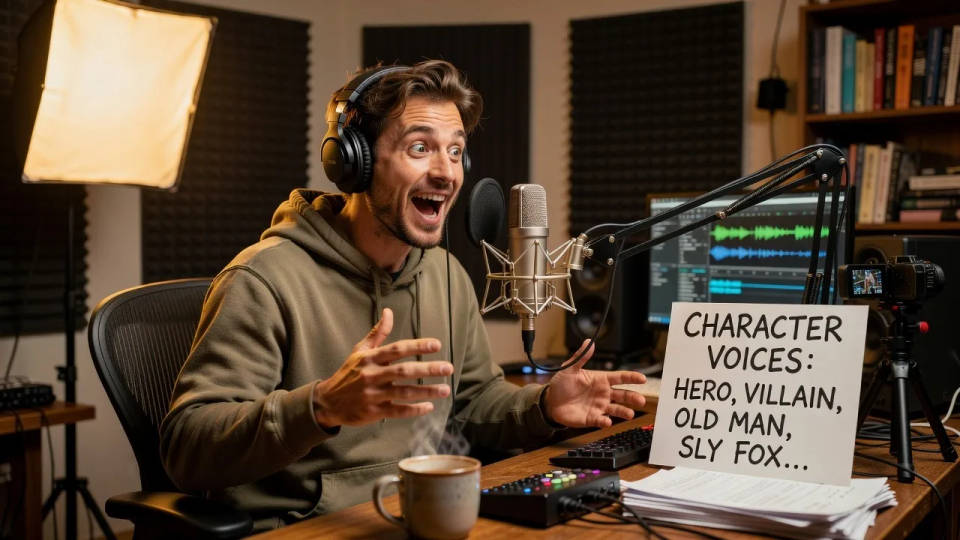
Give every character its own voice
Perform a scene once, then change each line into a distinct character voice. One actor becomes a whole cast without a booth or a second take.
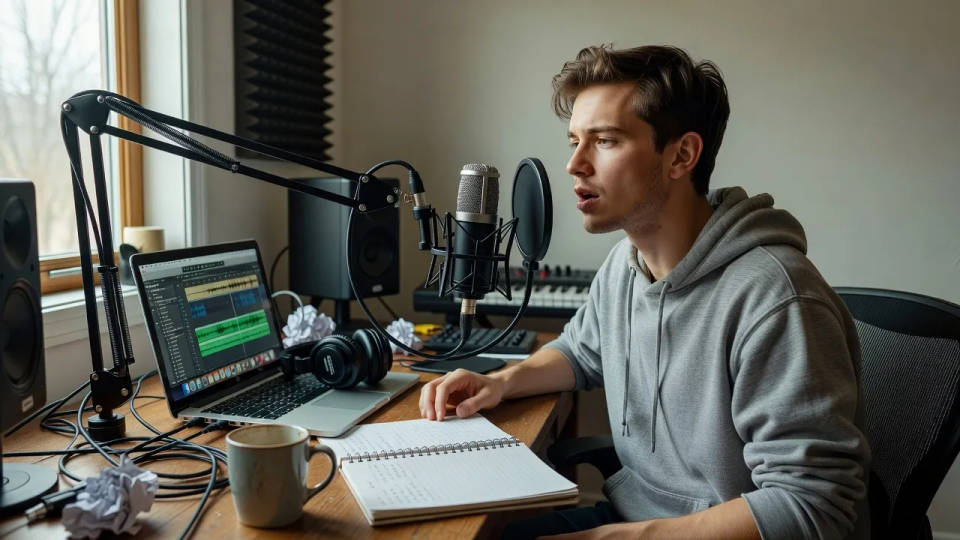
Swap a scratch track for a polished voice
Record a rough guide read to lock timing, then change it into the final voice. The pacing you set stays exactly where it was.
Keep one voice across a series
Change every episode or clip into the same voice, so a channel or show sounds consistent no matter who recorded the take.
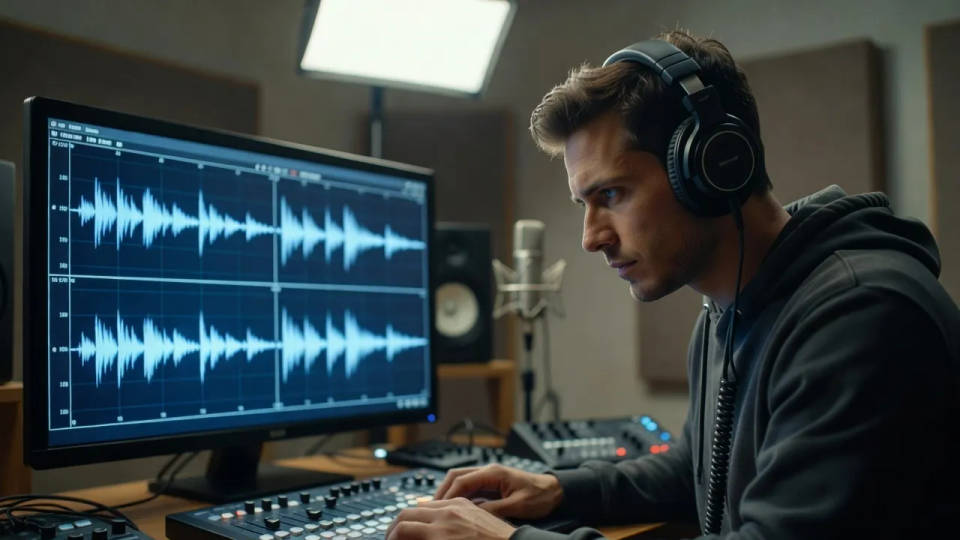
Test a line in a different voice
Hear how a script lands as a younger, older, or more dramatic voice before you commit. Compare takes without re-recording a thing.
Time-freeze effect
Cinematic time-freeze short film for any scene
Dance your character
Upload a character image and make it dance in any style.
Put yourself in a movie
Drop in a photo of yourself. Get a 12-second cinematic movie with animation and a matched soundtrack.

Cinematic storyboard
Share a scene description with character references. Get a full storyboard with shot angles and mood.

Chibi sprite animation
Turn any photo or description into an animated chibi sprite. Dance, jump, wave, attack, and more.

Messages to cinematic scene
Dramatize any text conversation into a cinematic multi-shot video.
All on Morphic
Your complete voice-changer stackAny voice you name
Change a recording into a different speaker, age, or character. Describe the voice or pick a preset.
Your delivery, kept
Your words, pacing, and emphasis carry over. Only the voice changes, so the performance still lands.
Voices and audio
Generate voiceovers from text, add music and sound effects, and shape the whole track in one session.
Workflows
Pin a voice and save it as a Workflow. Rerun it on the next clip so every line shares one voice.
