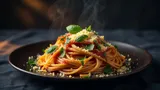
Hero dish shot
Your signature plate shot close and warm, styled the way a food magazine would, so it stops the scroll and makes people hungry.
Edit prompt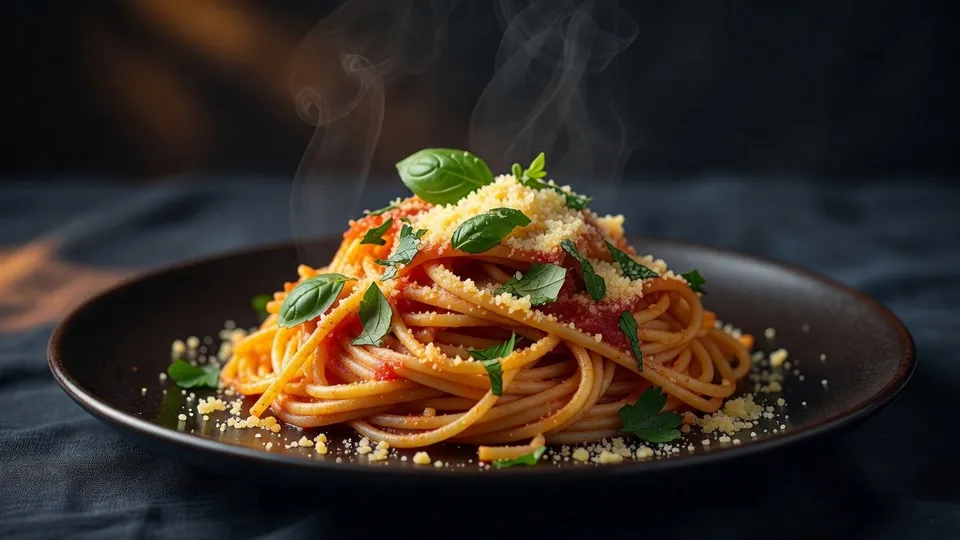
Whether you run a busy kitchen or a small cafe, snap one photo of the plate and get back menu shots, social posts, and interior scenes. No food stylist, no photographer, no day of shooting.
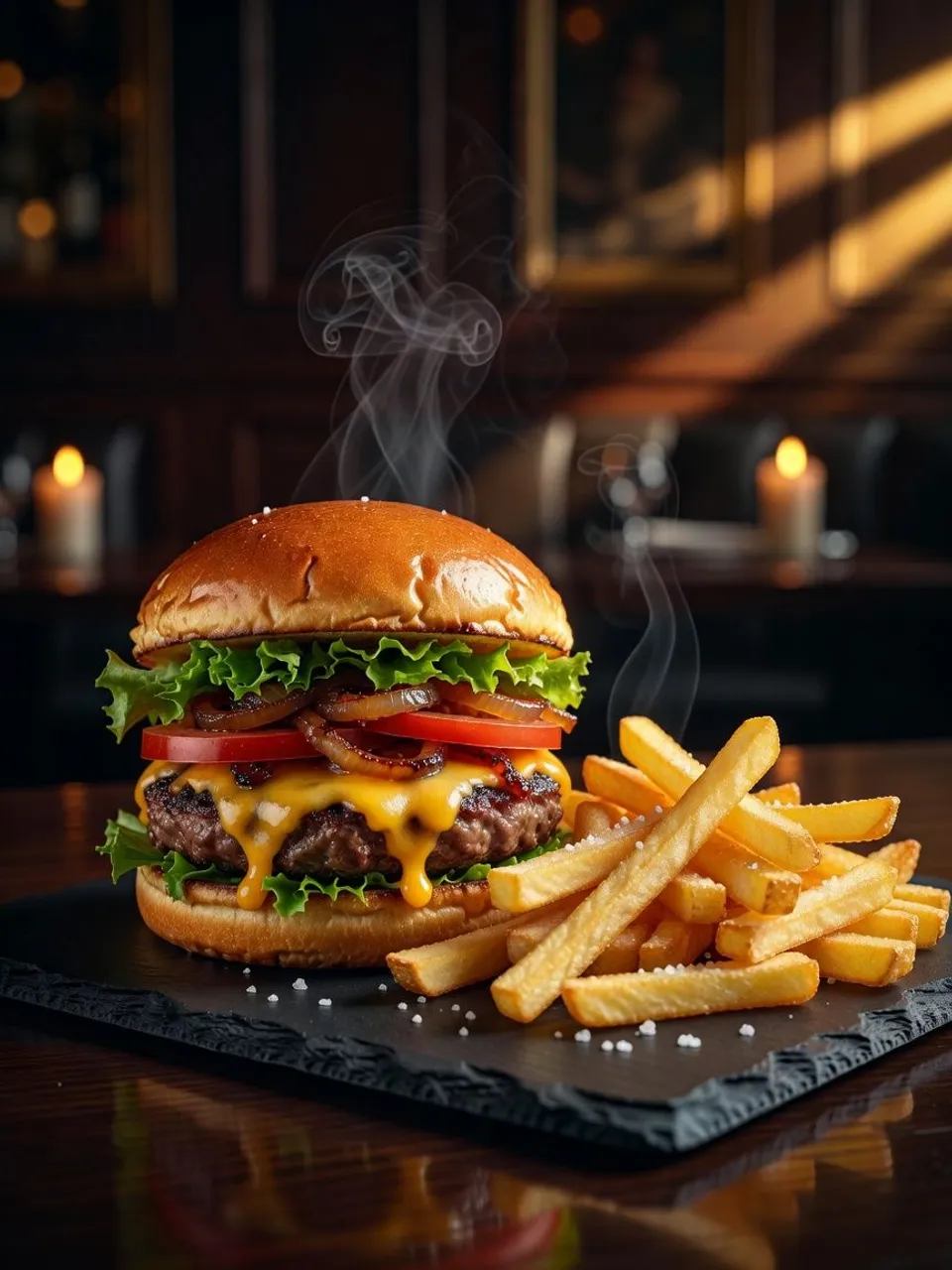
Upload the photo you already have and describe the look you want. Morphic relights and restyles that same dish into a shot worth posting, and you keep every version it makes for the menu and the feed.
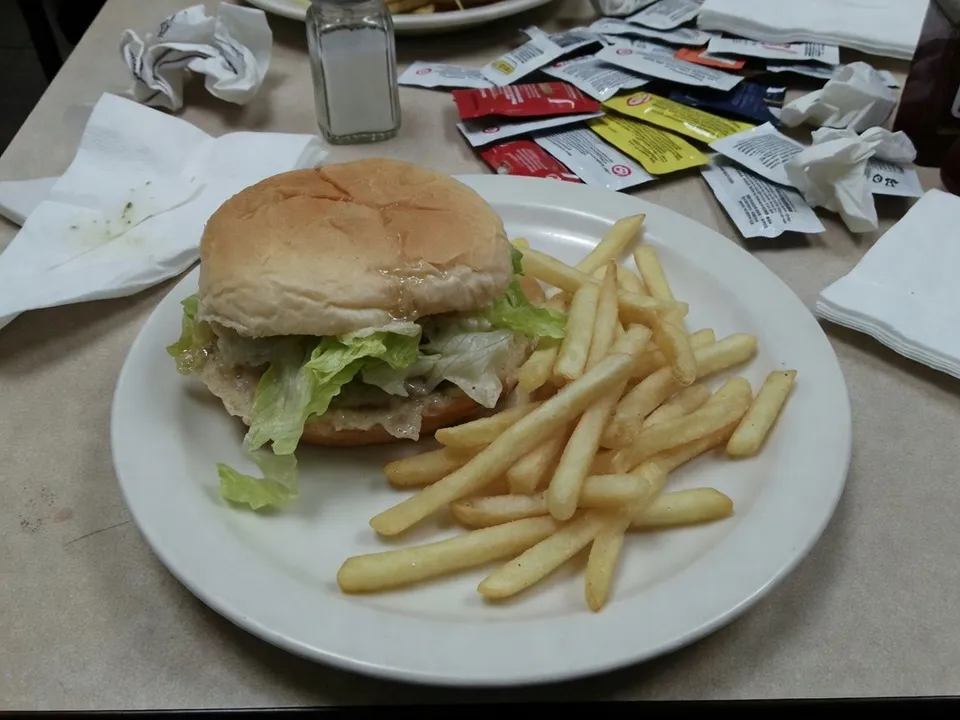
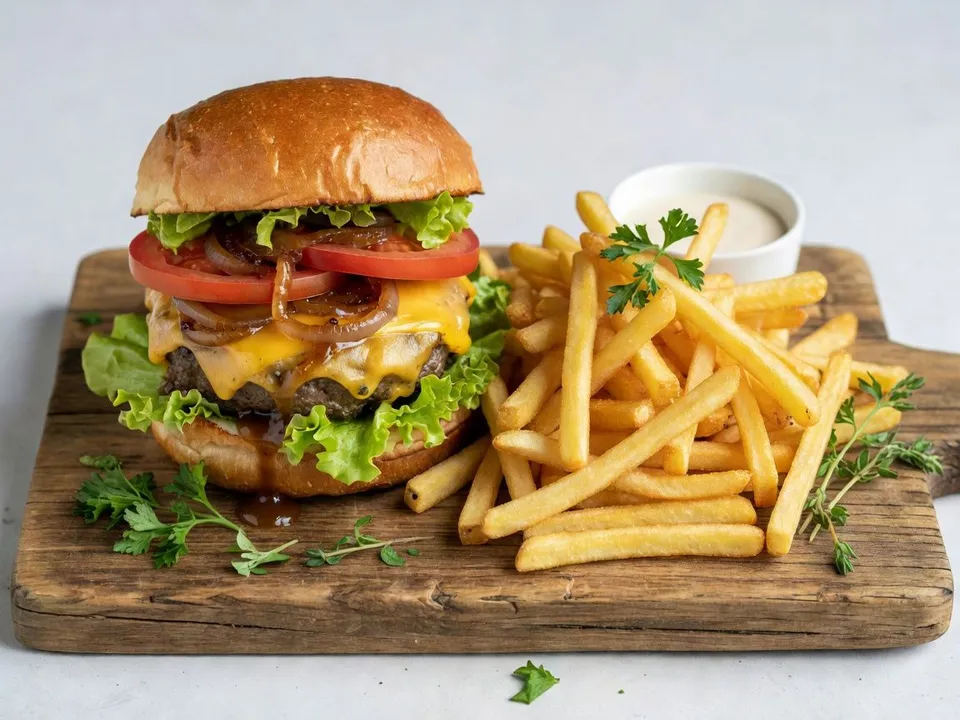
Upload a single photo. A quick shot on the pass or the counter is enough, and Morphic reads the plating, color, and portion.
Say what you want in one plain sentence: the surface, the light, the mood. Tweak the words and run it again until it feels like your place.
Get a set of variants at full resolution, ready to drop straight onto your menu, your feed, or a delivery listing.
Every shot your restaurant or cafe runs on, from a mouthwatering hero dish to a warm interior scene, made from a single photo you already have so a whole mixed menu reads as one carefully styled sitting.
Your signature plate shot close and warm, styled the way a food magazine would, so it stops the scroll and makes people hungry.
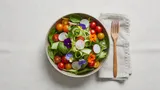
Edit promptA clean overhead of the dish on a neutral surface with a little styling, sized right for a printed menu or a delivery app listing.
Edit prompt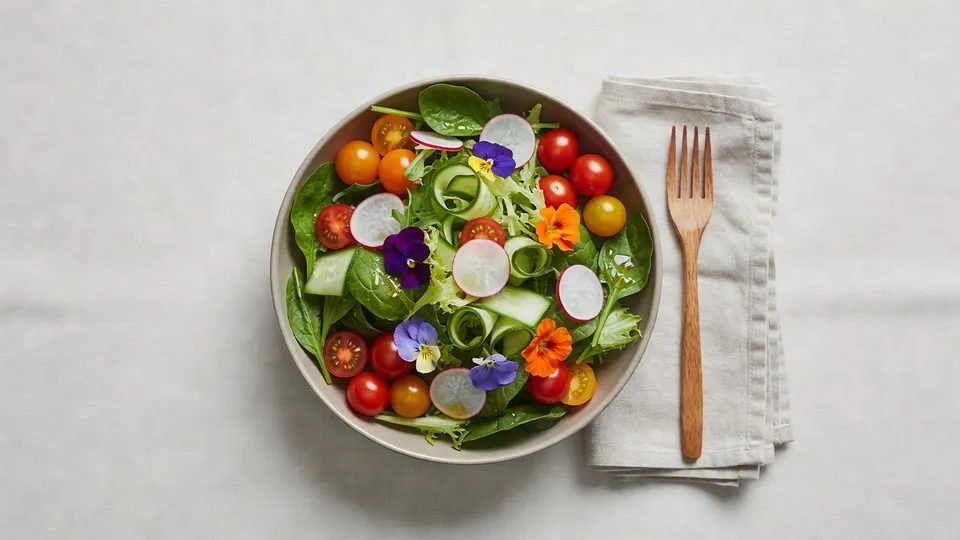
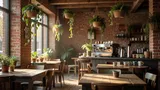
A warm, inviting shot of the room with soft daylight and a lived in feel, the scene that shows people what it is like to sit down with you.
Edit prompt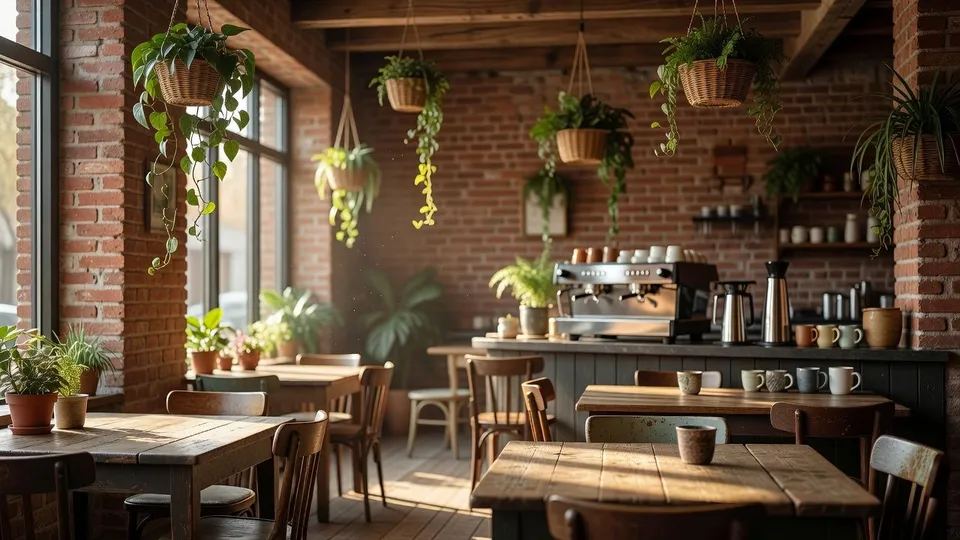
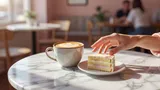
A bright lifestyle scene with the dish and a drink on the table, made to carry a weekend special or a story post without any design work.
Edit prompt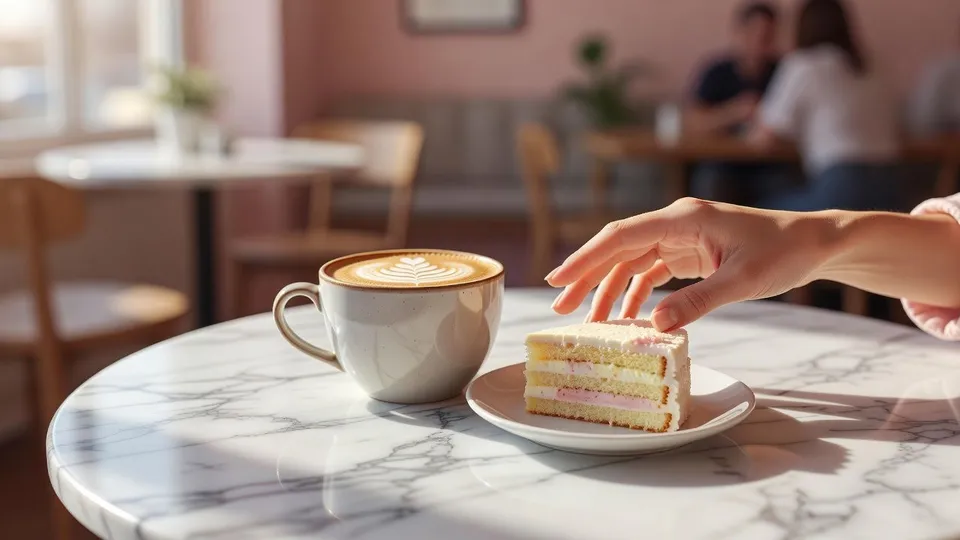
AI covers most of the work here. A few things still want your eye before you post, from real portion sizes to the allergen accuracy a guest relies on, so here is where each of them sits in your routine.

Dramatic 5-second product reveal video with audio.

One product shot becomes a full campaign pack with hero shots, angles, and format variations.
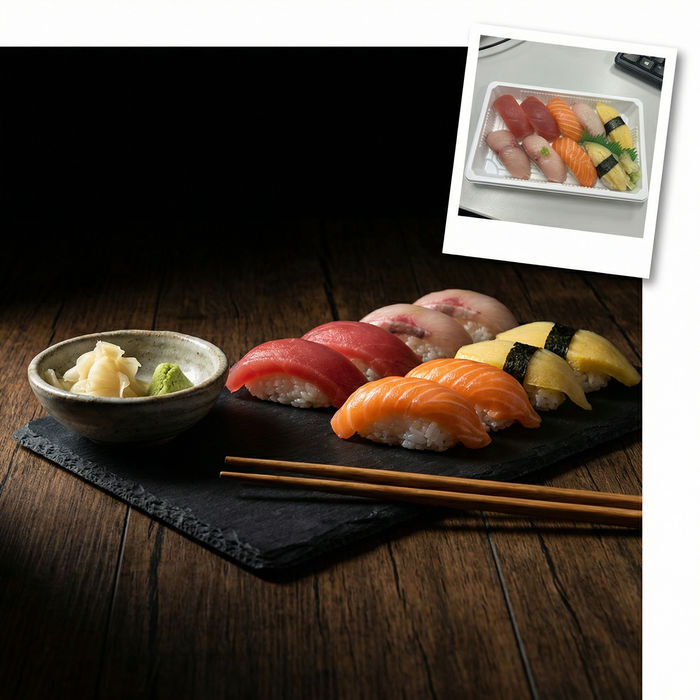
Turn any dish photo or description into a styled, editorial-quality food photograph.

Generate a female AI influencer. Vertical output, ready for socials.
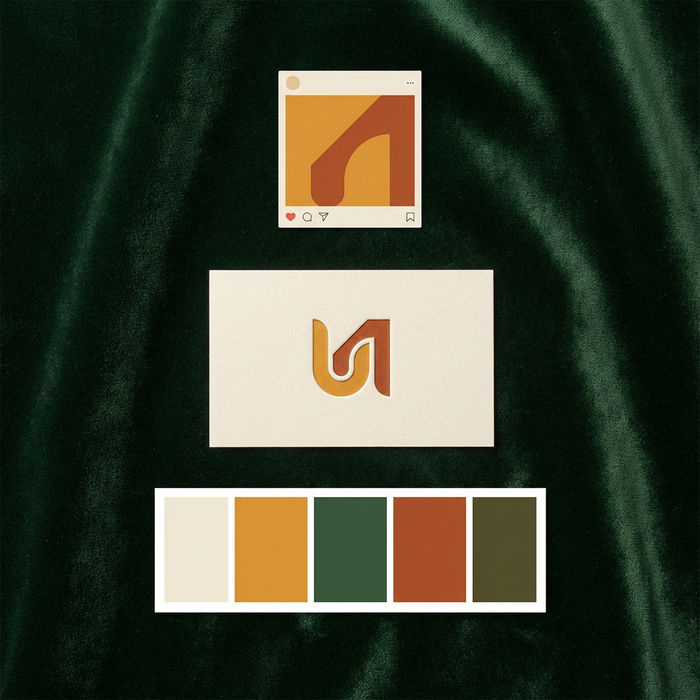
Get logo concepts, social media templates, color palettes, and marketing collateral in one go.
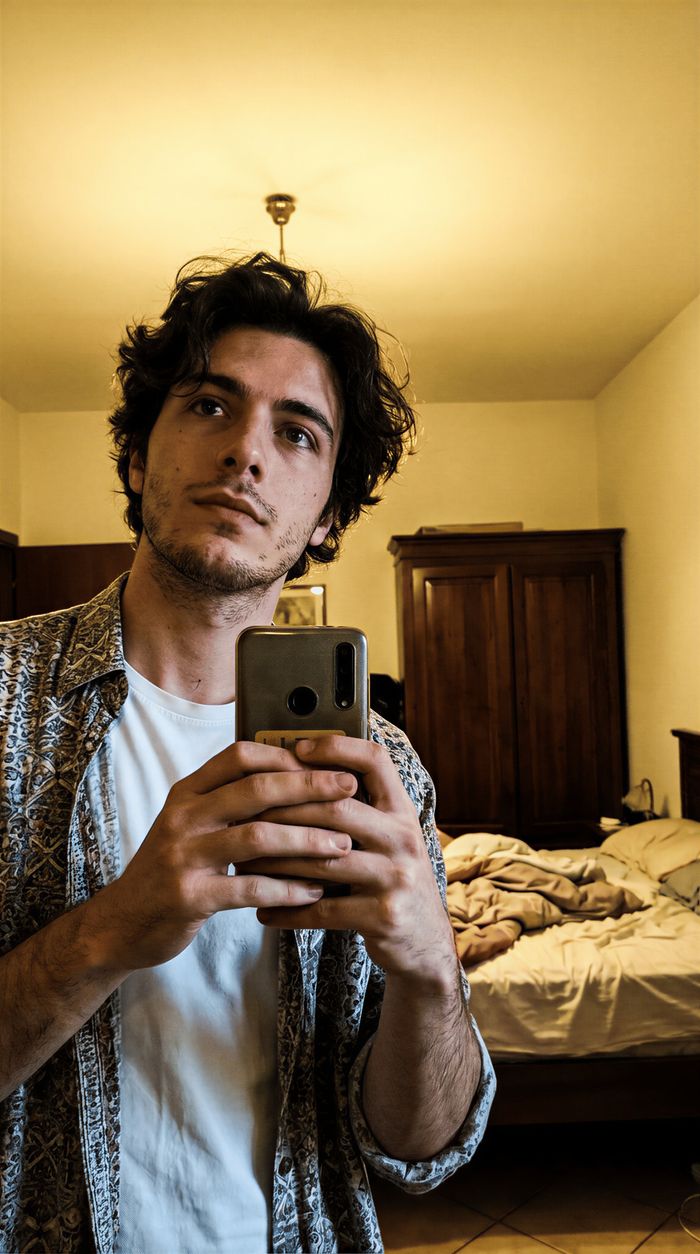
Scroll-stopping YouTube thumbnails with built-in A/B variations to test for maximum CTR.
Get started for free today, with the option to upgrade or cancel anytime.
Basic
2400 monthly credits
1 user only
All models
Workflows
Standard
3625 monthly credits
1 user only
All models
Workflows
Pro
6350 shared monthly credits
1 user
All models
Workflows
Max
24650 shared monthly credits
1 user
All models
Workflows
Enterprise
For higher limits
Custom
pricing and billing terms

Free
For playing around
$0
forever free