


Exterior hero
A warm golden hour shot of the front of the home that makes the first photo in the listing stop the scroll and feel like a place worth seeing.
Edit prompt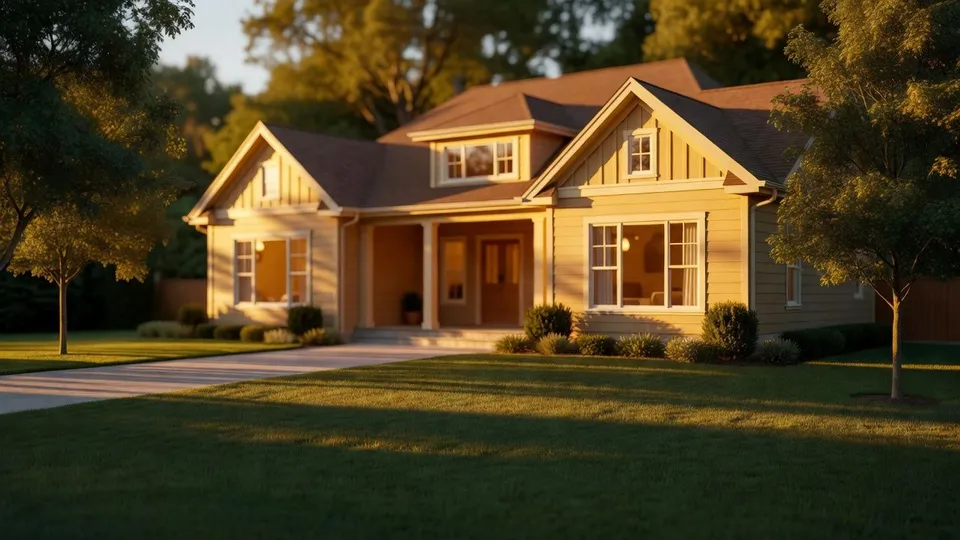
Whether you list on Zillow, Rightmove, or your own site, upload the photos you already have and get back bright, corrected, polished shots of the real space. No reshoot, no expensive photographer, no editor.
Upload a single photo. A dim phone shot of the room or the exterior is enough, and Morphic reads the space, the light, and the layout.
Say what you want in one plain sentence: brighter light, warmer tone, straighter walls, golden hour outside. Nudge the words and run it again until it lands.
Get a set of variants at full resolution, ready to drop straight onto your listing, after a quick honesty check that they still show the real space.
Every shot a listing runs on, from a golden hour exterior to a bright interior, a twilight hero, and a wider neighborhood scene, all made from the ordinary photos you have already taken on your phone.
A warm golden hour shot of the front of the home that makes the first photo in the listing stop the scroll and feel like a place worth seeing.
Edit promptA clean, well-lit interior with balanced light and true color, so a room that looked dim on a phone reads as open and welcoming.
Edit prompt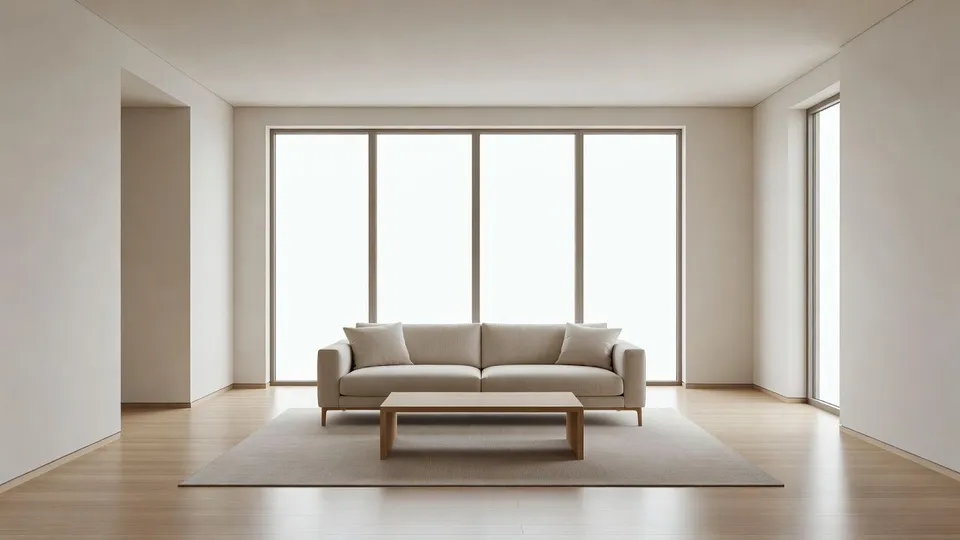
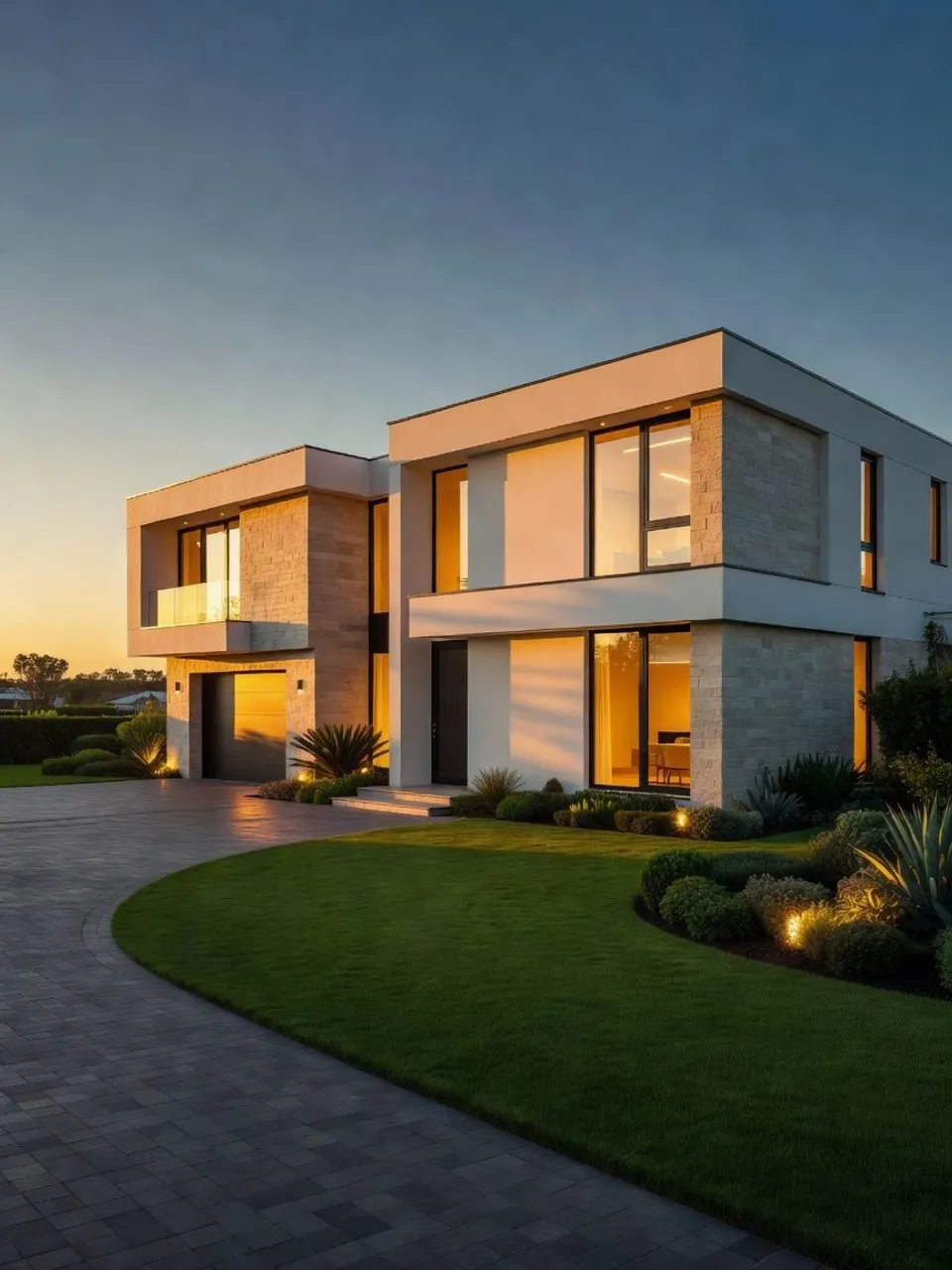
A dusk exterior with warm windows glowing against a deep blue sky, the premium hero shot that makes a listing feel high end.
Edit prompt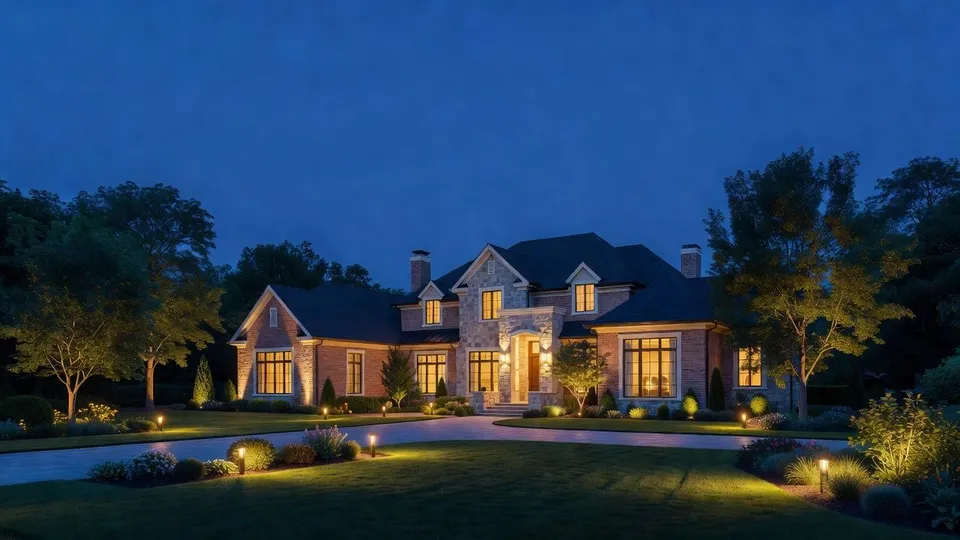
A warm lifestyle view of the street and surroundings, the mood shot that helps a buyer picture living there, not just touring the rooms.
Edit prompt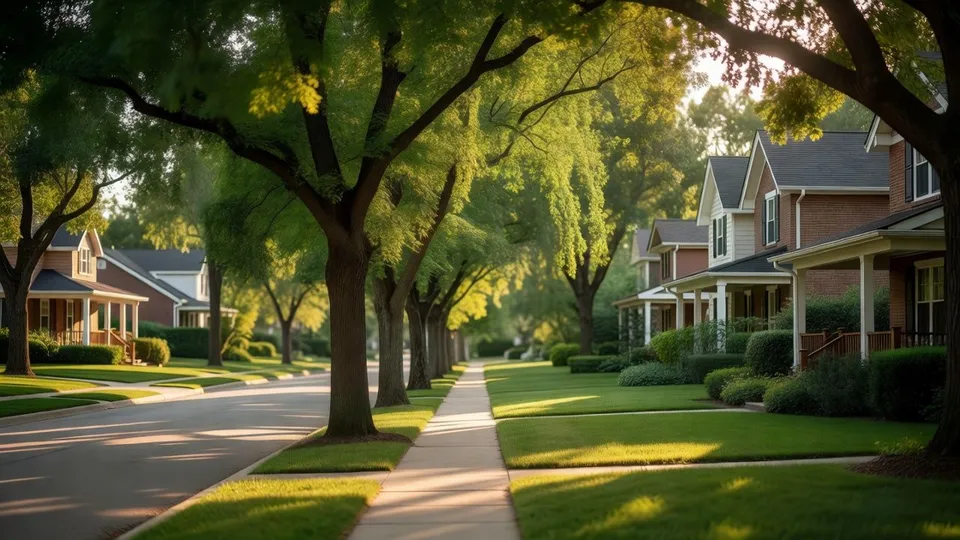
AI covers most of the editing work here. A few things still want your eye and an honest check that the room stays true to the real space before you go and publish it, so here is exactly where each one sits.

Describe your fabric type, pattern, color, and use. Get a photorealistic 2K textile swatch to spec.
Choose your viewing angles and get precise perspective shifts of any image with full camera control.
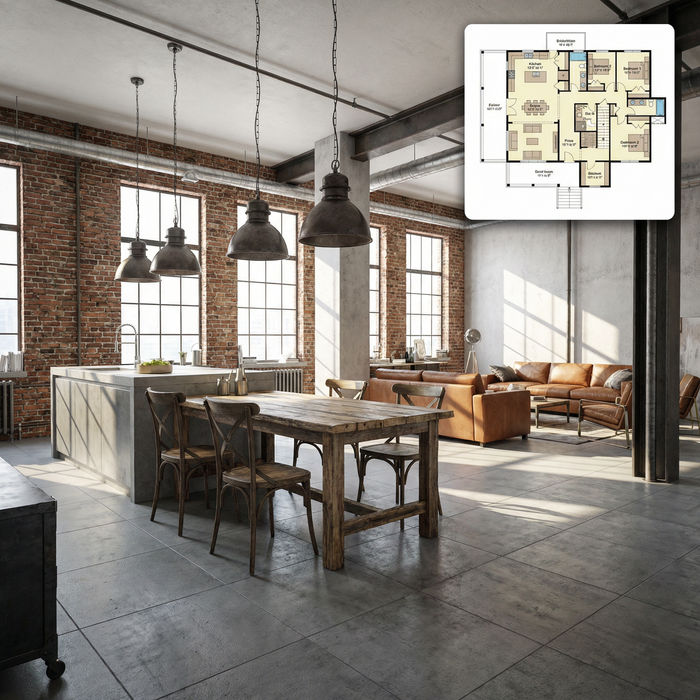
Get photorealistic interior renders with furnished rooms, lighting, and materials.

Get a detailed prompt extracted from a reference image, and then a fresh recreation.
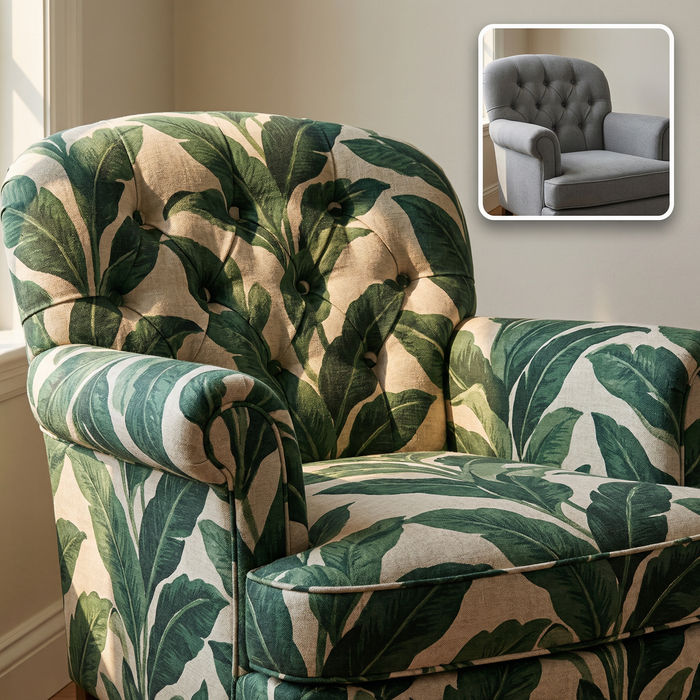
Swap the fabric on any furniture, cushion, or curtain. New texture, same shape and lighting.

Turn any sketch or drawing into a finished render.
Get started for free today, with the option to upgrade or cancel anytime.
Basic
2400 monthly credits
1 user only
All models
Workflows
Standard
3625 monthly credits
1 user only
All models
Workflows
Pro
6350 shared monthly credits
1 user
All models
Workflows
Max
24650 shared monthly credits
1 user
All models
Workflows
Enterprise
For higher limits
Custom
pricing and billing terms

Free
For playing around
$0
forever free