


AI product photography for ecommerce

Whether you sell on Shopify, Amazon, or your own store, upload one plain photo of your product and get back a full set of studio, worn, and lifestyle shots. No booking, no lightbox, no editor.

Example for AI product photography for ecommerce

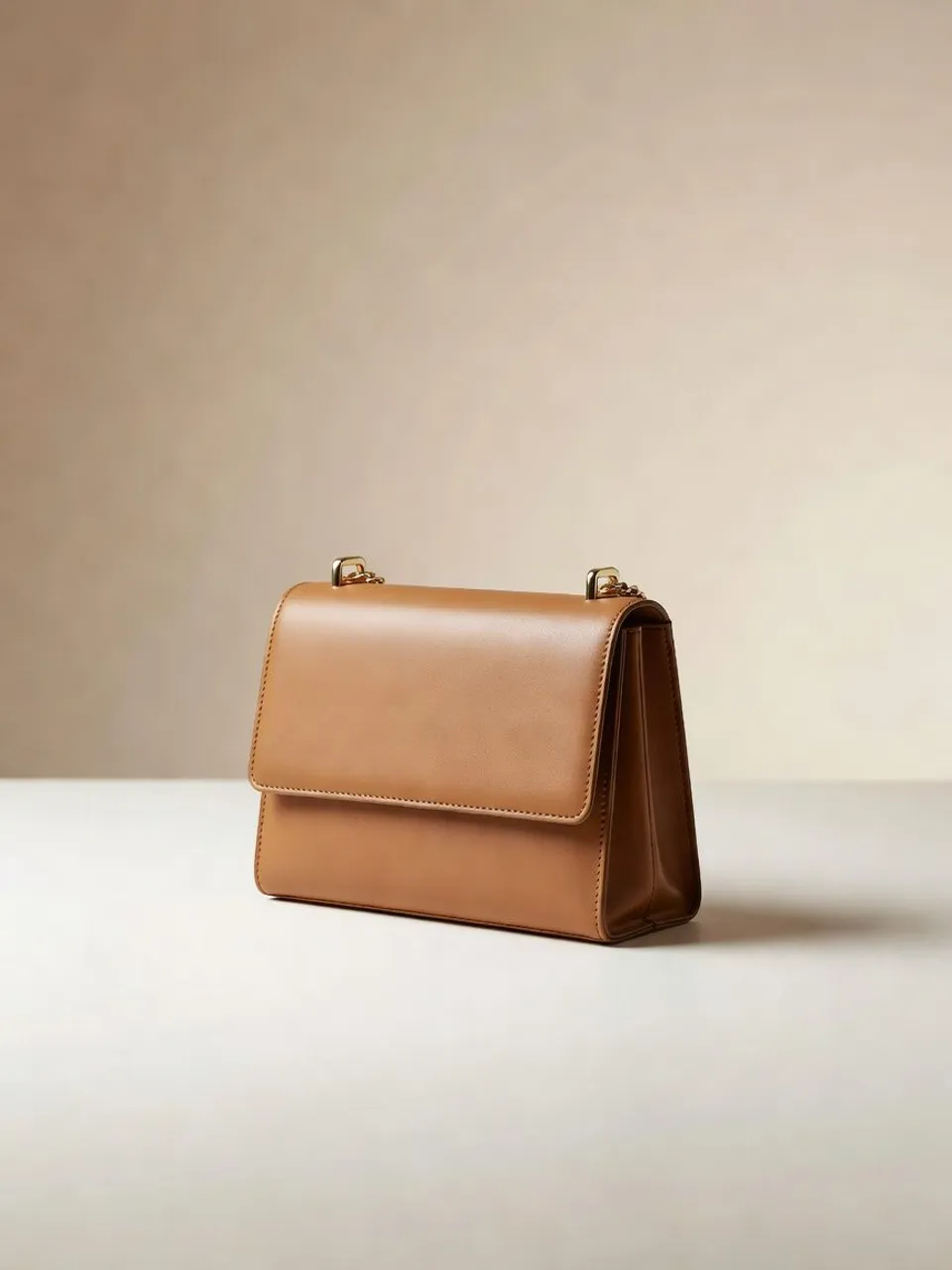
From a phone photo to a studio shot

Upload the plain photo you already have and describe the look you want in a sentence. Morphic relights and restages the very same product across every shot, and you keep each version it makes to reuse.

Phone snapshot
Phone snapshot
Studio result
Studio result

How it works

  1. 1
    drop image

    Drop your product in

    Upload a single photo. A phone shot on a desk is enough, and Morphic reads the shape, material, and label.

  2. 2

    Describe the shot

    Say what you want in one plain sentence: the background, the lighting, the angle. Tweak the words and run it again until it lands.

  3. 3

    Generate and export

    Get a set of variants at full resolution, ready to drop straight onto your product listing.

The shots your listings need

Every shot type your store runs on, from a clean white-background pack shot to an on-model look and a full lifestyle scene, all made from a single plain photo of the product you already have to hand today.

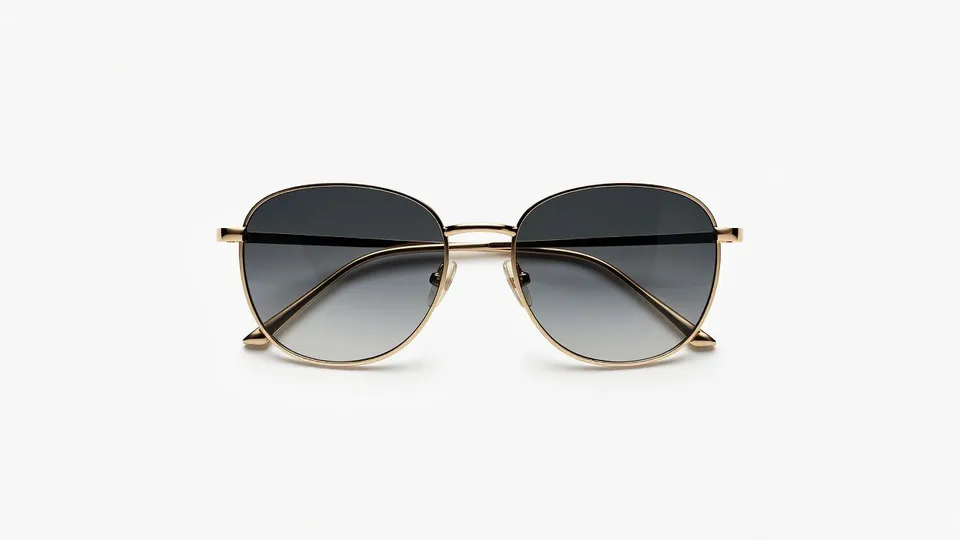
White background pack shot

Your product on a seamless white background under soft, even studio light, cleanly cut out and ready to drop onto any listing.

Edit prompt
White background pack shot for AI product photography for ecommerce

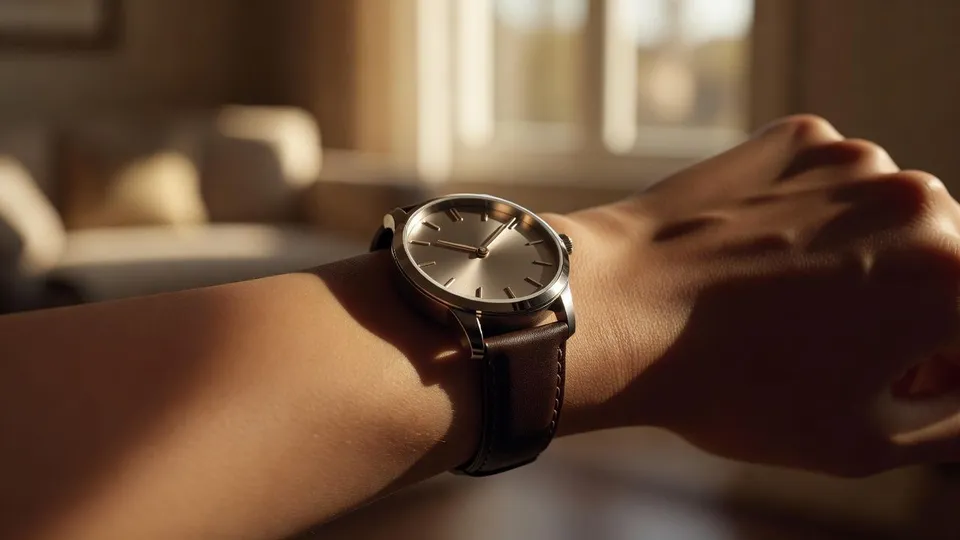
On a model

Your product worn by a real model in natural daylight, so shoppers can see how it sits and how big it is.

Edit prompt
On a model for AI product photography for ecommerce

Flat lay

An overhead flat lay of your product on a soft neutral surface with a few styling props, made for social feeds and product pages.

Edit prompt
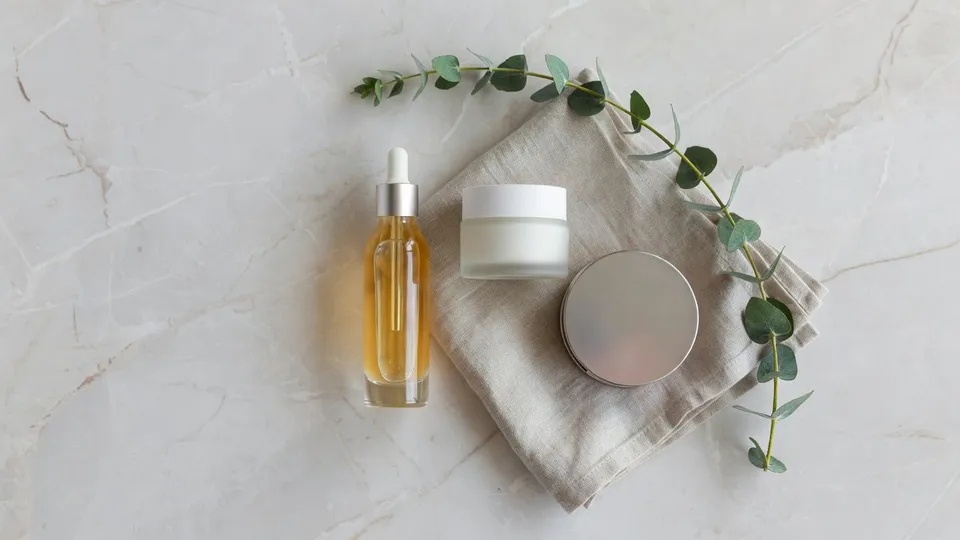
Flat lay for AI product photography for ecommerce

Lifestyle scene

Your product staged in a real setting with warm natural light and a shallow depth of field, the mood shot that carries ads and hero banners.

Edit prompt

Lifestyle scene for AI product photography for ecommerce

What it handles, and what to check

AI covers most of the photography work here. A few things still want your eye before these shots go live on your product listings, so here is where each one sits and what is worth a quick check first.

What Morphic handles well

  • Consistent lighting and background across a whole catalog
  • Quick variations for testing listings and ads
  • Relighting one product for many settings from a single upload
  • Clean white background pack shots that meet marketplace specs

Where you still want a person

  • Exact material detail on expensive buys like jewelry or watches
  • Readable labels and fine print, so check these before you publish
  • Final art direction and brand approval
  • Anything a customer would return over if it looked wrong

Simple pricing

Get started for free today, with the option to upgrade or cancel anytime.

Basic

$9/ month
billed as $0 per year

1100 monthly credits

1 user only

All models

Workflows

Standard

$24/ month
billed as $0 per year

3625 monthly credits

1 user only

All models

Workflows

Pro

$45/ month
billed as $0 per year

6350 shared monthly credits

1 user

+ up to 4 more at extra cost

All models

Workflows

Pro Max

$170/ month
billed as $0 per year

24650 shared monthly credits

1 user

+ up to 9 more at extra cost

All models

Workflows

Enterprise

For higher limits

Custom

pricing and billing terms

High-volume credits
Custom seat limits
All models
Workflows
Pricing Gradient

Free

For playing around

$0

forever free

Up to 20 credits
1 user only
Limited models
Workflows

FAQs

Will the product still look like my actual product?
Yes. You upload a reference and Morphic keeps the shape, color, and label, relighting and restaging the same item rather than inventing a new one. For fine details like small text or textured materials, do a quick human check before you publish.
Do I need any photography or editing skills?
No. The whole loop is a prompt bar: upload, describe the shot in one line, then generate. If a result is close but not right, you nudge the wording and run it again.
Is it good enough for Amazon and Shopify listings?
The white background pack shots are built to marketplace specs, and lifestyle variants work well for product pages and ads. Expensive or considered categories still benefit from a final human review.
How many shots do I get from one product?
A single prompt typically returns 4 to 8 variants, and you can keep running it again for new angles, backgrounds, and contexts from the same upload.
Can I keep a consistent look across my whole catalog?
Yes. Reuse the same lighting and background wording across every product and the set reads as one shoot. It is the fastest way to make a mixed catalog look like it was photographed in a single session.
Which products does this work best for?
Packaged goods, apparel, accessories, and most solid objects come out reliably. Highly reflective, transparent, or finely detailed items like glassware, jewelry, or intricate labels are still possible but benefit from a closer human review before you publish.