



Property walkthrough tour
A smooth gliding pass through the main rooms with steady motion and even light, the anchor video every listing needs.
Edit prompt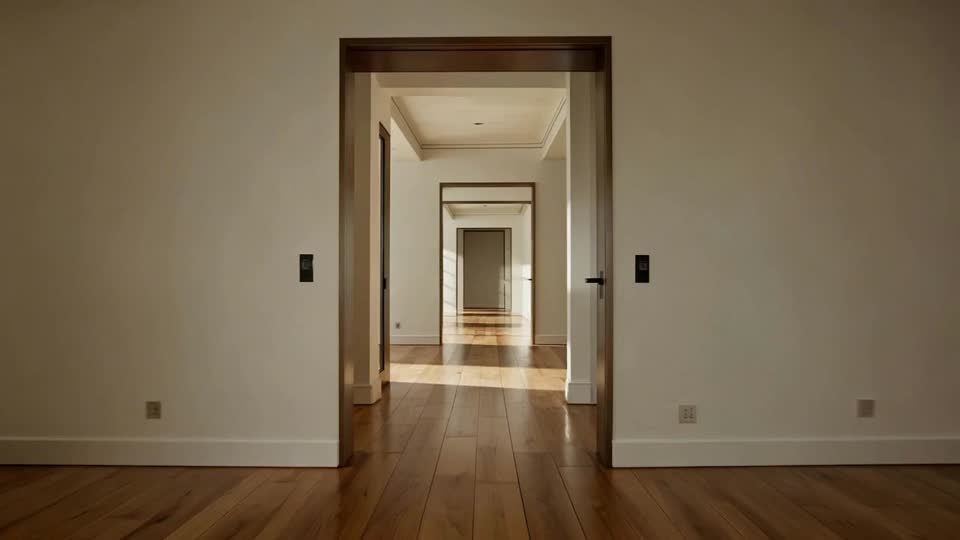
Whether you list on Zillow, your brokerage site, or Instagram, upload one phone clip of a property and get back a polished walkthrough, an agent intro, a neighborhood tour, and a short reel. No crew, no gimbal, no editor.

Upload a single phone video. A quick handheld pass through the home is enough, and Morphic reads the layout, light, and finishes.
Say what you want in one plain sentence: the pace, the mood, the camera move. Tweak the words and run it again until it lands.
Get a set of clips at full resolution, ready to post to the listing, your reels, or a client email.
Every clip your listings run on, from a smooth property walkthrough to an agent intro and a scroll-stopping social reel, all made from a single phone video of the home you already walked through on site.
A smooth gliding pass through the main rooms with steady motion and even light, the anchor video every listing needs.
Edit promptA warm talking-head style intro of an agent in front of the home, the personal open that builds trust before the tour.
Edit prompt
A relaxed drift through the surrounding streets, parks, and cafes, the context clip that sells the area, not just the house.
Edit prompt
A punchy vertical cut of the best rooms and details, built for Instagram and TikTok feeds and quick to post.
Edit prompt
AI covers most of the work here. A few things still want your eye before a listing goes live in front of real buyers, so here is where each one sits and what is worth a careful check before you publish.
Choose your viewing angles and get precise perspective shifts of any image with full camera control.
Photo of any real-estate becomes a cinematic renovation timelapse video with construction SFX and music.
Cinematic before/after reveal videos with smooth transitions. Perfect for makeovers and redesigns.

Describe your fabric type, pattern, color, and use. Get a photorealistic 2K textile swatch to spec.
Fix plastic-looking AI skin. Adds natural texture, pores, and imperfections for realism.
Multi-shot product pitch video from a still, a person, and a script.
Get started for free today, with the option to upgrade or cancel anytime.
Basic
2400 monthly credits
1 user only
All models
Workflows
Standard
3625 monthly credits
1 user only
All models
Workflows
Pro
6350 shared monthly credits
1 user
All models
Workflows
Max
24650 shared monthly credits
1 user
All models
Workflows
Enterprise
For higher limits
Custom
pricing and billing terms

Free
For playing around
$0
forever free