

Sound effects for animation

Animation has no production sound, so every step, blink, and spell is something you add. Morphic generates cartoon accents, foley, whooshes, and magic effects from a plain description, so you can voice a whole scene without hunting through libraries. You still line each one up to the motion yourself.

Example for Sound effects for animation

How it works

  1. 1
    describe it

    Generate the accent

    Describe the sound, such as a springy cartoon boing or a soft cloth footstep, and Morphic creates an original effect from that text. Say how bright or how cartoonish you want it.

  2. 2

    Sync to the frame

    Place the effect in your editor and slide it onto the exact frame of the action, the blink, the step, or the impact. Animation timing is precise, so nudge it until it reads on the beat of the motion.

  3. 3

    Layer and export

    Stack foley, accents, and any magic layers, set their levels against the dialogue, and render the scene for your channel or festival cut.

Effects your animation can run on

Four building blocks for cartoon action, foley, and magic moments.

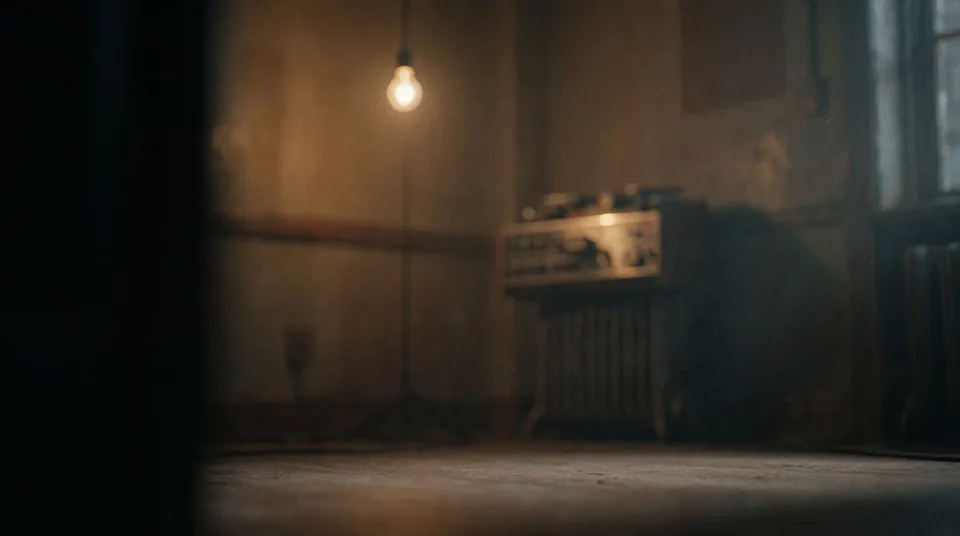
Untuned hum bed

A soft ambient hiss or hum to sit under a quiet interior so the scene is not dead silent.

0:00
0:05
Edit prompt
Untuned hum bed for Sound effects for animation

Error blip

A short comedic tone for a failed action or a wrong-answer gag, playful and clearly cartoon.

0:00
0:02
Edit prompt
Error blip for Sound effects for animation

Magic clash

A bright shimmering burst for a spell landing or two powers colliding in an action beat.

0:00
0:05
Edit prompt
Magic clash for Sound effects for animation

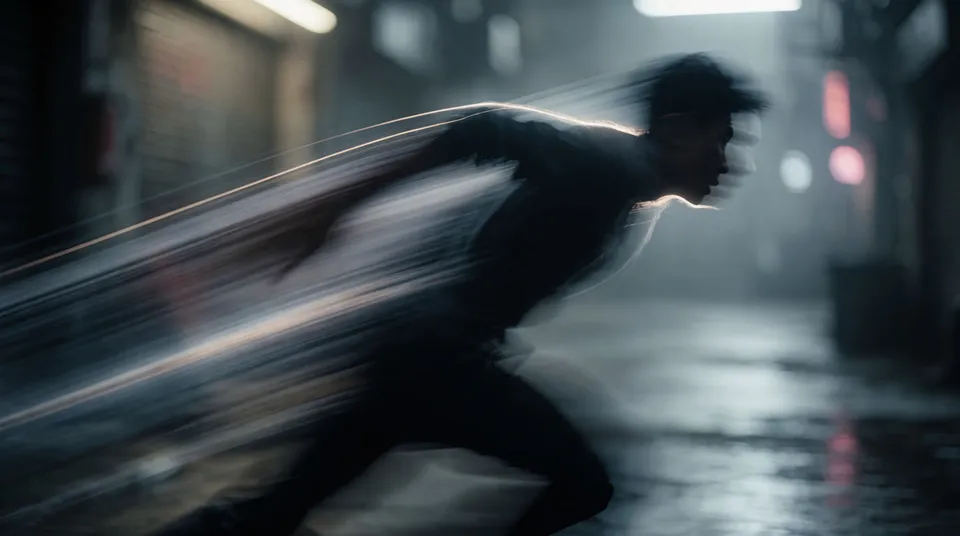
Precision whoosh

A tight high whoosh for a fast character move, a swipe, or a quick camera push.
0:00
0:01
Edit prompt
Precision whoosh for Sound effects for animation

What it handles, and what to check

Morphic makes the accents; matching them to the frame and the character is your call.

What Morphic handles well

  • Cartoon accents like boings, pops, and comedic hits from a text description
  • Foley such as footsteps, cloth, and small object sounds
  • Whooshes and magic bursts sized for the energy of the move
  • Ambient beds so a quiet interior scene never sits in dead silence

Where you still want your own ear

  • Frame-accurate sync to each step, blink, and impact
  • Keeping the accents in character, so the effect matches the animation style
  • Not overloading a scene, since too many gags flatten the funny ones
  • The mix between effects, dialogue, and any score

Simple pricing

Get started for free today, with the option to upgrade or cancel anytime.

Basic

$9/ month
billed as $0 per year

1100 monthly credits

1 user only

All models

Workflows

Standard

$24/ month
billed as $0 per year

3625 monthly credits

1 user only

All models

Workflows

Pro

$45/ month
billed as $0 per year

6350 shared monthly credits

1 user

+ up to 4 more at extra cost

All models

Workflows

Pro Max

$170/ month
billed as $0 per year

24650 shared monthly credits

1 user

+ up to 9 more at extra cost

All models

Workflows

Enterprise

For higher limits

Custom

pricing and billing terms

High-volume credits
Custom seat limits
All models
Workflows
Pricing Gradient

Free

For playing around

$0

forever free

Up to 20 credits
1 user only
Limited models
Workflows

FAQs

Can Morphic make cartoon sound effects?
Yes. Describe the accent, such as a boing, a pop, or a comedic error tone, and Morphic generates an original cartoon effect from that text for your animation.
How do I sync effects to my animation frames?
Generate the effect, place it in your editor, and slide it onto the exact frame of the action. Animation timing is tight, so nudge frame by frame until it reads on the motion.
Can I make foley for footsteps and cloth?
Yes. Ask for a soft cloth footstep, a heavy boot, or a rustle, and Morphic makes an original foley sound you can place under the character.
Are the effects mine to use commercially?
On paid plans the effects you generate are yours to use in commercial work. Review the current terms for what applies to your plan.
Can I get magic and spell effects?
Yes. Describe the burst, the shimmer, or the clash and Morphic generates it, so you can score a spell landing or two powers colliding.
Do I need a separate tool for the voices?
No. One Morphic workspace covers sound effects, music, and voiceover, so you can build the accents, the score, and character voice in the same place.