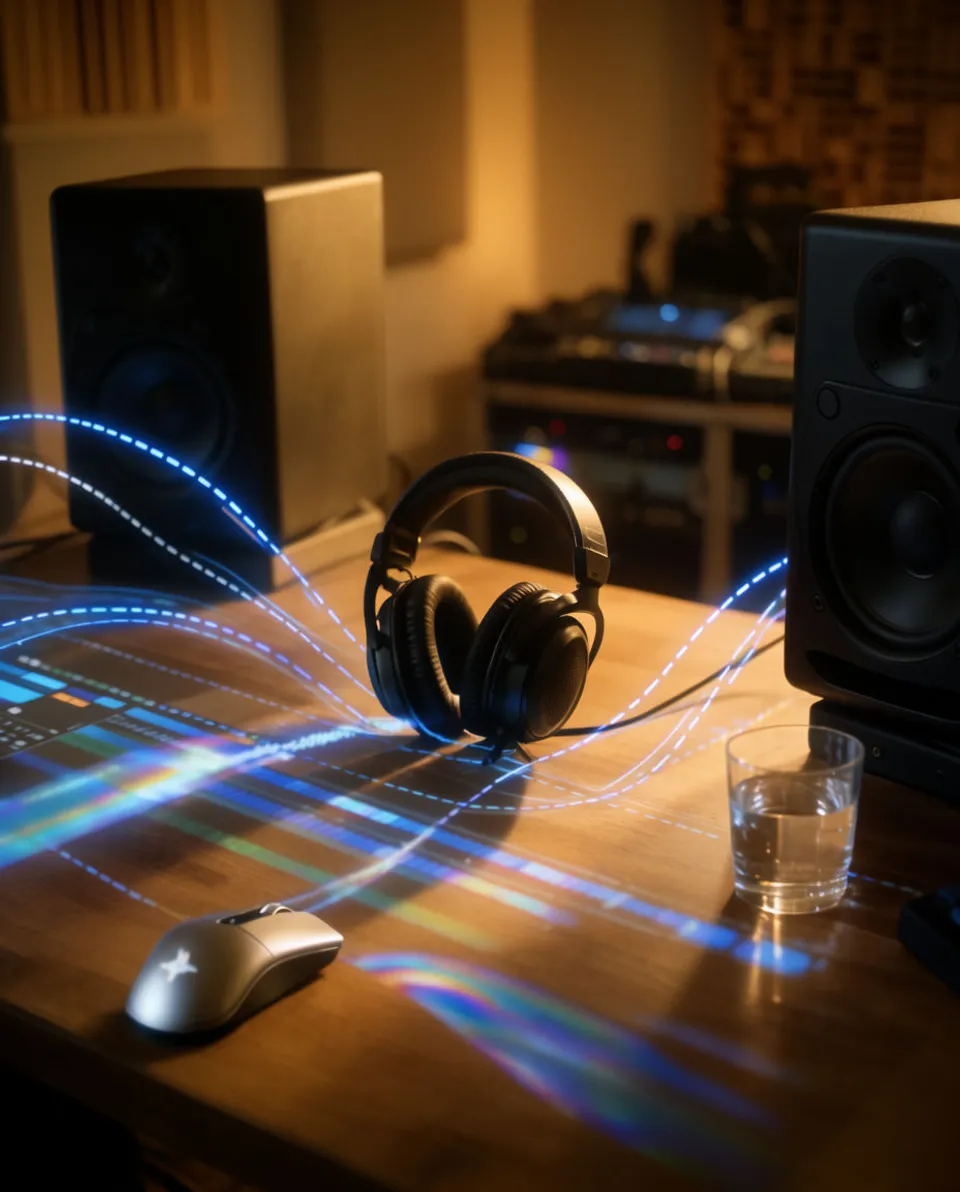



Sound effects for YouTube videos

Long-form YouTube videos live or die on pacing, and silence between cuts is where viewers drop off. Morphic lets you generate the exact effect a moment needs, from a soft chapter transition to a layer of ambience under b-roll, described in plain text. You build a sound bed that matches your edit instead of hunting a stock library for something close.

Example for Sound effects for YouTube videos

How it works

  1. 1
    describe it

    Describe the effect on Morphic

    Type what the moment needs, like a low transition swell before a new chapter or room tone under a talking-head segment. Morphic generates original audio from that description using models such as ElevenLabs and Seed Audio.

  2. 2

    Drop it on your timeline

    Pull the file into Premiere, Resolve, or Final Cut and line it up with the cut point, the b-roll, or the chapter marker. Trim and level it against your voice track.

  3. 3

    Export the full video

    Render at your usual YouTube settings once the sound bed sits right. The effects are yours to use commercially on paid plans, so a template of transitions can carry across every upload.

Effects a long-form channel actually uses

Four everyday building blocks for editing a full-length YouTube video, each generated from a text prompt.

Chapter transition swell

Use it to mark the jump from one chapter to the next so viewers scrubbing the timeline feel the section change.

0:00
0:03

Edit prompt
Chapter transition swell for Sound effects for YouTube videos

Calm b-roll ambience

Lay a quiet room or outdoor bed under b-roll and cutaways so the footage never feels muted.
0:00
0:26
Edit prompt
Calm b-roll ambience for Sound effects for YouTube videos

Knock or notification accent

Punctuate an on-screen callout, a lower-third, or a reference to a message with a crisp single hit.

0:00
0:01
Edit prompt
Knock or notification accent for Sound effects for YouTube videos

Outdoor scene texture

Set the location of an outdoor segment with distant background life instead of dead silence.

0:00
0:05
Edit prompt
Outdoor scene texture for Sound effects for YouTube videos

What it handles, and what to check

Morphic covers the raw material fast; your edit judgment still sets the pace.

What Morphic handles well

  • Generating chapter stingers and transition hits on demand from a text prompt
  • Filling silent b-roll and cutaways with matching ambience
  • Producing a reusable set of channel-signature effects across uploads
  • Covering SFX, background music, and voiceover in one workspace

Where you still want your own ear

  • Pacing: deciding how often a long video actually needs an accent before it tires the viewer
  • Sync: nudging each hit to land exactly on the cut or the on-screen beat
  • Mix balance: keeping effects under your narration so speech stays clear
  • Rights: confirming commercial terms for your plan before monetizing

Simple pricing

Get started for free today, with the option to upgrade or cancel anytime.

Basic

$9/ month
billed as $0 per year

1100 monthly credits

1 user only

All models

Workflows

Standard

$24/ month
billed as $0 per year

3625 monthly credits

1 user only

All models

Workflows

Pro

$45/ month
billed as $0 per year

6350 shared monthly credits

1 user

+ up to 4 more at extra cost

All models

Workflows

Pro Max

$170/ month
billed as $0 per year

24650 shared monthly credits

1 user

+ up to 9 more at extra cost

All models

Workflows

Enterprise

For higher limits

Custom

pricing and billing terms

High-volume credits
Custom seat limits
All models
Workflows
Pricing Gradient

Free

For playing around

$0

forever free

Up to 20 credits
1 user only
Limited models
Workflows

FAQs

Can I make sound effects for long-form YouTube videos specifically?
Yes. Morphic generates original sound effects from a text description, so you can build chapter stingers, b-roll ambience, and transition hits sized for a full-length edit rather than a short.
How is this different from effects for YouTube Shorts?
Long-form editing leans on continuity: ambience beds that run under b-roll, signposting for chapters, and subtle transitions between segments. You describe those specific needs and generate exactly what your timeline calls for.
Which models generate the audio?
Morphic uses text-to-audio models including ElevenLabs and Seed Audio. You describe the subject, texture, space, and length, and it produces original audio to match.
Can I use these sound effects commercially on a monetized channel?
Effects are yours to use commercially on paid plans. Check the current terms for your plan before publishing on a monetized video.
Do I need separate tools for music and voiceover?
No. One Morphic workspace covers sound effects, background music, and voiceover, so a full video sound bed comes from one place.
How do I sync an effect to a chapter marker or cut?
Generate the effect, drop the file onto your editor timeline, and slide it to the exact frame of the cut or chapter start, then trim and level it against your voice track.