Weighing of the heart
Centred in the Hall of Two Truths, the great scale stands tall. Anubis steadies the beam, heart on one pan, white feather on the other, Thoth records, Ammit waits below, hieroglyphs run along the walls.
Edit prompt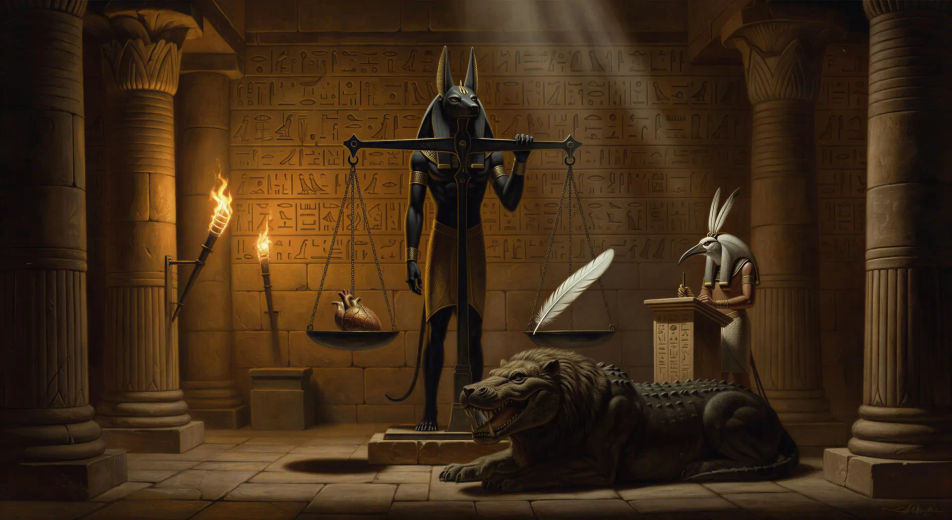
Direct the funerary papyrus in your browser with Morphic's Book of the Dead AI video generator. Generate the weighing of the heart or the field of reeds, recite spell 125 with Speech, score it with Music, and stitch an Egyptian afterlife episode in the Canvas.
Centred in the Hall of Two Truths, the great scale stands tall. Anubis steadies the beam, heart on one pan, white feather on the other, Thoth records, Ammit waits below, hieroglyphs run along the walls.
Edit promptHunefer in white linen stands before a long stone bench of forty-two animal-headed assessor gods, hands raised, each god in turn waiting for the denial of a sin under torchlit hieroglyphic columns.
Edit prompt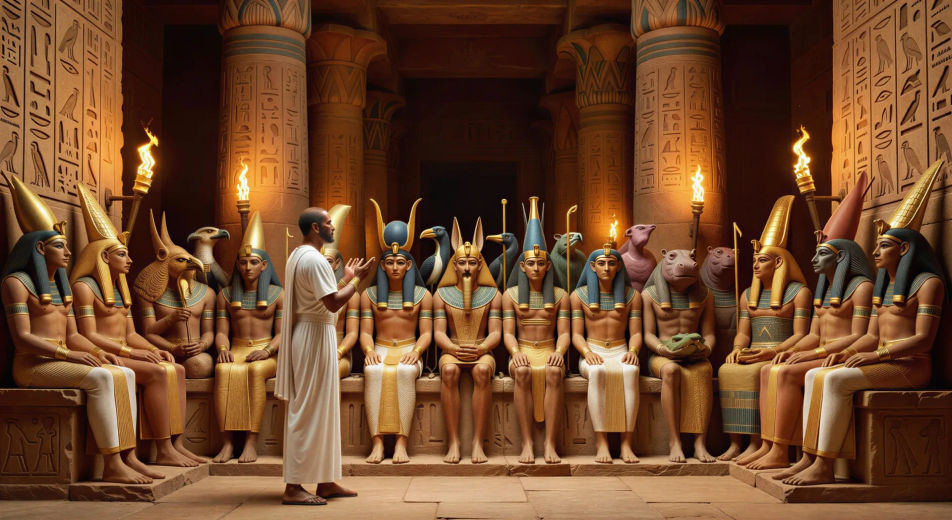
A torchlit causeway ends at a sandstone gate carved with hieroglyphs and watched by lion-headed demons holding torches, the river of the Duat beneath glowing faintly green.
Edit prompt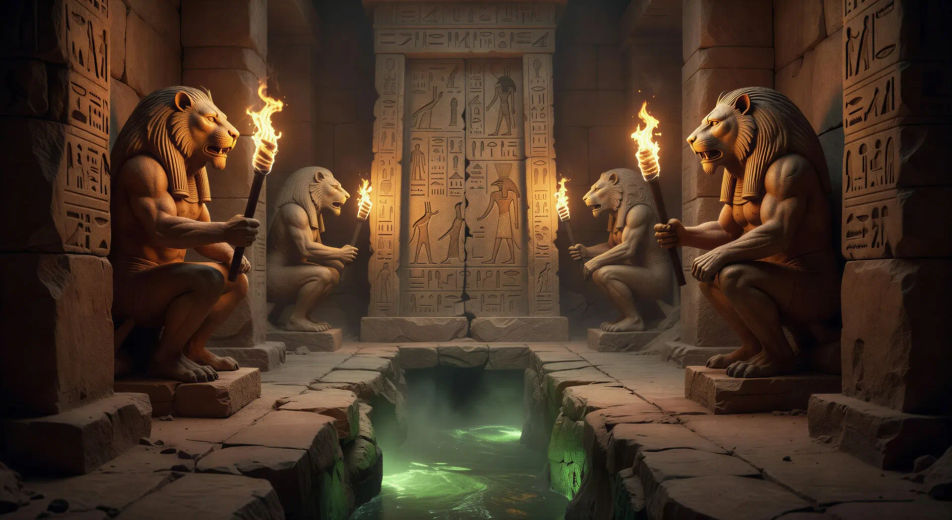
After the verdict, Anubis leads Hunefer by the wrist forward to Osiris on his throne, atef crown high, Isis and Nephthys standing behind, the deep gold of the inner hall catching torchlight.
Edit prompt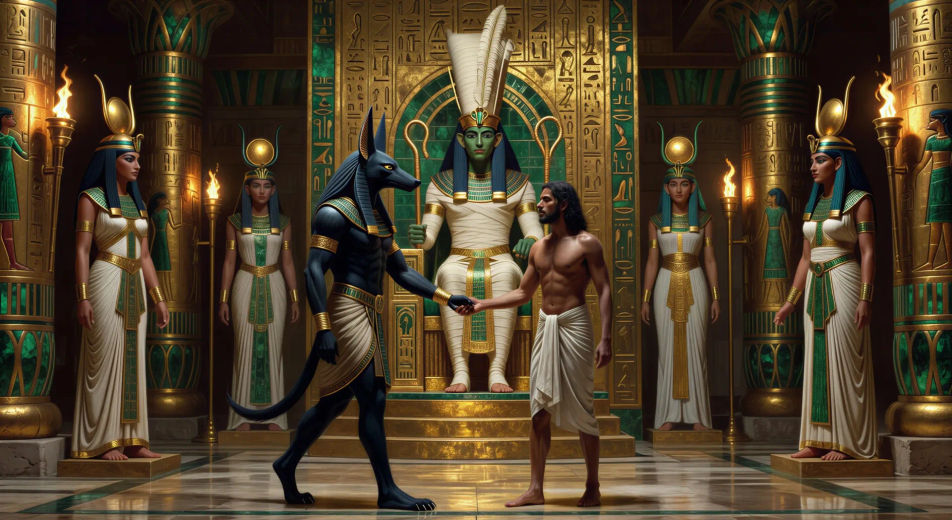
Write the Book of the Dead scene you want, in plain words.
Morphic generates a cinematic, frame-ready clip on your canvas in seconds.
Tweak the prompt, regenerate variations, then download or share the shot.

Share a scene description with character references. Get a full storyboard with shot angles and mood.

Feed in a single image. Get 9 cinematic beats laid out as a 3x3 storyboard grid.
One image to a 9-scene cinematic video.

Take any character image and generate 6 distinct facial expressions on a single reference sheet.
Cinematic time-freeze short film for any scene
Drop in a photo of yourself. Get a 12-second cinematic movie with animation and a matched soundtrack.
Egyptian mythology AI Videos
Create Egyptian mythology scenes, god portraits, and Duat shorts with Morphic. Generate, narrate, and score full episodes from a single prompt.
Anubis AI Videos
Create Anubis scenes, jackal-god portraits, and full Egyptian mythology episodes with Morphic. Generate, narrate, and score from a single prompt.
Osiris AI Videos
Create Osiris scenes, underworld throne portraits, and full Egyptian mythology episodes with Morphic. Generate, narrate, and score from a single prompt.
Thoth AI Videos
Create Thoth scenes, ibis-headed god portraits, and Egyptian mythology episodes with Morphic. Generate and score Thoth videos from a single prompt.
Get started for free today, with the option to upgrade or cancel anytime.
Basic
2400 monthly credits
1 user only
All models
Workflows
Standard
3625 monthly credits
1 user only
All models
Workflows
Pro
6350 shared monthly credits
1 user
All models
Workflows
Max
24650 shared monthly credits
1 user
All models
Workflows
Enterprise
For higher limits
Custom
pricing and billing terms

Free
For playing around
$0
forever free