Osiris on the throne of the Duat
Osiris seated on a black granite throne with crook and flail crossed at his chest, atef crown high, Isis and Nephthys standing behind, the Hall of Two Truths receding into deep gold.
Edit prompt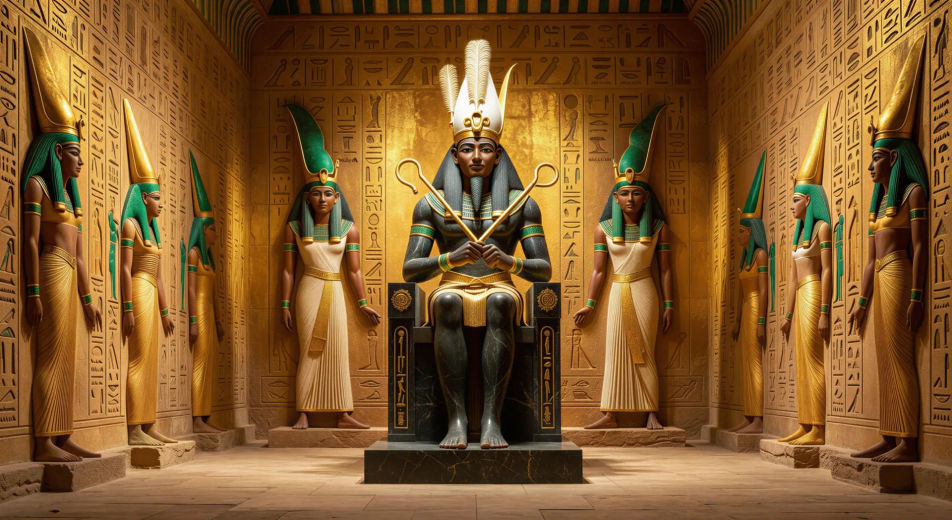
Direct the lord of the underworld in your browser with Morphic's Osiris AI video generator. Generate the throne of the Duat with crook and flail or the gilded djed pillar rising, add Speech and Music, and stitch an Egyptian mythology episode on the Canvas.
Osiris seated on a black granite throne with crook and flail crossed at his chest, atef crown high, Isis and Nephthys standing behind, the Hall of Two Truths receding into deep gold.
Edit promptIn a feast hall lit by oil lamps, Set lowers the lid of an ornate cedar coffin over the body of Osiris while courtiers in linen robes look on, the Nile through the open colonnade behind.
Edit prompt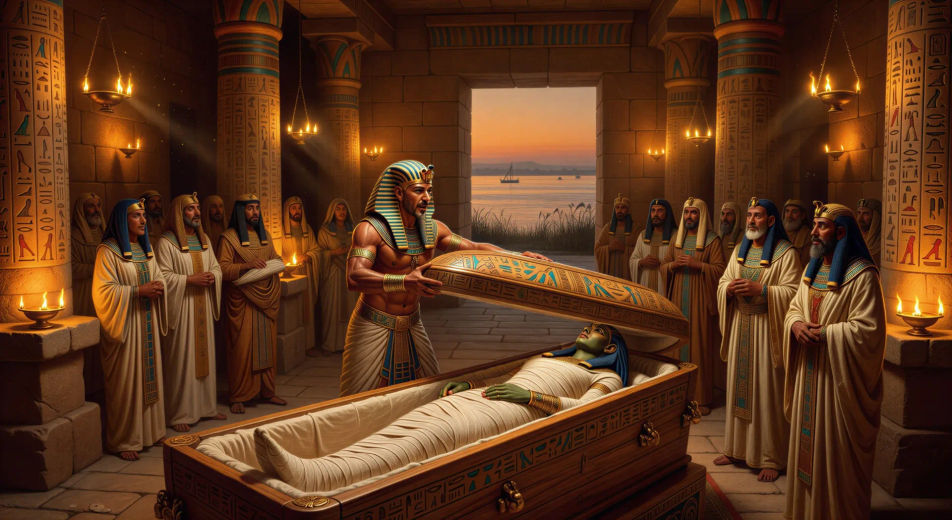
At dusk, Isis kneels among tall papyrus reeds along a black mirrored river, kite wings half-folded, lamp held low as she searches the waters for the body of Osiris.
Edit prompt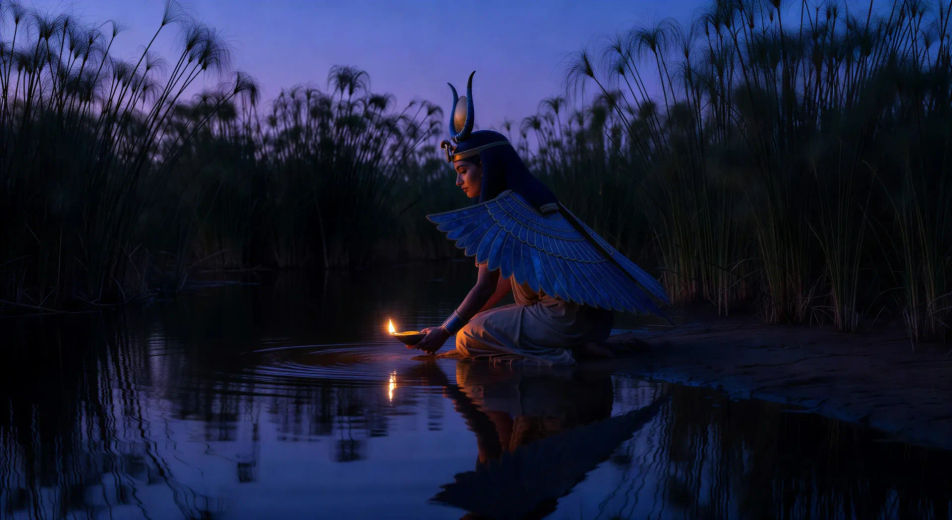
In a tent of white linen along the Nile, Anubis kneels beside Osiris’ body, Isis at the head and Nephthys at the feet, wrappings unrolled across the floor, oil lamps low.
Edit prompt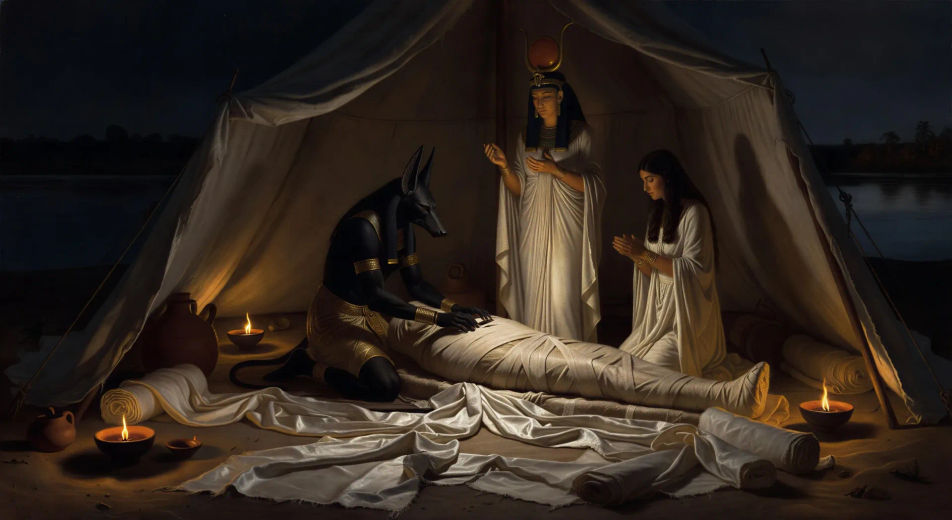
Write the Osiris scene you want, in plain words.
Morphic generates a cinematic, frame-ready clip on your canvas in seconds.
Tweak the prompt, regenerate variations, then download or share the shot.

Share a scene description with character references. Get a full storyboard with shot angles and mood.

Feed in a single image. Get 9 cinematic beats laid out as a 3x3 storyboard grid.
One image to a 9-scene cinematic video.

Take any character image and generate 6 distinct facial expressions on a single reference sheet.
Cinematic time-freeze short film for any scene
Drop in a photo of yourself. Get a 12-second cinematic movie with animation and a matched soundtrack.
Egyptian mythology AI Videos
Create Egyptian mythology scenes, god portraits, and Duat shorts with Morphic. Generate, narrate, and score full episodes from a single prompt.
Isis AI Videos
Create Isis scenes, throne-headdress portraits, and healing rituals with Morphic. Generate, narrate, and score mythology videos from a single prompt.
Anubis AI Videos
Create Anubis scenes, jackal-god portraits, and full Egyptian mythology episodes with Morphic. Generate, narrate, and score from a single prompt.
Horus vs Set AI Videos
Create Horus vs Set scenes, contendings shorts, and hippo duels with Morphic. Generate, narrate, and score Egyptian mythology episodes from one prompt.
Get started for free today, with the option to upgrade or cancel anytime.
Basic
2400 monthly credits
1 user only
All models
Workflows
Standard
3625 monthly credits
1 user only
All models
Workflows
Pro
6350 shared monthly credits
1 user
All models
Workflows
Max
24650 shared monthly credits
1 user
All models
Workflows
Enterprise
For higher limits
Custom
pricing and billing terms

Free
For playing around
$0
forever free