The camcorder stairwell descent
A shaky first-person camcorder POV descending a pitch-dark stairwell, a wobbling on-camera light, timecode and a battery icon in the corner, breath loud, harsh handheld realism.
Edit prompt
Direct in-camera suspense in your browser with Morphic's found footage thriller AI video generator. Generate a shaky camcorder POV down a stairwell, a night-vision corridor with a timecode burn, or a dashcam catching something it should not. Add dialogue with Speech, then stitch it.
A shaky first-person camcorder POV descending a pitch-dark stairwell, a wobbling on-camera light, timecode and a battery icon in the corner, breath loud, harsh handheld realism.
Edit promptGrainy green night-vision footage creeping down a black corridor, eyeshine glinting at the far end, a timecode burn ticking, the image tearing into digital dropout, jittery handheld.
Edit prompt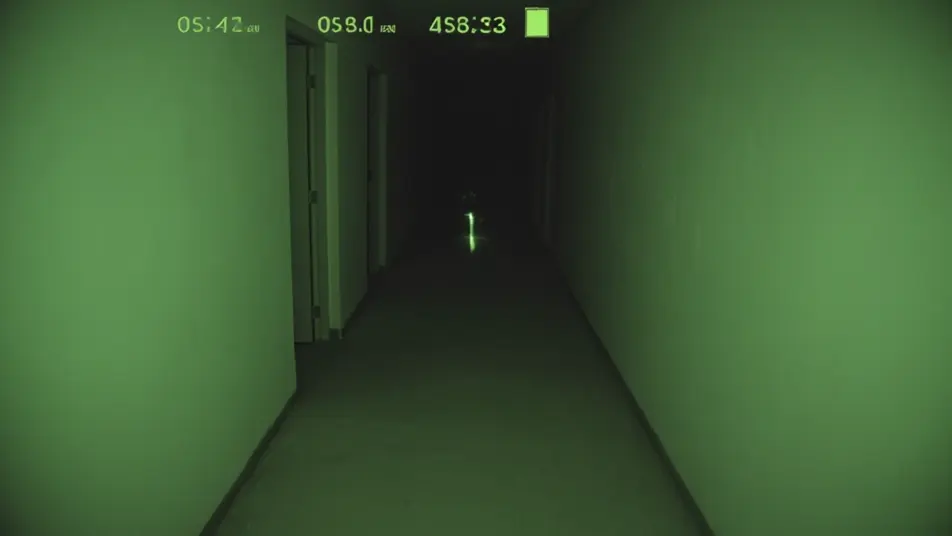
A car dashcam on a deserted night road, headlights and a timestamp overlay, something stepping into the beam ahead, the frame juddering and glitching, locked low dashboard angle.
Edit prompt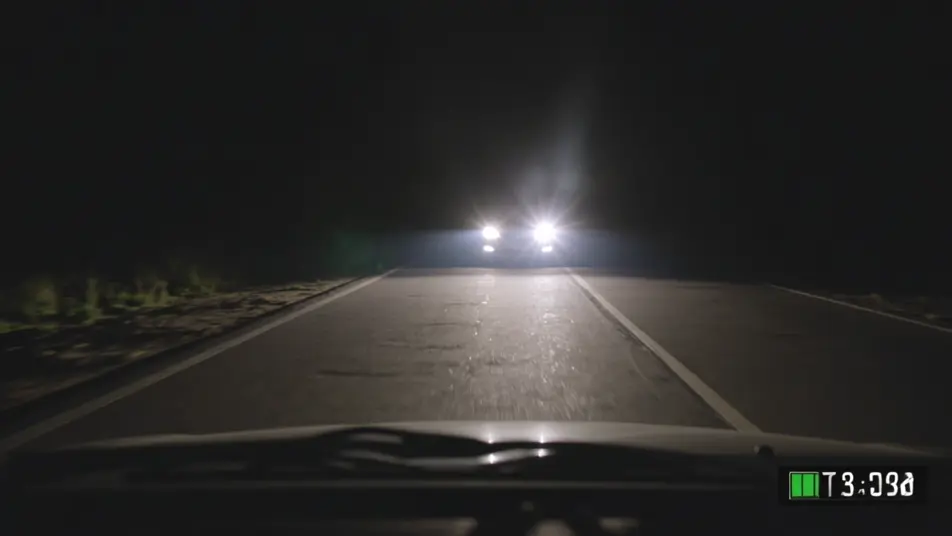
A monitor playing back recovered footage, an investigator pausing on a single frame and pushing in, scan lines and compression artifacts, the cursor hovering over a shape in the dark.
Edit prompt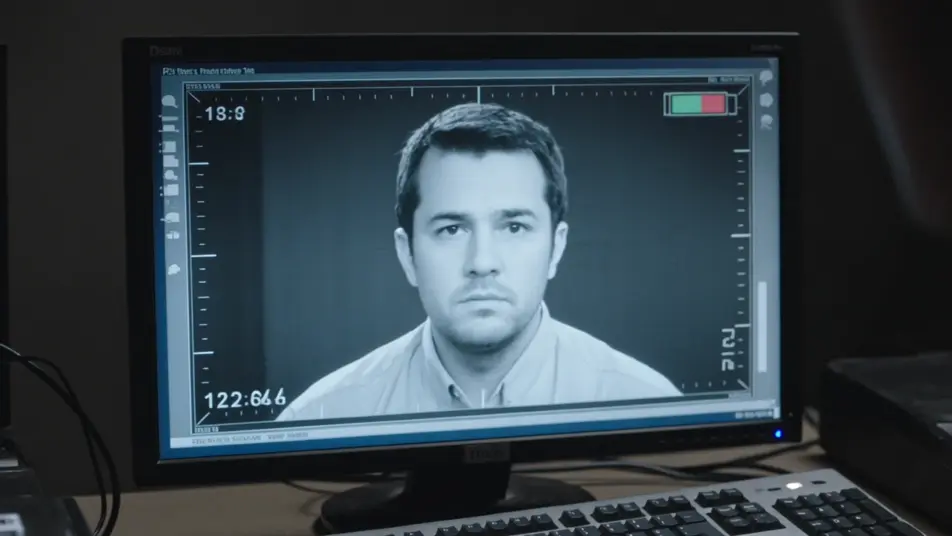
Write the found footage thriller scene you want, in plain words.
Morphic generates a cinematic, frame-ready clip on your canvas in seconds.
Tweak the prompt, regenerate variations, then download or share the shot.

Dramatize any text conversation into a cinematic multi-shot video.
Drop in a photo of yourself. Get a 12-second cinematic movie with animation and a matched soundtrack.
Cinematic time-freeze short film for any scene
One image to a 9-scene cinematic video.

Share a scene description with character references. Get a full storyboard with shot angles and mood.

Feed in a single image. Get 9 cinematic beats laid out as a 3x3 storyboard grid.
Found Footage Horror AI Videos
Create AI Found Footage Horror videos with Morphic. Generate Found Footage Horror scenes and visuals for any project in seconds.
Screen Life Film AI Videos
Generate screen life film AI videos with Morphic. Video calls, desktop windows, chat threads, and cursor-driven scene prompts you can direct in the browser.
Home Invasion Thriller AI Videos
Generate home invasion thriller AI videos with Morphic. Silhouettes at the glass, dark stairwells, and hiding-place scene prompts you can direct in the browser.
Supernatural Thriller AI Videos
Generate supernatural thriller AI videos with Morphic. Uncanny omens, creeping dread, and grounded-world scene prompts you can direct in the browser.
Get started for free today, with the option to upgrade or cancel anytime.
Basic
2400 monthly credits
1 user only
All models
Workflows
Standard
3625 monthly credits
1 user only
All models
Workflows
Pro
6350 shared monthly credits
1 user
All models
Workflows
Max
24650 shared monthly credits
1 user
All models
Workflows
Enterprise
For higher limits
Custom
pricing and billing terms

Free
For playing around
$0
forever free