The sleeper and the shadow
A dream-walker looming over a sleeping figure in a candlelit bedchamber, his shadow thrown huge across the wall, warm light failing to cold, a slow push-in from the foot of the bed.
Edit prompt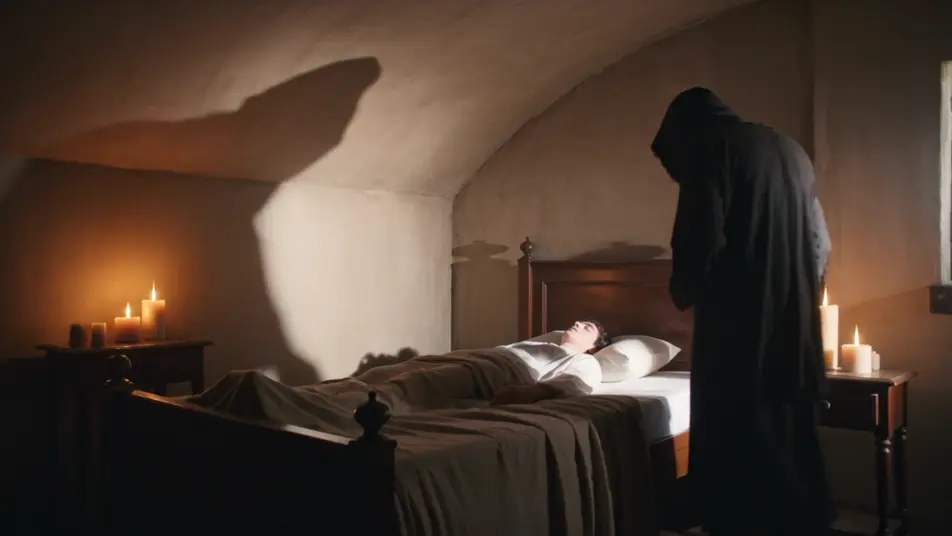
Direct the incubus in your browser with Morphic's incubus AI video generator. Generate a winged shadow leaning over a sleeper or a horned tempter dissolving into smoke, hold one design with Character Lineup, score it with Music, and cut the beats in the Canvas.
A dream-walker looming over a sleeping figure in a candlelit bedchamber, his shadow thrown huge across the wall, warm light failing to cold, a slow push-in from the foot of the bed.
Edit promptA winged tempter spreading vast leathery wings before a low fire, membranes rimmed in orange, embers drifting, a wide low-angle shot craning up the silhouette.
Edit prompt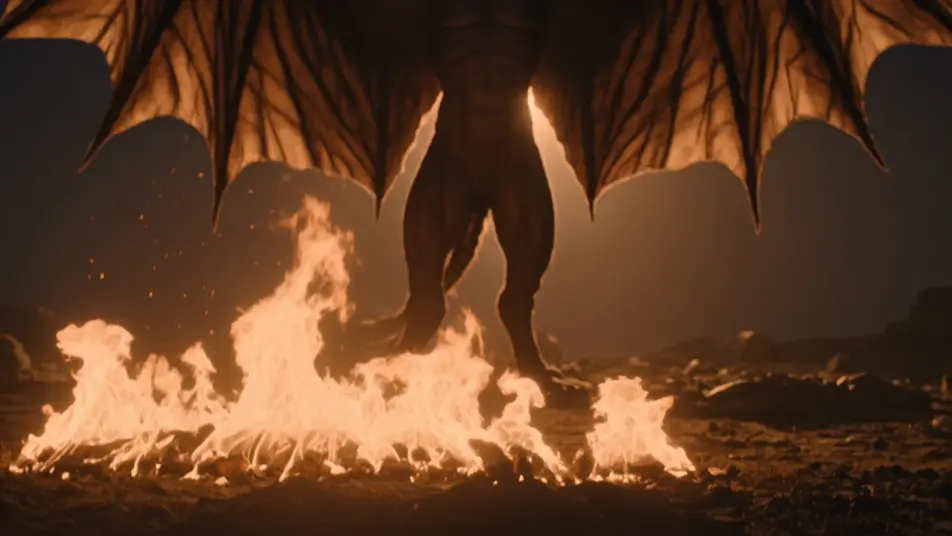
A shadow-form gathering out of a room corner into a horned silhouette, only edges catching the moonlight through a window, drifting dust, a static held wide shot as the shape resolves.
Edit prompt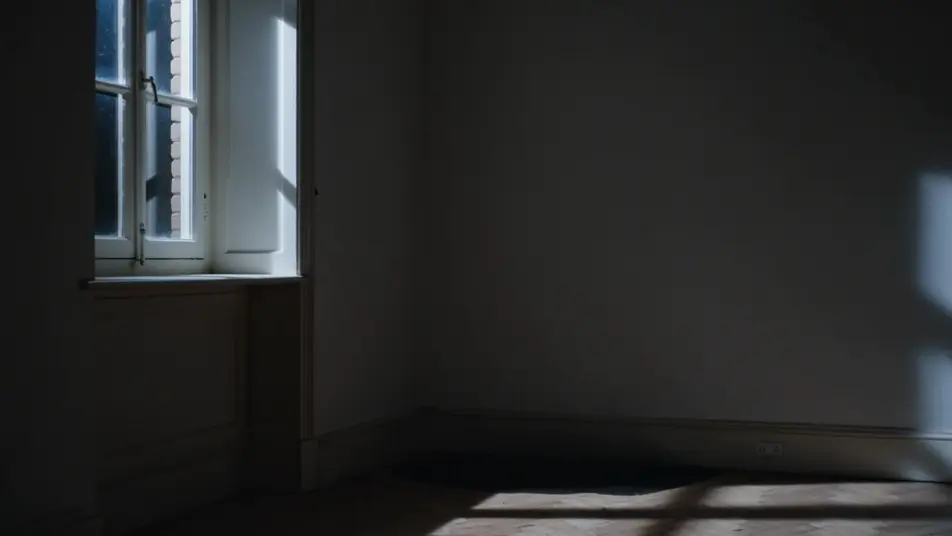
A horned lord reclining on a dark throne-like chair in a stone chamber, candle-glow raking the horn ridges and cheekbones, deep shadow behind, a slow orbit around the figure.
Edit prompt
Write the incubus scene you want, in plain words.
Morphic generates a cinematic, frame-ready clip on your canvas in seconds.
Tweak the prompt, regenerate variations, then download or share the shot.
Cinematic time-freeze short film for any scene

Dramatize any text conversation into a cinematic multi-shot video.
One image to a 9-scene cinematic video.
Drop in a photo of yourself. Get a 12-second cinematic movie with animation and a matched soundtrack.

Share a scene description with character references. Get a full storyboard with shot angles and mood.

Feed in a single image. Get 9 cinematic beats laid out as a 3x3 storyboard grid.
Succubus AI Videos
Generate succubus videos with Morphic. Enchantress, winged tempter, revealed demon, and dream-spirit archetypes with candlelit hall and moonlit scene prompts.
Demon AI Videos
Generate demon videos with Morphic. Horned overlord, imp, fallen knight, and possessed-host archetypes with hellscape, summoning, and possession scene prompts.
Wraith AI Videos
Generate wraith videos with Morphic. Cloaked reaper, battle-shade, drowned wraith, and lantern-bearer archetypes with fog-bound moor and ruined crypt scene prompts.
Dark Fantasy AI Videos
Create dark fantasy videos with Morphic. Cursed forests, ash-grey wastes, corrupted knights, and Berserk-grade grimdark scenes.
Get started for free today, with the option to upgrade or cancel anytime.
Basic
2400 monthly credits
1 user only
All models
Workflows
Standard
3625 monthly credits
1 user only
All models
Workflows
Pro
6350 shared monthly credits
1 user
All models
Workflows
Max
24650 shared monthly credits
1 user
All models
Workflows
Enterprise
For higher limits
Custom
pricing and billing terms

Free
For playing around
$0
forever free