Cursed wolf-forest at dusk
Cursed wolf-forest at dusk, blackened pine trunks crowding the path, six pale wolf-eyes glowing between the trees, a single black-armoured knight walking the centre of the path away from camera.
Edit prompt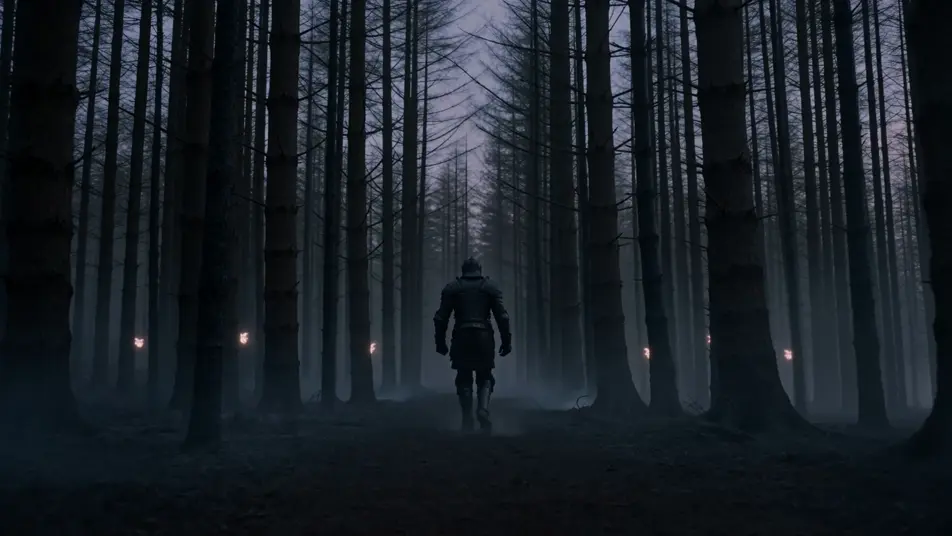
Direct dark fantasy in your browser with Morphic's dark fantasy AI video generator. Generate a black knight in a cursed wolf-forest or a ruined cathedral with a shattered rose window, add a low-string drone with Music, and stitch the beats on the Canvas.
Cursed wolf-forest at dusk, blackened pine trunks crowding the path, six pale wolf-eyes glowing between the trees, a single black-armoured knight walking the centre of the path away from camera.
Edit promptAsh-grey waste with three toppled regiment banners half-buried in the dust, charred ribcage of some great beast in the middle distance, leaden overcast sky pressing down.
Edit prompt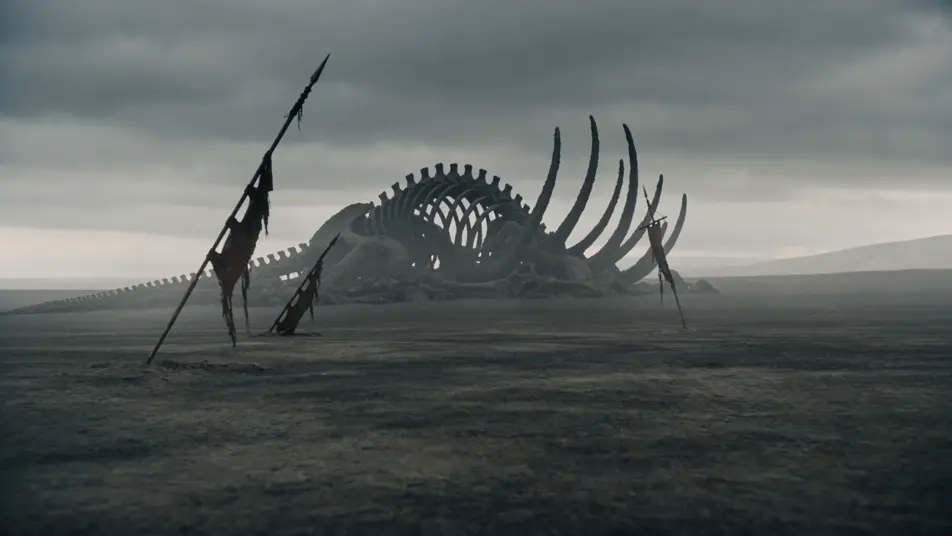
Ruined cathedral nave at twilight, the great rose window shattered with shards still clinging to the lead-came, ash-grey light pouring through the gap, broken pews stacked toward the apse.
Edit prompt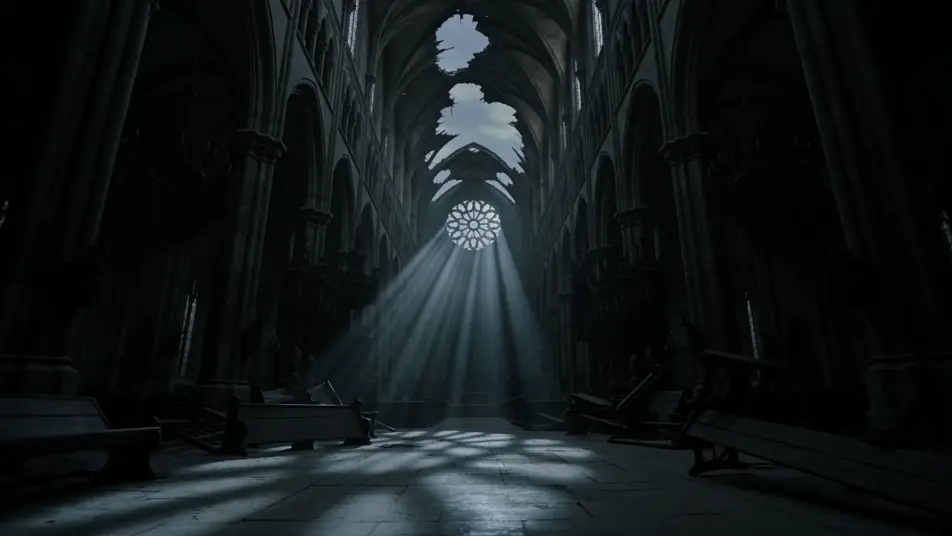
Host of black-banner soldiers marching across a salt plain at dusk, banners flapping in a high wind, kicked-up salt dust trailing the column, mountains a black silhouette on the horizon.
Edit prompt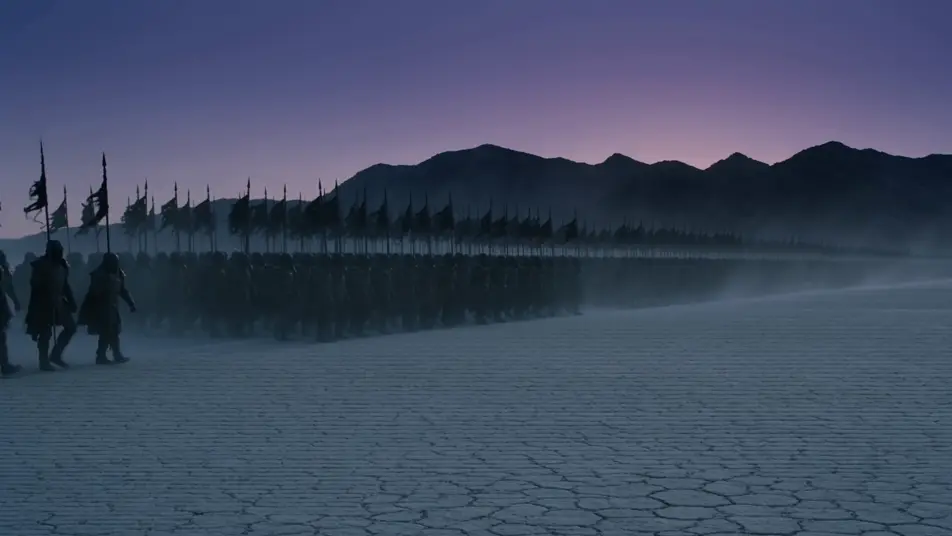
Write the dark fantasy scene you want, in plain words.
Morphic generates a cinematic, frame-ready clip on your canvas in seconds.
Tweak the prompt, regenerate variations, then download or share the shot.
Drop in a photo of yourself. Get a 12-second cinematic movie with animation and a matched soundtrack.
Cinematic time-freeze short film for any scene

Dramatize any text conversation into a cinematic multi-shot video.
One image to a 9-scene cinematic video.

Share a scene description with character references. Get a full storyboard with shot angles and mood.

Feed in a single image. Get 9 cinematic beats laid out as a 3x3 storyboard grid.
Fantasy AI videos
Generate fantasy videos on Morphic. Castles, dragons, enchanted forests, and epic-battle scenes from plain-language prompts, no software needed.
Horror AI videos
Generate horror videos on Morphic. Haunted houses, fog-bound forests, flickering hallways, and slow-burn dread scenes from plain-language prompts.
Folk Horror AI Videos
Generate folk horror videos with Morphic. Wicker effigies, cornfield processions, hand-knit masked dancers, and Midsommar-grade scene prompts.
Vampire AI Videos
Generate vampire videos with Morphic. Carpathian castles, hemoglobin-red clubs, opera-cape silhouettes, and gothic-to-modern scene prompts.
Get started for free today, with the option to upgrade or cancel anytime.
Basic
2400 monthly credits
1 user only
All models
Workflows
Standard
3625 monthly credits
1 user only
All models
Workflows
Pro
6350 shared monthly credits
1 user
All models
Workflows
Max
24650 shared monthly credits
1 user
All models
Workflows
Enterprise
For higher limits
Custom
pricing and billing terms

Free
For playing around
$0
forever free