Submersible descent past bioluminescent vents
A submersible drops through absolute black, thermal vents below throwing blue-white jets of superheated water, bioluminescent creatures trailing past the hull.
Edit prompt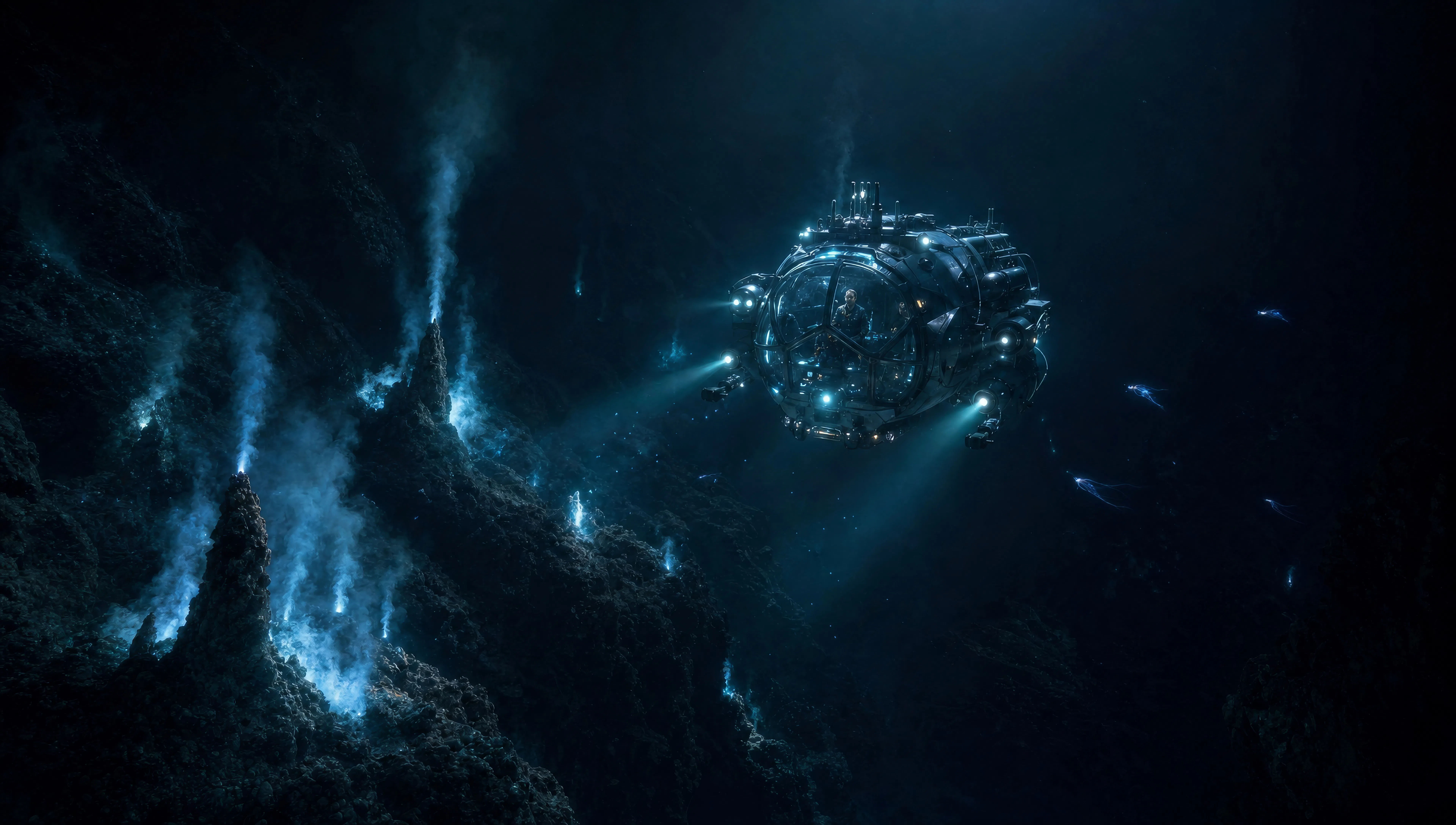
Direct deep-sea epics in your browser with Morphic's James Cameron style AI video generator. Generate a submersible past bioluminescent vents or a marine platoon in phosphorescent jungle, score every shot with Speech and Music, then stitch a cinematic episode.
A submersible drops through absolute black, thermal vents below throwing blue-white jets of superheated water, bioluminescent creatures trailing past the hull.
Edit promptA squad of marines moves single-file through dense undergrowth at night, every plant emitting a cold blue-green glow, zero visibility past ten metres.
Edit prompt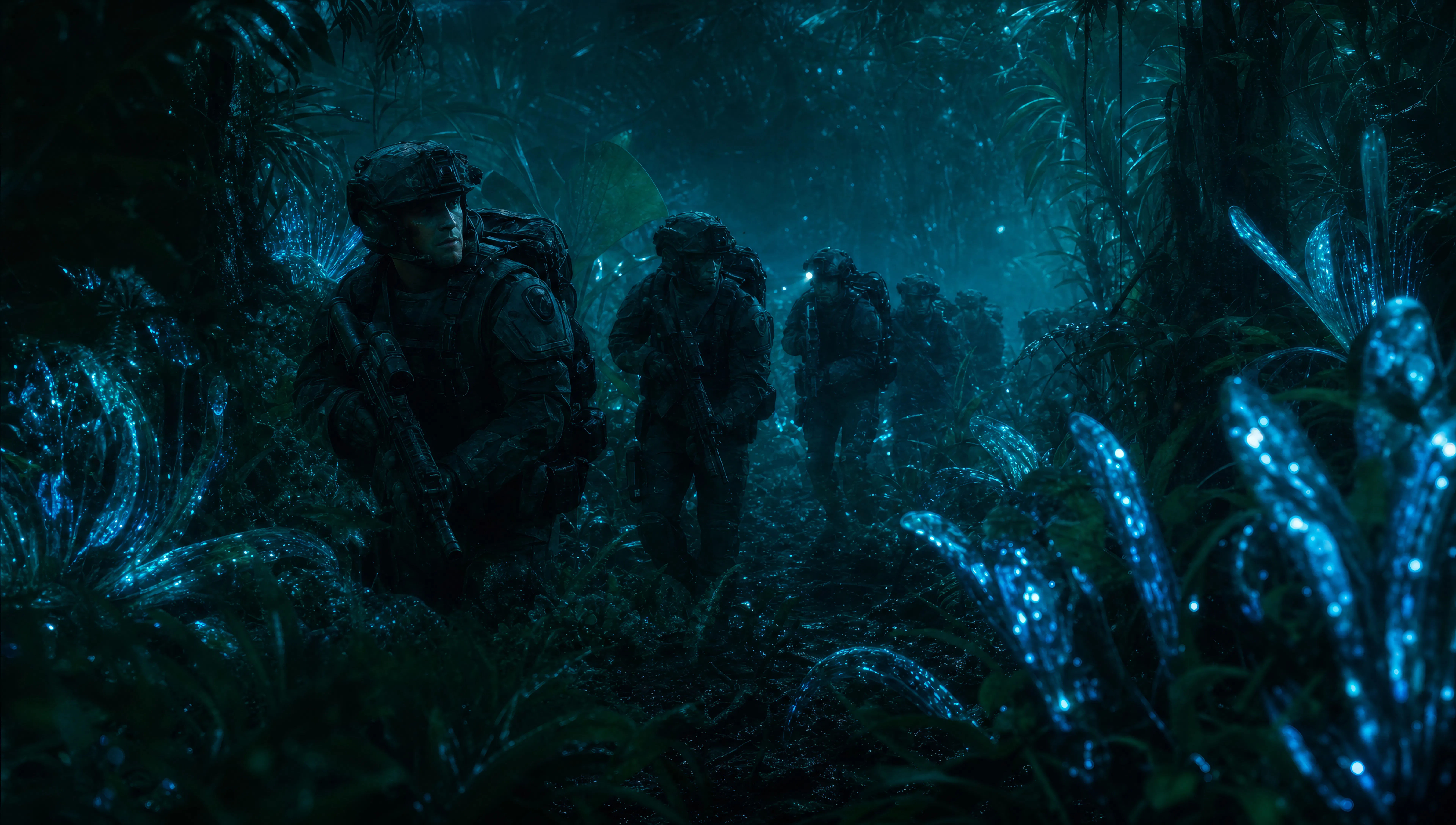
Two figures stand at the bow of a research vessel in heavy weather, anamorphic widescreen, grey swell rising behind them, the horizon tilting.
Edit prompt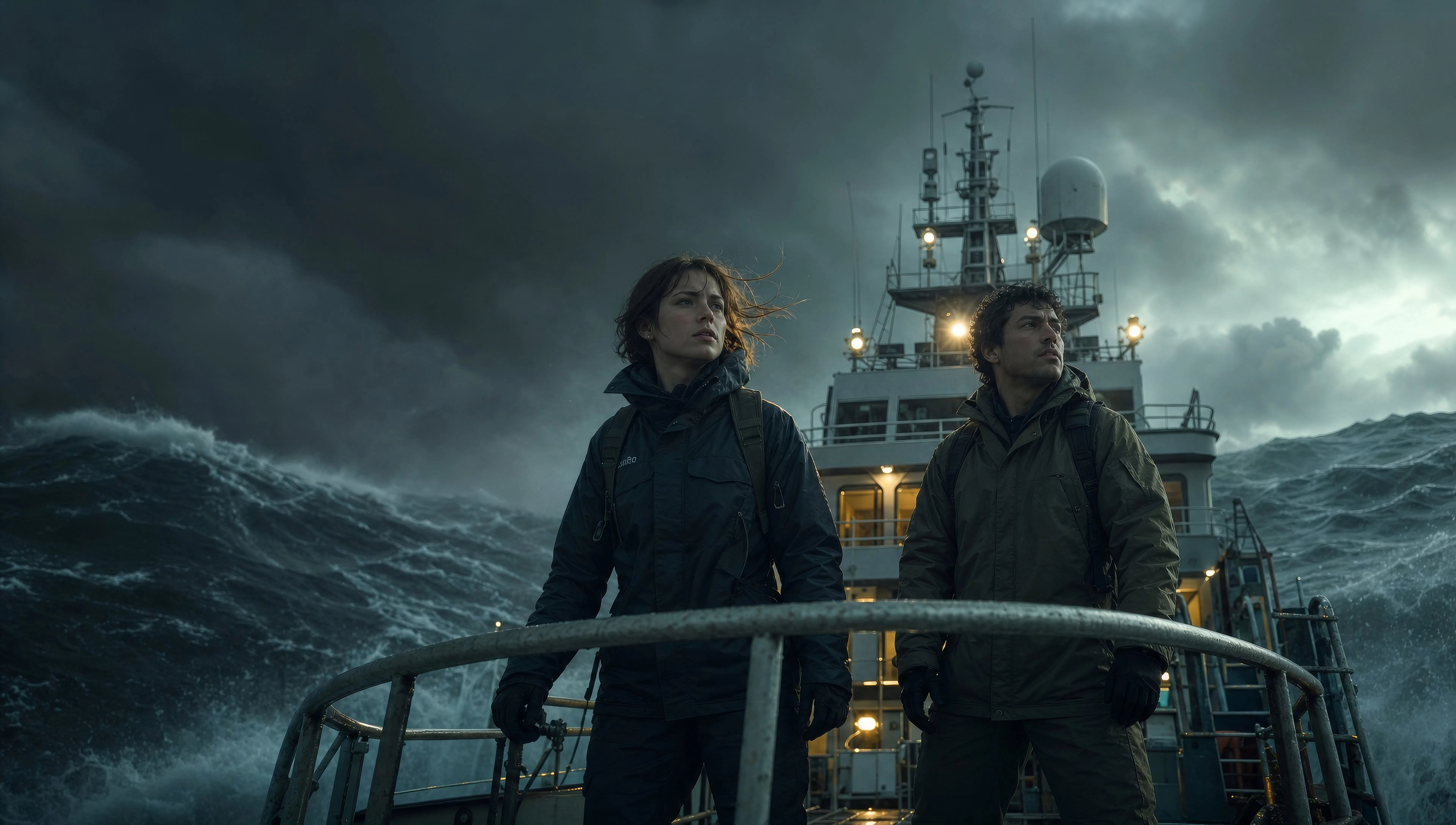
Explorer stands at the base of a cascading alien waterfall, the entire rock face glowing blue-gold, the water itself luminescent, the scale dwarfing the figure.
Edit prompt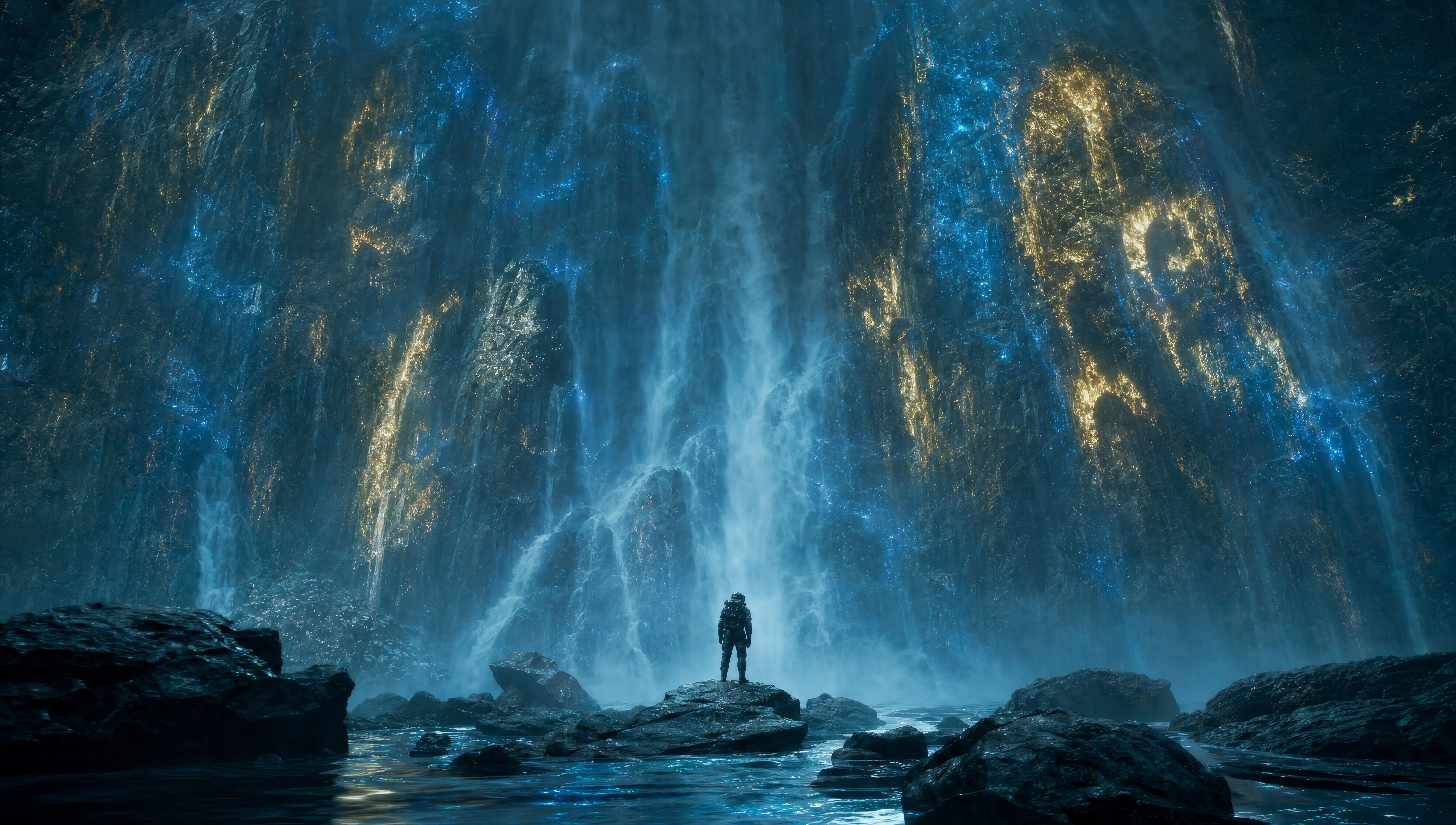
Write the James Cameron scene you want, in plain words.
Morphic generates a cinematic, frame-ready clip on your canvas in seconds.
Tweak the prompt, regenerate variations, then download or share the shot.

Share a scene description with character references. Get a full storyboard with shot angles and mood.
One image to a 9-scene cinematic video.

Dramatize any text conversation into a cinematic multi-shot video.
Cinematic time-freeze short film for any scene
Drop in a photo of yourself. Get a 12-second cinematic movie with animation and a matched soundtrack.

Feed in a single image. Get 9 cinematic beats laid out as a 3x3 storyboard grid.
Christopher Nolan AI Videos
Generate Christopher Nolan style videos with Morphic. IMAX-scale geography, brutalist sets, time-bending structure, and prompt-led scenes you can run in your browser.
Fincher AI Videos
Generate Fincher style videos with Morphic. Desaturated palettes, geometric framing, deep shadows, and prompt-led scenes you can run in your browser.
Kubrick AI Videos
Generate Stanley Kubrick style videos with Morphic. One-point perspective, symmetrical framing, slow zooms, and prompt-led scenes you can run in your browser.
Anamorphic AI Videos
Generate anamorphic videos with Morphic. 2.39:1 frame, oval bokeh, blue horizontal flare, and Cooke S4, Hawk V-Lite, Master Anamorphic prompt cues.
Get started for free today, with the option to upgrade or cancel anytime.
Basic
1100 monthly credits
1 user only
All models
Workflows
Standard
3625 monthly credits
1 user only
All models
Workflows
Pro
6350 shared monthly credits
1 user
All models
Workflows
Pro Max
24650 shared monthly credits
1 user
All models
Workflows
Enterprise
For higher limits
Custom
pricing and billing terms
Free
For playing around
$0
forever free