Pieces finding their place
Geometric fragments travel in from off-frame against a black stage, slow at first, then snapping into alignment. The last piece lands a beat after the rest, and the mark holds.
Edit prompt
Direct a logo animation in your browser with Morphic's logo animation AI video generator. Generate a generic abstract mark assembling from shapes, or an ink bleed resolving into one, then set the reveal at the head of your cut on Compose.
Geometric fragments travel in from off-frame against a black stage, slow at first, then snapping into alignment. The last piece lands a beat after the rest, and the mark holds.
Edit promptA bright pour spreads across a dark polished floor, finds an edge, and stops. The surface keeps rippling for a moment after the shape is complete, catching amber light.
Edit prompt
A single hard band travels left to right over a mark embossed into concrete. The shadow inside the relief shortens, flips, then lengthens again as the light clears the frame.
Edit prompt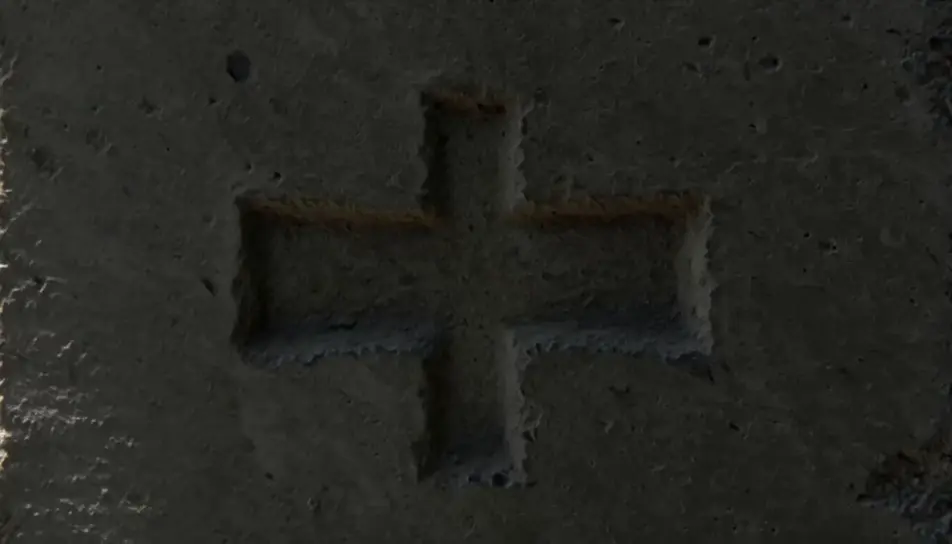
Overhead on dry cotton paper. One drop lands, spreads through the fibres, and the wet boundary resolves into a clean abstract shape before the motion stops.
Edit prompt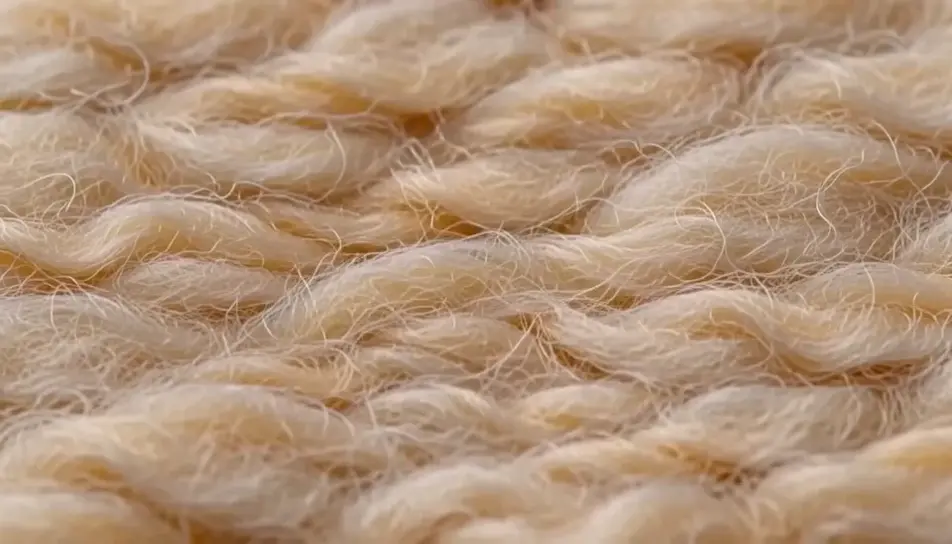
Write the logo animation scene you want, in plain words.
Morphic generates a cinematic, frame-ready clip on your canvas in seconds.
Tweak the prompt, regenerate variations, then download or share the shot.

Generate a professional film title card from scratch, with optional cinematic animation.

Dramatize any text conversation into a cinematic multi-shot video.
Cinematic time-freeze short film for any scene
Drop in a photo of yourself. Get a 12-second cinematic movie with animation and a matched soundtrack.
Pair a character image with a reference video. Your character picks up that exact motion.
Photo of any real-estate becomes a cinematic renovation timelapse video with construction SFX and music.
Intro animation maker with AI
Make an intro animation in Morphic. Abstract mark builds, light-sweep reveals, shape morphs, and particle assembles that open a video without a title card.
Motion Graphics AI Videos
Motion graphics videos with AI on Morphic. Clean vector shapes, smooth transitions, geometric flow, and explainer-style animation. Start creating.
AI Outro animations
Produce a outro animation in minutes, not weeks. Storyboard and shoot in the same afternoon. Export and publish the same day.
End card animation maker
Make an end card animation in Morphic. Brand-color fields, abstract mark reveals, forward iris-outs, and pointer motion to the next watch.
Get started for free today, with the option to upgrade or cancel anytime.
Basic
2400 monthly credits
1 user only
All models
Workflows
Standard
3625 monthly credits
1 user only
All models
Workflows
Pro
6350 shared monthly credits
1 user
All models
Workflows
Max
24650 shared monthly credits
1 user
All models
Workflows
Enterprise
For higher limits
Custom
pricing and billing terms

Free
For playing around
$0
forever free