Arrival at the window
A wide shot from inside a cozy room looking out at a red-suited figure passing a snowy window at blue hour, warm lamplight on the glass.
Edit prompt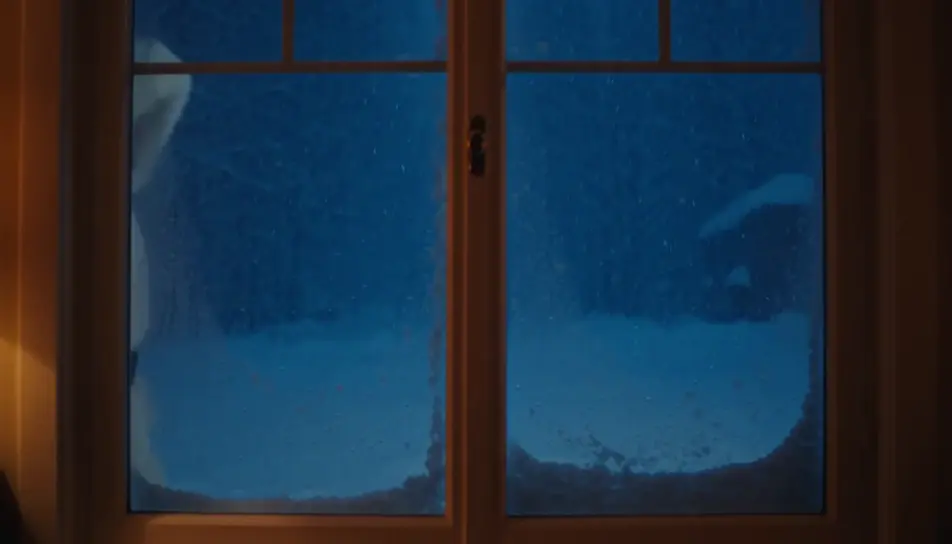
Create a personalized Santa video message in Morphic: write what Santa says, pick a voice from Morphic's voice library, and generate a short festive clip for your kids. No studio booking, no costume to source, no waiting on availability in the busiest week of the year.
A wide shot from inside a cozy room looking out at a red-suited figure passing a snowy window at blue hour, warm lamplight on the glass.
Edit promptA slow push toward an armchair by a low fire, a long blank scroll resting across the arm, a pair of black boots drying on the hearth beside it.
Edit prompt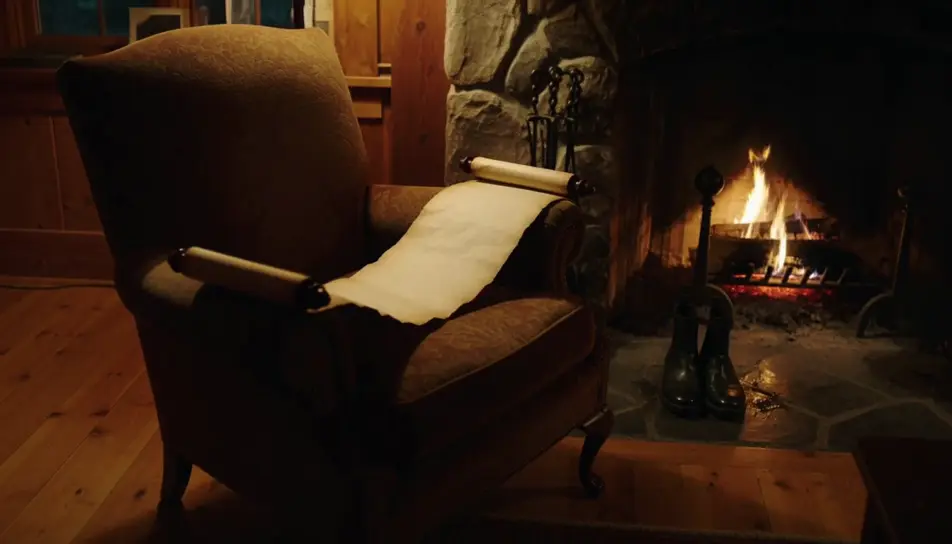
A wide shot from behind of a figure carrying a hessian sack over one shoulder toward a lit tree in a warmly decorated room.
Edit prompt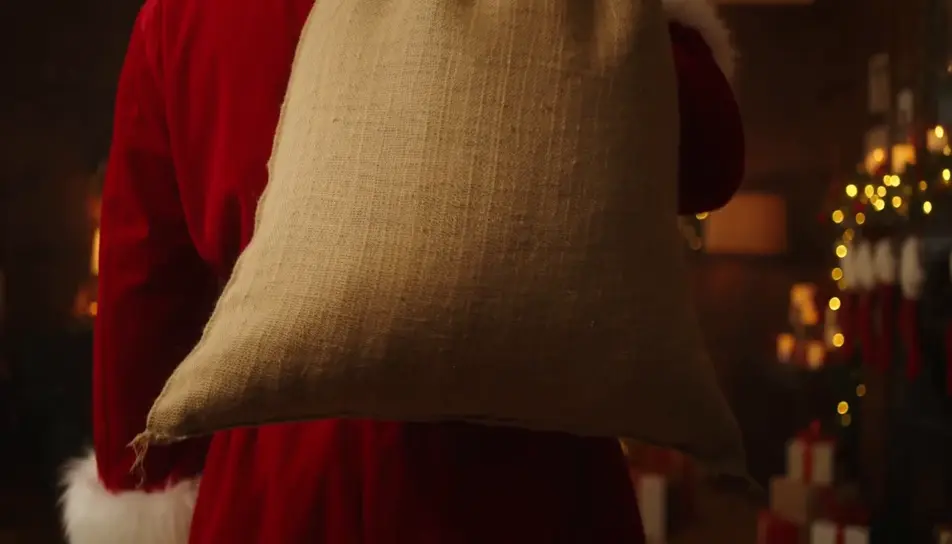
A quiet closing shot of a single wrapped gift under the tree at first light, soft dust motes drifting in a warm beam.
Edit prompt
Write the personalized Santa video scene you want, in plain words.
Morphic generates a cinematic, frame-ready clip on your canvas in seconds.
Tweak the prompt, regenerate variations, then download or share the shot.

Dramatize any text conversation into a cinematic multi-shot video.
Cinematic time-freeze short film for any scene
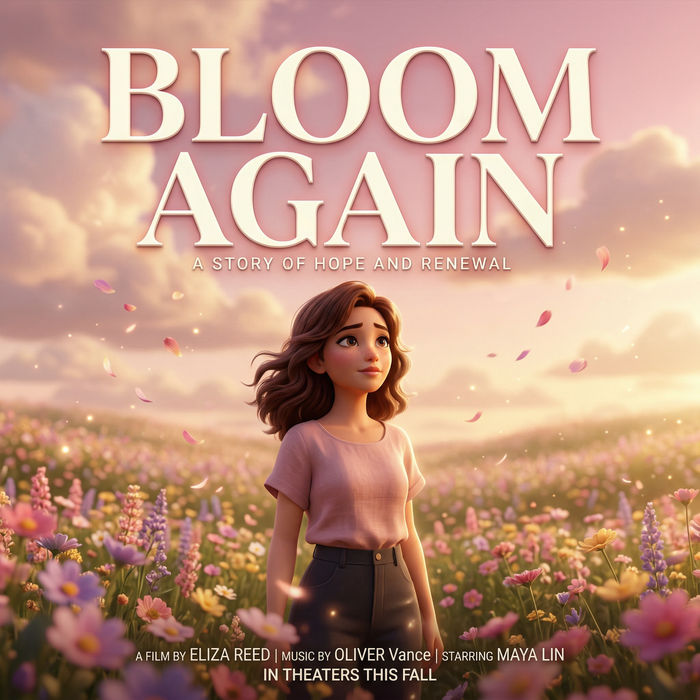
Generate a professional film title card from scratch, with optional cinematic animation.
Photo of any real-estate becomes a cinematic renovation timelapse video with construction SFX and music.
One image to a 9-scene cinematic video.
Drop in a photo of yourself. Get a 12-second cinematic movie with animation and a matched soundtrack.
Santa Claus AI images
santa claus images for the festive season. AI-generated designs in HD, ready to download, share, and customize with Morphic.
AI Santa stock video
Browse Santa stock video and generate your own shots at the exact length, ratio and look the cut needs. Morphic makes video, image, voice and sound.
AI video generator
Generate stunning videos from text. Professional video in any style.
Animated Christmas stories for kids
Create animated Christmas stories for kids in Morphic. Write or generate a story, add narration and turn it into a short video to watch together.
Get started for free today, with the option to upgrade or cancel anytime.
Basic
2400 monthly credits
1 user only
All models
Workflows
Standard
3625 monthly credits
1 user only
All models
Workflows
Pro
6350 shared monthly credits
1 user
All models
Workflows
Max
24650 shared monthly credits
1 user
All models
Workflows
Enterprise
For higher limits
Custom
pricing and billing terms

Free
For playing around
$0
forever free