A sunlit rendering studio
A photoreal 3D character standing in a bright studio with soft global lighting, realistic skin and fabric, a shallow depth of field and a slow push-in.
Edit prompt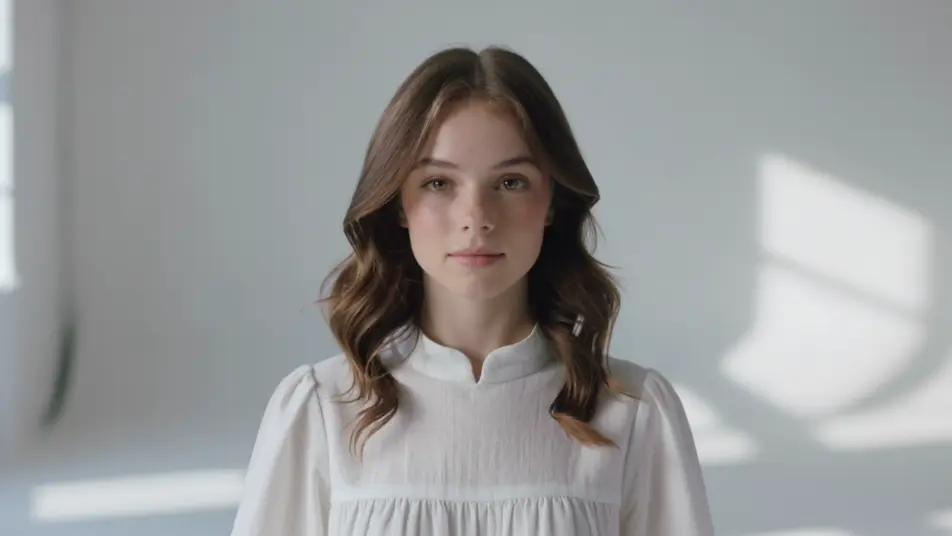
Direct high-end photoreal 3D in your browser with Morphic's photoreal 3D AI video generator. Generate a rendered character in a sunlit studio, a detailed product on a turntable, or a creature in a misty forest. Voice and score every shot with Speech and Music, then stitch it on the Canvas.
A photoreal 3D character standing in a bright studio with soft global lighting, realistic skin and fabric, a shallow depth of field and a slow push-in.
Edit promptA photoreal 3D creature moving through a misty forest at dawn, volumetric light shafts and realistic foliage, soft global illumination and a slow follow.
Edit prompt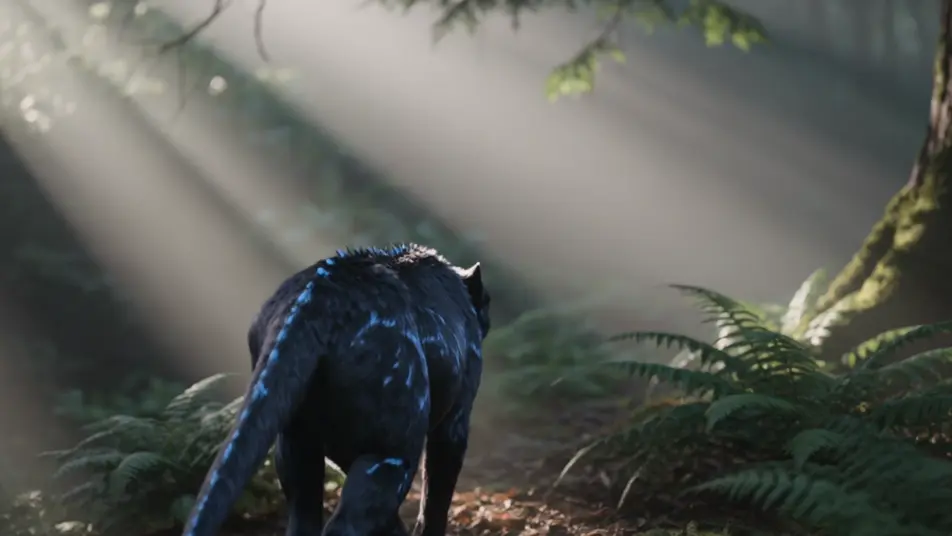
A photoreal 3D figure on a rain-wet street with realistic reflections and wet asphalt, soft neon bounce and cinematic depth of field, a slow dolly.
Edit prompt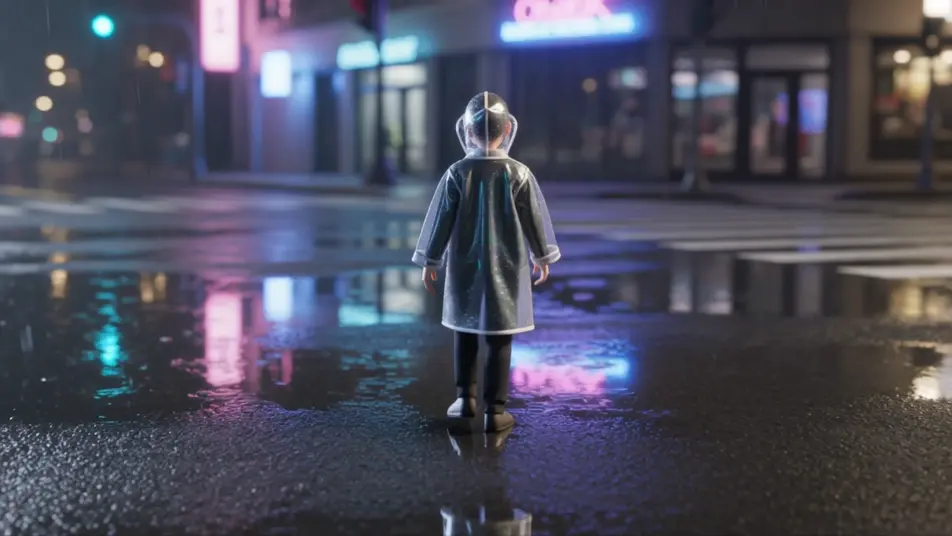
A photoreal 3D character in a dark studio with a single soft key-light and gentle rim, lifelike skin and cloth detail, a slow cinematic orbit.
Edit prompt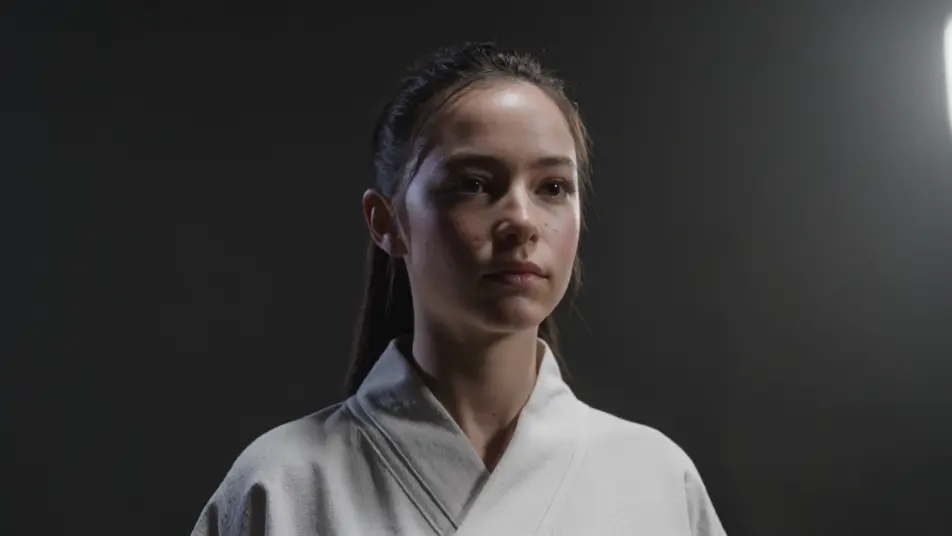
Write the Photoreal 3D scene you want, in plain words.
Morphic generates a cinematic, frame-ready clip on your canvas in seconds.
Tweak the prompt, regenerate variations, then download or share the shot.

Share a scene description with character references. Get a full storyboard with shot angles and mood.

Feed in a single image. Get 9 cinematic beats laid out as a 3x3 storyboard grid.

Take any character image and generate 6 distinct facial expressions on a single reference sheet.
Cinematic time-freeze short film for any scene
Drop in a photo of yourself. Get a 12-second cinematic movie with animation and a matched soundtrack.
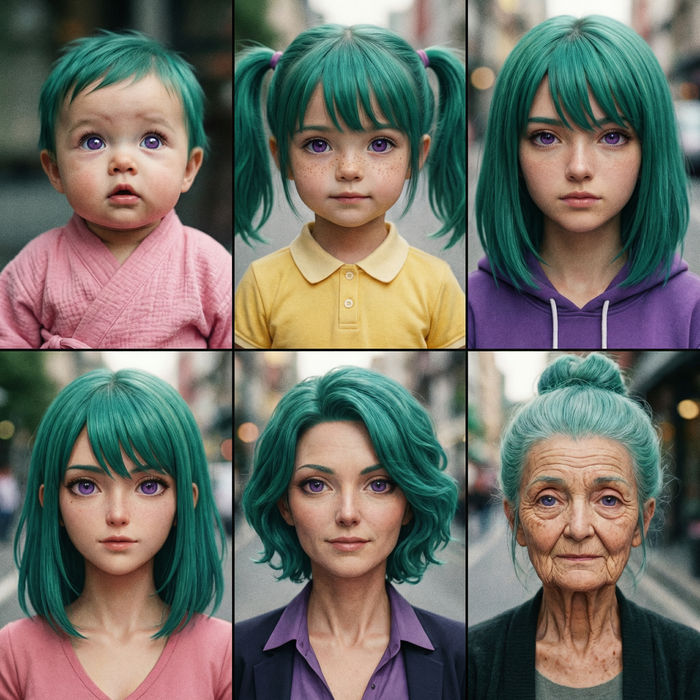
Upload a photo of a person or character and get a single grid image showing them at different life stages, from baby to elderly.
Low Poly 3D AI Videos
Generate low poly 3D videos on Morphic. Faceted geometry, flat shading, and clean stylized 3D scenes and characters from plain-language prompts.
Voxel Art AI Videos
Generate voxel art videos on Morphic. Cube-built worlds, blocky characters, and crisp 3D-pixel scenes from plain-language prompts.
3D animation AI videos
Generate 3D animation videos on Morphic. CGI characters, rendered worlds, dynamic camera moves, and animated scenes from plain-language prompts.
2D animation AI videos
Generate 2D animation videos on Morphic. Hand-drawn characters, painted backgrounds, clean linework, and traditional animated scenes from prompts.
Get started for free today, with the option to upgrade or cancel anytime.
Basic
2400 monthly credits
1 user only
All models
Workflows
Standard
3625 monthly credits
1 user only
All models
Workflows
Pro
6350 shared monthly credits
1 user
All models
Workflows
Max
24650 shared monthly credits
1 user
All models
Workflows
Enterprise
For higher limits
Custom
pricing and billing terms

Free
For playing around
$0
forever free