Rain-soaked neon megacity street
A crowded used-future street at night, steam venting from grates, hard backlight slicing through rain, signage in fog.
Edit prompt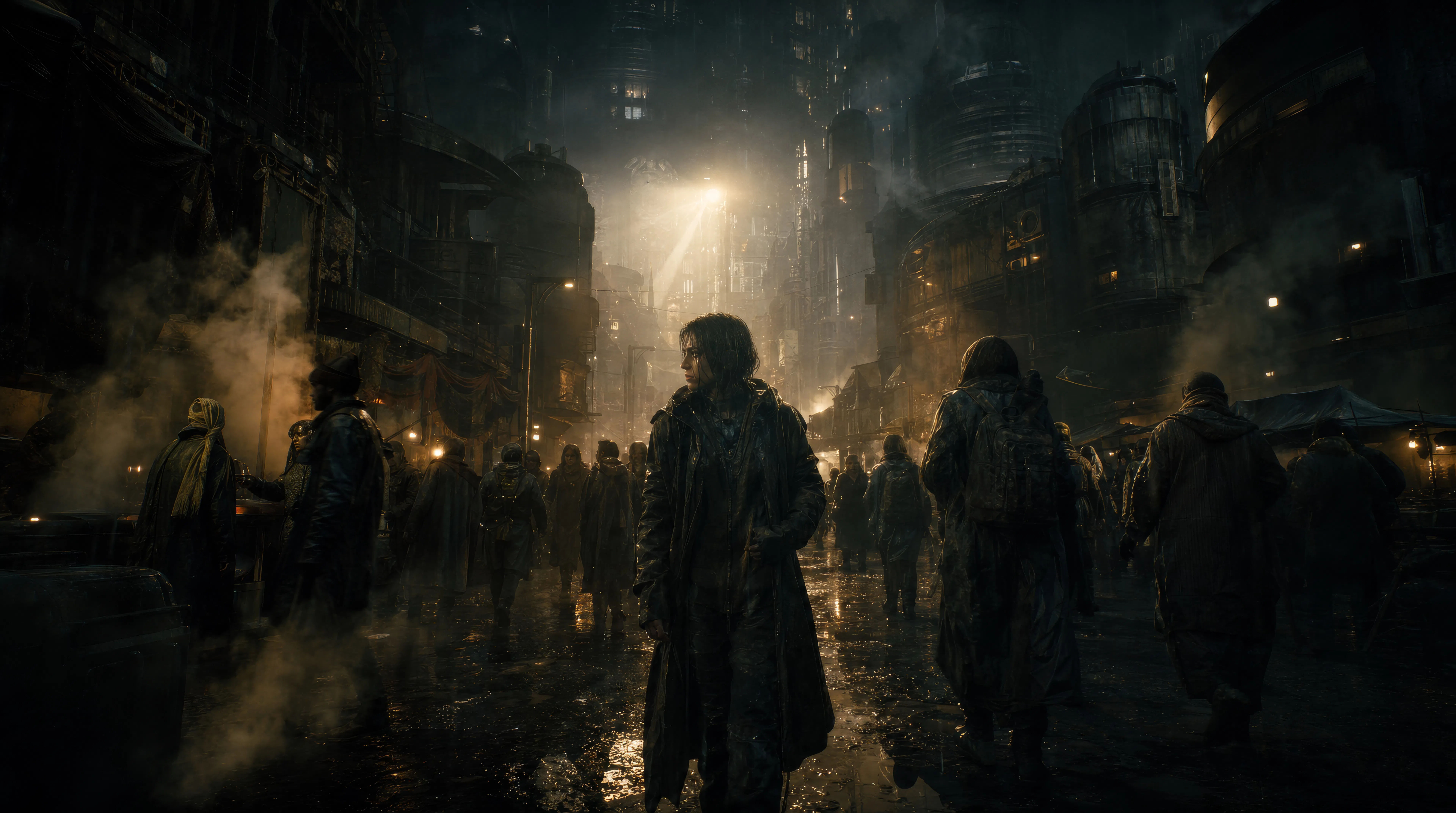
Direct atmospheric epics in your browser with Morphic's Ridley Scott style AI video generator. Generate a rain-soaked megacity street or a smoke-filled spaceship corridor, score the scale with Speech and Music, and cut a cinematic short on the Canvas.
A crowded used-future street at night, steam venting from grates, hard backlight slicing through rain, signage in fog.
Edit promptA narrow industrial corridor thick with haze, a single beacon rotating, light raking across wet metal and pipework.
Edit prompt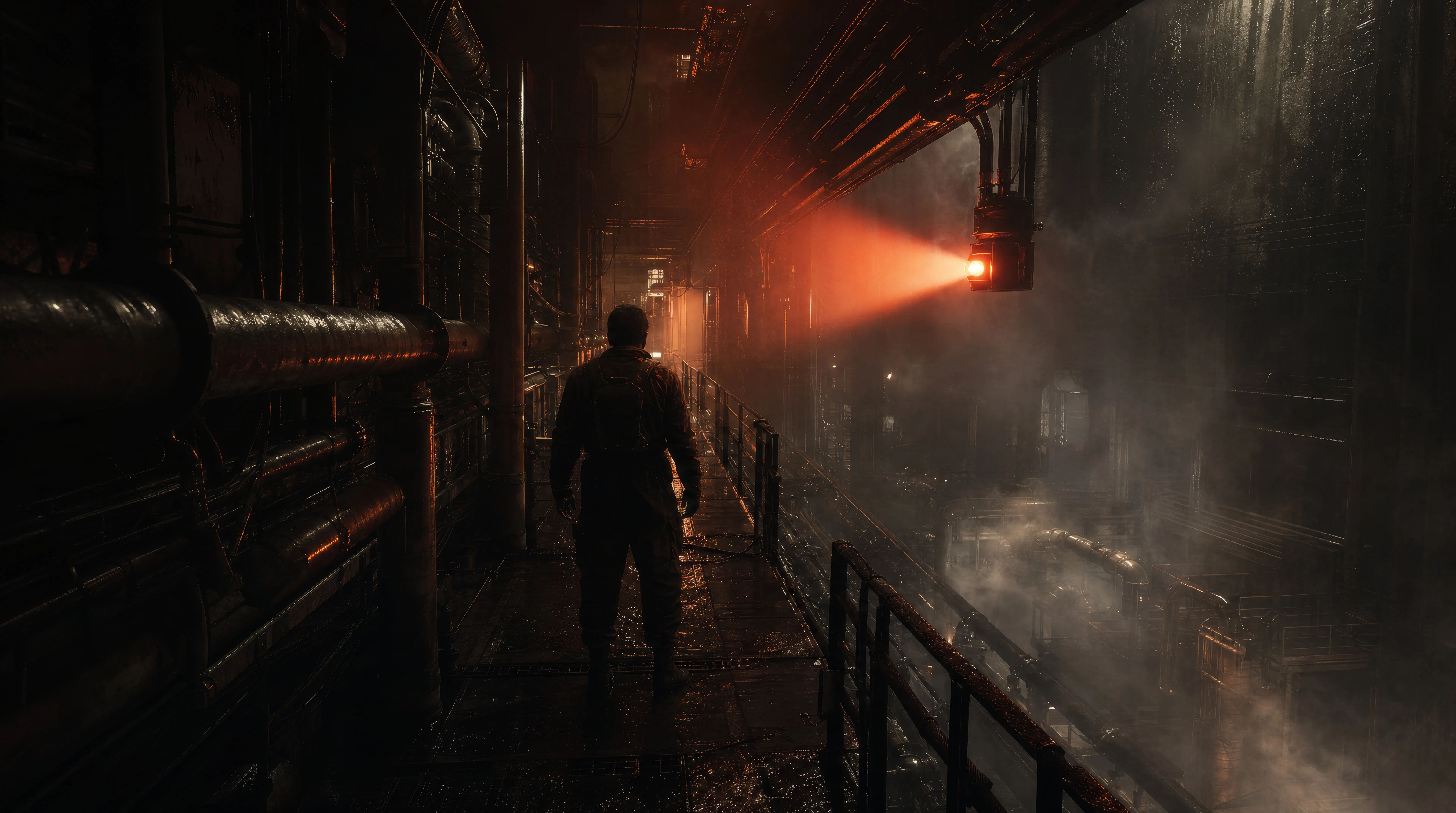
Looking up from the sand of a packed arena, dust hanging in low bronze sun, a lone armoured figure against the crowd.
Edit prompt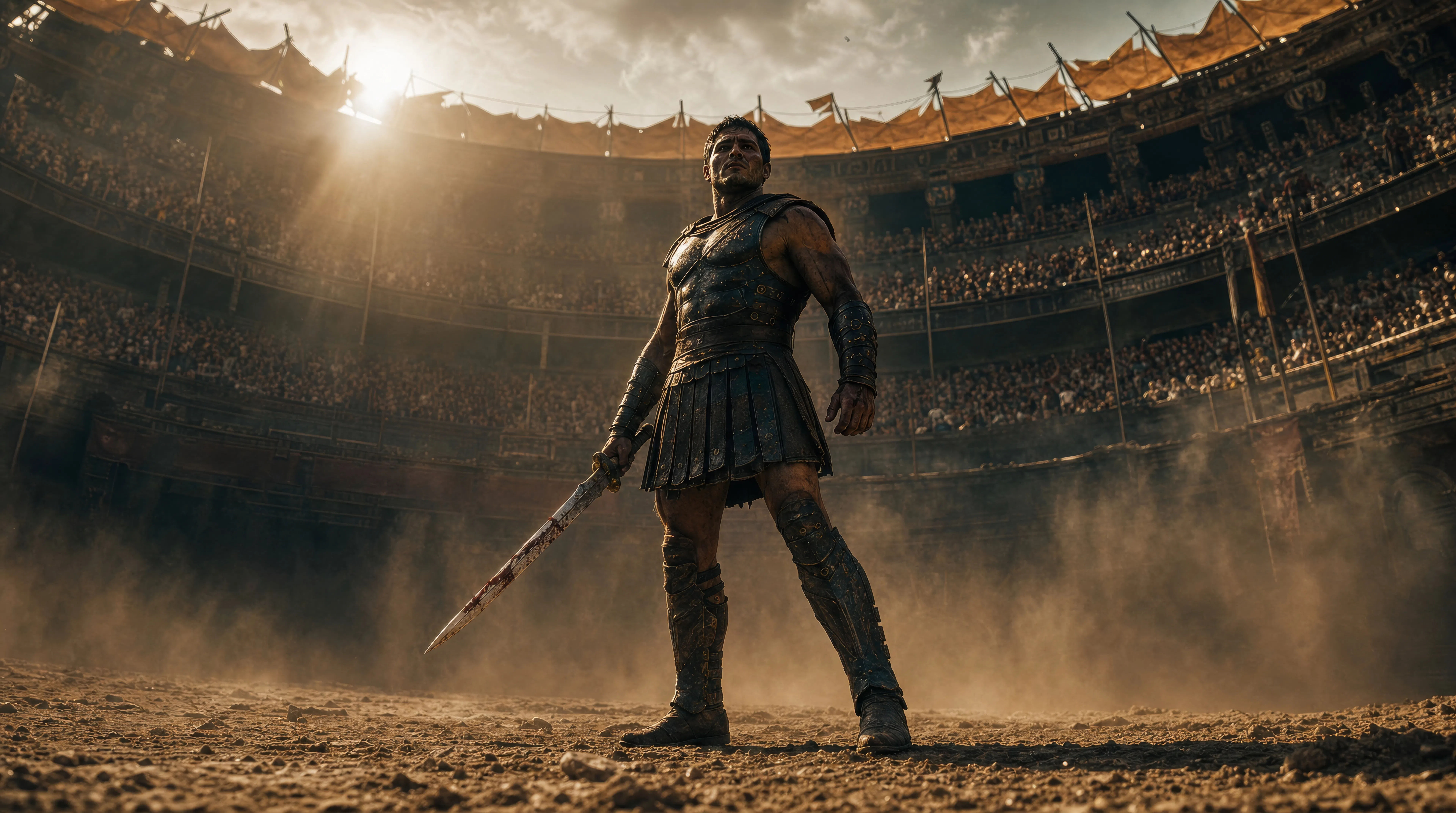
One cloaked traveller cresting a vast dune, hard sun flaring over the ridge, the desert stretching empty beyond.
Edit prompt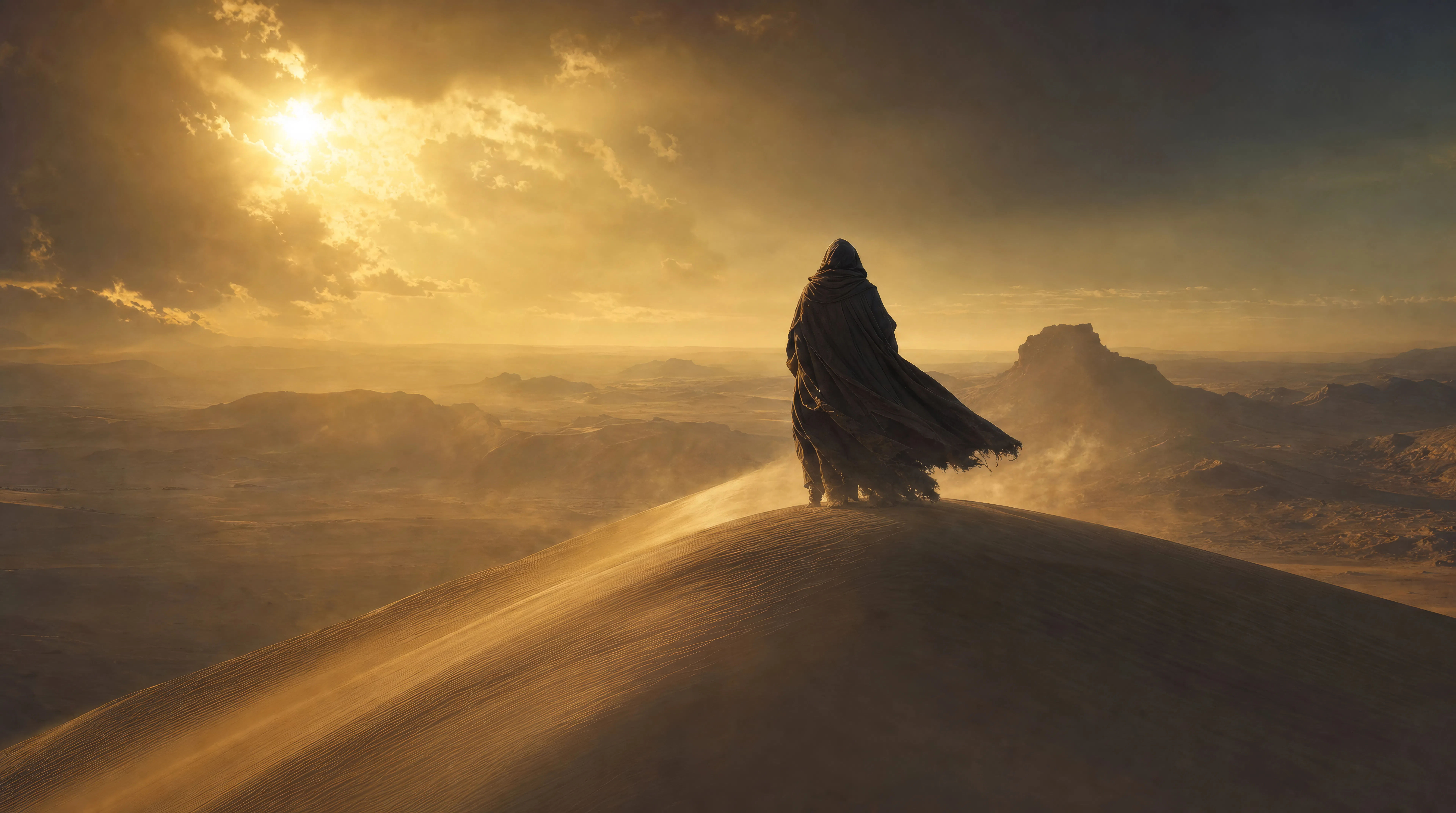
Write the Ridley Scott scene you want, in plain words.
Morphic generates a cinematic, frame-ready clip on your canvas in seconds.
Tweak the prompt, regenerate variations, then download or share the shot.

Share a scene description with character references. Get a full storyboard with shot angles and mood.
One image to a 9-scene cinematic video.

Dramatize any text conversation into a cinematic multi-shot video.
Cinematic time-freeze short film for any scene
Drop in a photo of yourself. Get a 12-second cinematic movie with animation and a matched soundtrack.

Feed in a single image. Get 9 cinematic beats laid out as a 3x3 storyboard grid.
James Cameron style AI videos
Generate James Cameron style videos on Morphic. Deep-sea shots, alien world scenes, and anamorphic epics, all from plain-language prompts in your browser.
Christopher Nolan AI Videos
Generate Christopher Nolan style videos with Morphic. IMAX-scale geography, brutalist sets, time-bending structure, and prompt-led scenes you can run in your browser.
Villeneuve AI Videos
Generate Denis Villeneuve style videos with Morphic. Brutalist sci-fi sets, atmospheric fog, ochre desert palettes, and prompt-led scenes you can run in your browser.
Anamorphic AI Videos
Generate anamorphic videos with Morphic. 2.39:1 frame, oval bokeh, blue horizontal flare, and Cooke S4, Hawk V-Lite, Master Anamorphic prompt cues.
Get started for free today, with the option to upgrade or cancel anytime.
Basic
1100 monthly credits
1 user only
All models
Workflows
Standard
3625 monthly credits
1 user only
All models
Workflows
Pro
6350 shared monthly credits
1 user
All models
Workflows
Pro Max
24650 shared monthly credits
1 user
All models
Workflows
Enterprise
For higher limits
Custom
pricing and billing terms
Free
For playing around
$0
forever free