A vaudeville stage number
A rubber hose cartoon mascot dancing center-stage under a spotlight with bendy springy limbs, a painted curtain behind, bouncy timing and film grain.
Edit prompt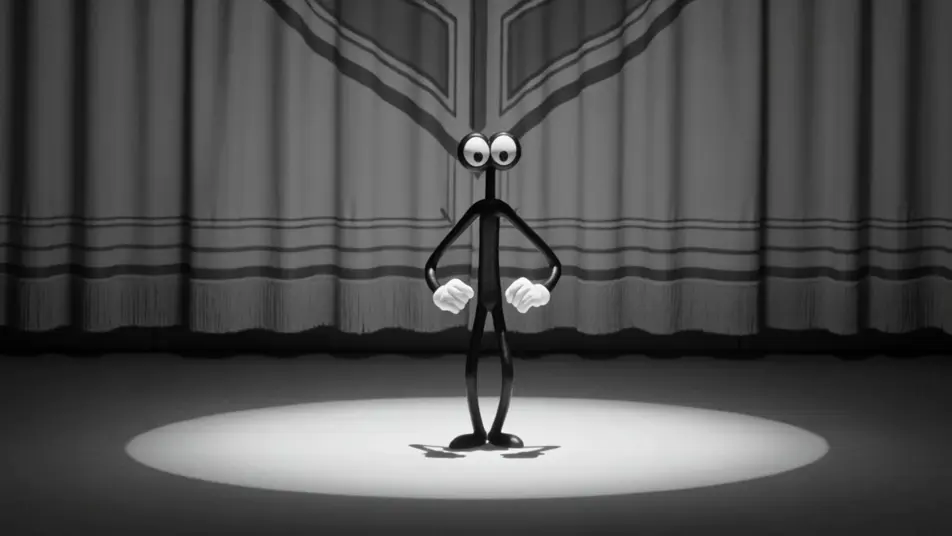
Direct vintage cartoons in your browser with Morphic's rubber hose animation AI video generator. Generate a bendy-limbed mascot onstage or a jazz-club number, voice and score every shot with Speech and Music, and stitch a rubber hose short on the Canvas.
A rubber hose cartoon mascot dancing center-stage under a spotlight with bendy springy limbs, a painted curtain behind, bouncy timing and film grain.
Edit promptA rubber hose cartoon strolling a vintage city street where the buildings sway and bounce to the beat, pie-eyed and rubbery, scratchy black-and-white.
Edit prompt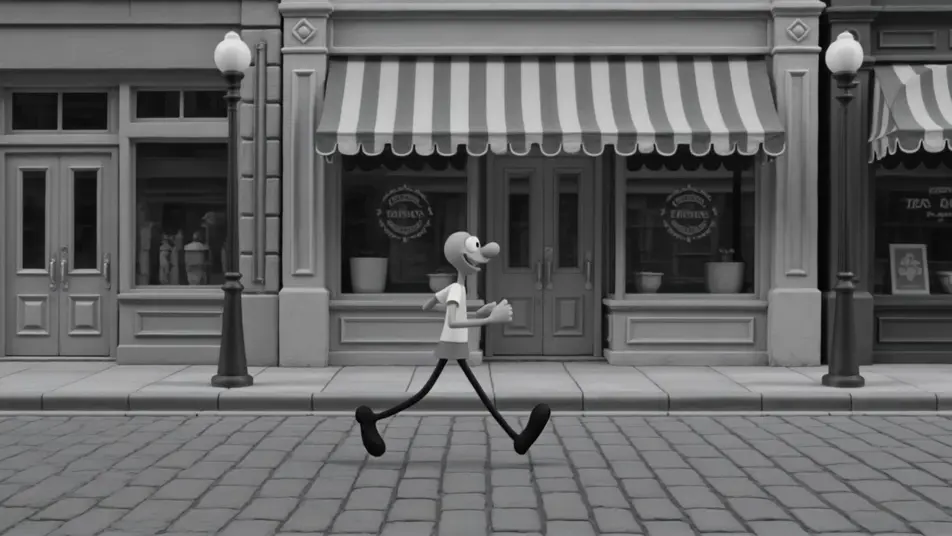
A rubber hose cartoon jazz band swinging in a smoky club, instruments and players stretching and squashing to the music, lively grainy black-and-white.
Edit prompt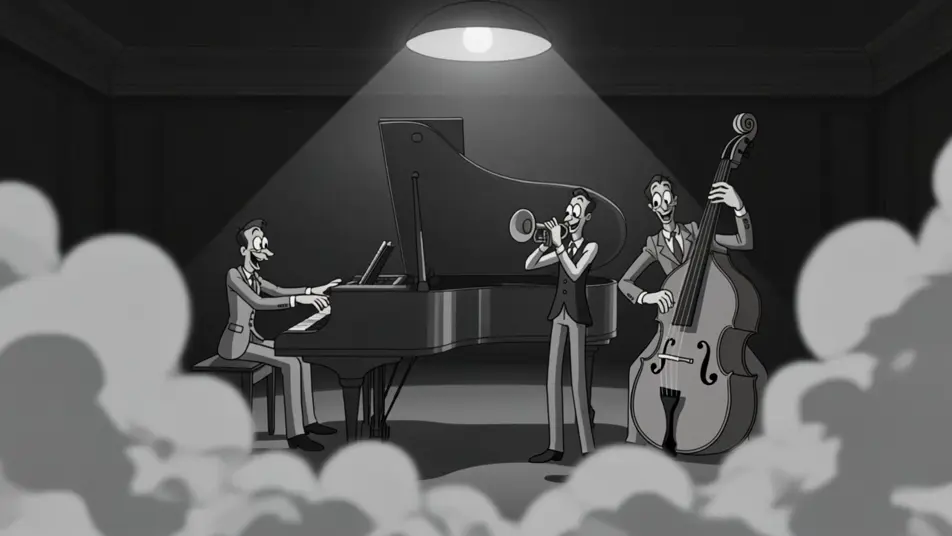
A rubber hose cartoon chase along a curling country road, legs spinning into blurs and bodies stretching around the bends, bouncy grainy black-and-white.
Edit prompt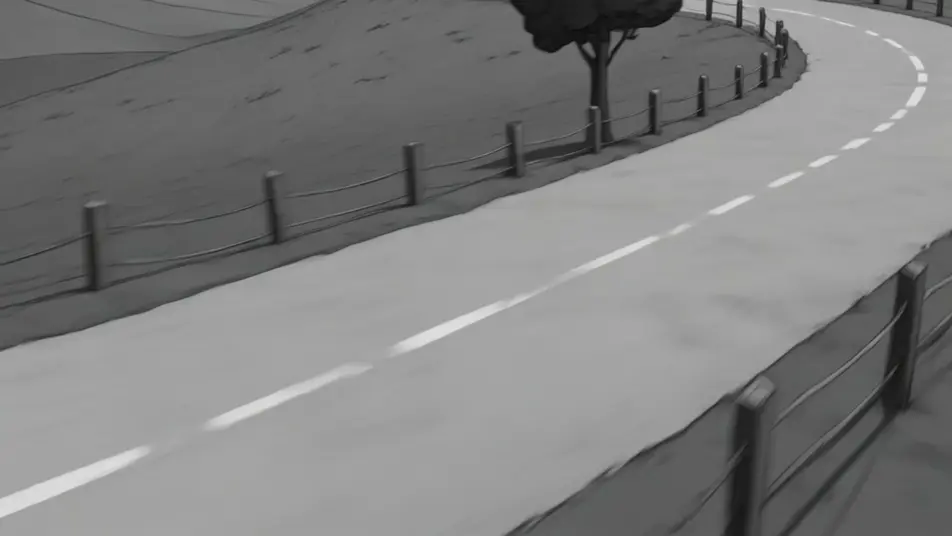
Write the Rubber Hose scene you want, in plain words.
Morphic generates a cinematic, frame-ready clip on your canvas in seconds.
Tweak the prompt, regenerate variations, then download or share the shot.

Pick any anime illustration as your style guide. Apply its look to any image.

Turn any sketch or drawing into a finished render.

Take any character image and generate 6 distinct facial expressions on a single reference sheet.

All your characters on a single lineup image, side by side with height comparison.

Turn any photo or description into an animated chibi sprite. Dance, jump, wave, attack, and more.
Upload a character image and make it dance in any style.
Cartoon AI Videos
Create cartoon videos with Morphic. 2D, 3D, storybook, and squash-and-stretch styles, full character consistency, and prompt-led scenes in your browser.
2D animation AI videos
Generate 2D animation videos on Morphic. Hand-drawn characters, painted backgrounds, clean linework, and traditional animated scenes from prompts.
Claymation AI videos
Generate claymation videos on Morphic. Stop-motion clay characters, fingerprint texture, handcrafted sets, and tactile scenes from plain-language prompts.
Stop Motion AI Videos
Generate stop motion videos on Morphic. Handmade puppets, tactile miniature sets, craft texture, and frame-by-frame stutter from plain-language prompts.
Get started for free today, with the option to upgrade or cancel anytime.
Basic
2400 monthly credits
1 user only
All models
Workflows
Standard
3625 monthly credits
1 user only
All models
Workflows
Pro
6350 shared monthly credits
1 user
All models
Workflows
Max
24650 shared monthly credits
1 user
All models
Workflows
Enterprise
For higher limits
Custom
pricing and billing terms

Free
For playing around
$0
forever free