High-noon main-street standoff
A sun-bleached frontier main street at noon, two figures squared off at opposite ends, long hard shadows on the dust, boardwalks cleared.
Edit prompt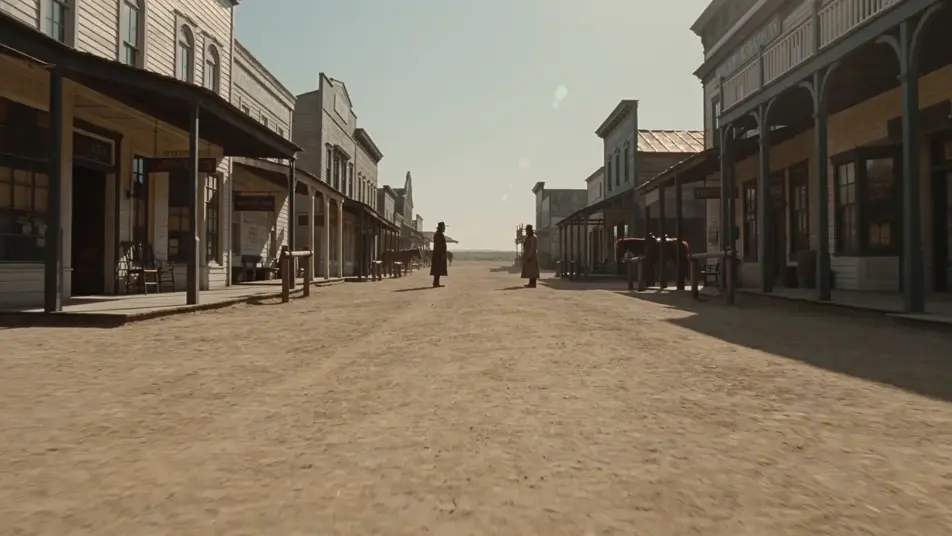
Direct the frontier in your browser with Morphic's Western AI video generator. Generate a high-noon standoff in a bleached street or a wagon train crossing the plains, add harmonica and narration with Music and Speech, then cut a Western short on the Canvas.
A sun-bleached frontier main street at noon, two figures squared off at opposite ends, long hard shadows on the dust, boardwalks cleared.
Edit promptA long line of canvas-topped wagons crossing endless prairie under a tall cloudbank, dust plume trailing, outriders flanking the column.
Edit prompt
A solitary rider topping a high red-rock mesa in late golden light, towering buttes beyond, a hawk turning in a vast cloudless sky.
Edit prompt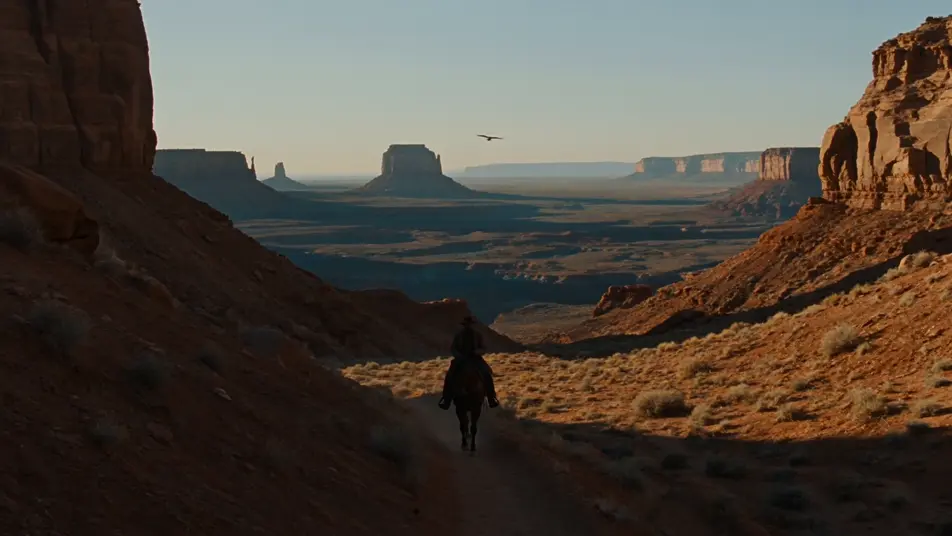
The interior of a clapboard saloon at night, gas lamps and a long wooden bar, players at card tables, a piano in the corner, swinging doors letting in dark.
Edit prompt
Write the Western scene you want, in plain words.
Morphic generates a cinematic, frame-ready clip on your canvas in seconds.
Tweak the prompt, regenerate variations, then download or share the shot.
Cinematic time-freeze short film for any scene

Dramatize any text conversation into a cinematic multi-shot video.
One image to a 9-scene cinematic video.
Drop in a photo of yourself. Get a 12-second cinematic movie with animation and a matched soundtrack.

Share a scene description with character references. Get a full storyboard with shot angles and mood.

Feed in a single image. Get 9 cinematic beats laid out as a 3x3 storyboard grid.
Cowboy AI videos
Generate cowboy videos on Morphic. High-noon standoffs, cattle drives, saloons, and Old West scenes from plain-language prompts, no software needed.
Fantasy AI videos
Generate fantasy videos on Morphic. Castles, dragons, enchanted forests, and epic-battle scenes from plain-language prompts, no software needed.
Sci-fi AI videos
Generate sci-fi videos on Morphic. Starships, alien worlds, space stations, and far-future scenes from plain-language prompts, no software needed.
Silent film AI Videos
Generate silent film videos with Morphic. Caligari painted shadow, Murnau unchained camera, Eisenstein montage, Lang crowds, and intertitle typography.
Get started for free today, with the option to upgrade or cancel anytime.
Basic
2400 monthly credits
1 user only
All models
Workflows
Standard
3625 monthly credits
1 user only
All models
Workflows
Pro
6350 shared monthly credits
1 user
All models
Workflows
Max
24650 shared monthly credits
1 user
All models
Workflows
Enterprise
For higher limits
Custom
pricing and billing terms

Free
For playing around
$0
forever free