Castle on a storm-lashed cliff
A many-towered castle on a sheer cliff above a dark sea, lightning behind the spires, banners straining, waves breaking far below.
Edit prompt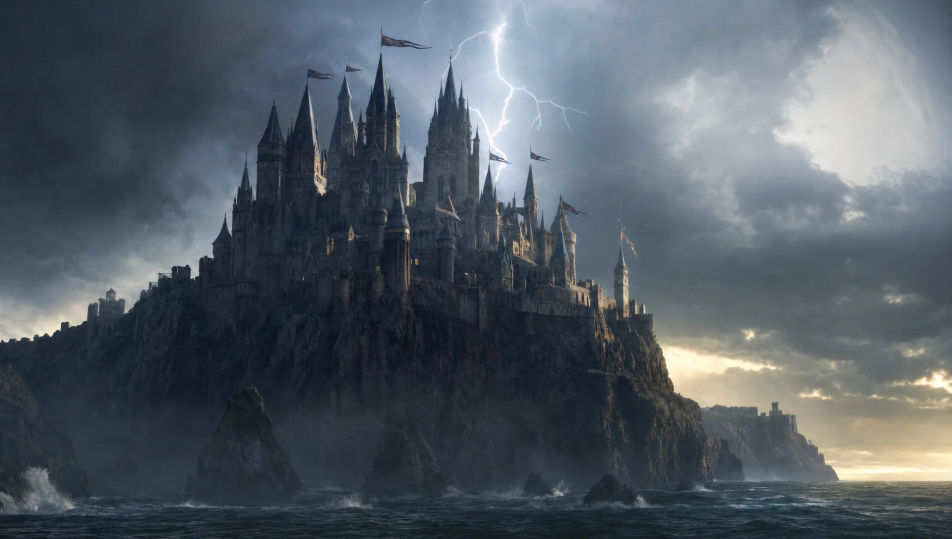
Direct epic fantasy in your browser with Morphic's fantasy AI video generator. Generate a castle on a storm-lashed cliff, a dragon rising from a mountain lair, or an army massing on a misted battlefield. Narrate and score with Speech and Music, then stitch the short on the Canvas.
A many-towered castle on a sheer cliff above a dark sea, lightning behind the spires, banners straining, waves breaking far below.
Edit promptA dragon launching from a cave mouth high on a snow-streaked peak, wings throwing snow, dawn gold catching the underside of the scales.
Edit prompt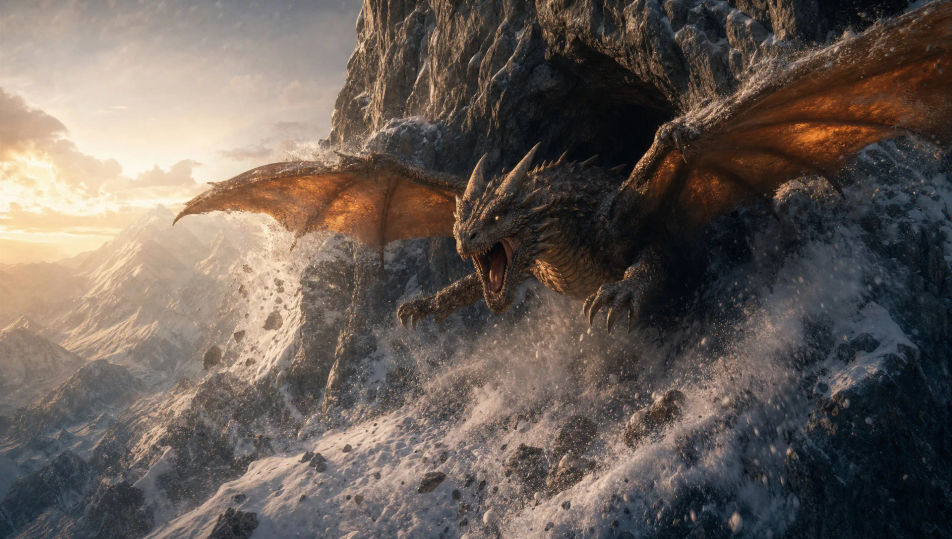
A ring of ancient trees around a soft clearing, shafts of light pooling on the moss, glowing motes drifting, a hush over everything.
Edit prompt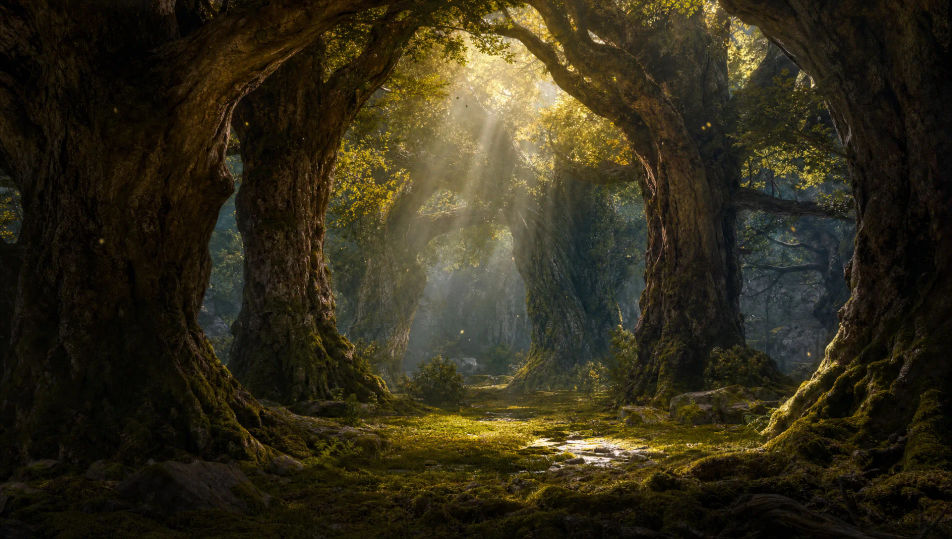
A vast army massing on a fog-bound plain at dawn, banners and spear-tips rising from the mist, a fortress dark on the far ridge.
Edit prompt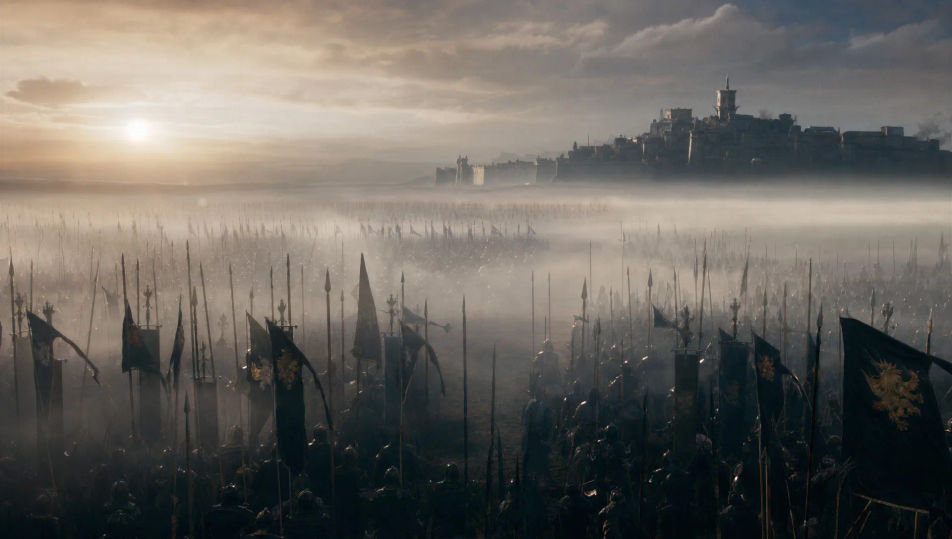
Write the Fantasy scene you want, in plain words.
Morphic generates a cinematic, frame-ready clip on your canvas in seconds.
Tweak the prompt, regenerate variations, then download or share the shot.
Drop in a photo of yourself. Get a 12-second cinematic movie with animation and a matched soundtrack.
Cinematic time-freeze short film for any scene

Dramatize any text conversation into a cinematic multi-shot video.
One image to a 9-scene cinematic video.

Share a scene description with character references. Get a full storyboard with shot angles and mood.

Feed in a single image. Get 9 cinematic beats laid out as a 3x3 storyboard grid.
Sci-fi AI videos
Generate sci-fi videos on Morphic. Starships, alien worlds, space stations, and far-future scenes from plain-language prompts, no software needed.
Monster AI videos
Generate monster videos on Morphic. Original creatures, fog-bound beasts, lake monsters, and lurking-threat scenes from plain-language prompts.
Greek mythology AI Videos
Create Greek mythology scenes, Olympian portraits, and hero-arc shorts with Morphic. Generate, narrate, and score mythology episode videos from one prompt.
Princess AI videos
Generate princess videos on Morphic. Ballrooms, castles, enchanted gardens, and fairy-tale royalty scenes from plain-language prompts, no software needed.
Get started for free today, with the option to upgrade or cancel anytime.
Basic
2400 monthly credits
1 user only
All models
Workflows
Standard
3625 monthly credits
1 user only
All models
Workflows
Pro
6350 shared monthly credits
1 user
All models
Workflows
Max
24650 shared monthly credits
1 user
All models
Workflows
Enterprise
For higher limits
Custom
pricing and billing terms

Free
For playing around
$0
forever free