Spellcasting atop the tower
A wizard on the open battlement of a stone tower at night, a staff raised and blazing with arcane light, storm clouds churning behind, energy spiralling up into the sky.
Edit prompt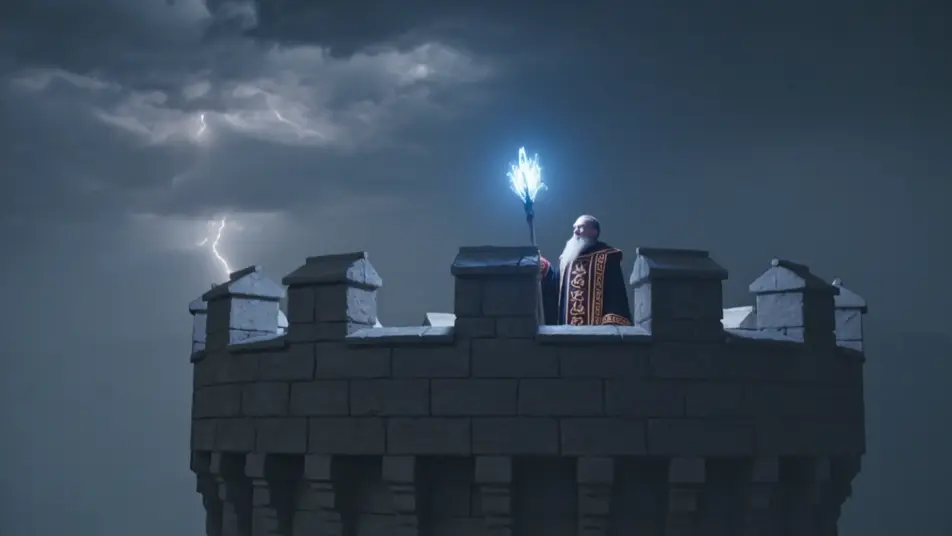
Direct the arcane wizard in your browser with Morphic's wizard AI video generator. Generate a staff blazing atop a stone tower or a summoning circle on a study floor, add incantation and fantasy score with Speech and Music, and stitch a short on the Canvas.
A wizard on the open battlement of a stone tower at night, a staff raised and blazing with arcane light, storm clouds churning behind, energy spiralling up into the sky.
Edit promptTwo wizards facing off in a ruined hall, beams of crackling energy meeting in a blinding clash between them, robes whipping, debris lifting, light raking the broken pillars.
Edit prompt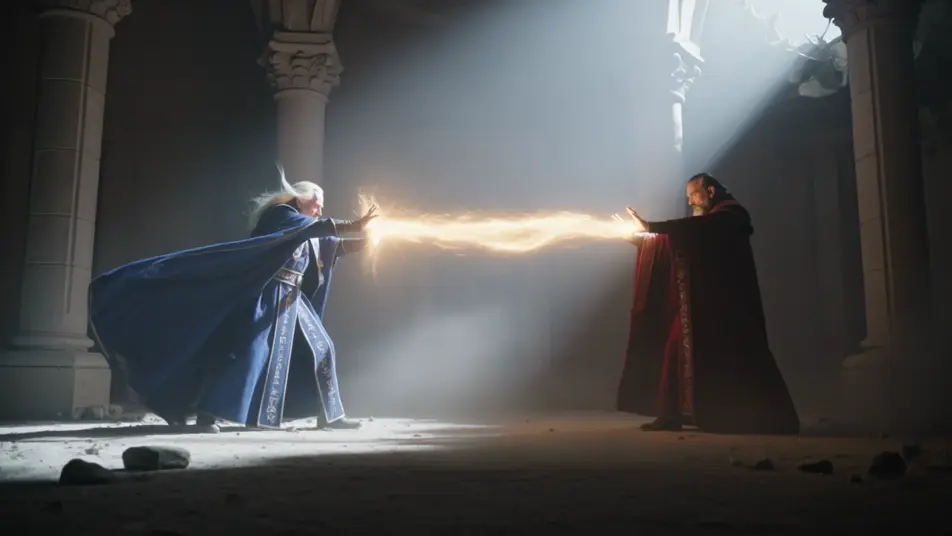
A vast candlelit library of towering shelves, a wizard at a cluttered desk over a glowing spellbook, motes of light drifting, scrolls and orbs and a celestial globe around him.
Edit prompt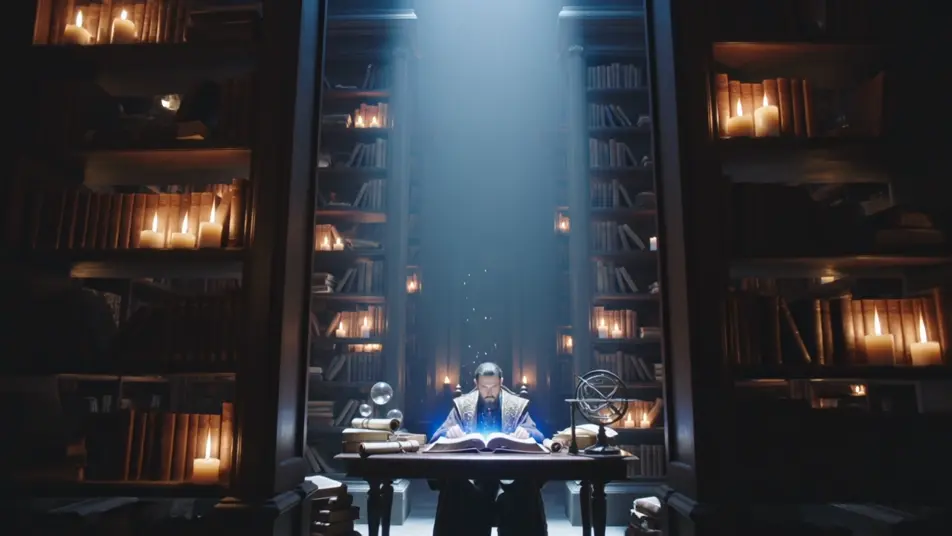
A glowing summoning circle of runes drawn across a candlelit stone floor, a wizard at its edge with arms raised, a shape coalescing in the light rising from the centre.
Edit prompt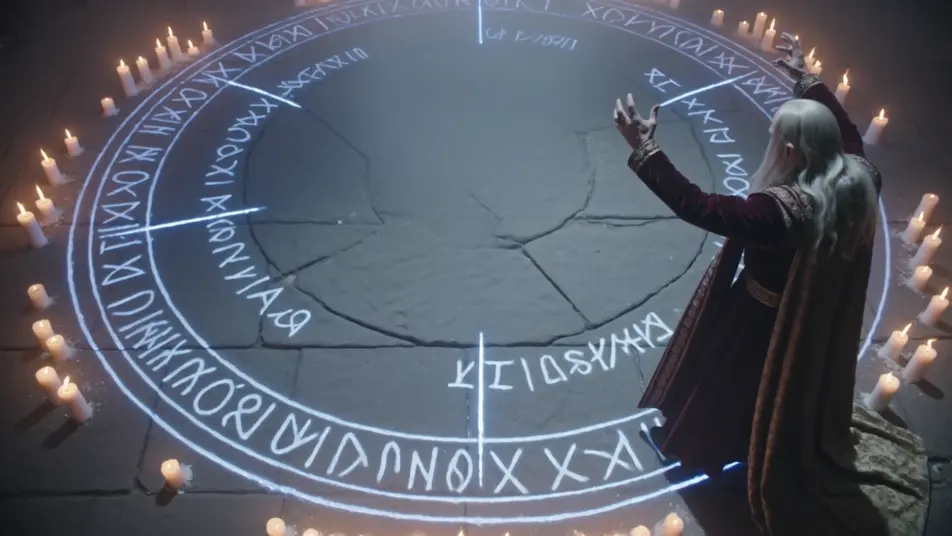
Write the wizard scene you want, in plain words.
Morphic generates a cinematic, frame-ready clip on your canvas in seconds.
Tweak the prompt, regenerate variations, then download or share the shot.
Cinematic time-freeze short film for any scene

Dramatize any text conversation into a cinematic multi-shot video.
One image to a 9-scene cinematic video.
Drop in a photo of yourself. Get a 12-second cinematic movie with animation and a matched soundtrack.

Share a scene description with character references. Get a full storyboard with shot angles and mood.

Feed in a single image. Get 9 cinematic beats laid out as a 3x3 storyboard grid.
Arthurian Merlin AI Videos
Create Arthurian Merlin scenes: Stonehenge raised by enchantment, the sword in the stone, and the gift of Excalibur. Generate Merlin videos with Morphic.
Sword and Sorcery AI Videos
Create sword and sorcery videos with Morphic. Barbarian warriors, ruined temple halls, sorcerer duels, and vintage pulp-paperback action.
High Fantasy AI Videos
Create high fantasy videos with Morphic. Marble citadels, dragon-flown banners, elven host marches, and Tolkien-grade epic set pieces.
Witch AI videos
Create AI witch videos with our witch video generator. Generate cinematic witch scenes, portraits, and shots for any project in seconds.
Get started for free today, with the option to upgrade or cancel anytime.
Basic
2400 monthly credits
1 user only
All models
Workflows
Standard
3625 monthly credits
1 user only
All models
Workflows
Pro
6350 shared monthly credits
1 user
All models
Workflows
Max
24650 shared monthly credits
1 user
All models
Workflows
Enterprise
For higher limits
Custom
pricing and billing terms

Free
For playing around
$0
forever free